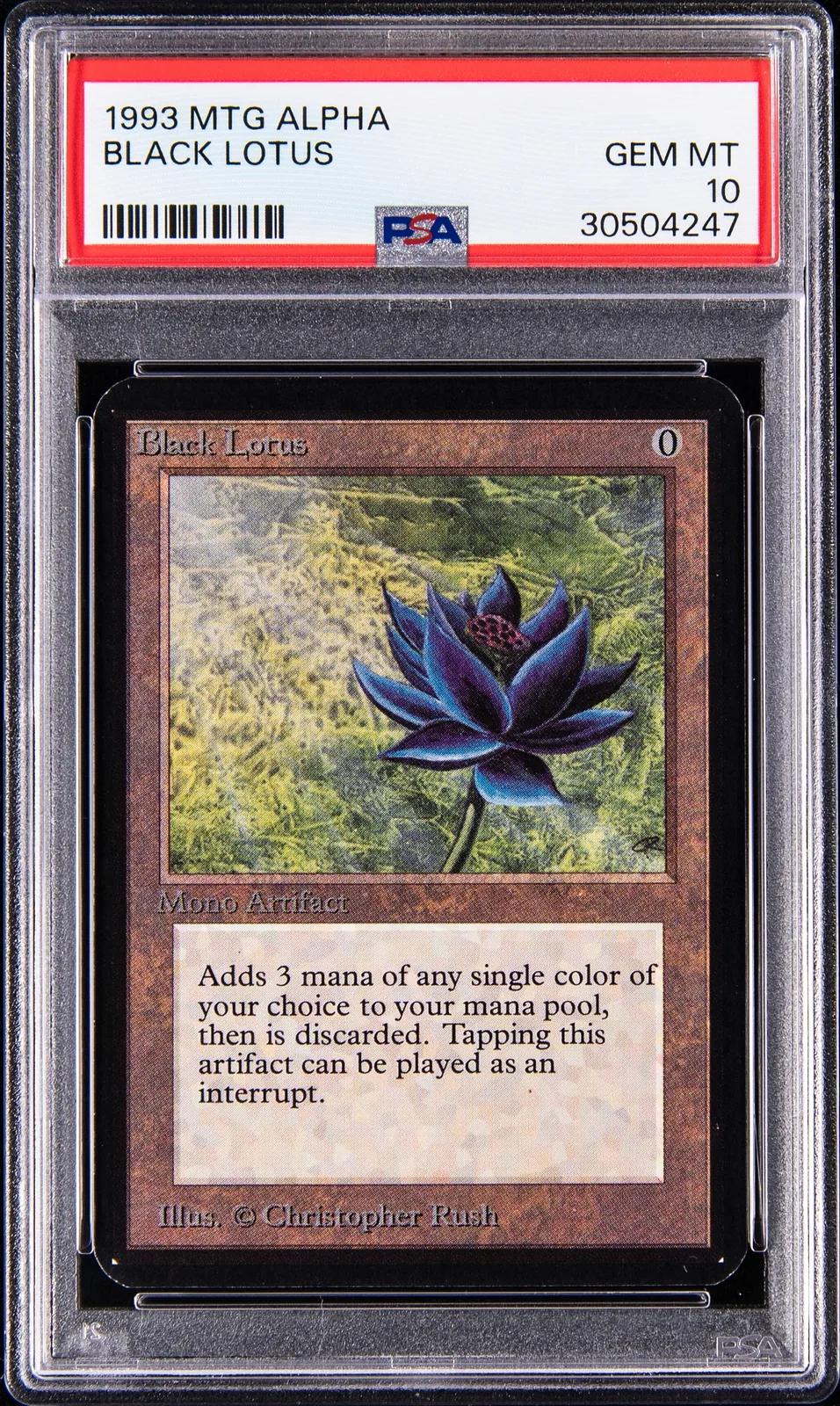
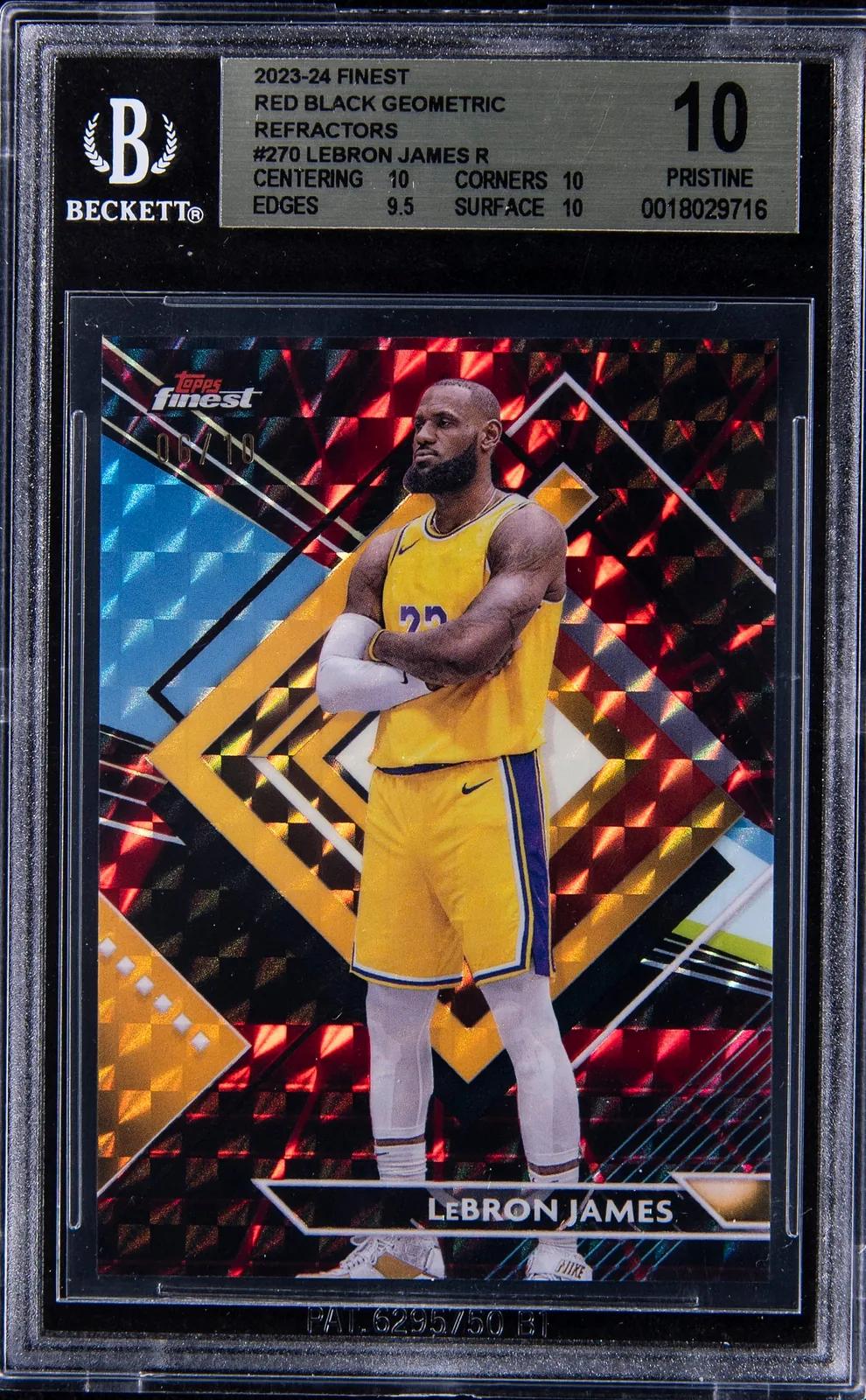
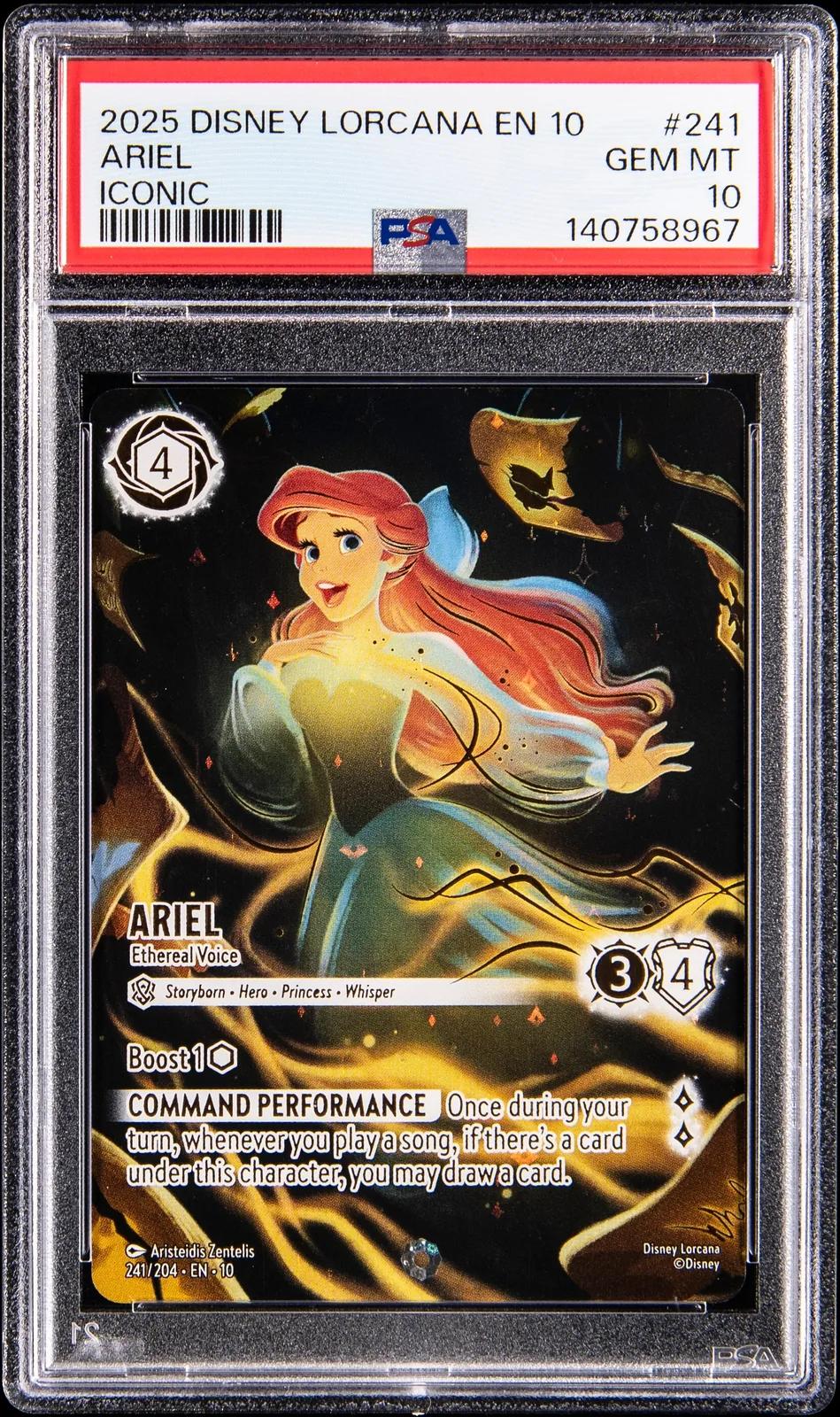
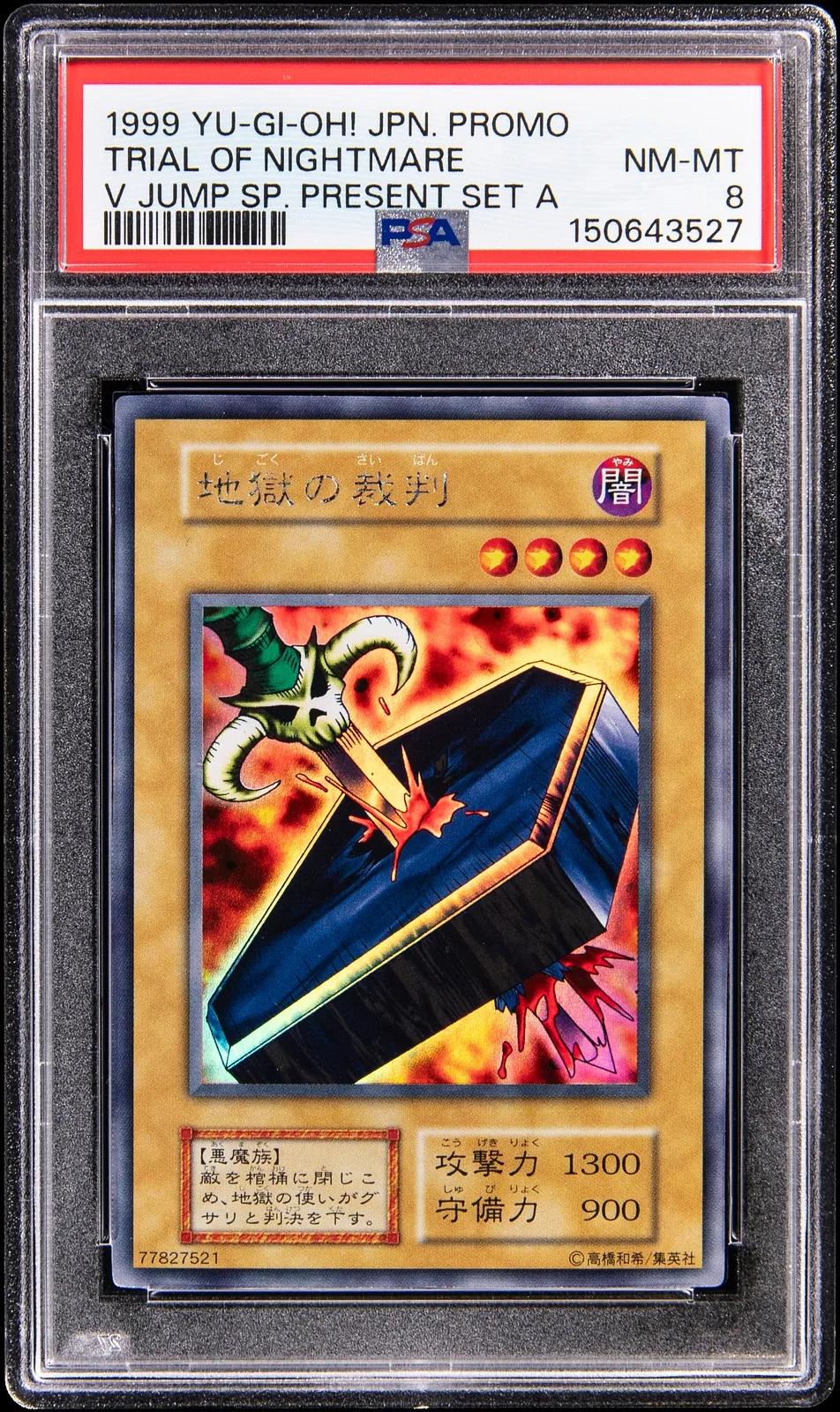
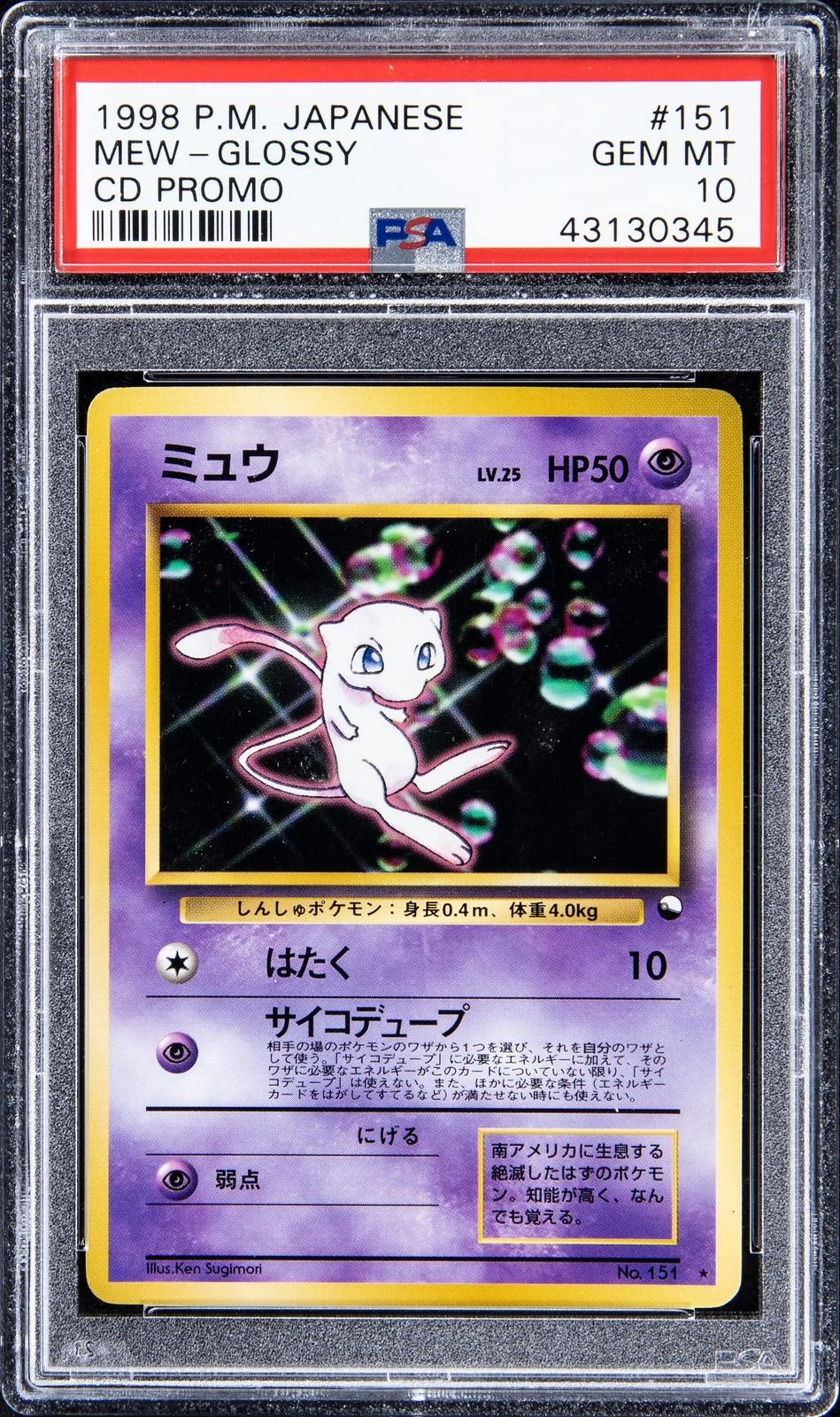
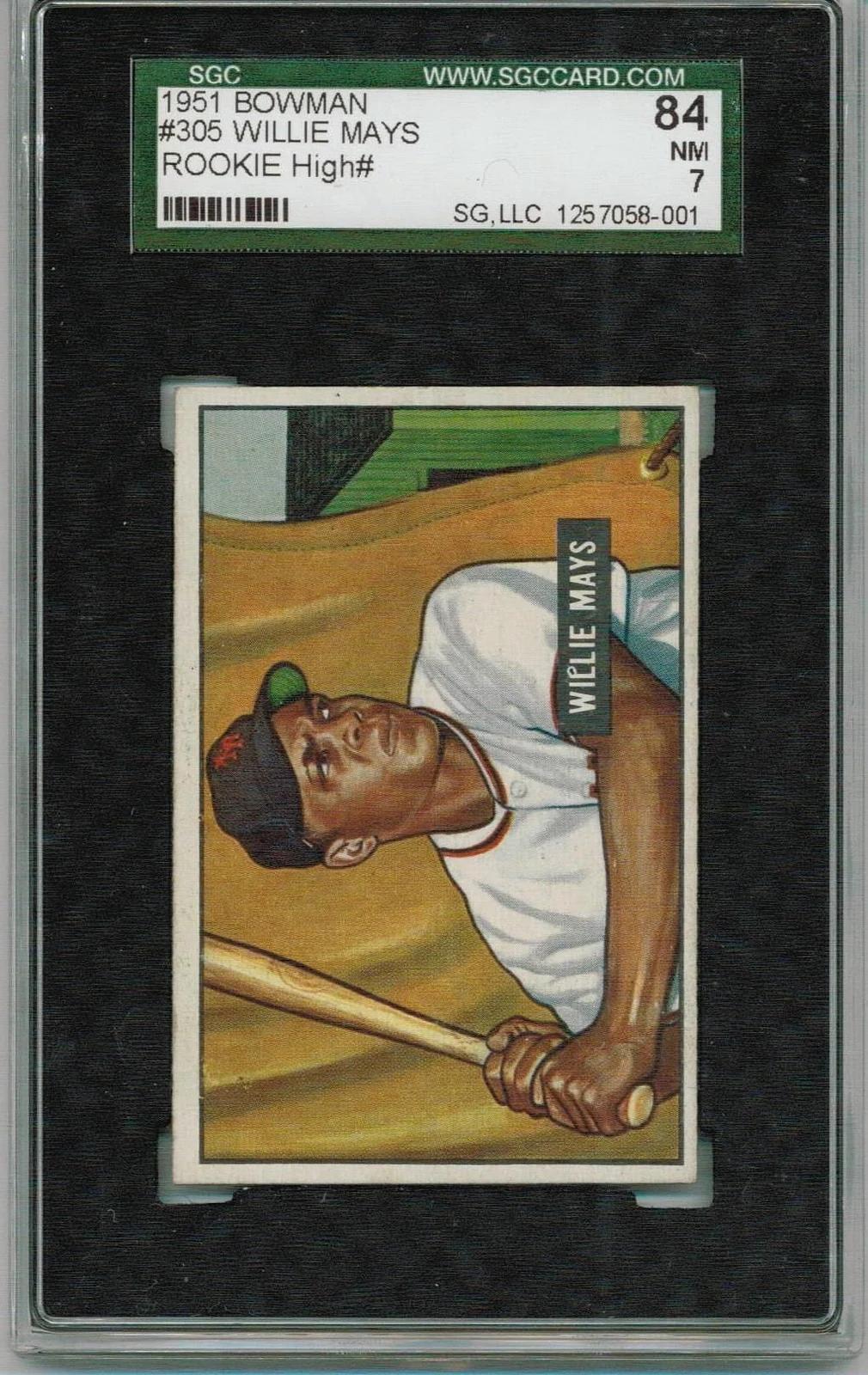
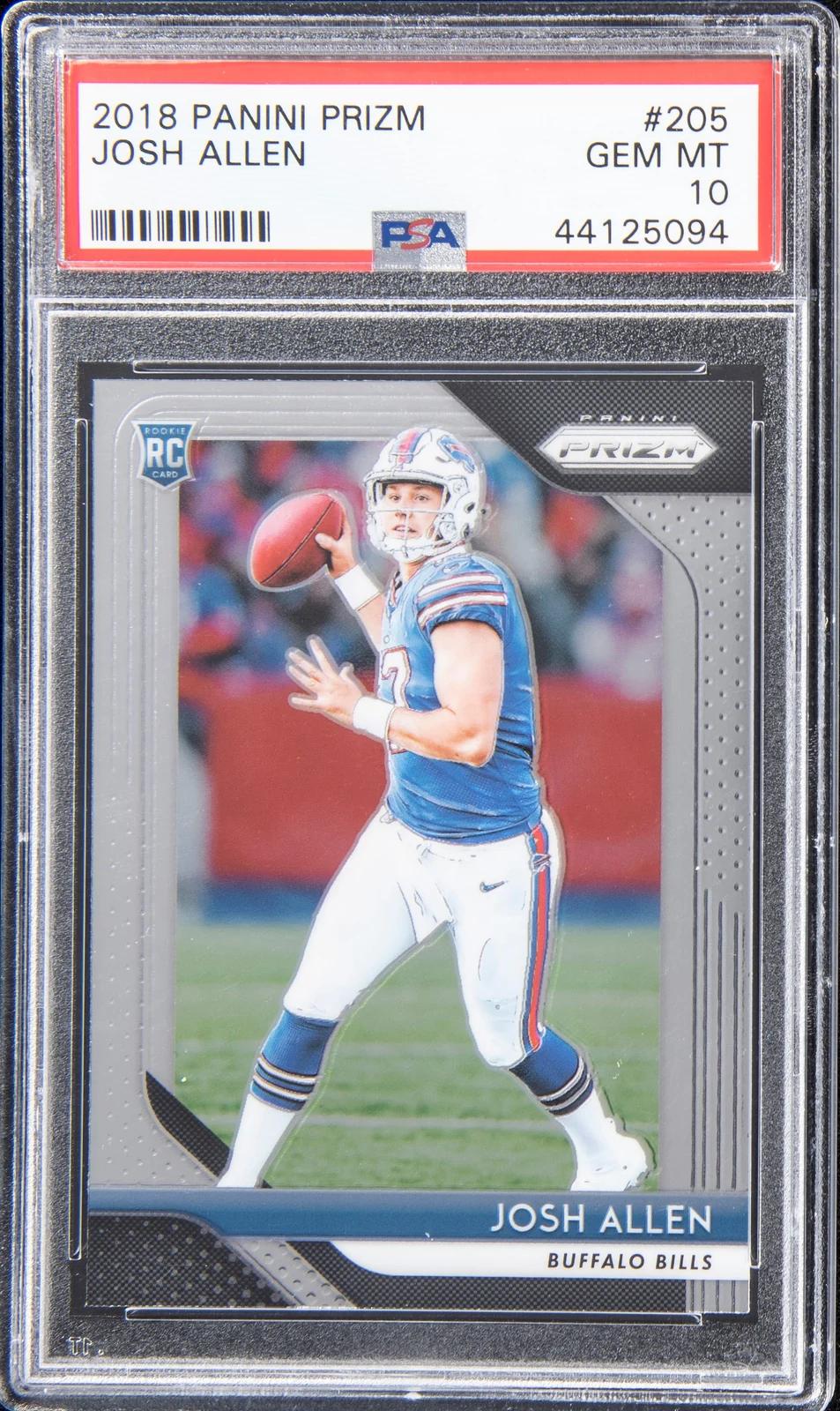
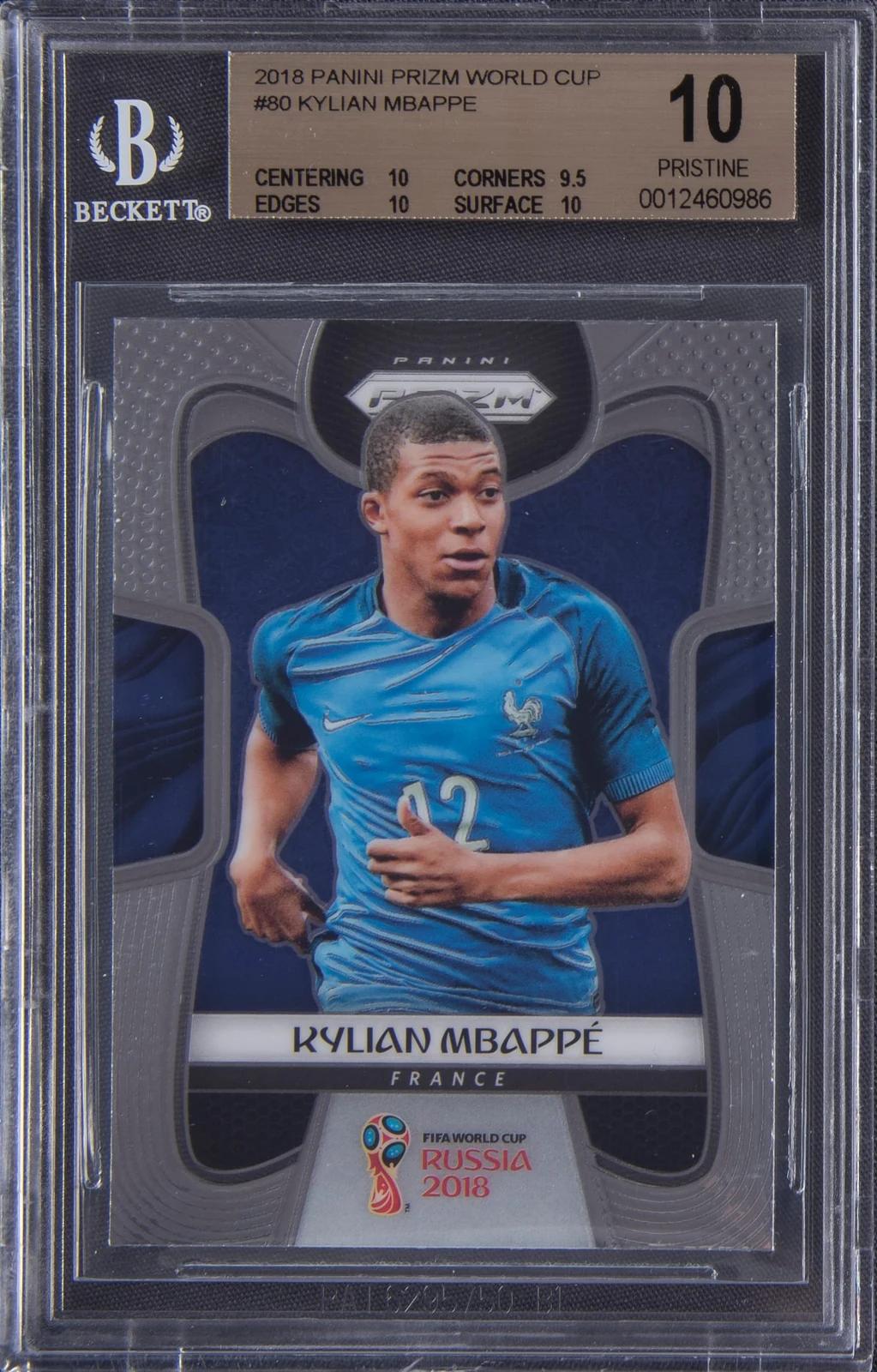
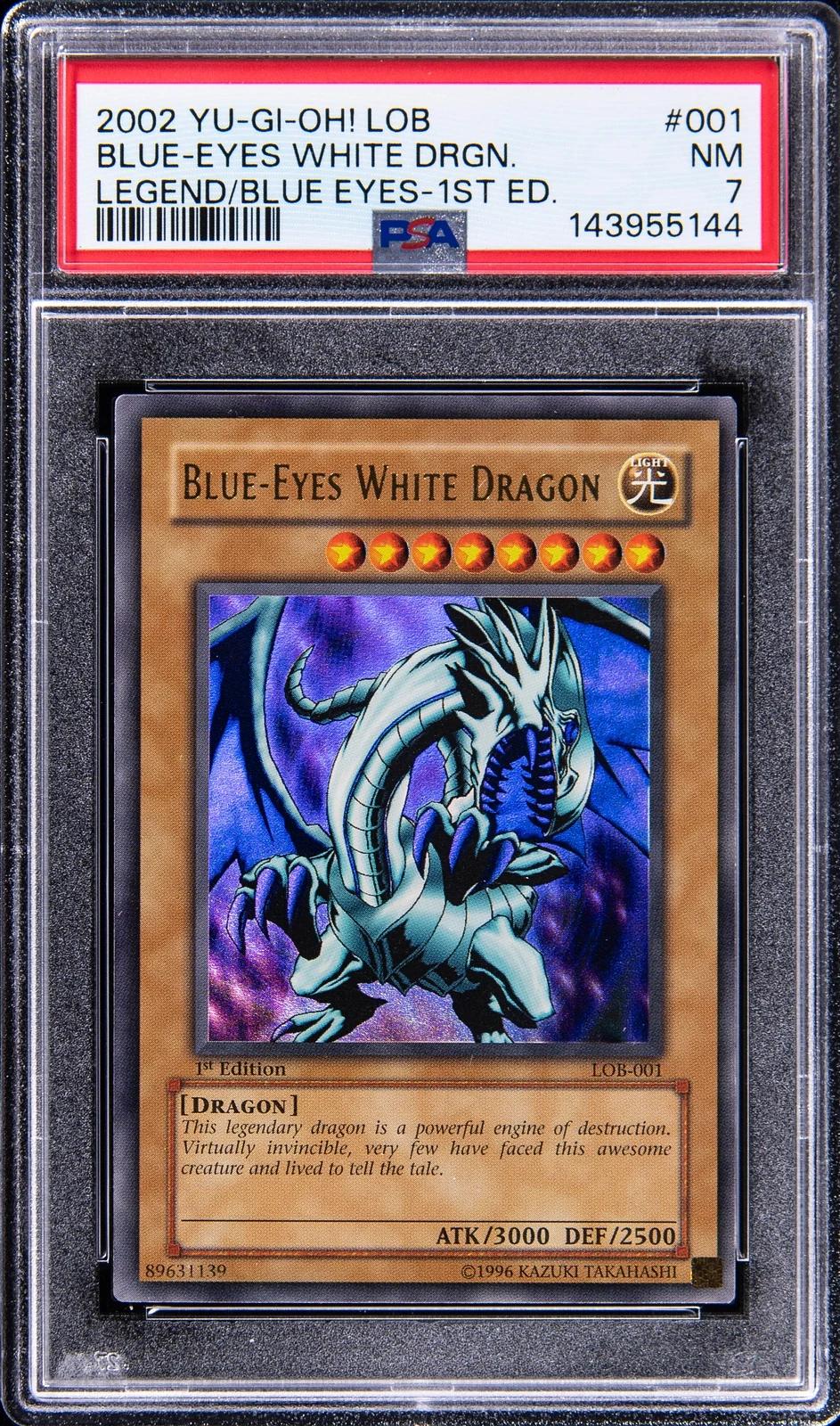
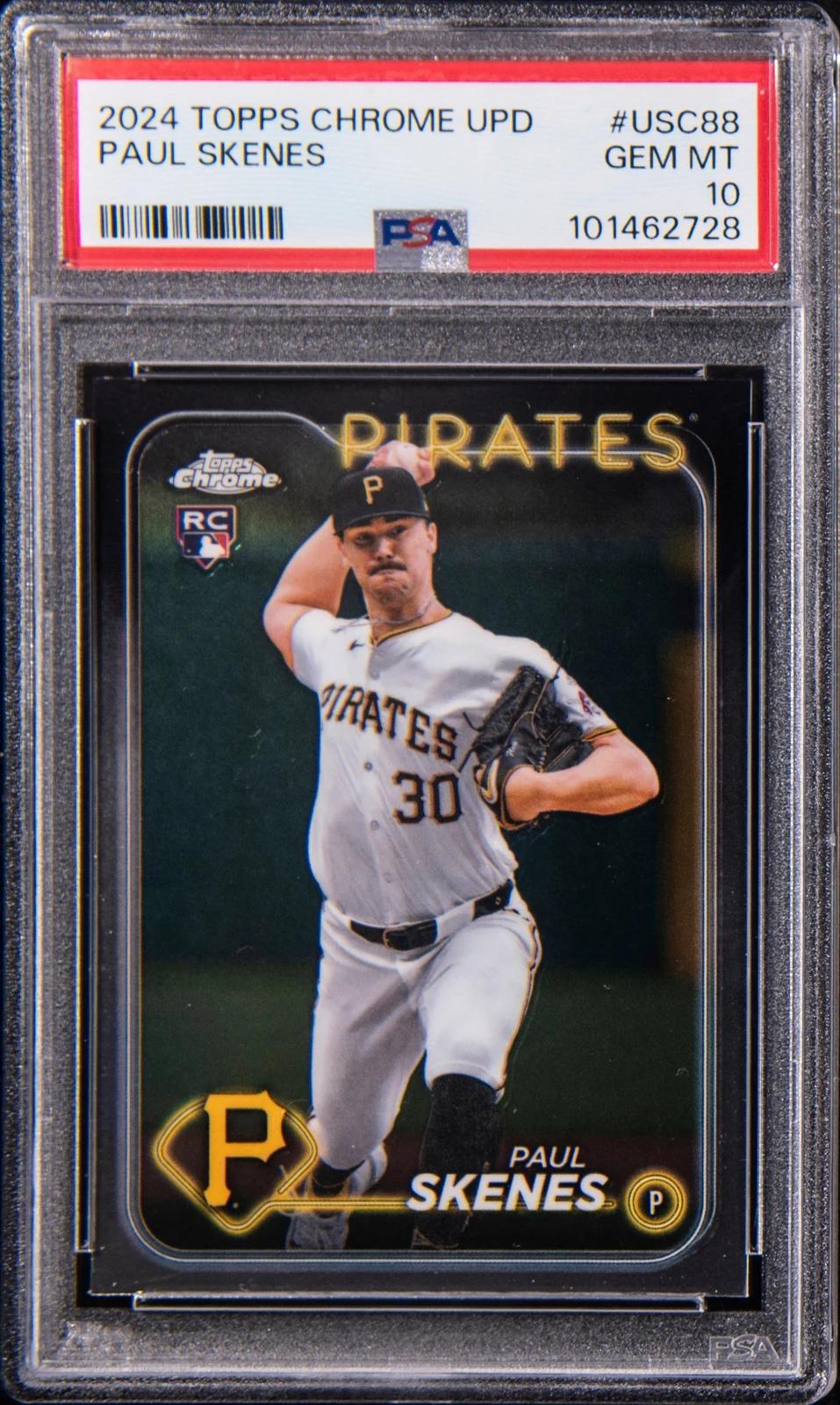
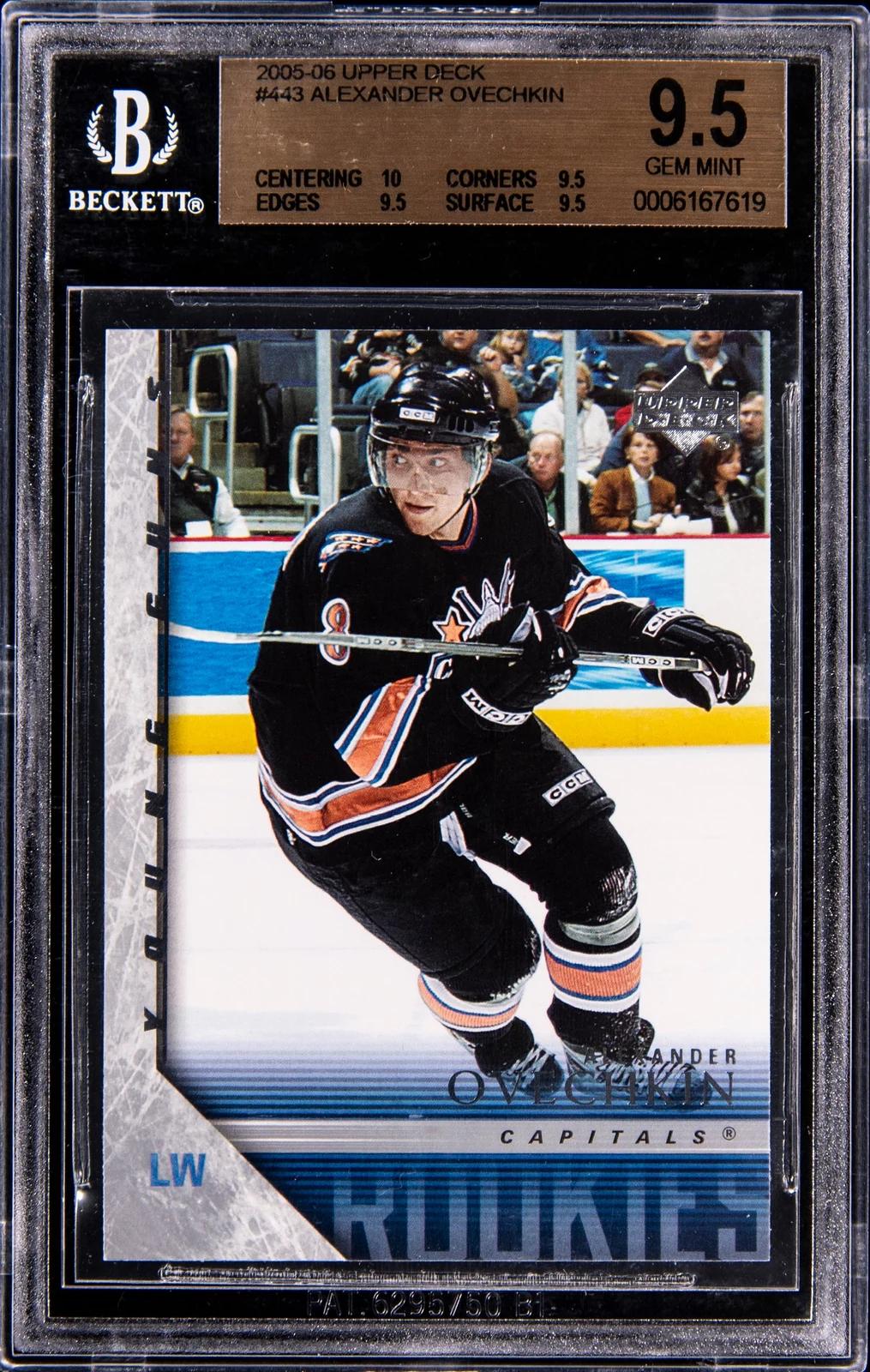
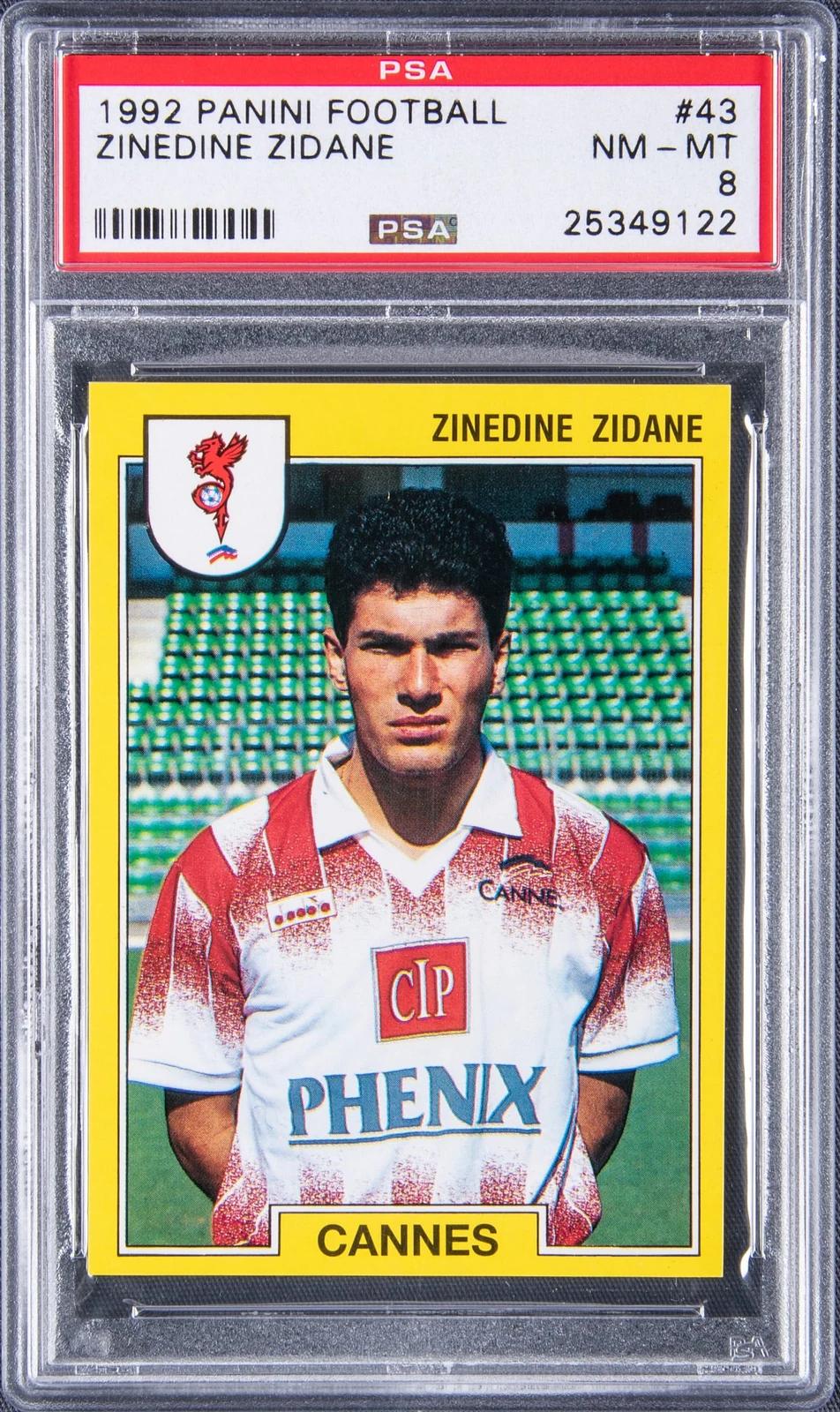
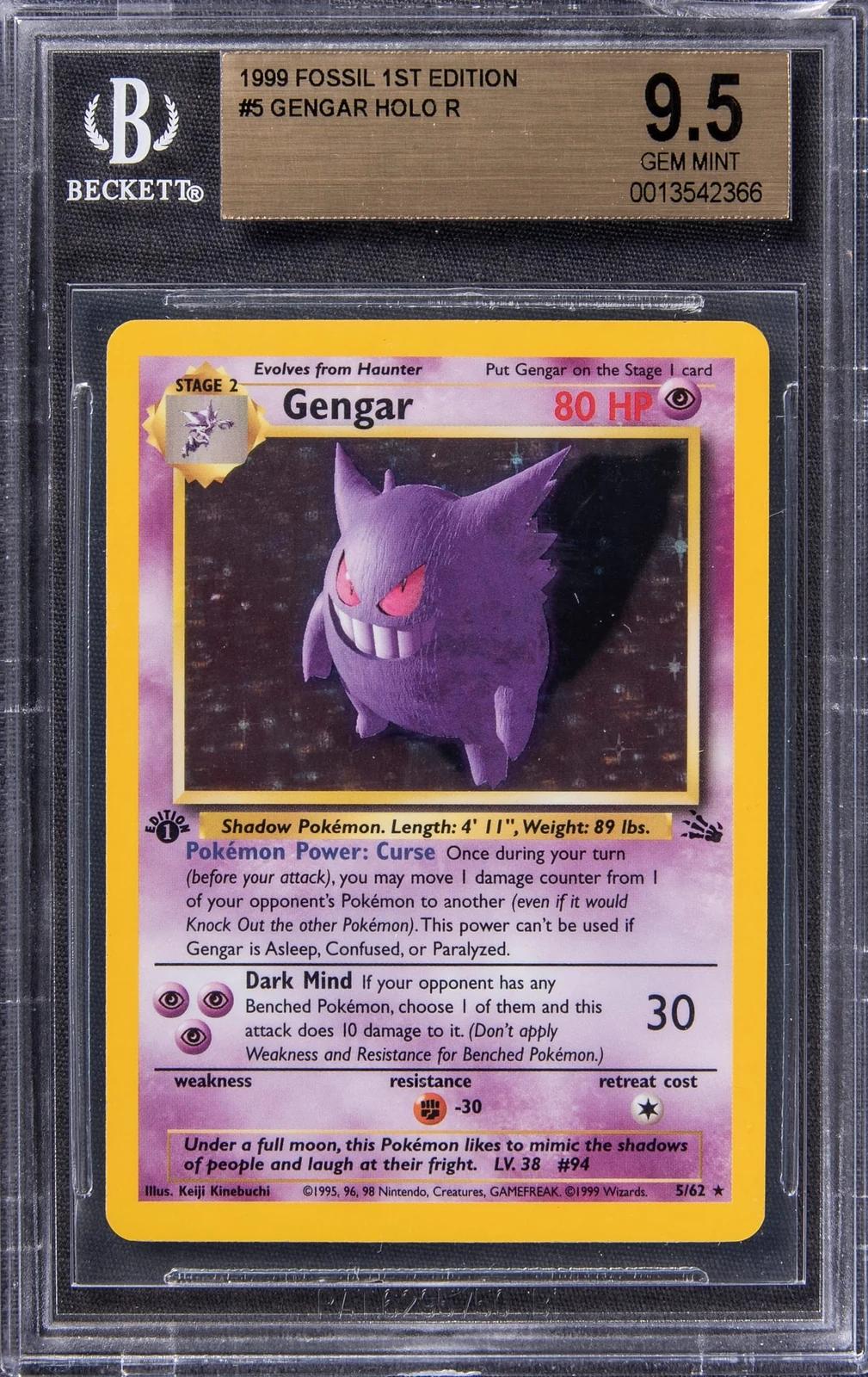
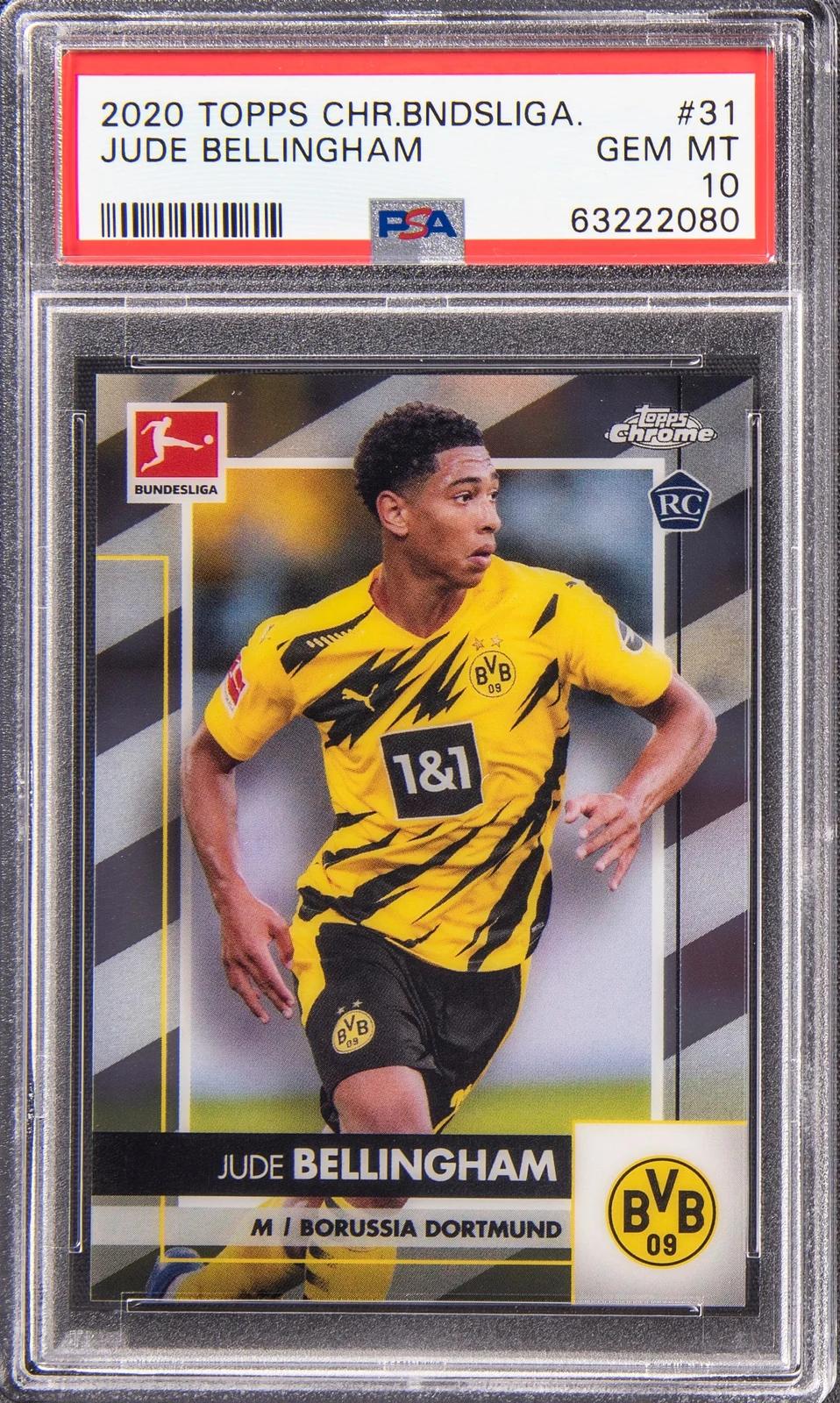
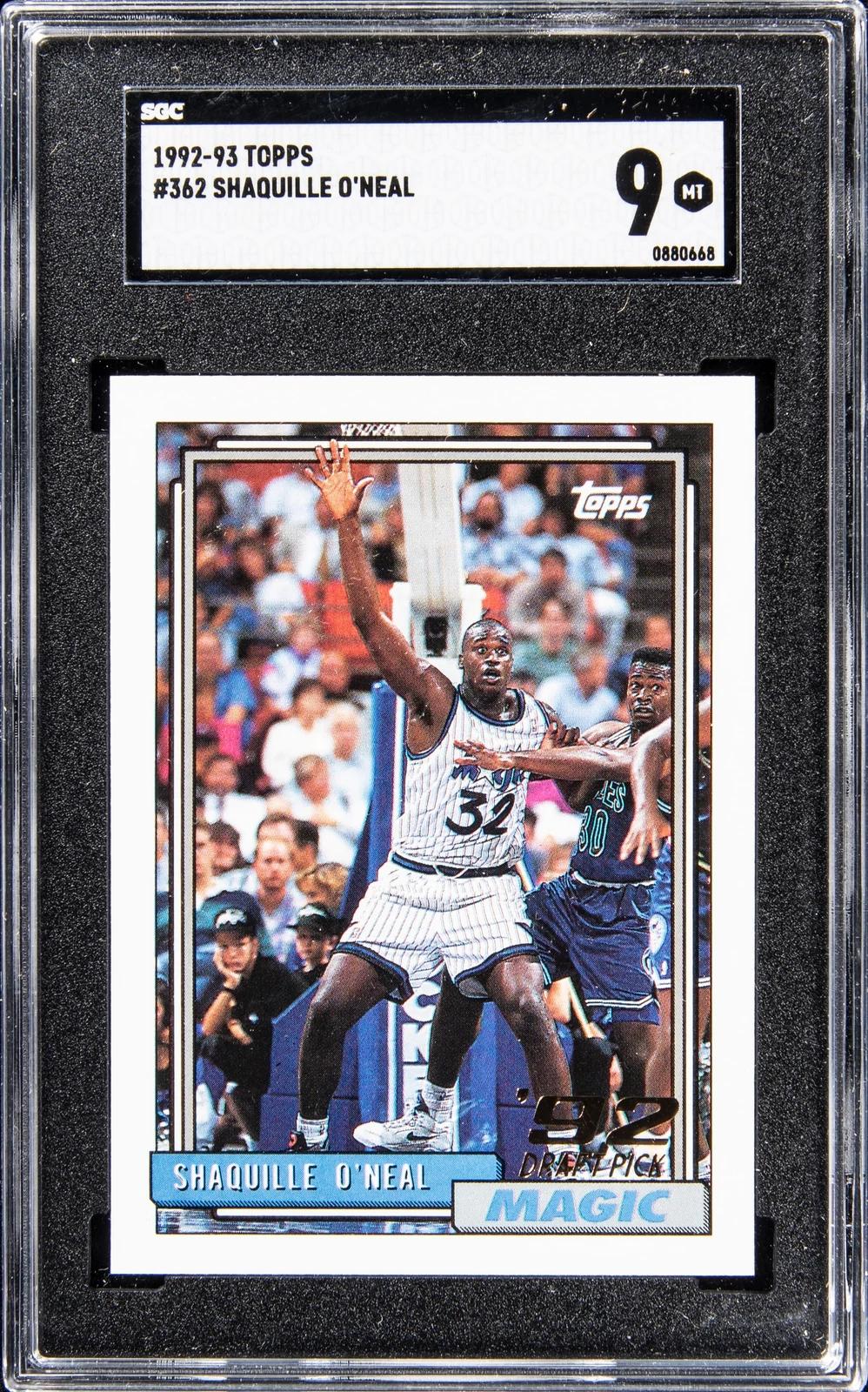
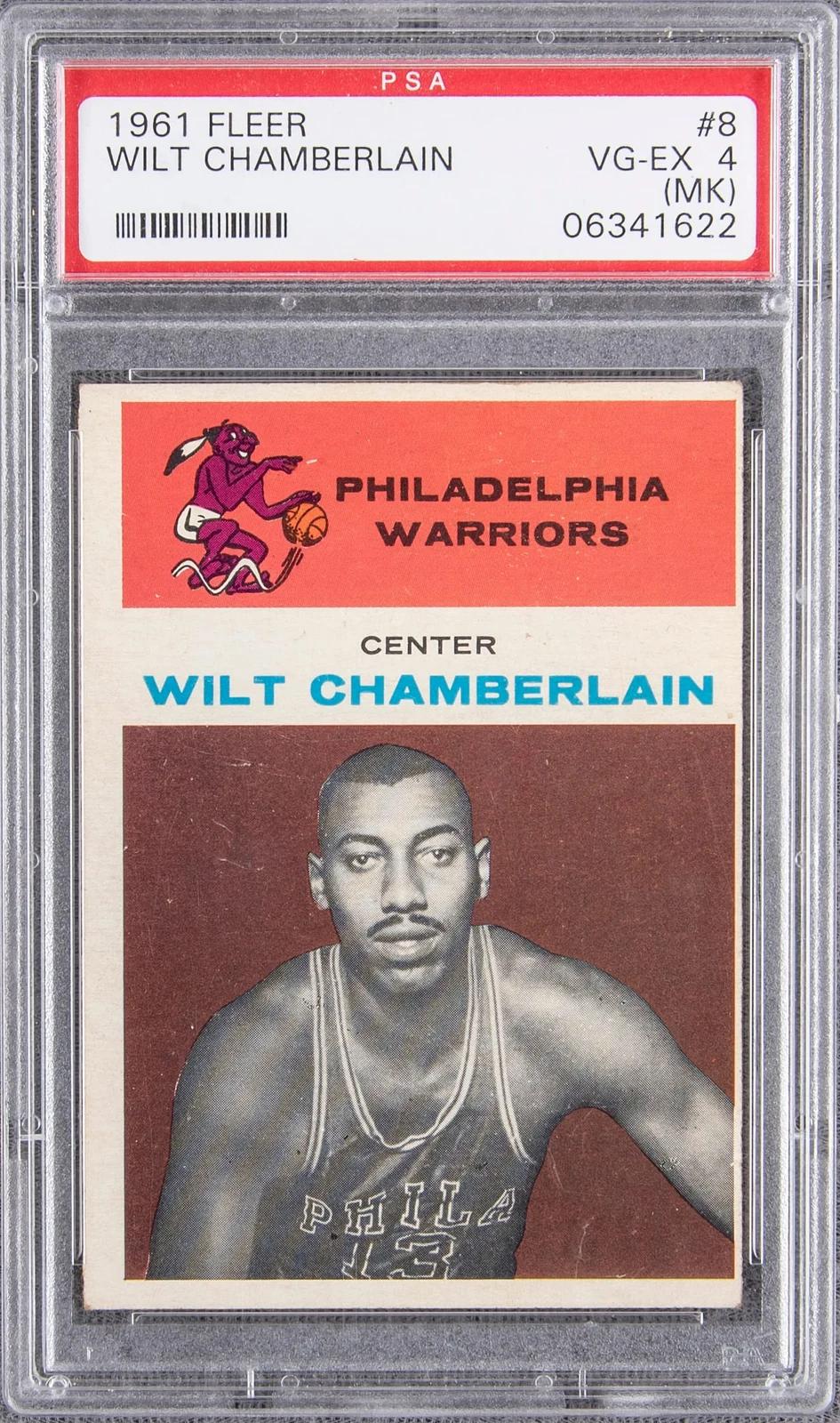
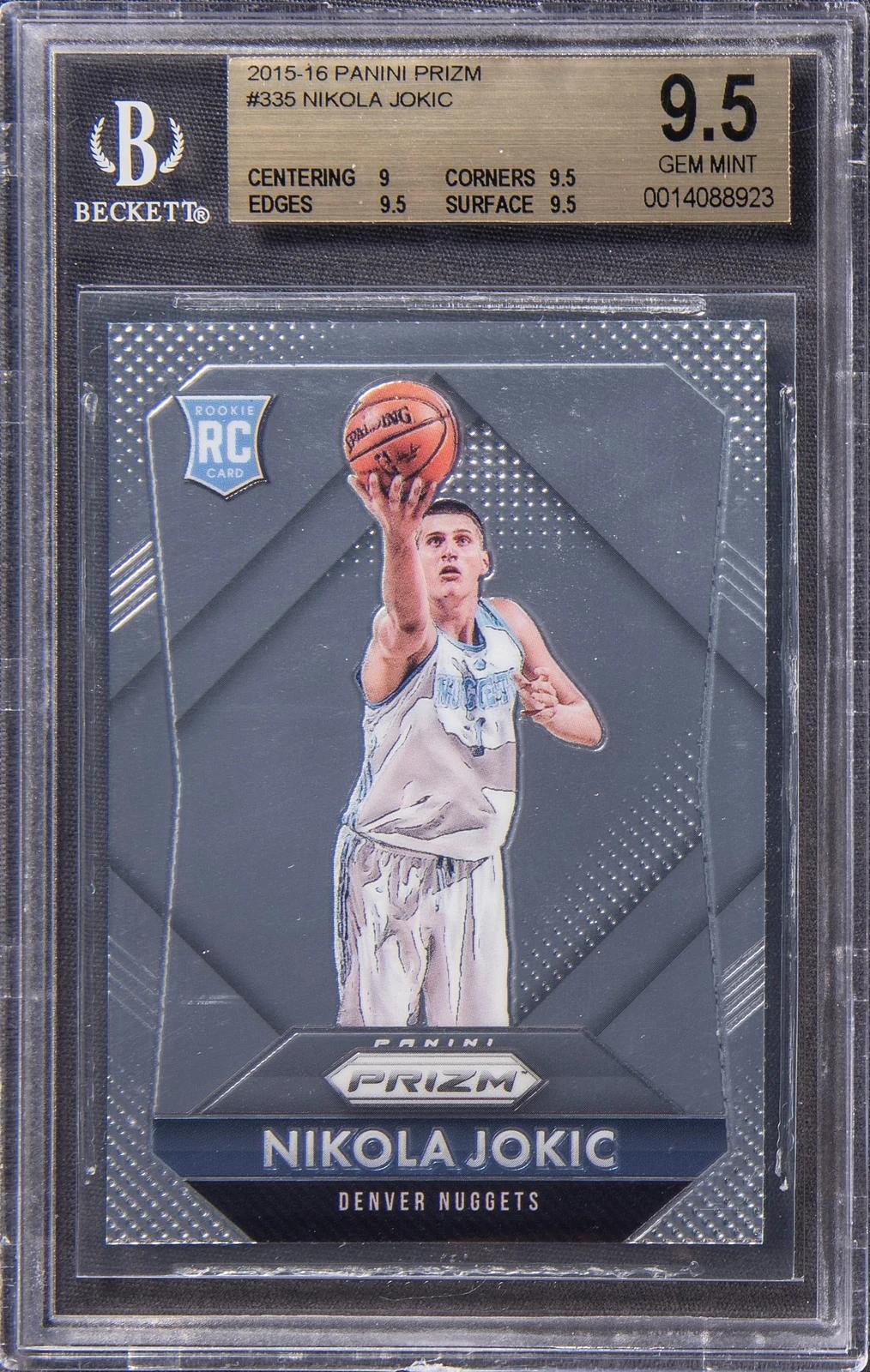
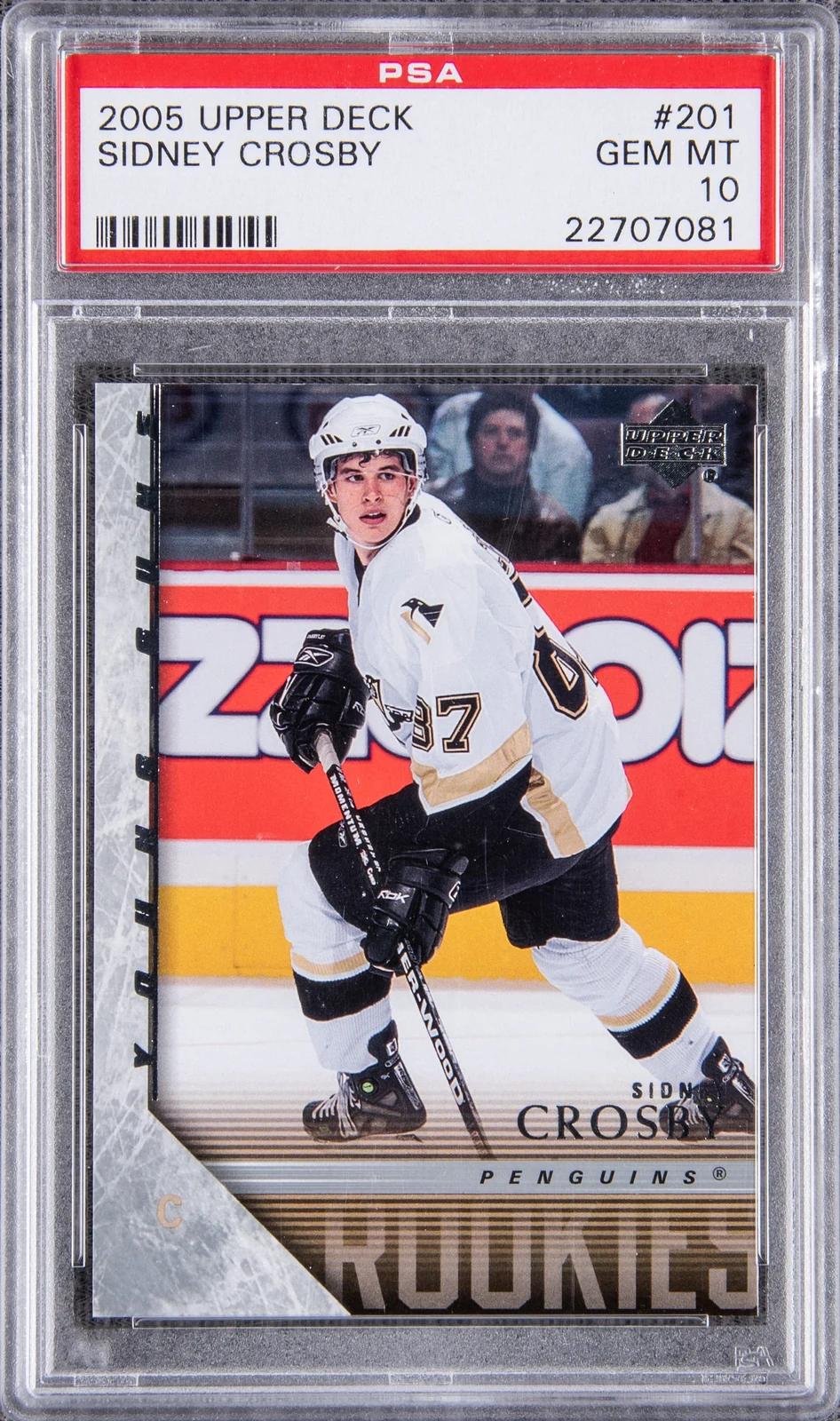
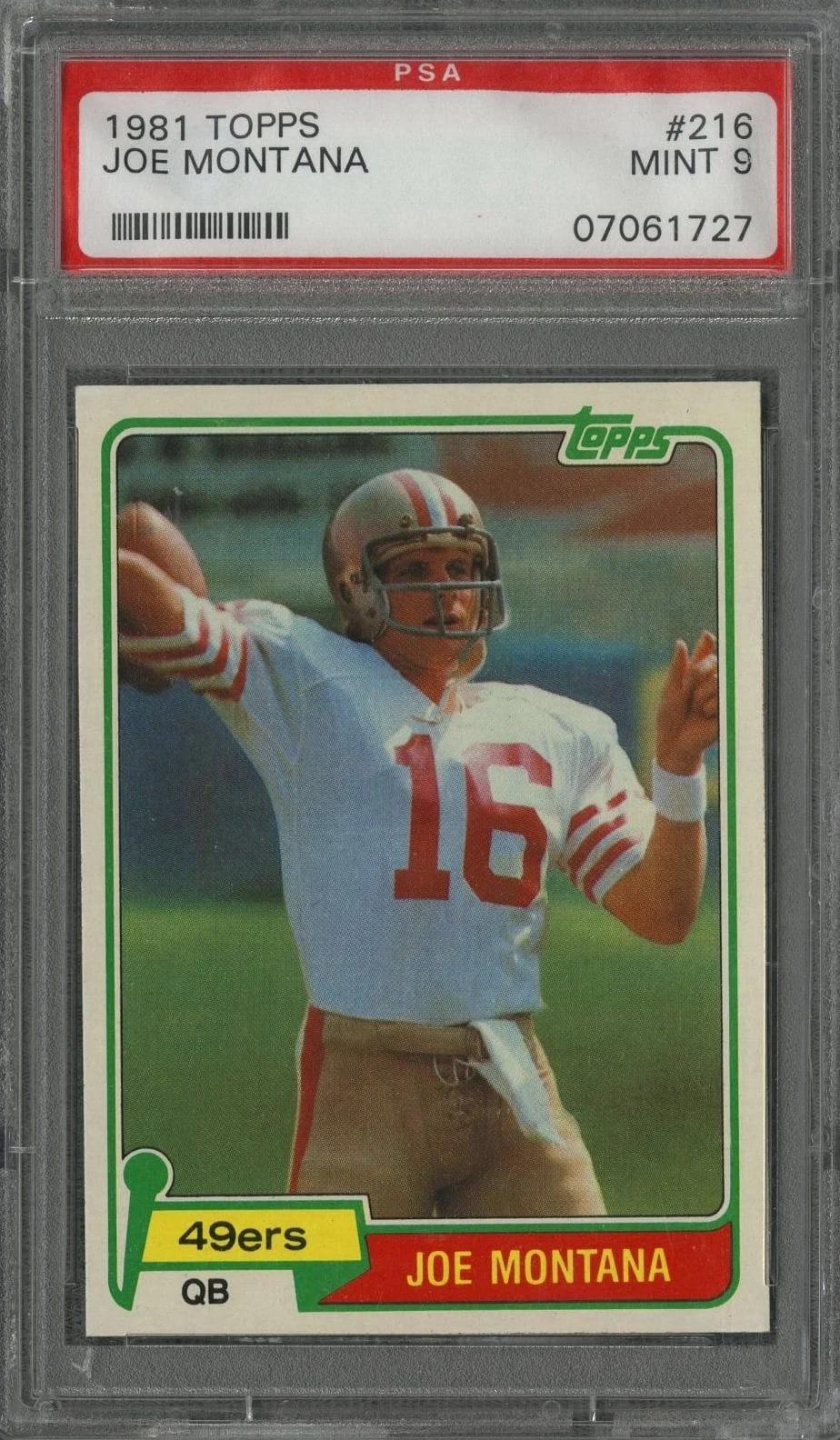
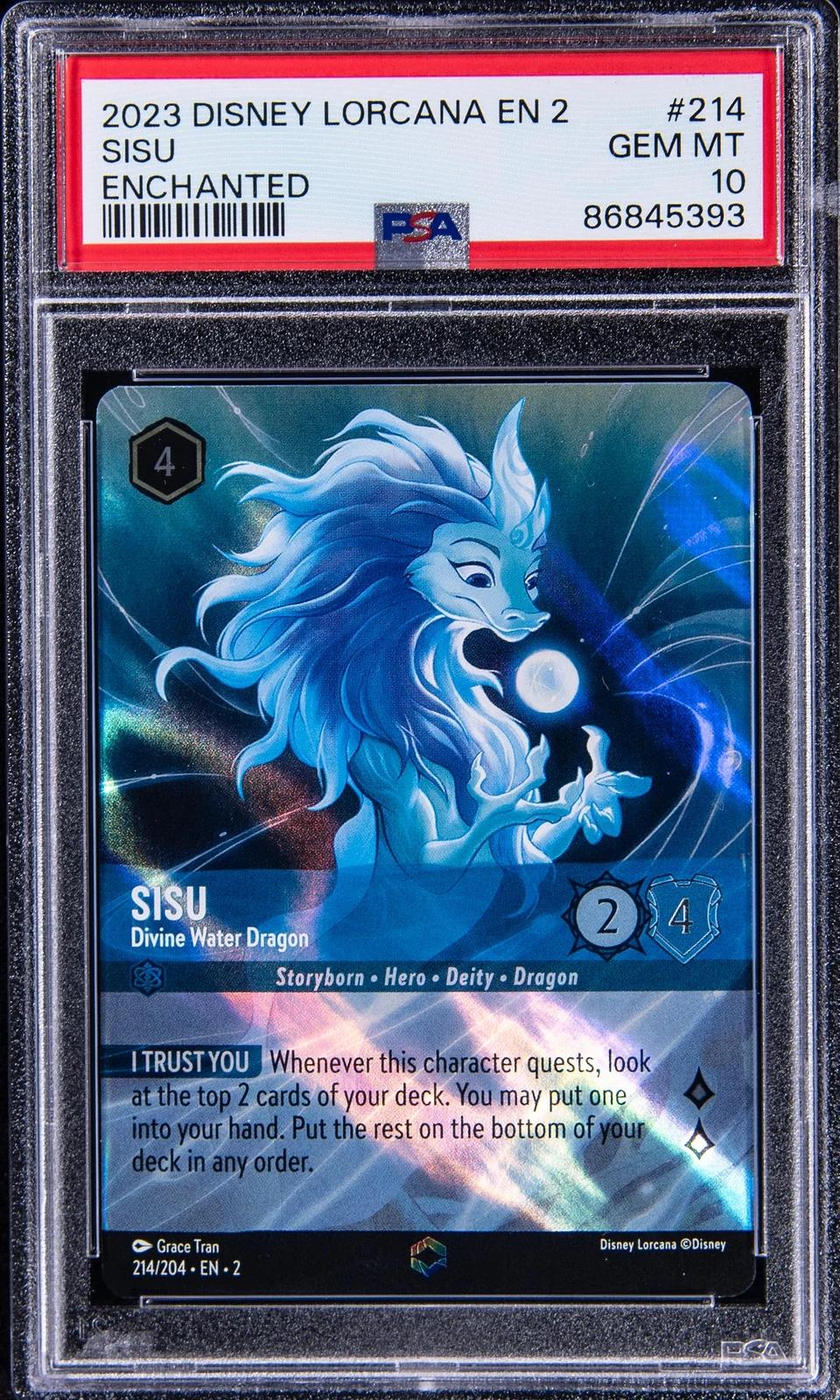
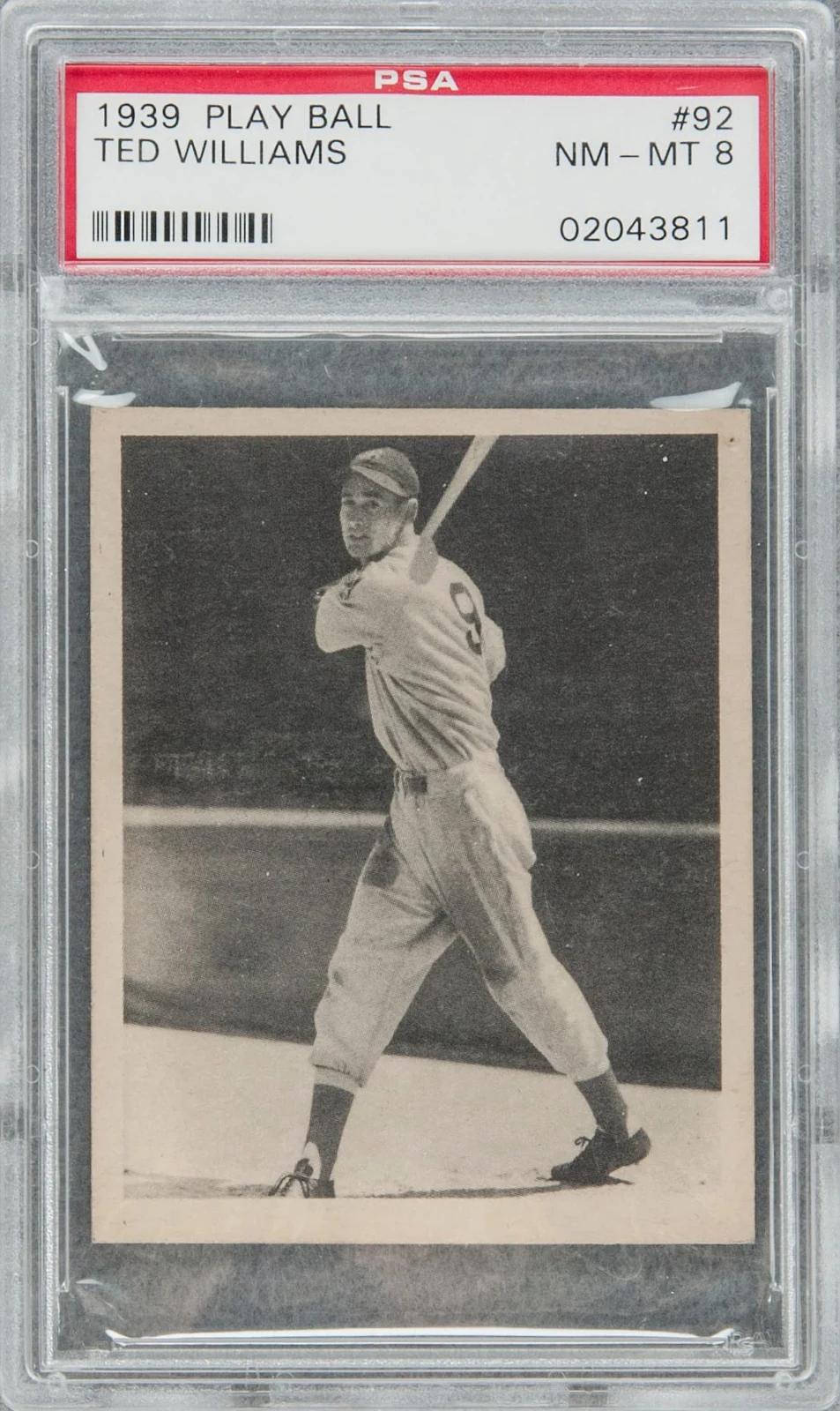
Public show inventory:
See each dealer’s published cards, table and venue before you visit.


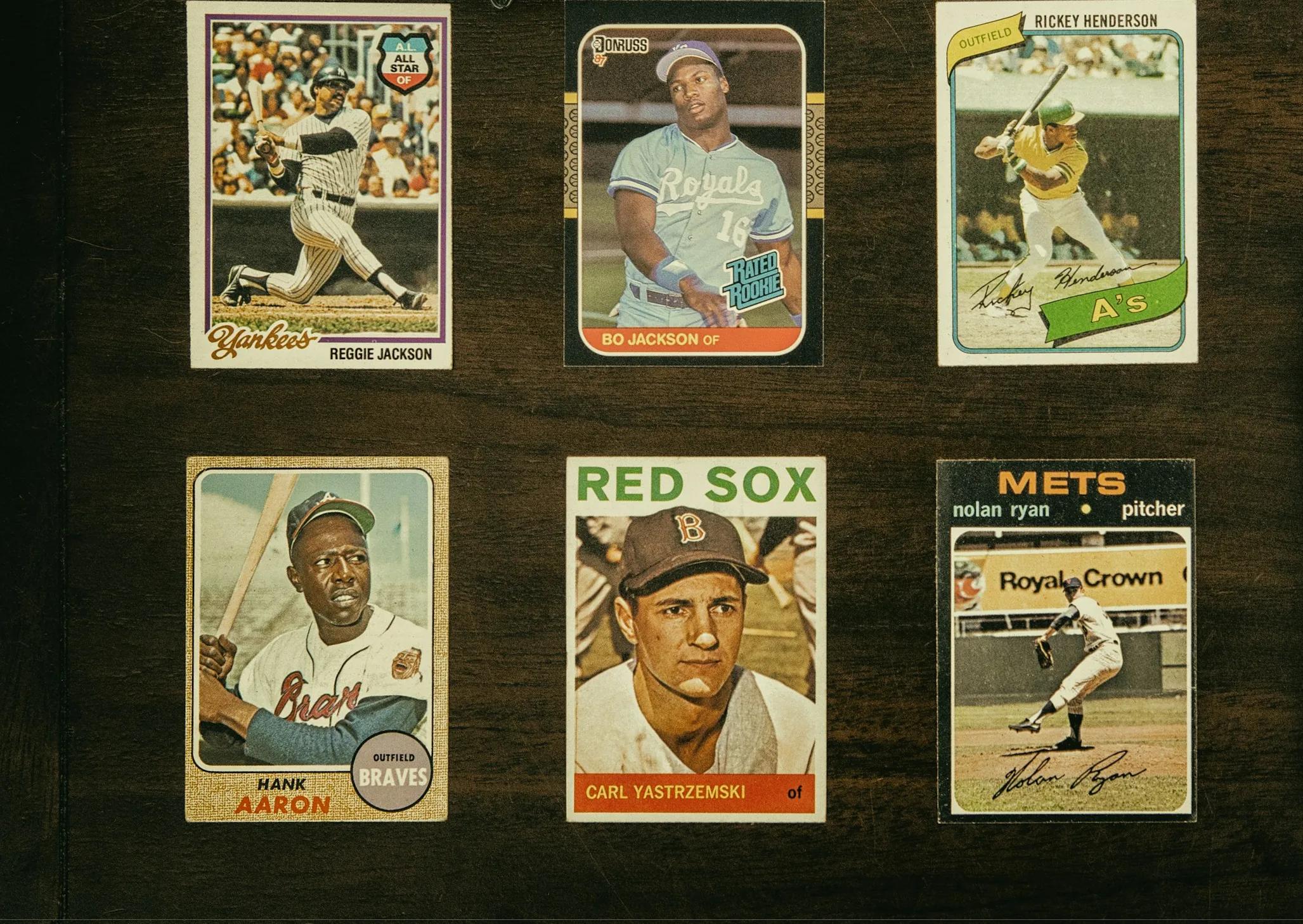
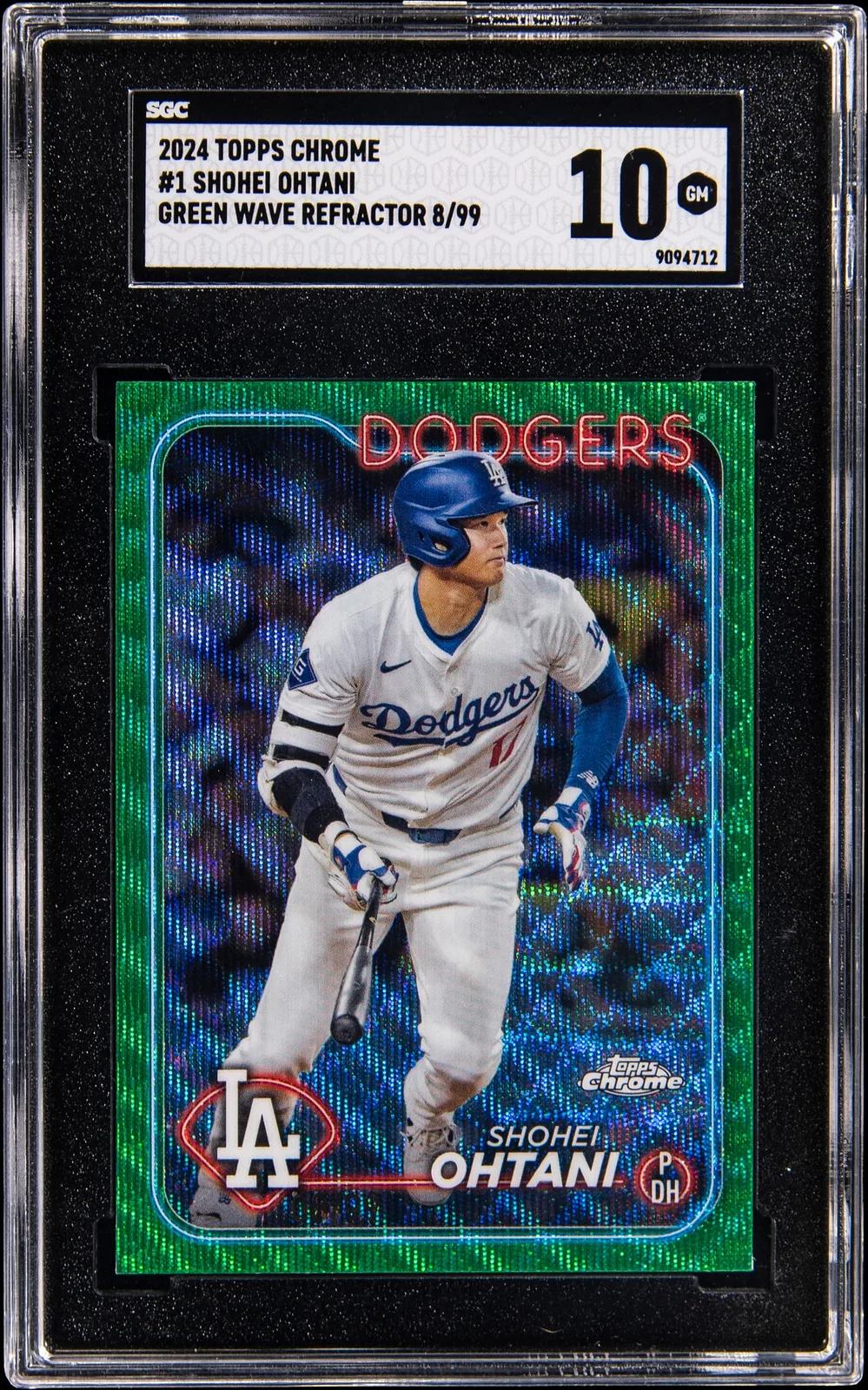
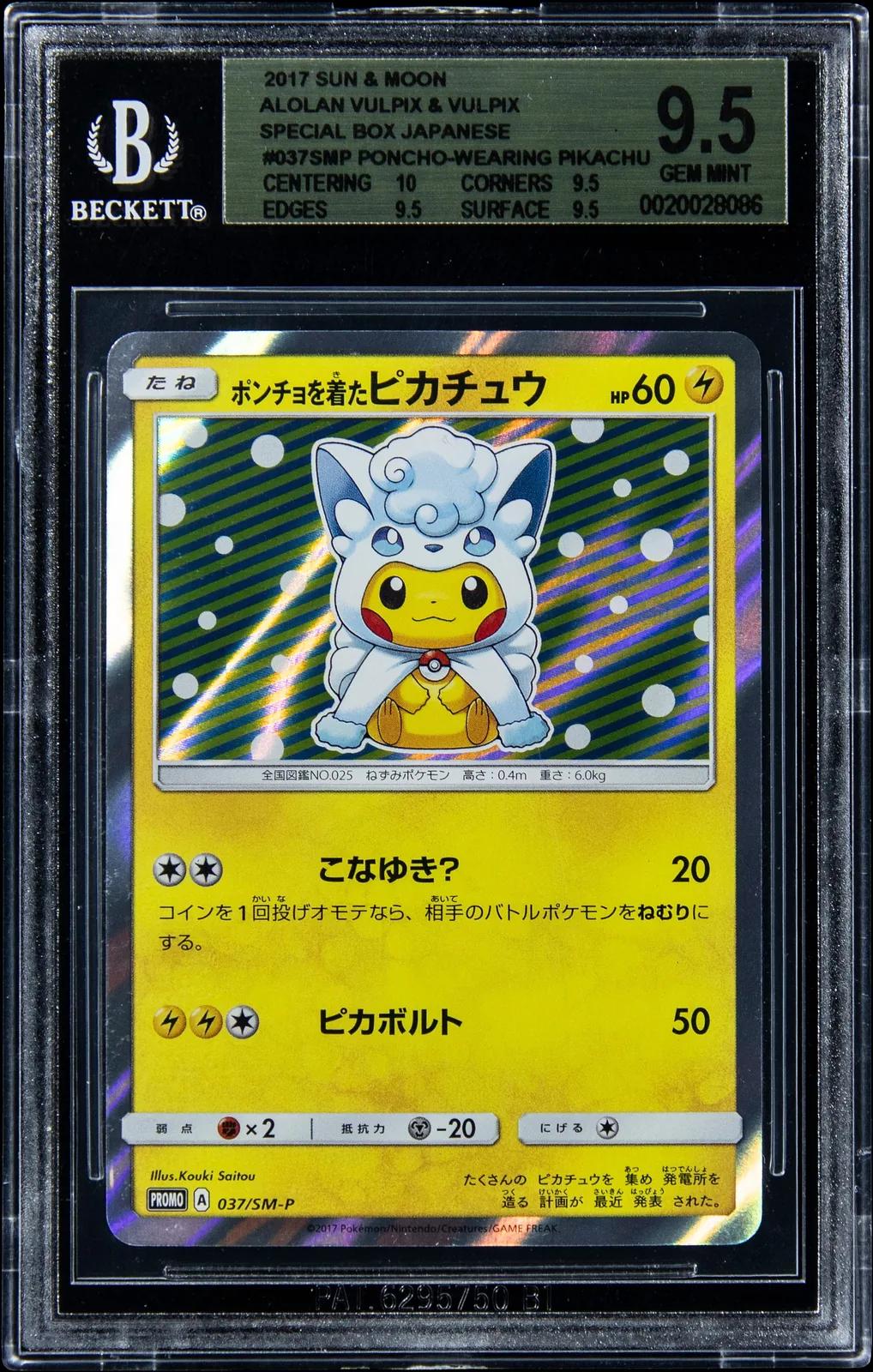
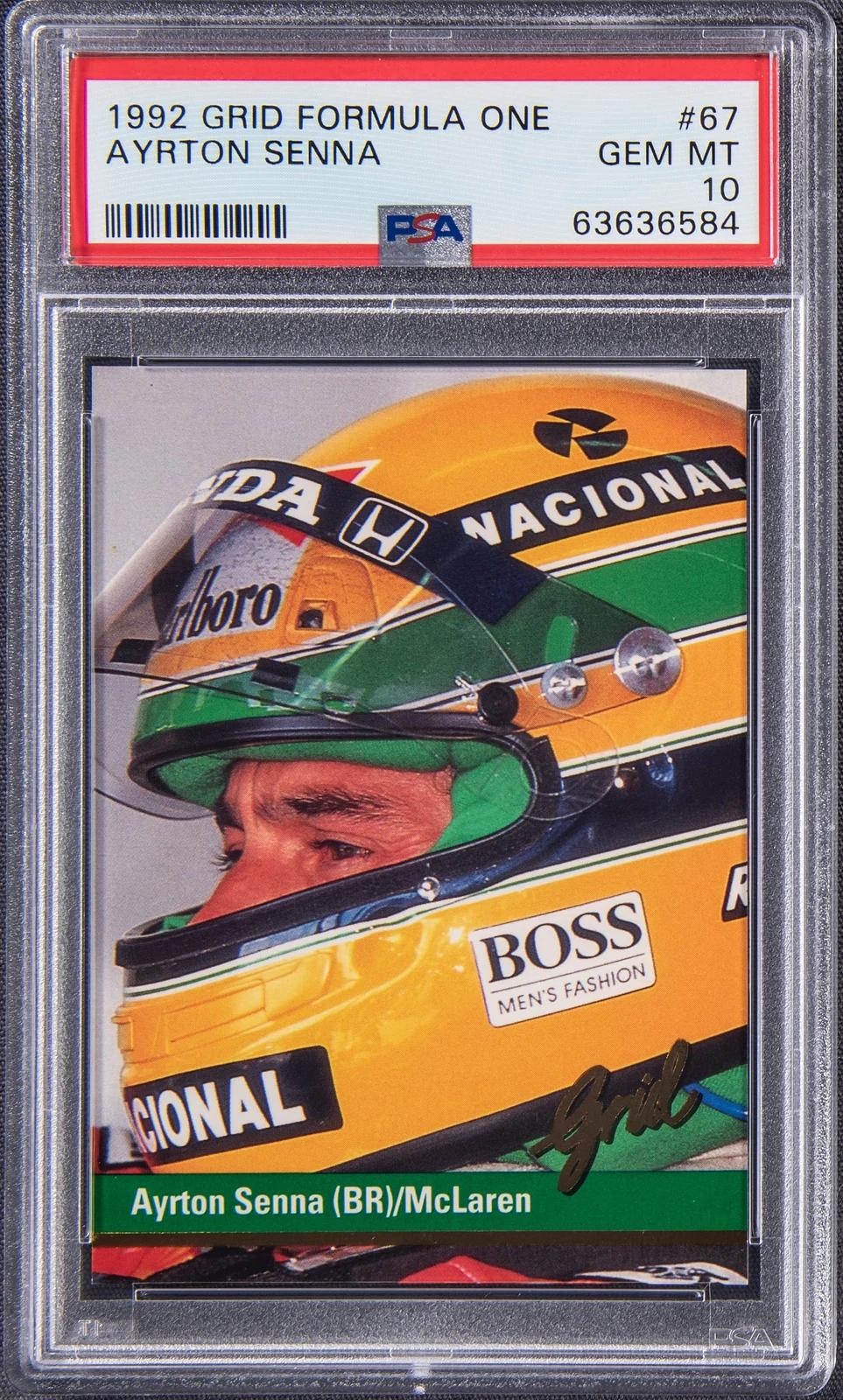
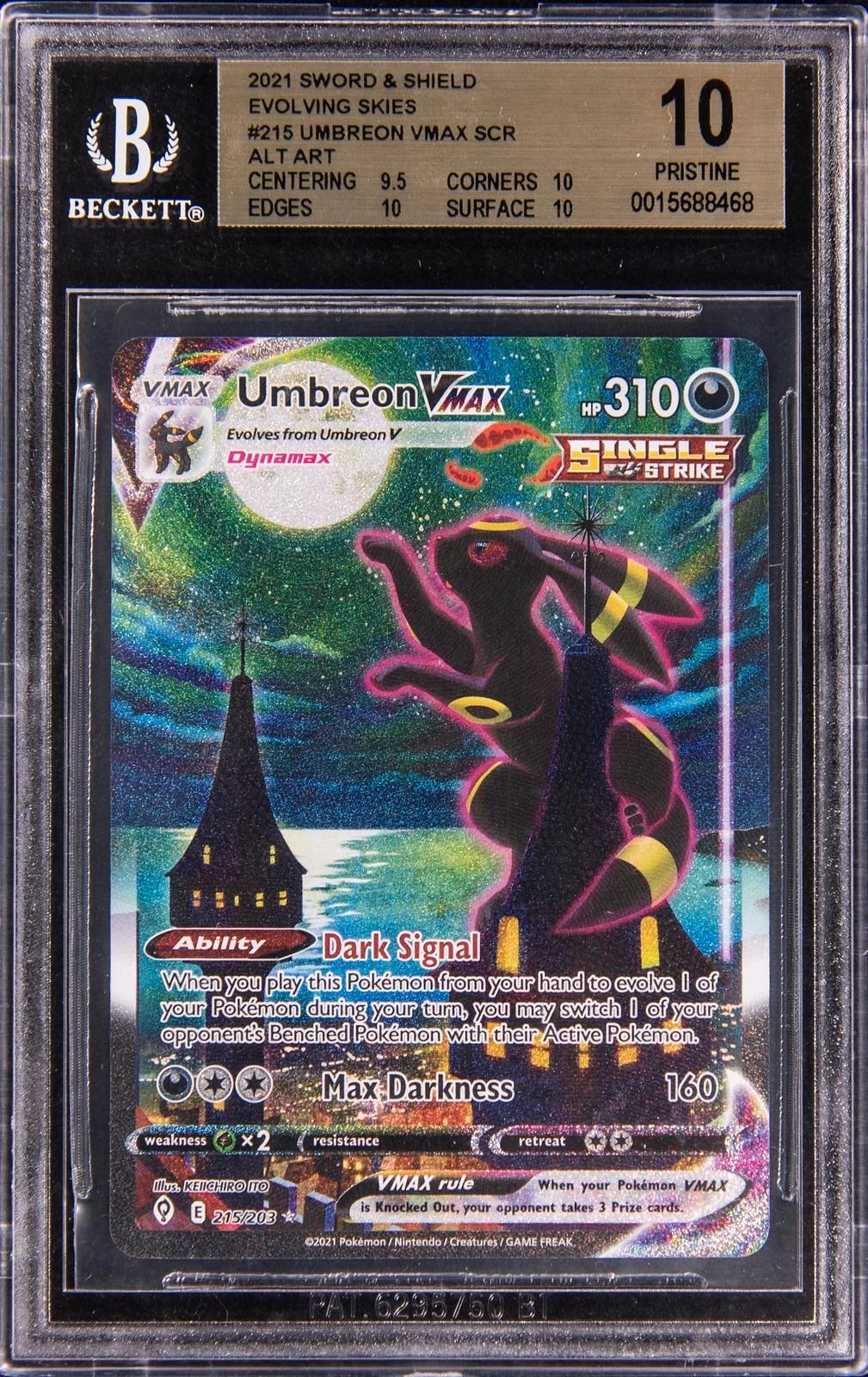
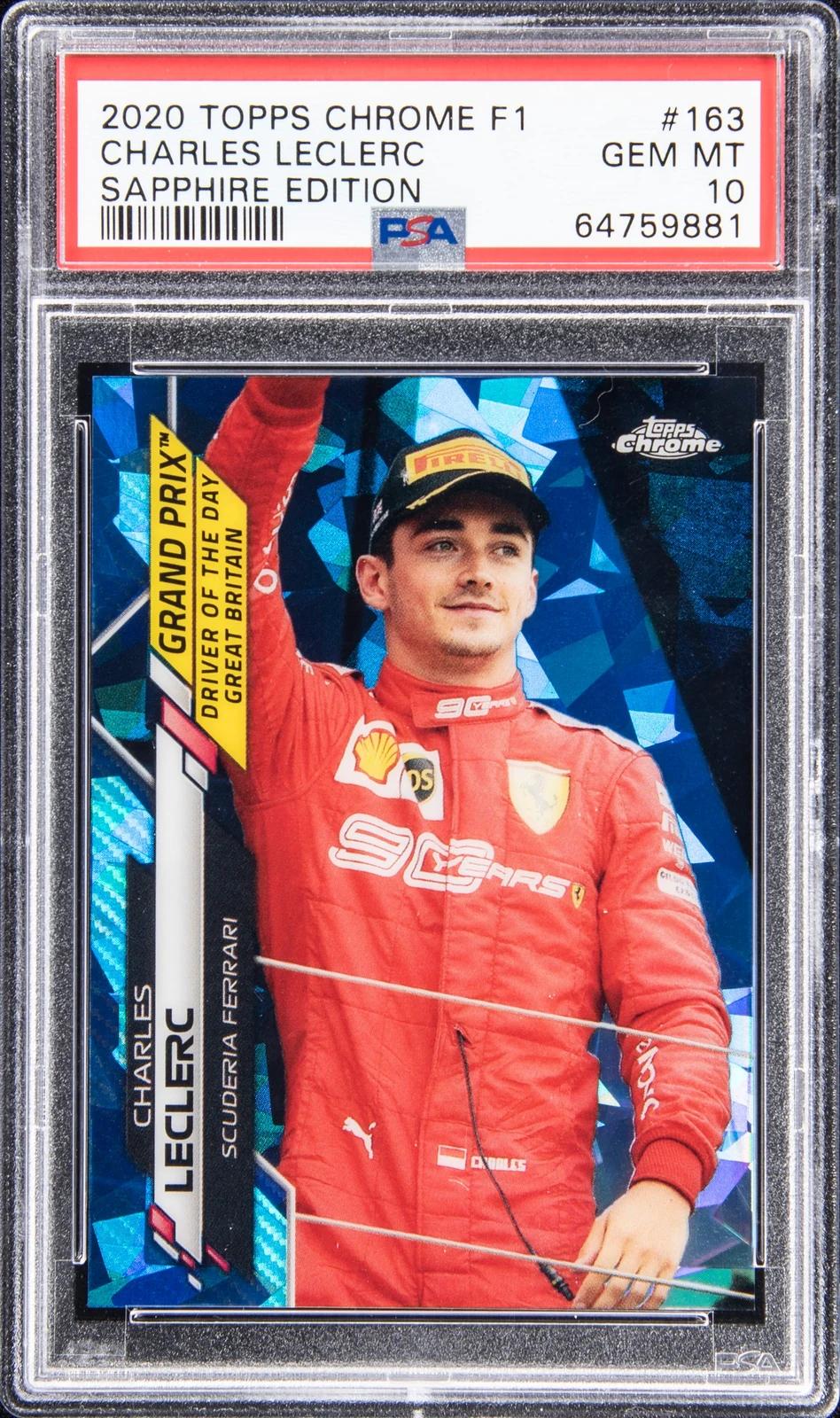
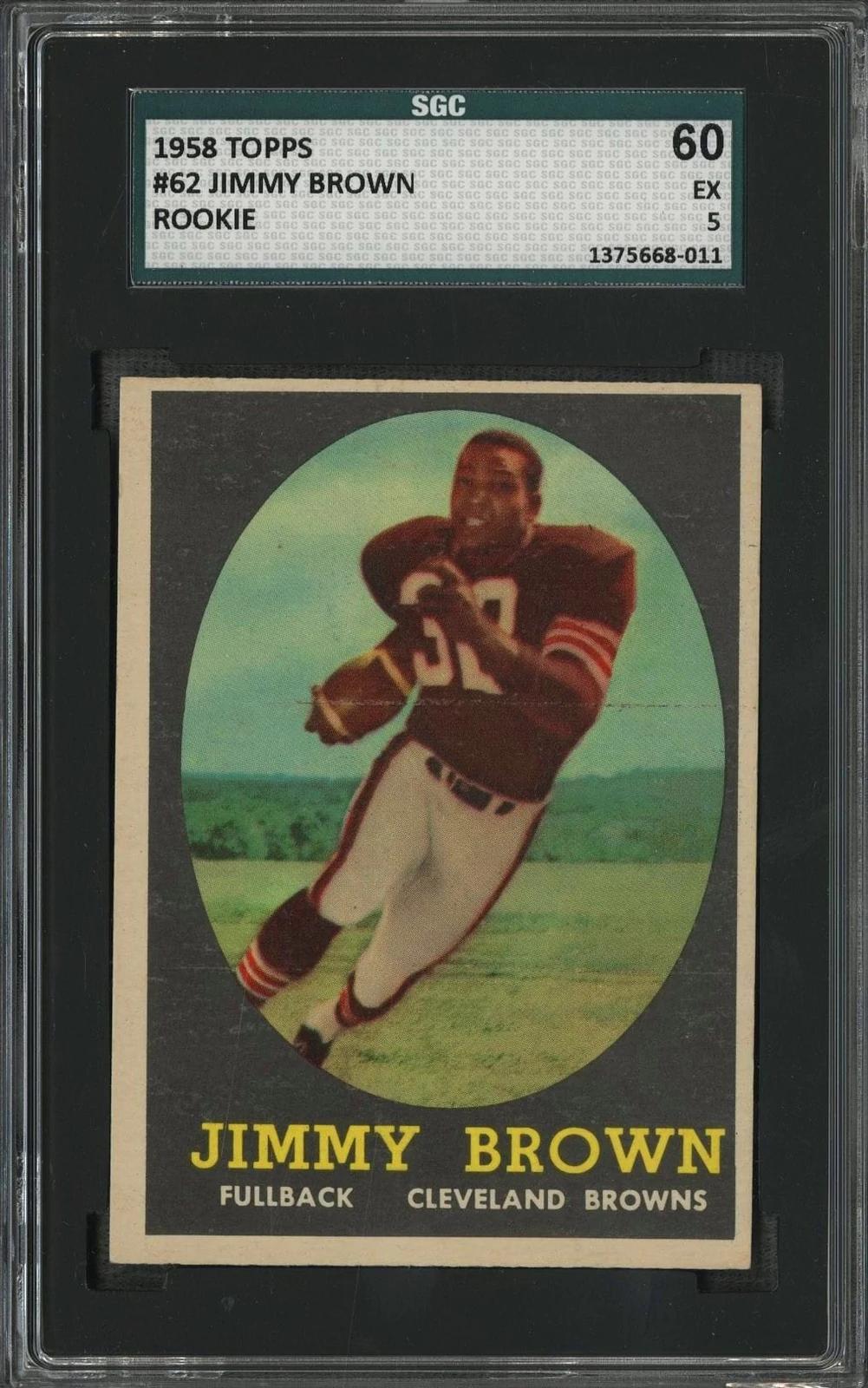
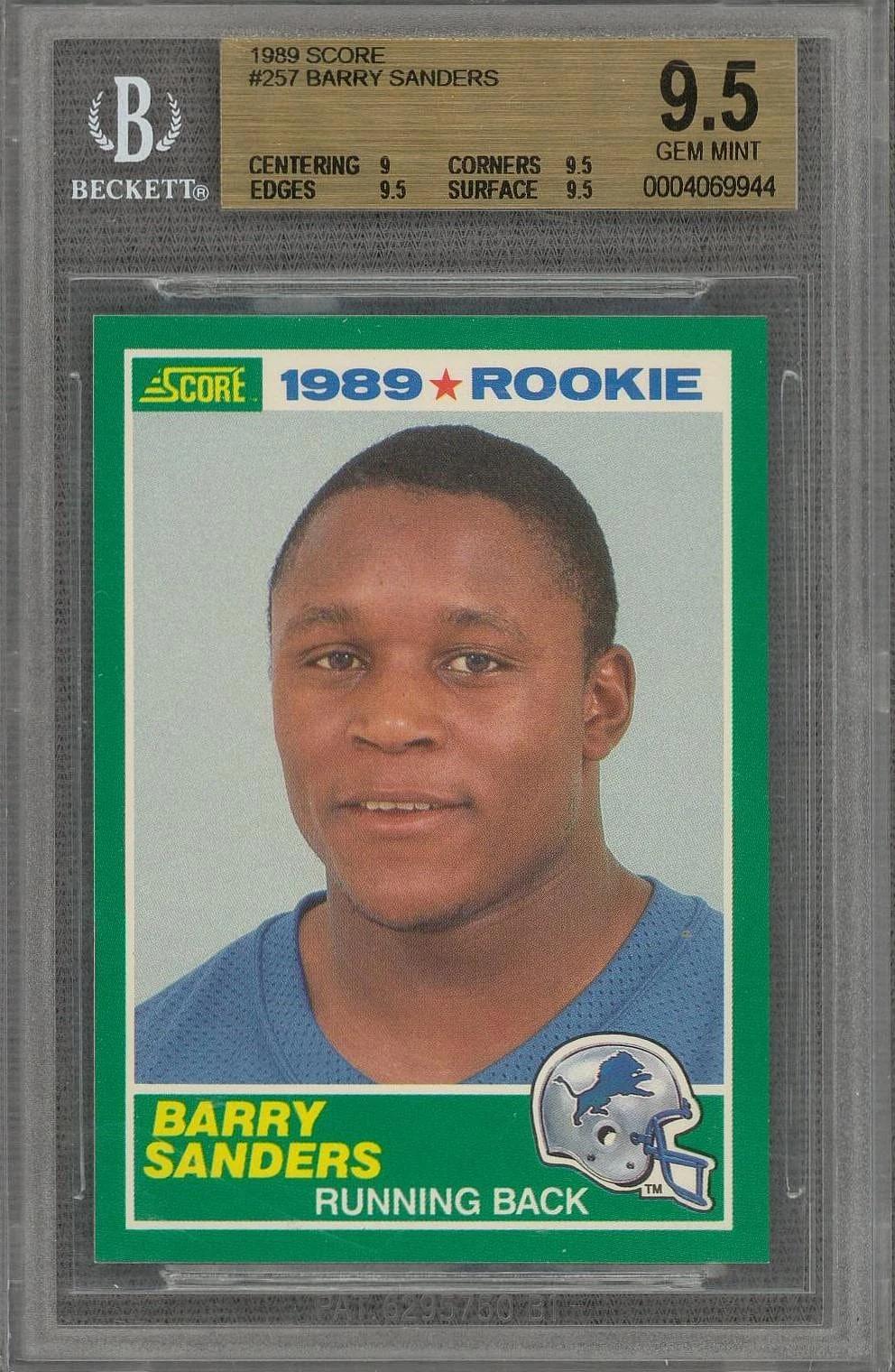
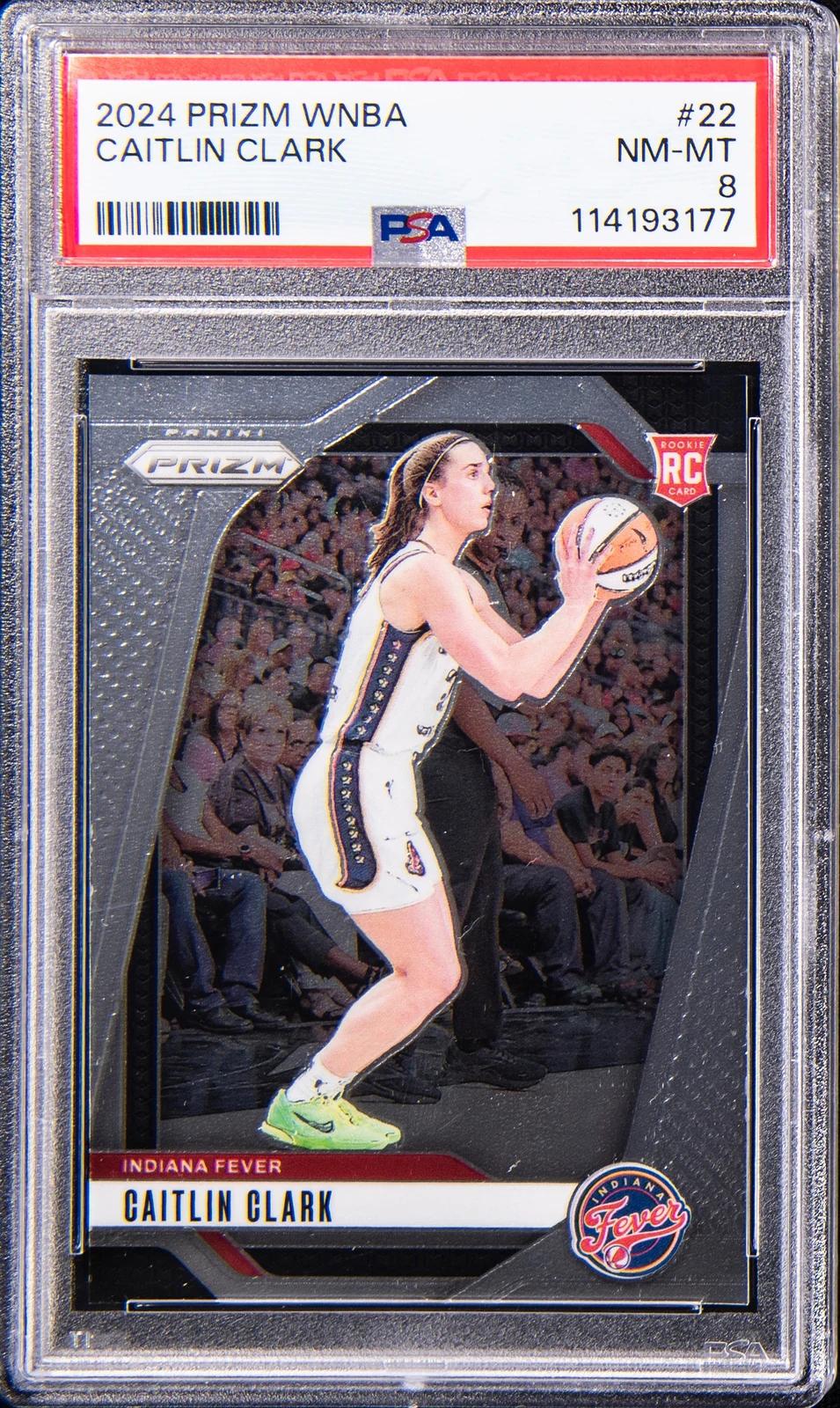
The cards21 published cards
See the cards before you go
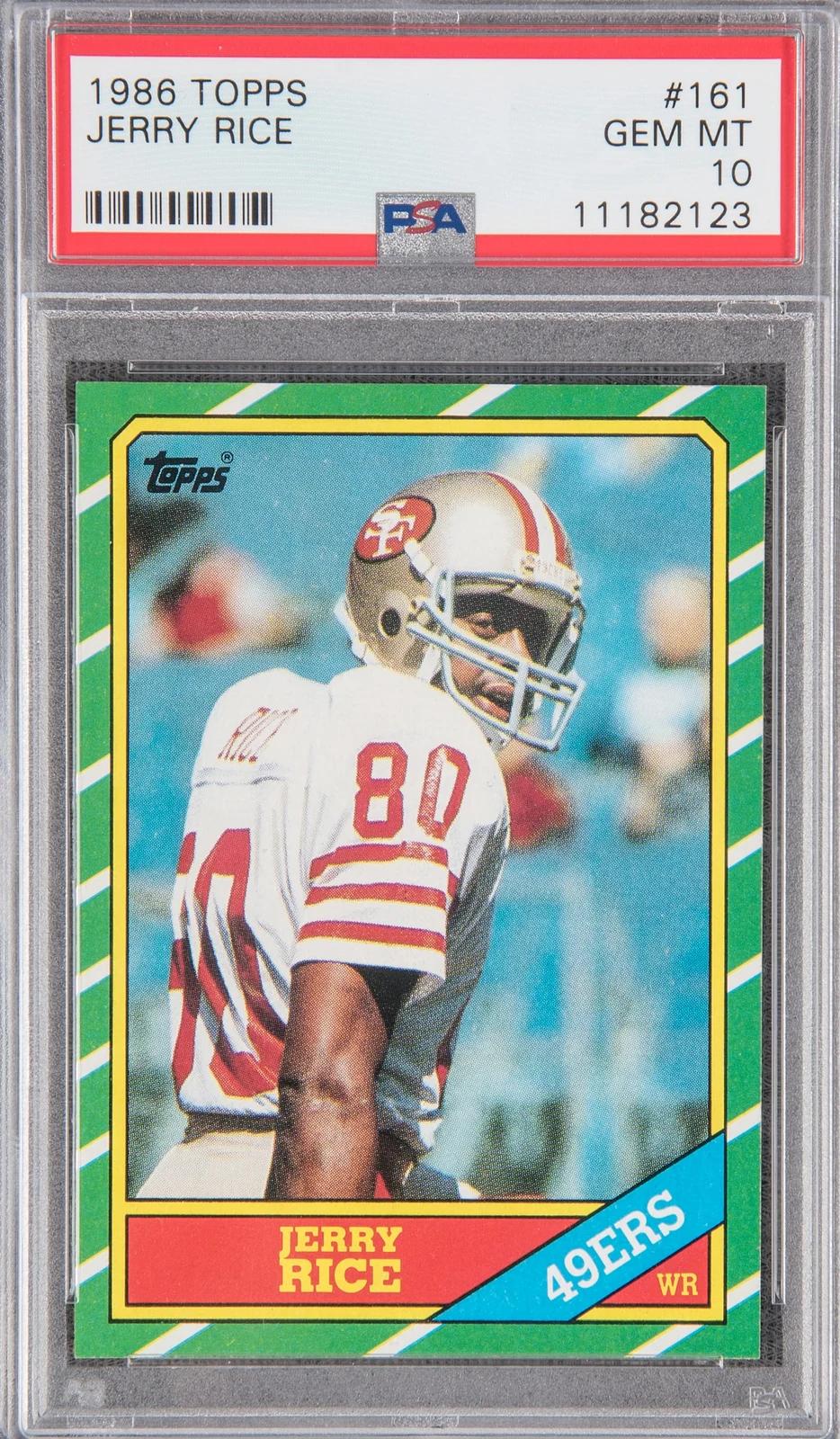
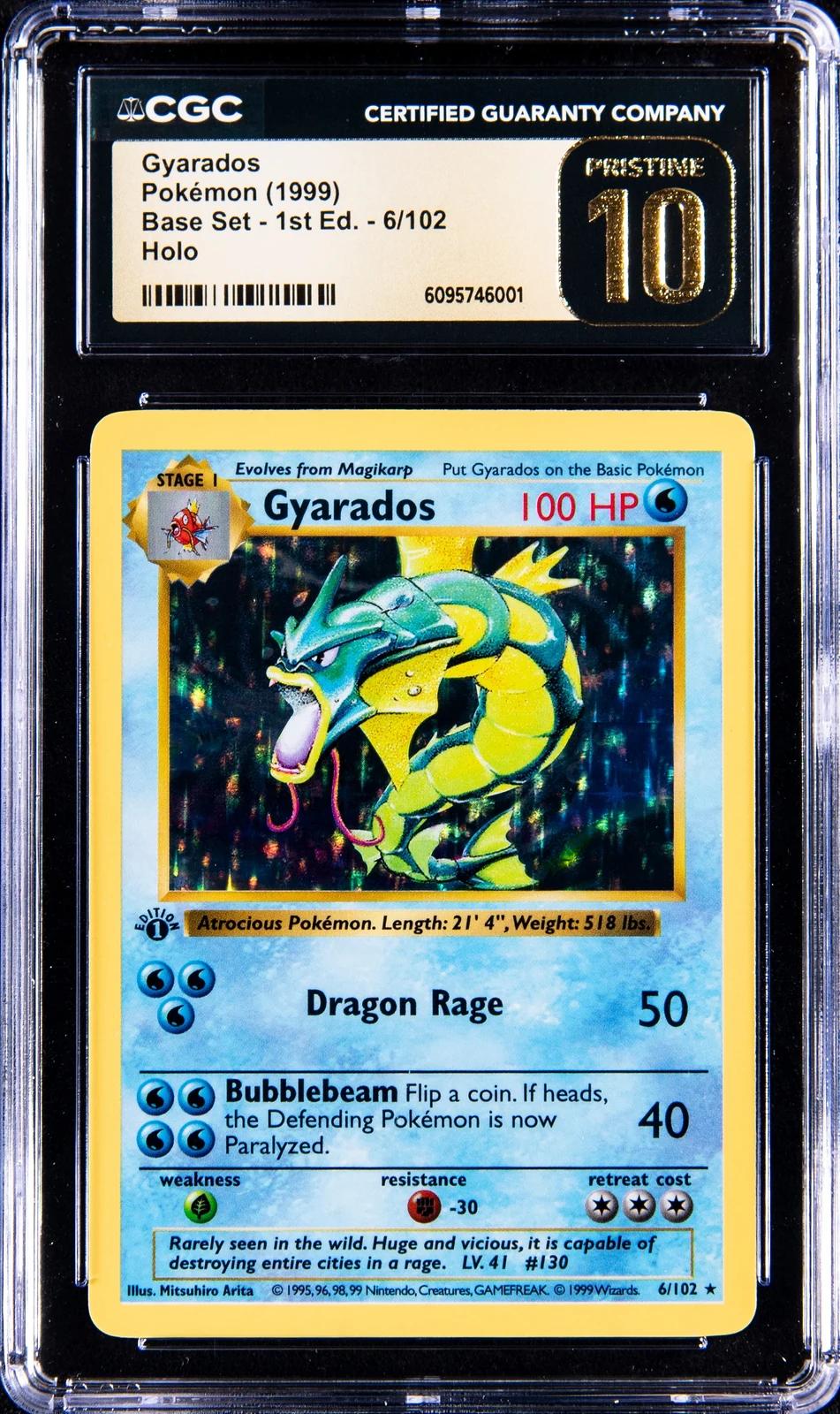
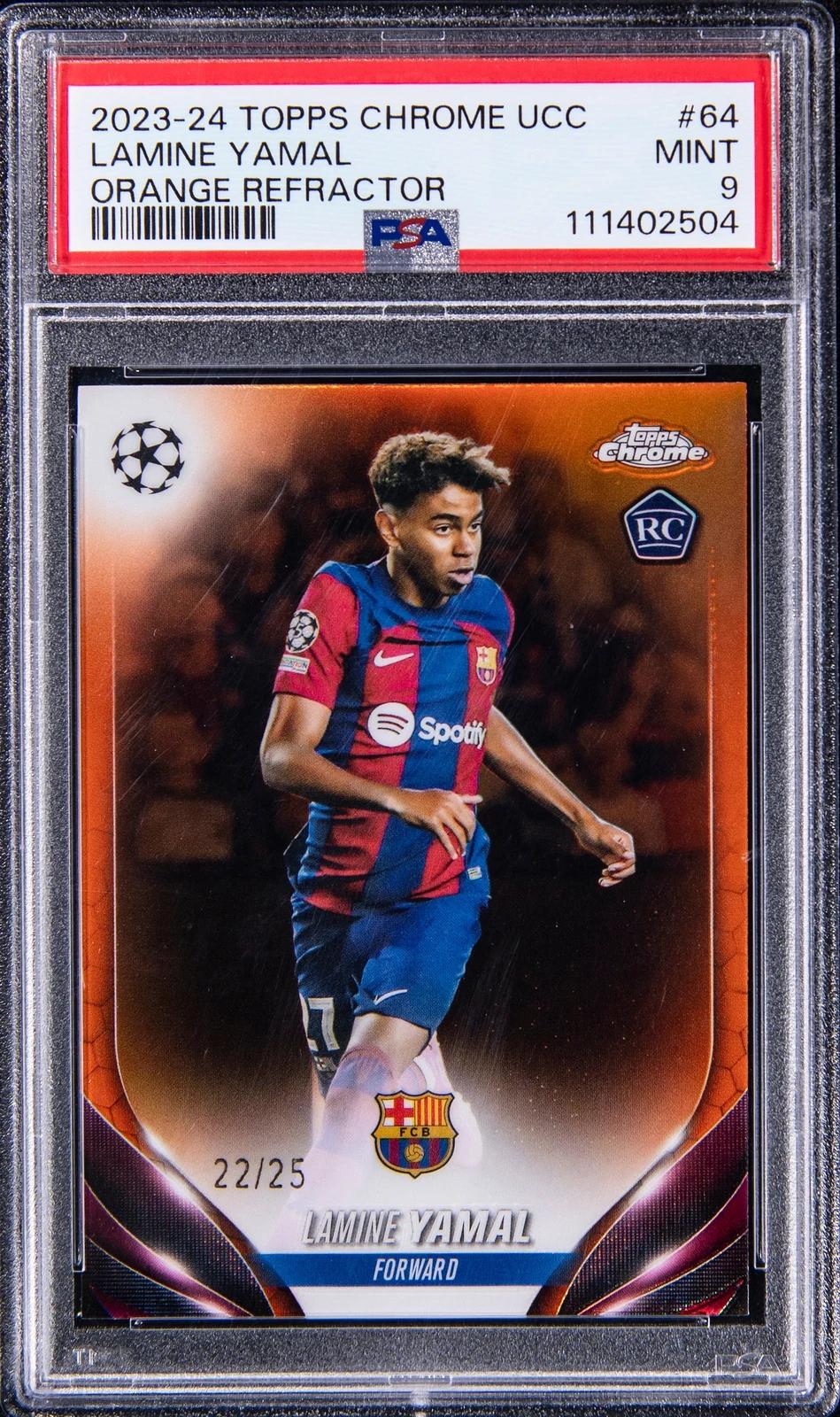
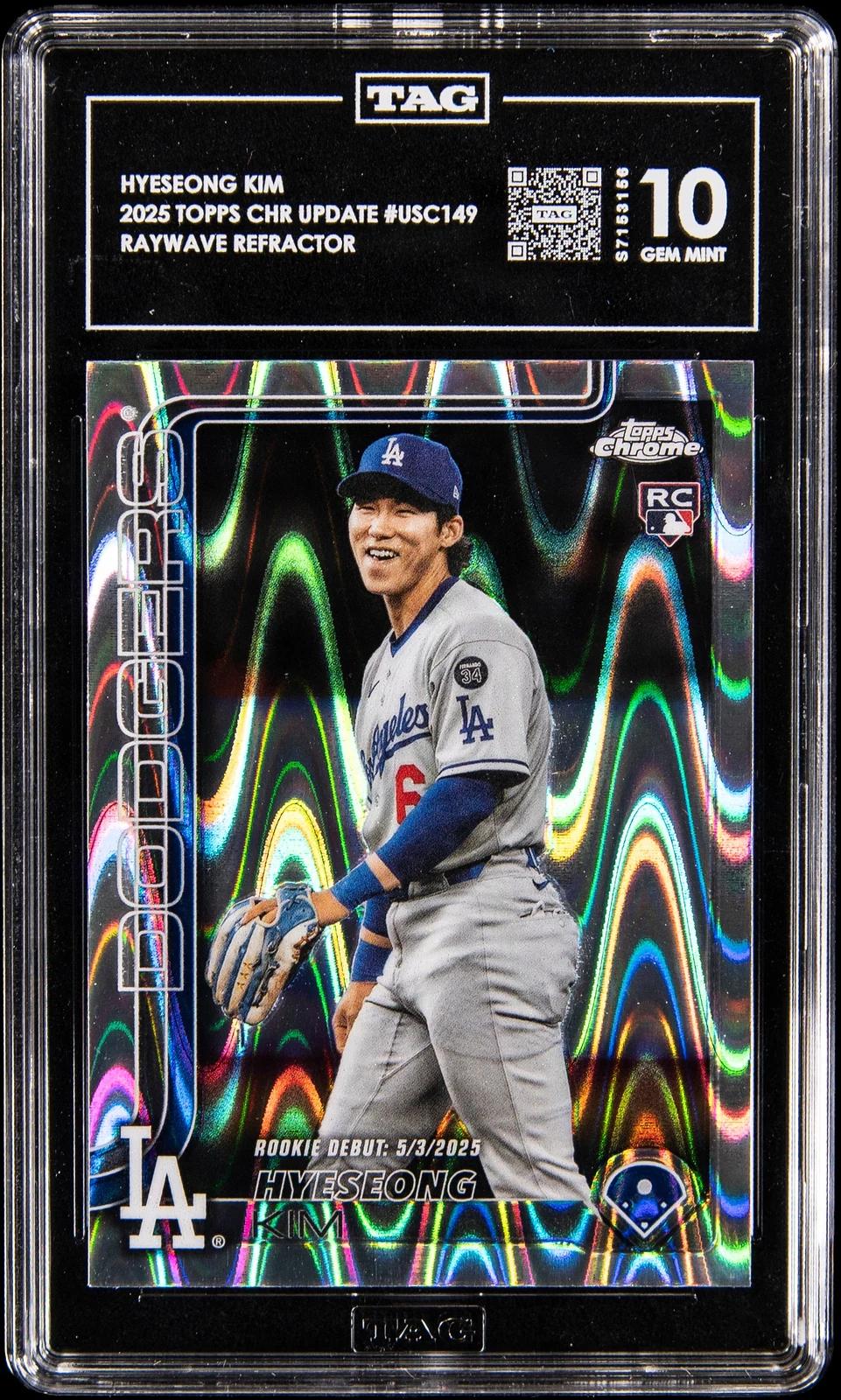
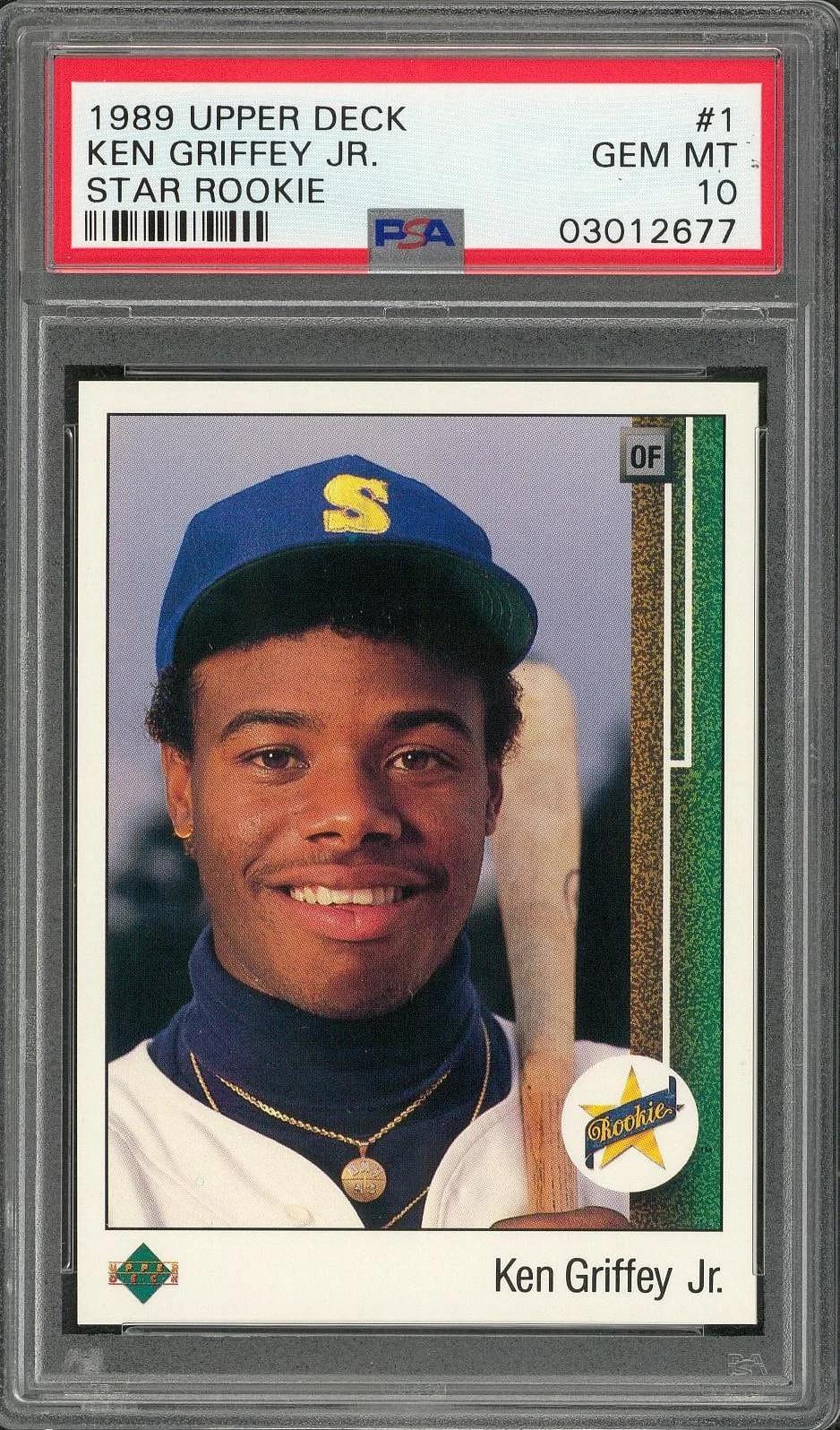
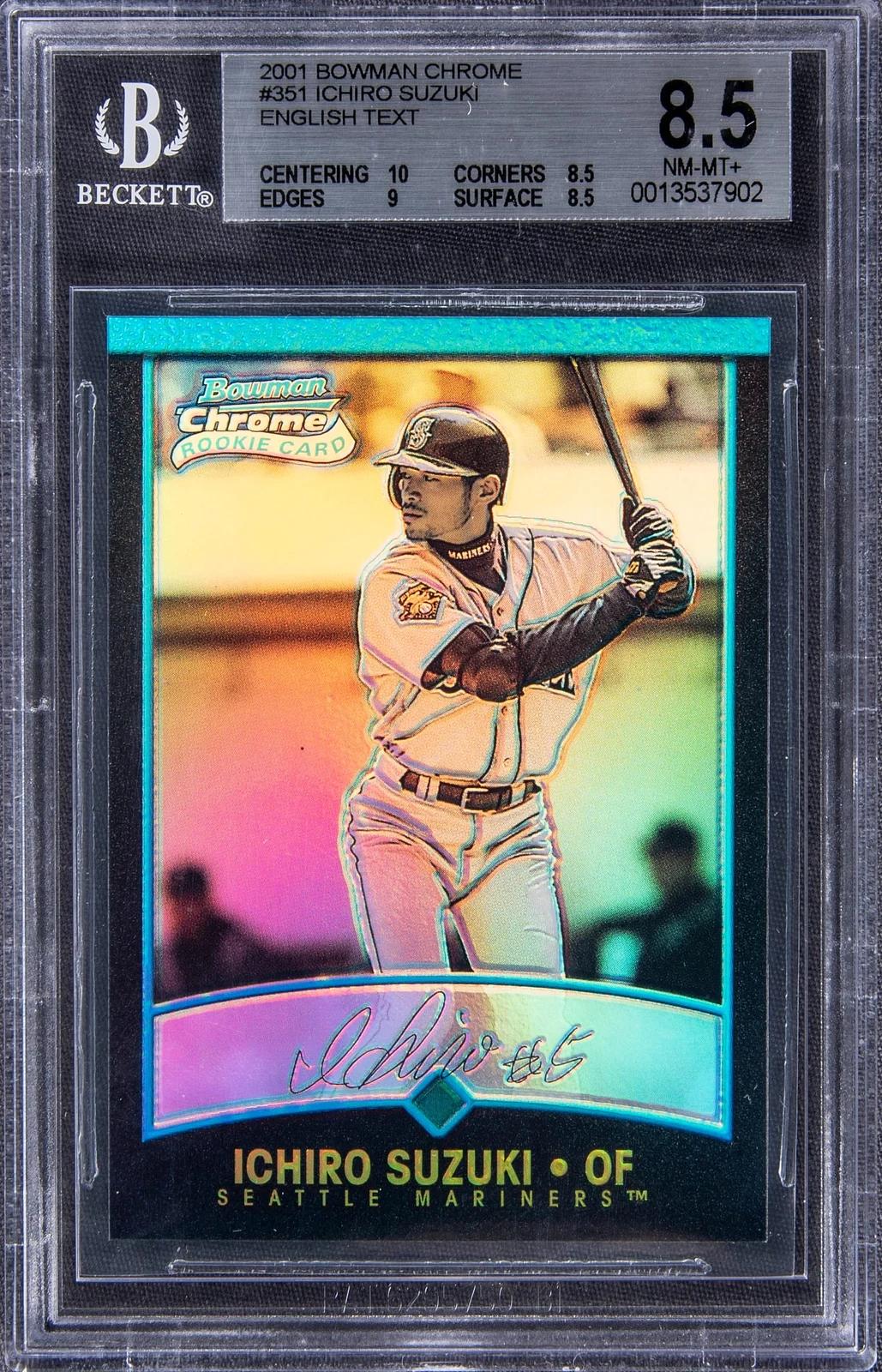
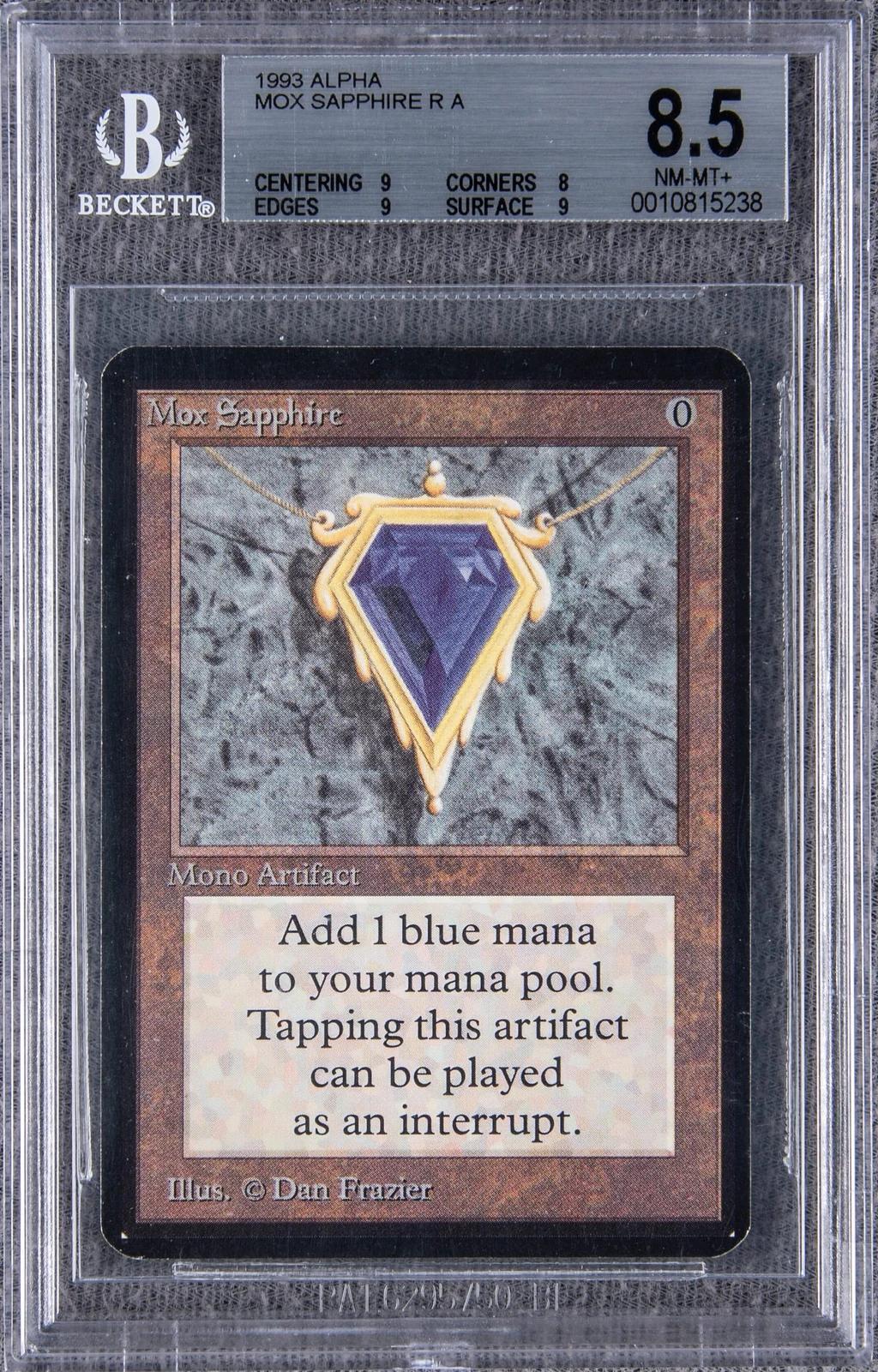
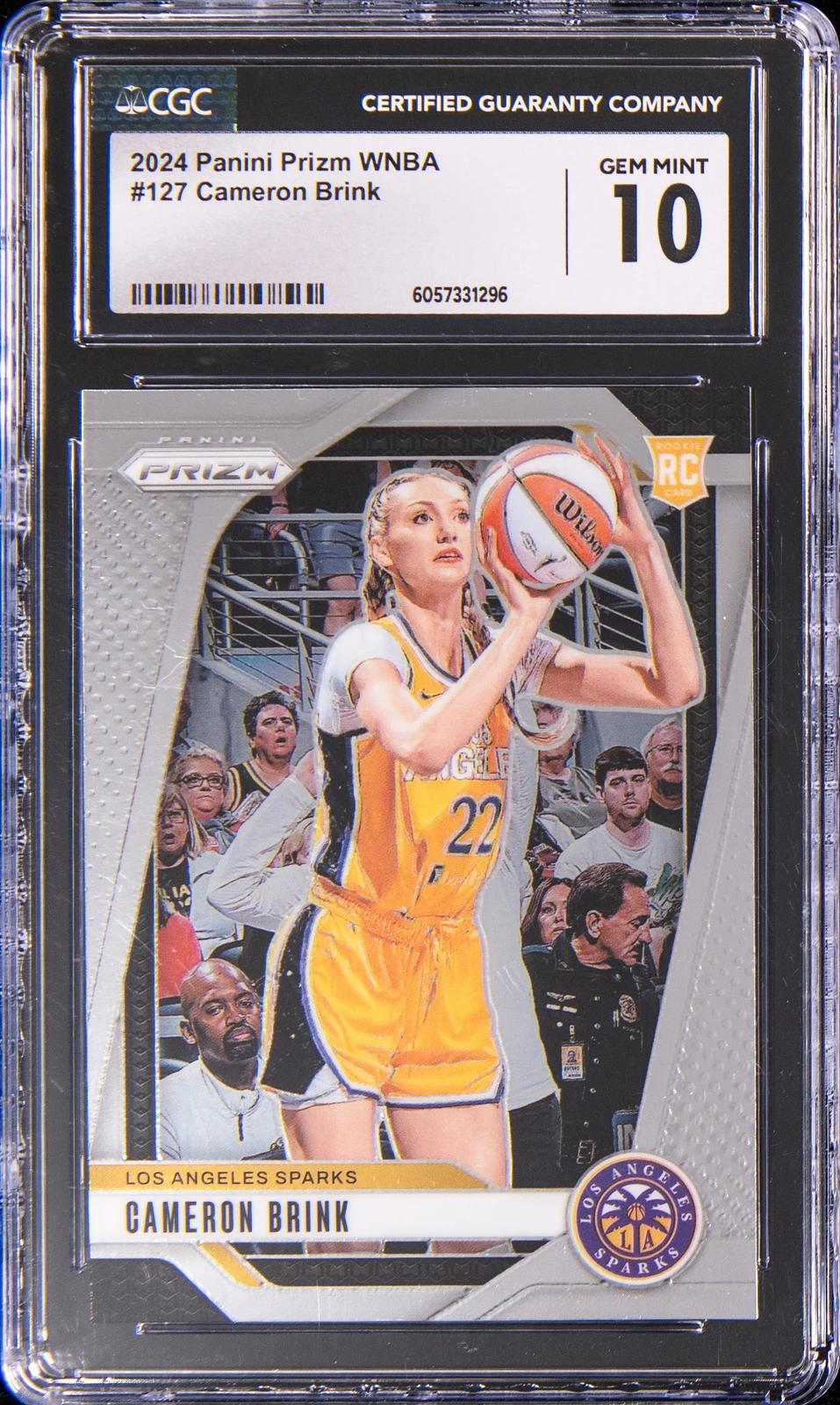
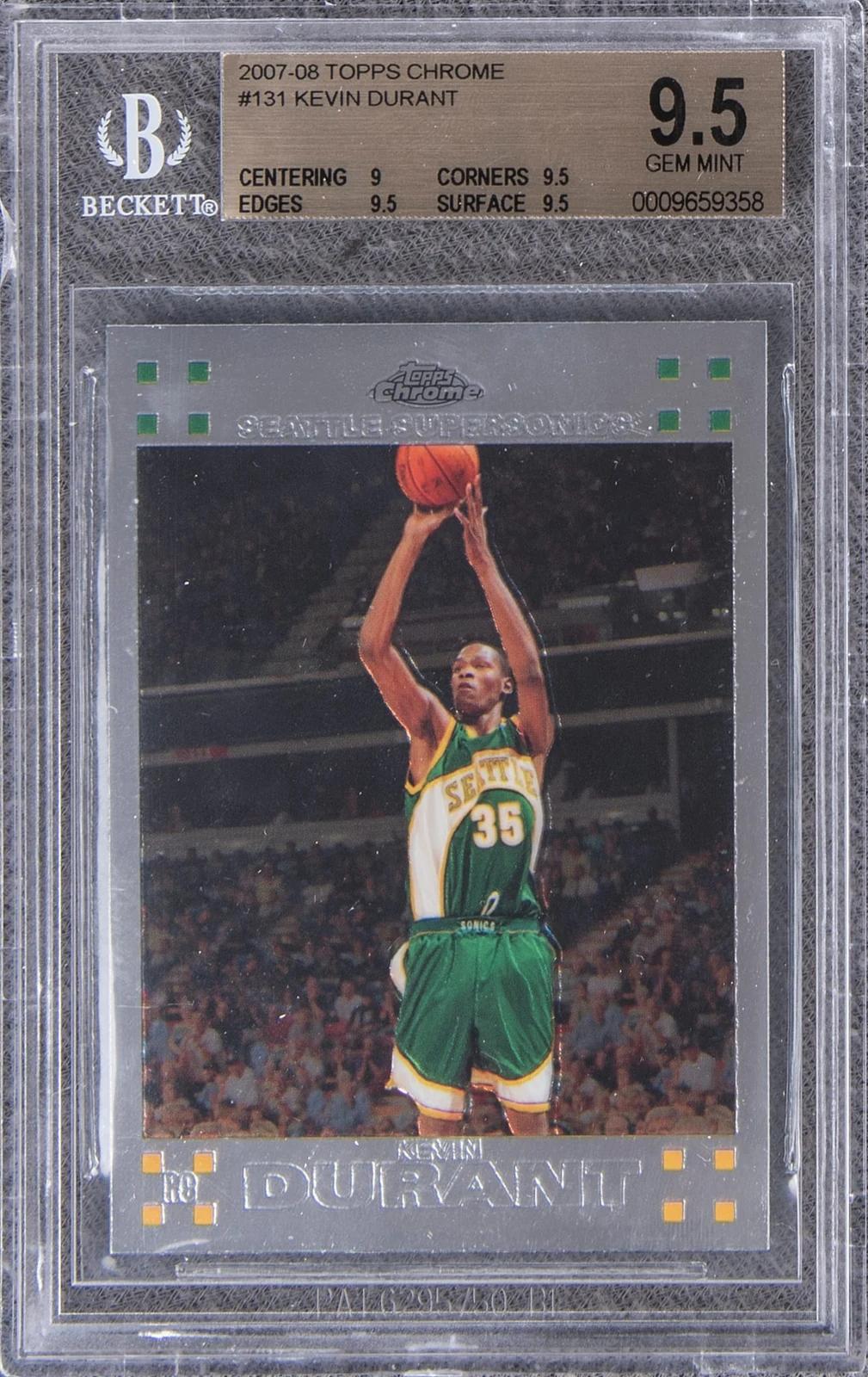
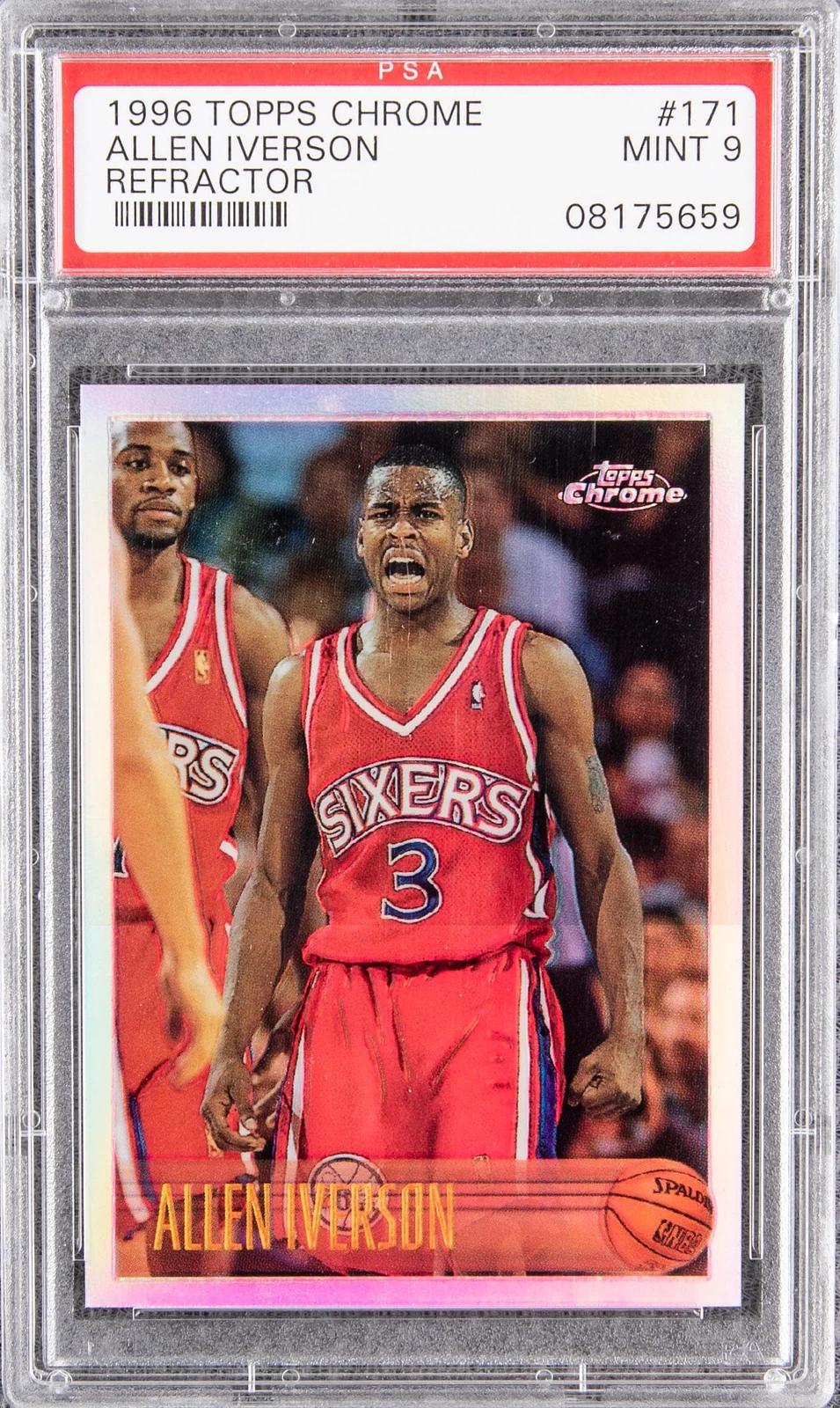
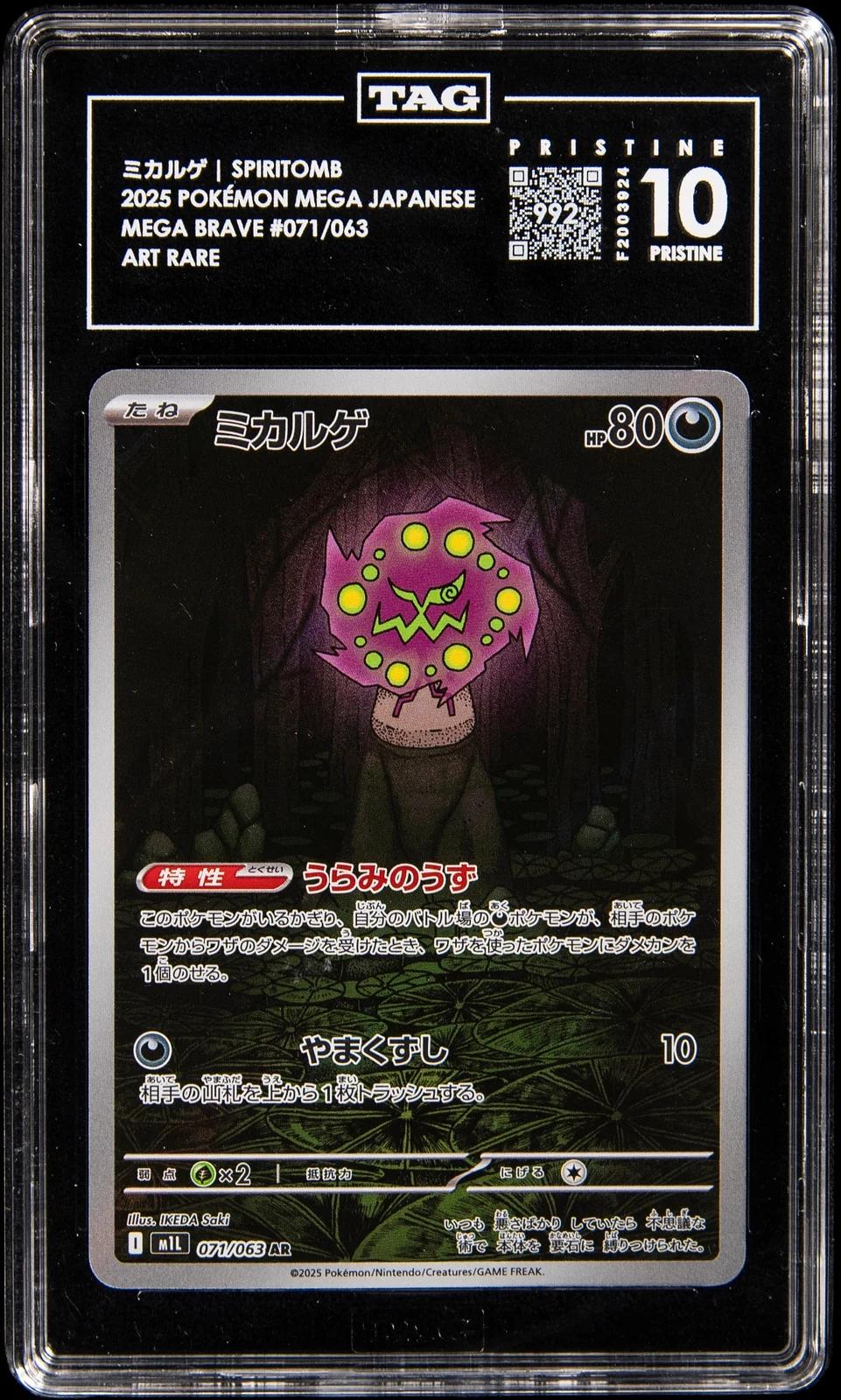
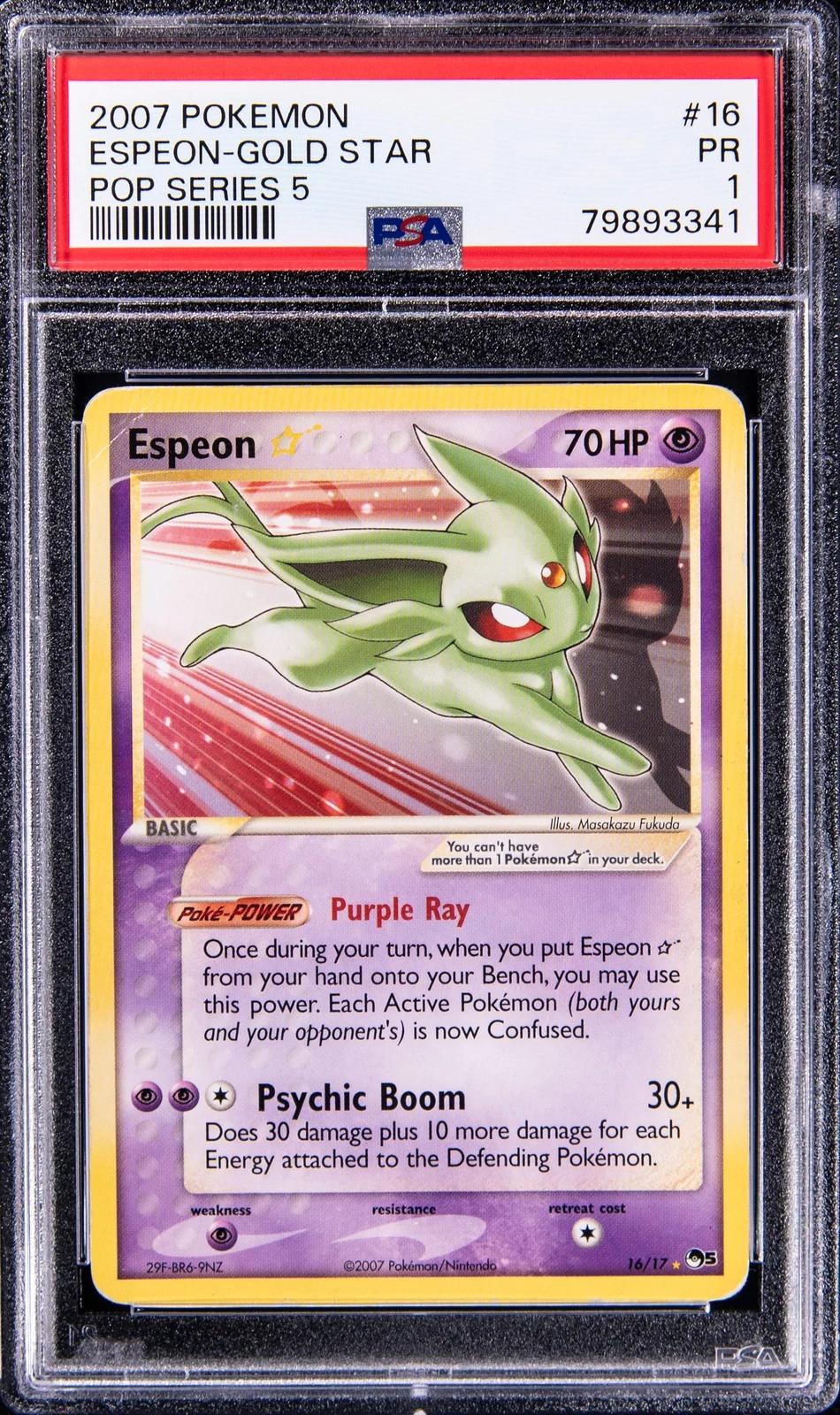
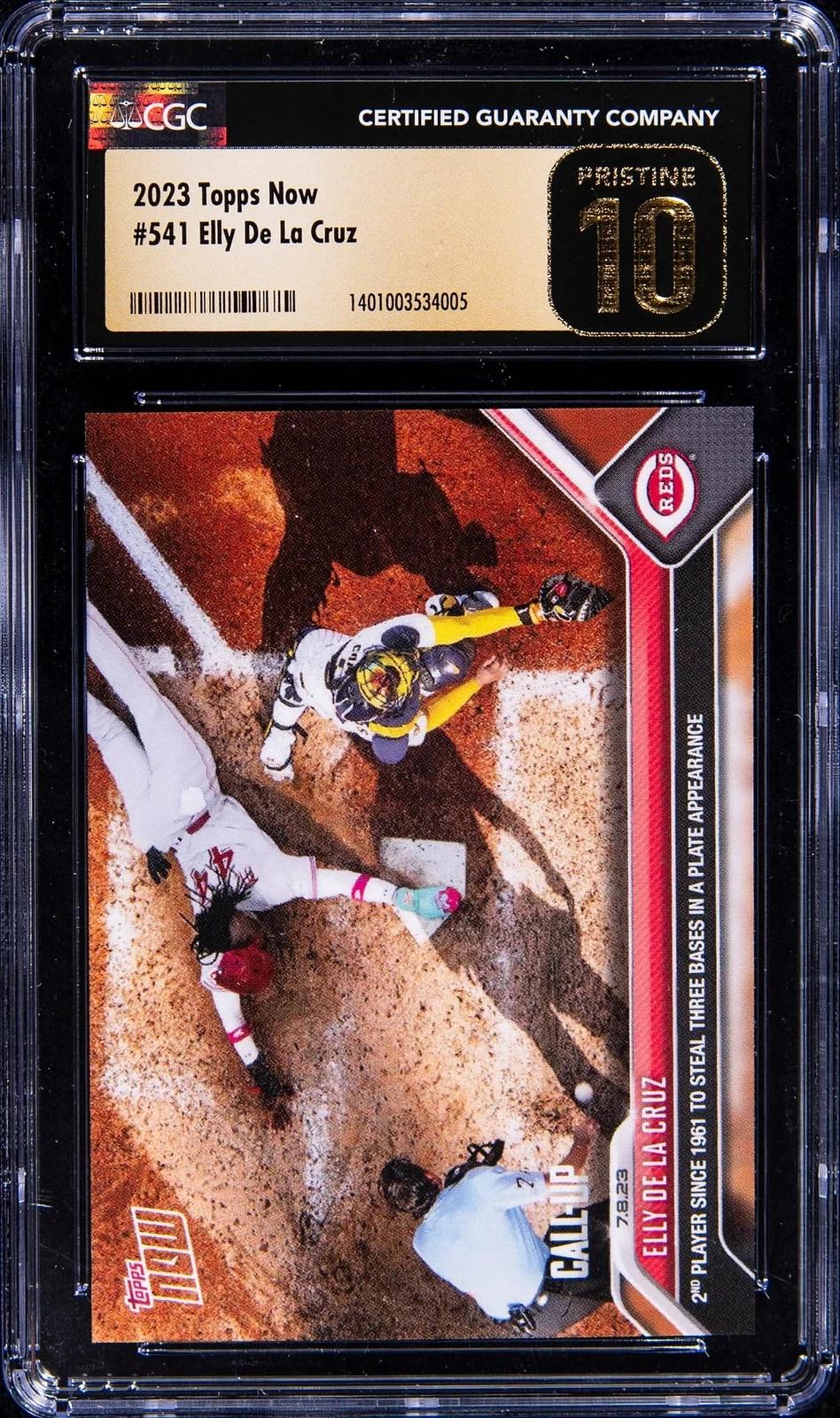
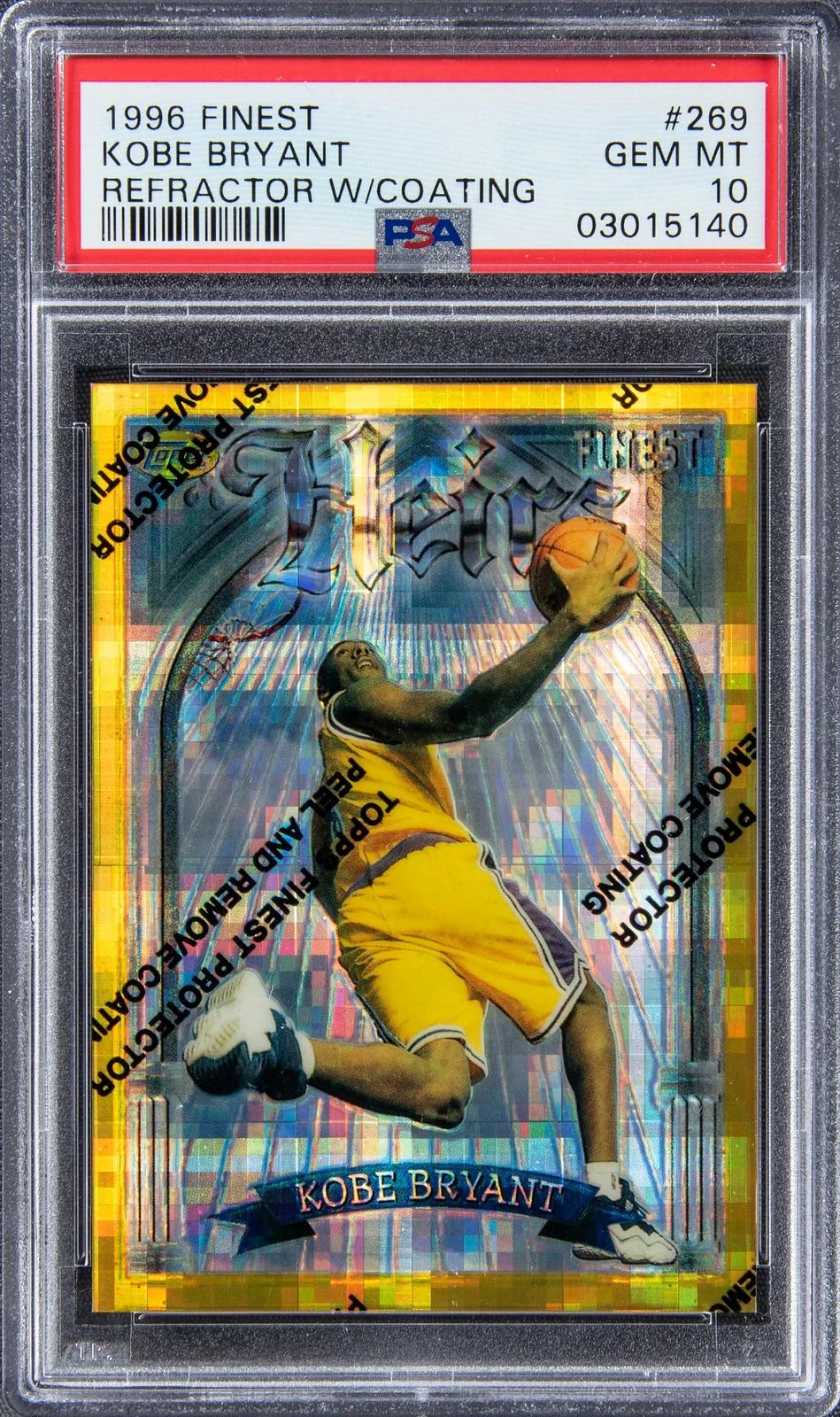
Dealers publish the cards they bring, with the price and the table.
The cards, the dealer, the table
What a published table tells you before the doors open.
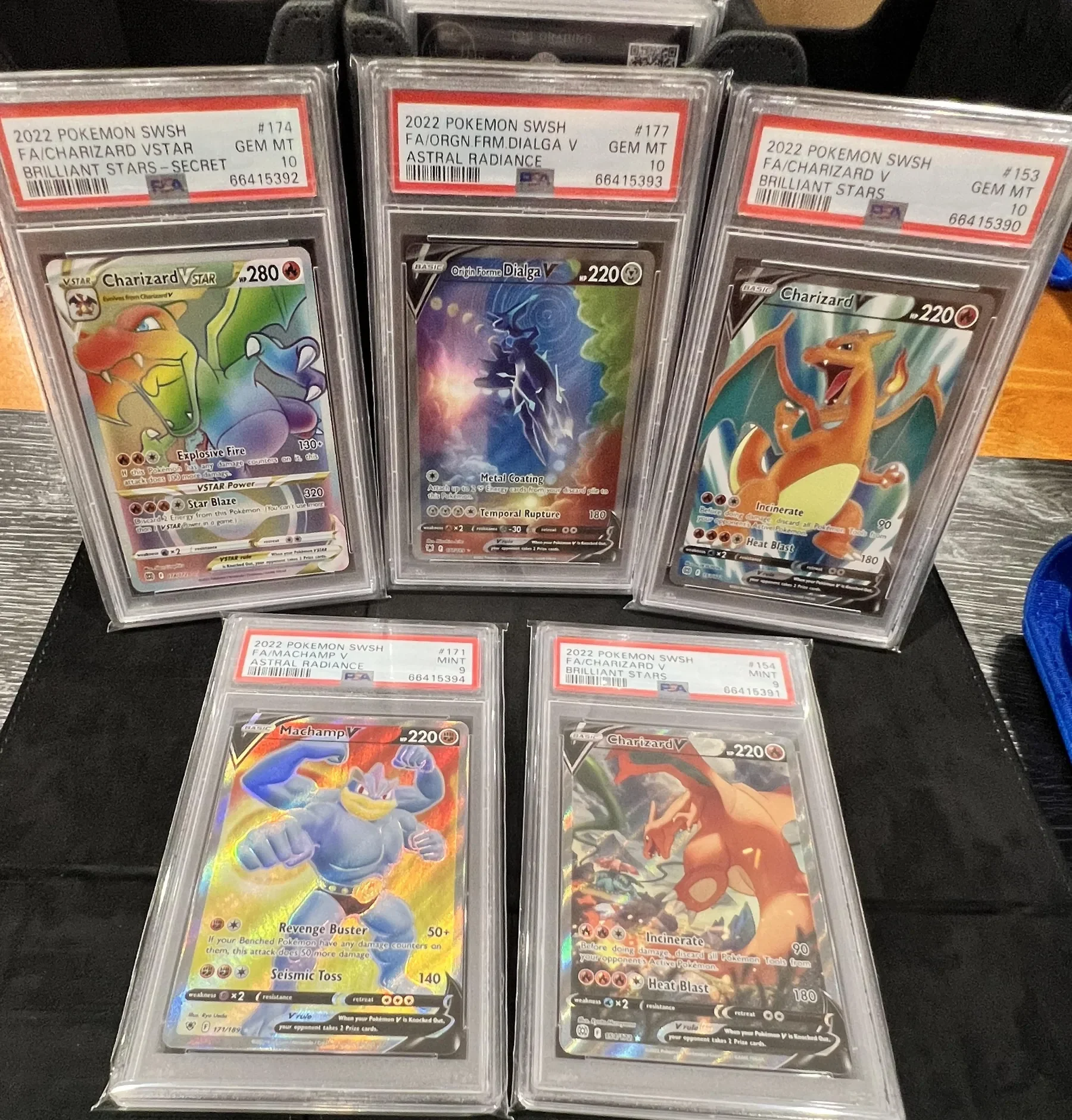
The dealerTrackside Slabs
The cards21 published cards
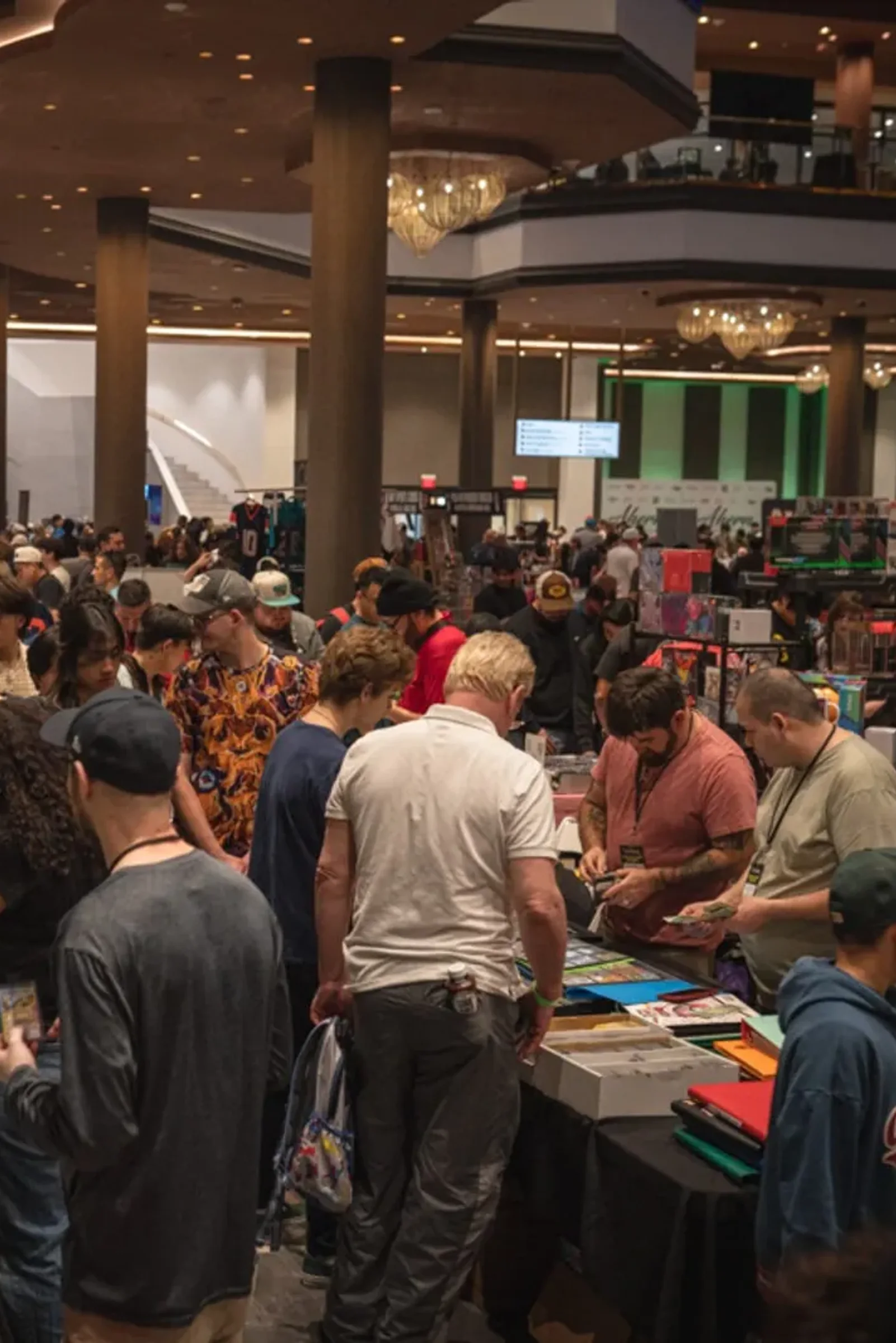
The tableTable 14 · Northgate Card Show
Tables at upcoming shows
One row per dealer, with the table number and the cards published.
From the table to an offer
Open a published table, look at a card with its price, and send the dealer your number before the show.
Open the table
Open a card
Type your offer
Offer sent



Browse a table, or publish your own
CaseLink is where dealers publish their show stock and collectors see it before they go.
Collector
Going to a show
See what dealers bring, save cards and make offers before you go.
Request collector accessDealer
Selling at a show
Publish your table and inventory, and run the show from one list.
Request dealer access
Save a card, or make an offer
Approved collectors can send an offer the dealer reviews during the show.
- Signed in
- Card saved
- Offer sent
Dealers choose what to publish
Only the cards a dealer chose to publish appear here.

- Price shownOnly on cards the dealer chose to publish.
- Cost neverWhat the dealer paid stays private.
- Storage neverCase, row and notes stay in inventory.
Check before you visit
A published table answers these without a sign-in.
- The cards the dealer published, with the price.
- The dealer and the table number.
- The show, its dates and the venue.
- No account needed to browse published inventory.
- Saving a card or sending an offer takes an approved collector account.
Public show inventory
Before you go
Do I need an account to browse shows?
No. The public directory, event pages and published dealer inventory can be browsed without signing in. Private workspaces and actions such as saving cards or sending requests require the relevant account access.
How do I find card shows near me?
Open Discover and filter by date, region or show type. Use Near me for distance-based results when you are comfortable allowing location access. Confirm current dates and venue details with the organizer before traveling.
Is CaseLink the organizer of every listed event?
No. Listings come from public sources and organizer submissions. A listing or map pin does not guarantee an event will take place. Check the organizer link and suggest an update when a listing is wrong.
How do I request beta access?
Use the access request form and choose Dealer, Collector or both for the work you do. We follow up by email about the next step. Sending a request creates no account, starts no subscription and does not guarantee approval. If you already have approved access, sign in.
Is the price on a card fixed?
The price shown is the dealer’s asking price. You can make an offer when the dealer takes offers on that card; if not, the app says “This dealer is not taking offers right now.” An offer below the dealer’s minimum is declined at once, and you can submit a higher one.
Does saving a card or making an offer reserve it?
No. Saving a card puts it on your Watchlist, and an offer goes to the dealer to review. The card stays open to everyone until the dealer sells it or reserves it.
What happens after I make an offer?
The app confirms “Offer sent to the dealer.” and the offer stands under Deals, where you can view or edit it. The dealer can review it during the show and follow up through your collector account. You can have one active offer on a card at a time.
Published right now 0
Published cards, across 0 tables and 0 shows.