Watchlist:
Save a catalog card and a target price to your Watchlist. The separate Wishlist preview illustrates how a wanted card could match a dealer’s copy.
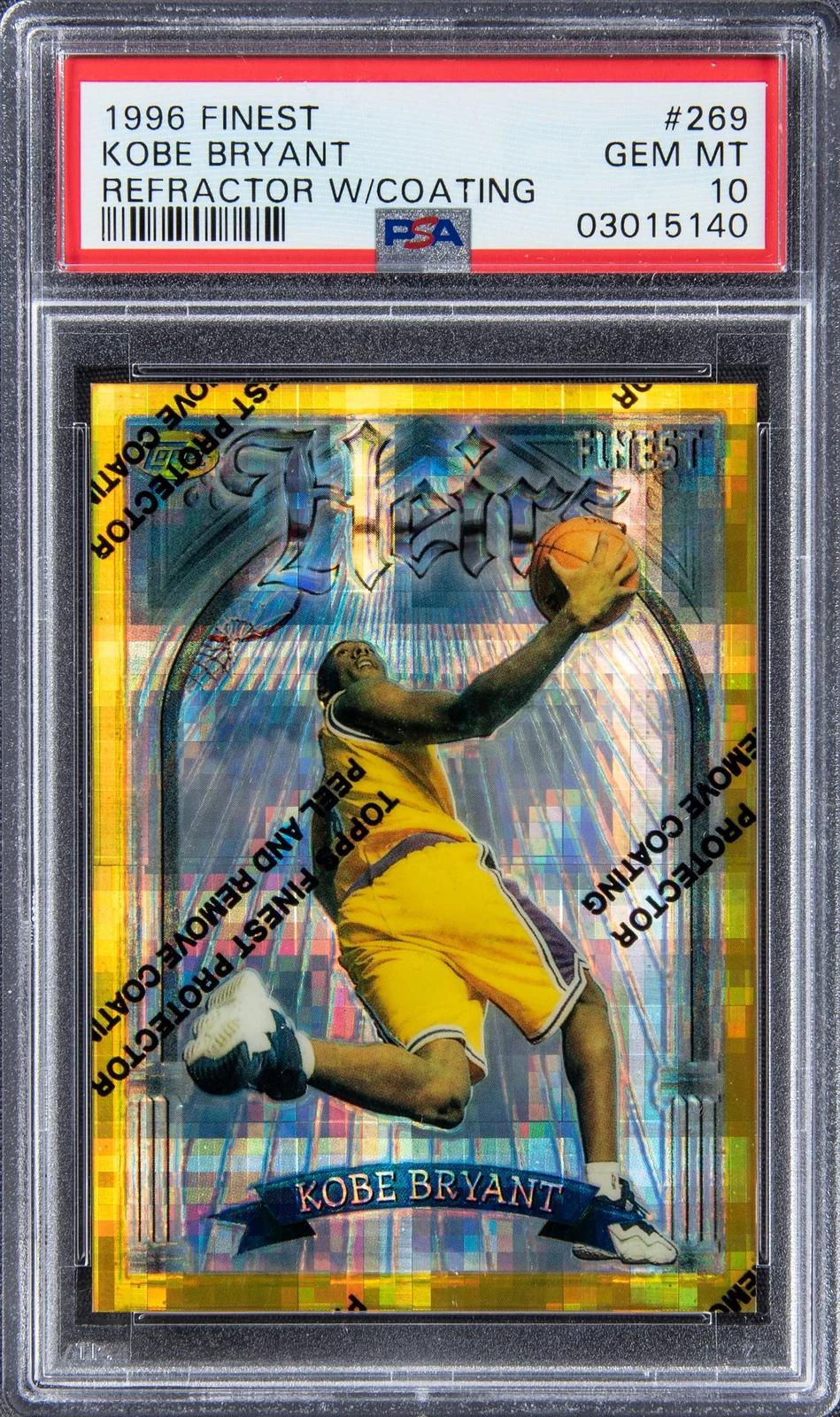
$54,000 at a show near you, under your $55,000 limit
See which show the matching copy is coming to. A match is a listing to review, not a purchase.
Every target, set exactly
Set the exact card, grade and price limit. On your Wishlist, choose who can see each search.
Kobe Bryant


Your Watchlist, up close
On the phone, the Watchlist holds the cards you watch in the market, each with a buy target. Cards you want from a dealer go on the Wishlist.
1 · The exact card
Card, year, set, number and grade, picked from the catalog. A raw copy or a PSA 9 is a different entry.
2 · Market value and last sale
What this card is worth in this grade and what it last sold for: $616 on Mar 27, 2026.
3 · Your buy target
The price you are waiting for, here $550. Private: no dealer sees your Watchlist or your targets.
4 · Buy target reached
When the market falls to your buy target or below, the card is marked. A price alert can also tell you by push.
5 · Wishlist
Cards you are missing, matched against what dealers have, are a list of their own. The flow further down shows it.


3 of 8 targets matched this month
These figures and the alert below illustrate one sample Wishlist. In the app, save catalog cards and target prices to your account through Watchlist.
A note on your phone, or a list that watches
Both remember what you want. Only one tells you when it turns up.
Wants
- Kobe ’96 Finest refractor PSA 10, under 55k
- Bedard Young Guns PSA 10, 550?
- Griffey ’89 Upper Deck PSA 10, max 5k
- Check the sites again Sunday
Nothing happens until you look again.
On the web: instant, daily or weekly, card by card.
Walk in knowing who has it
Add a missing card to your Wishlist with the grade and price you want. See which dealer has one before you reach the hall.
Add a card
Save it
A dealer has it
You get the alert

Where a target comes from, and where it leads
A target can start on a checklist, a search or a show. A match opens the next step, never a purchase.
- Sets & checklistsA missing spot becomes a target
- Add & identifyNot yours yet? Watch it instead
- Market researchThe sales behind a fair limit
- Show planningWho brings your targets to the show
- DiscoverPublished dealer cards and shows
- MessagesWrite to the dealer when you decide
- Offers & requestsTerms, counters and agreements
- VaultBought it? Add it as your own copy
Watchlist
How a target on your list works
How do I create an exact Watchlist target?
Open Market, choose the catalog card and grade, add it to your Watchlist and optionally enter your target price. Find it again under More, then Watchlist.
Will this Wishlist example send me an alert?
The dealer match and alert on this page use sample cards. The mobile Wishlist preview keeps changes for the session. Use your Watchlist to keep a target on your account.
Who can see a search in the Wishlist preview?
In the example, new Wishlist searches default to “At shows”. Dealers at shows you attend are the intended audience. Choose “Only me” to keep it private or “All dealers” for the widest audience. The example does not send a search to a real dealer or reserve a card.
How is the Watchlist different from Saved or the Vault?
The Watchlist follows cards you want. Saved keeps specific published listings you want to revisit. On the phone, find those listings under “At dealers” in your Watchlist. The Vault records copies you own. Neither a target nor a saved listing adds ownership.
What should I check when a match appears?
Review the current copy, edition, grade, photos, asking terms and availability. Open the research evidence when comparing a reference price. A signal is a prompt to review, not a completed purchase.
Start a watchlist
Set your first target when your access opens.