Import Center:
Explore the review with a sample spreadsheet. The mobile import preview lets you inspect rows. To save a card to your collector Vault today, add the individual copy.

One file, not a year of typing
All 240 rows get one status before anything reaches your Vault.
240 rows
Rows added per month: one import in November
Matched right away
212
of 240 rows, each to one exact card in the catalog. 18 wait in review, 6 are duplicates, 4 did not match.
Nothing is added until you approve
In the web workspace, start with a CSV spreadsheet, eBay purchase history or PSA grading records; Japanese sets match too. Approved rows go to your private Vault, the rest wait in review.
Bring in your file
Approve what matched
Import the approved rows
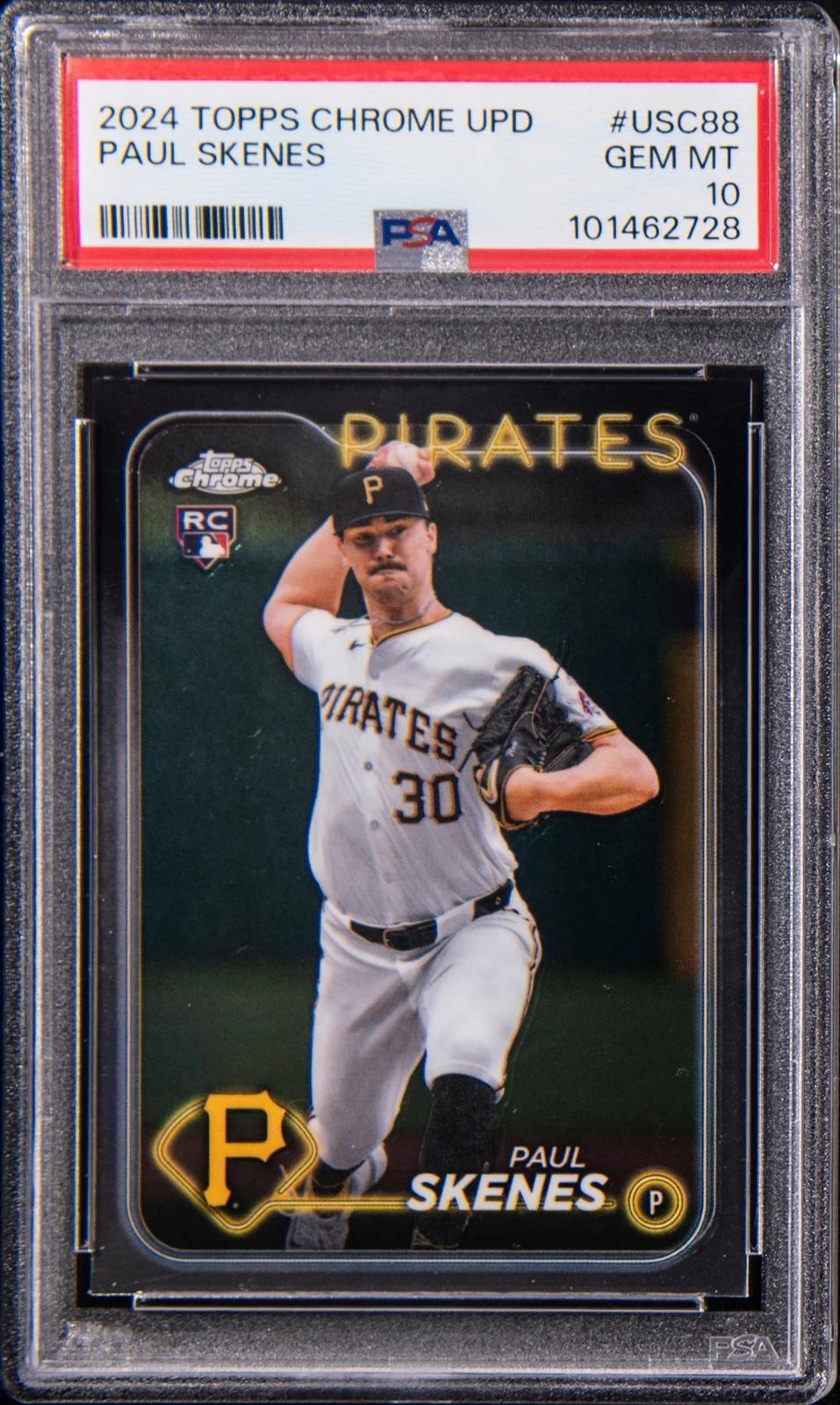
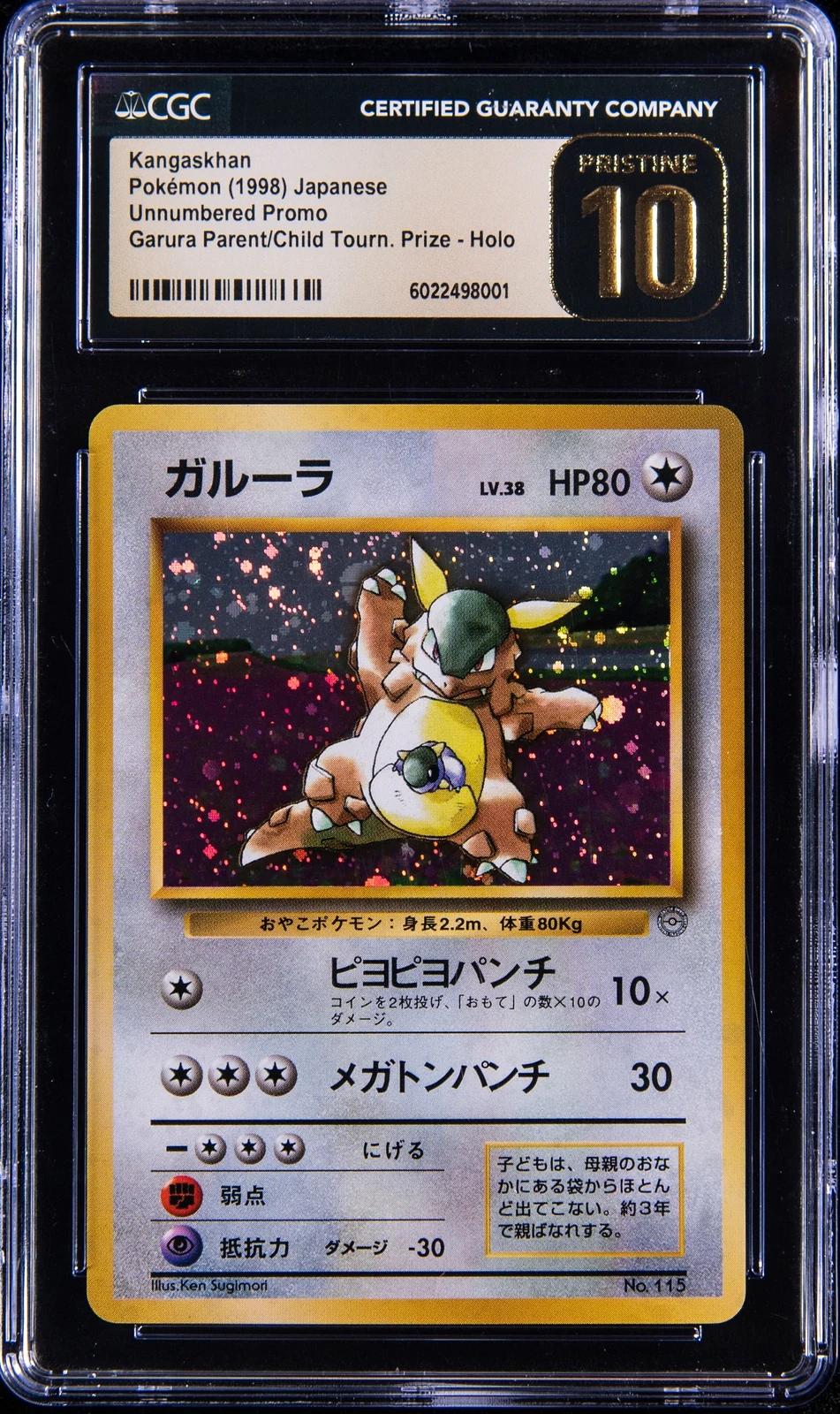
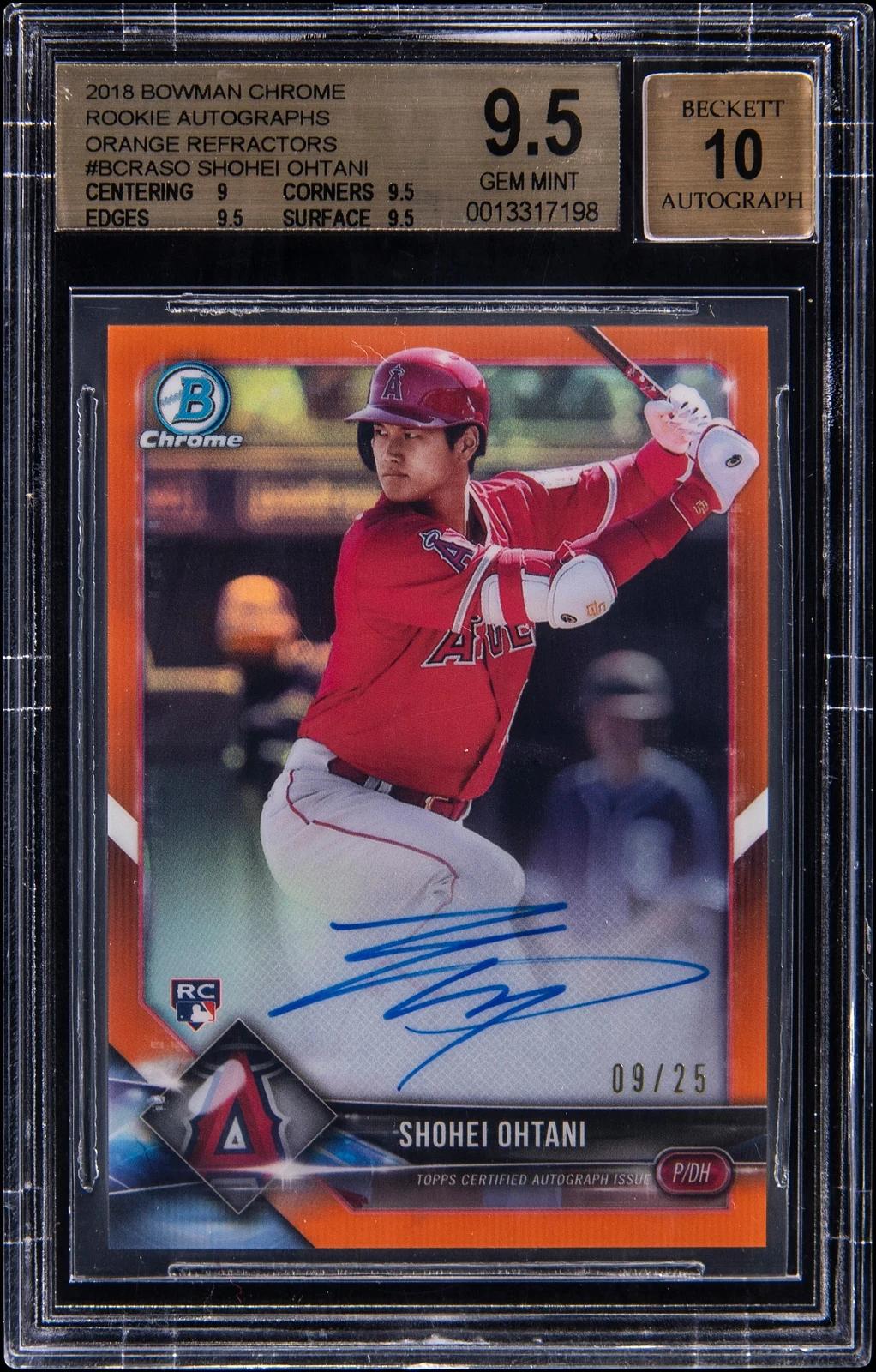
Every row gets one status
The 240 rows of the sample file, sorted before anything reaches your Vault.
212 matched
One exact card in the catalog. Approve them together.
18 in review
More than one possible card, or a field missing. You pick the card or fill the gap.
6 duplicates
The cert is already on a copy in your Vault. Skipping adds nothing and removes nothing.
4 not found
Nothing in the catalog fits. Correct the row or skip it; your original line stays visible.
Quantity 2
Two physical copies of one card. Each gets its own record once the card is confirmed.
Approve part of it
Import the approved rows now. The rest wait in review with their source.
Already in your Vault
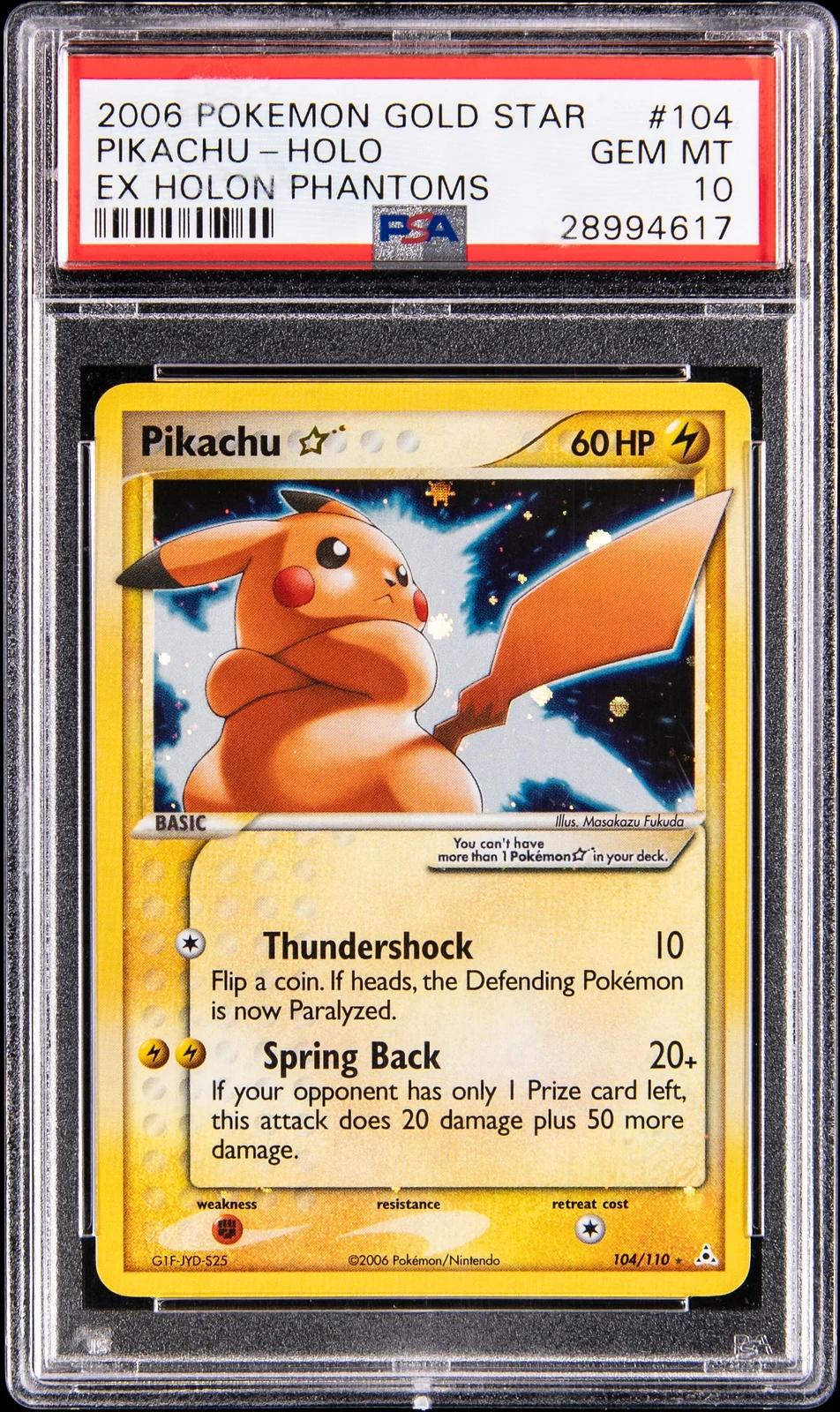
Same cert as a slab you own. Skip it and nothing changes.
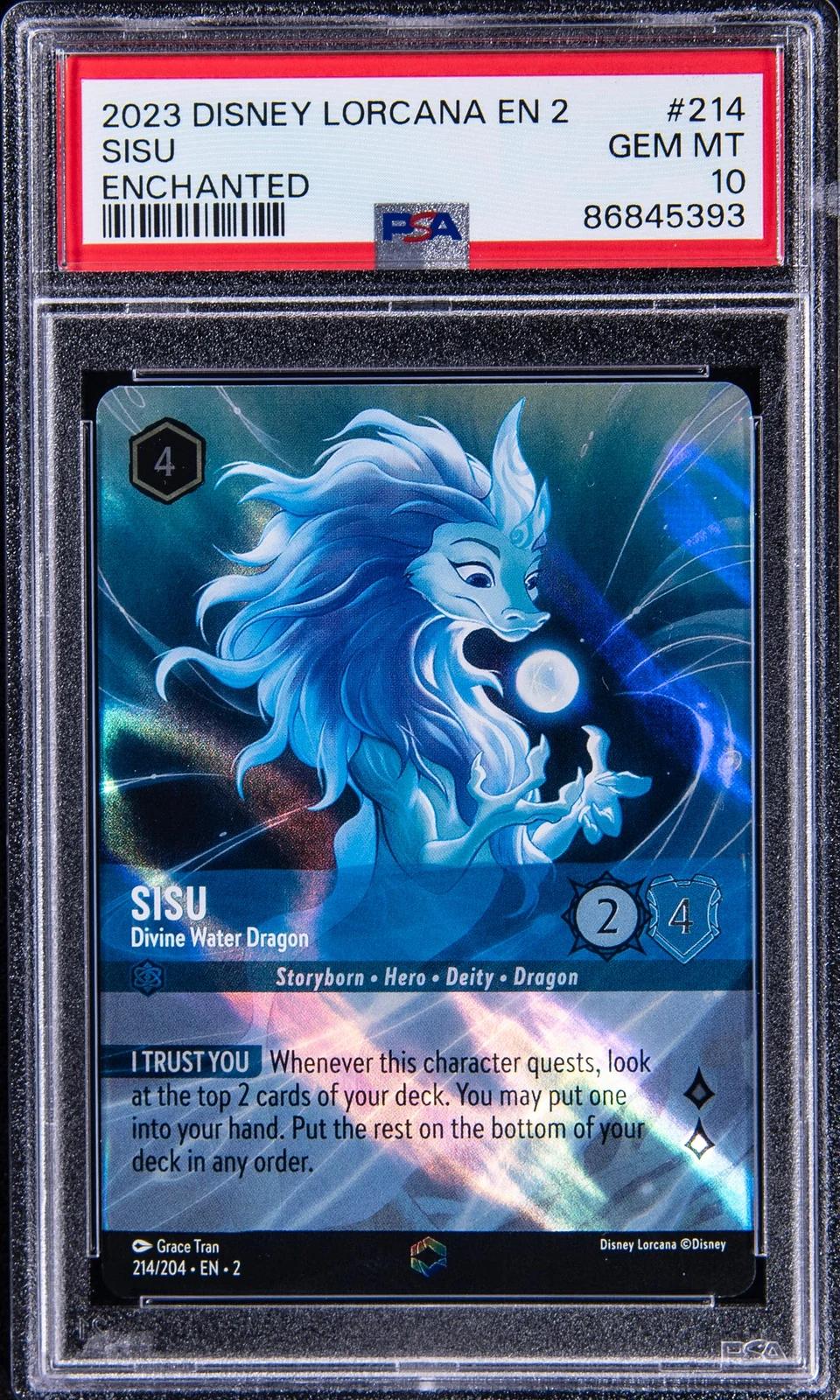
Every row, beside the card it found
The review in the web workspace puts each line of your file next to the card it was matched to, and says why.
1 · Your file
my-collection.csv as you keep it: 240 rows, and how many still wait for you.
2 · A matched row
The card it found, your own line under it and the reason. 99% means set, number, grader and grade all agree.
3 · A row to review
More than one card fits your line. You confirm the card before the row can be approved.
4 · A duplicate
The certificate is already on a copy in your Vault. Skip duplicates leaves it out; nothing in your Vault changes.
5 · Not found
Nothing in the catalog fits. The line stays in the file’s record, and nothing is added for it.
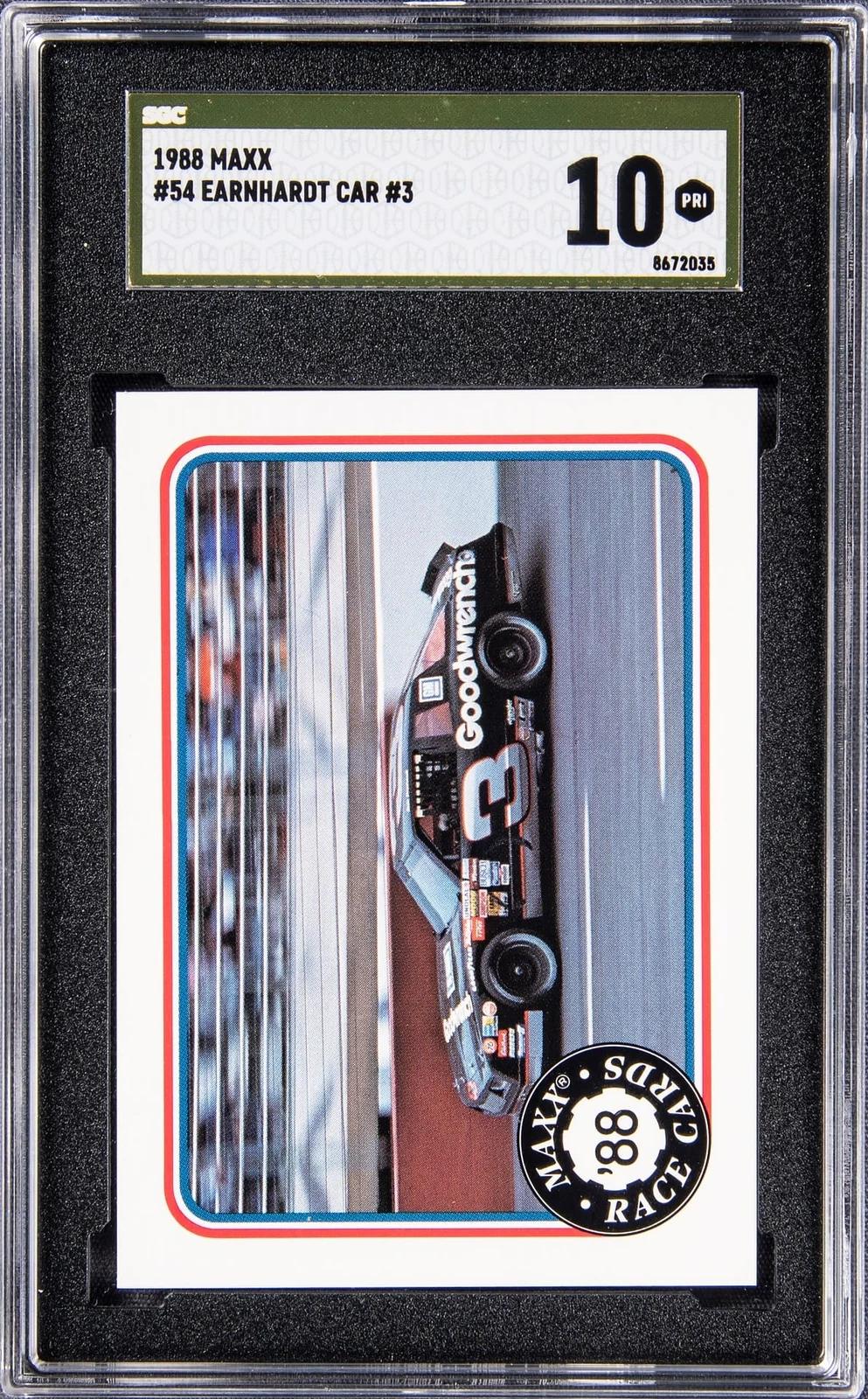
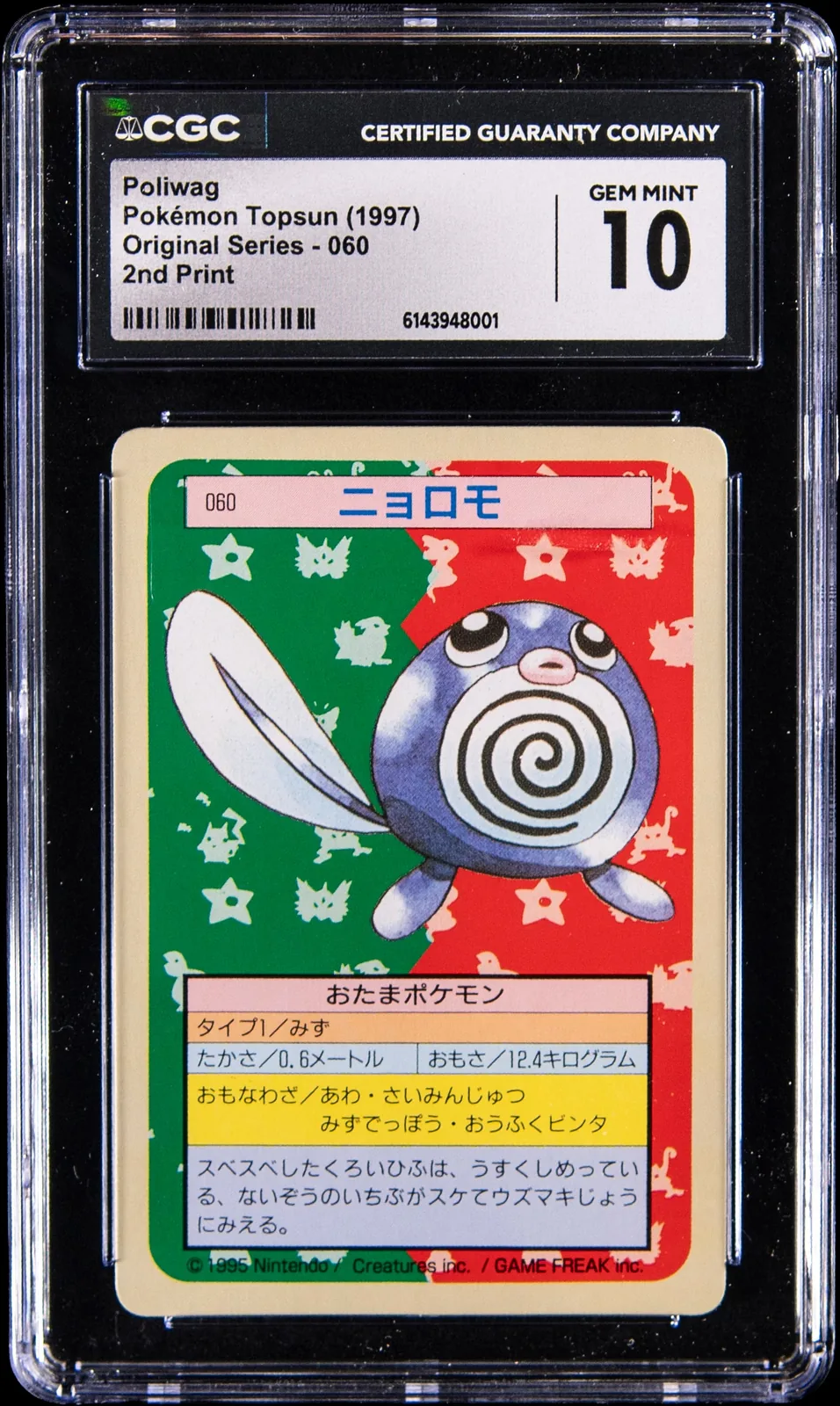
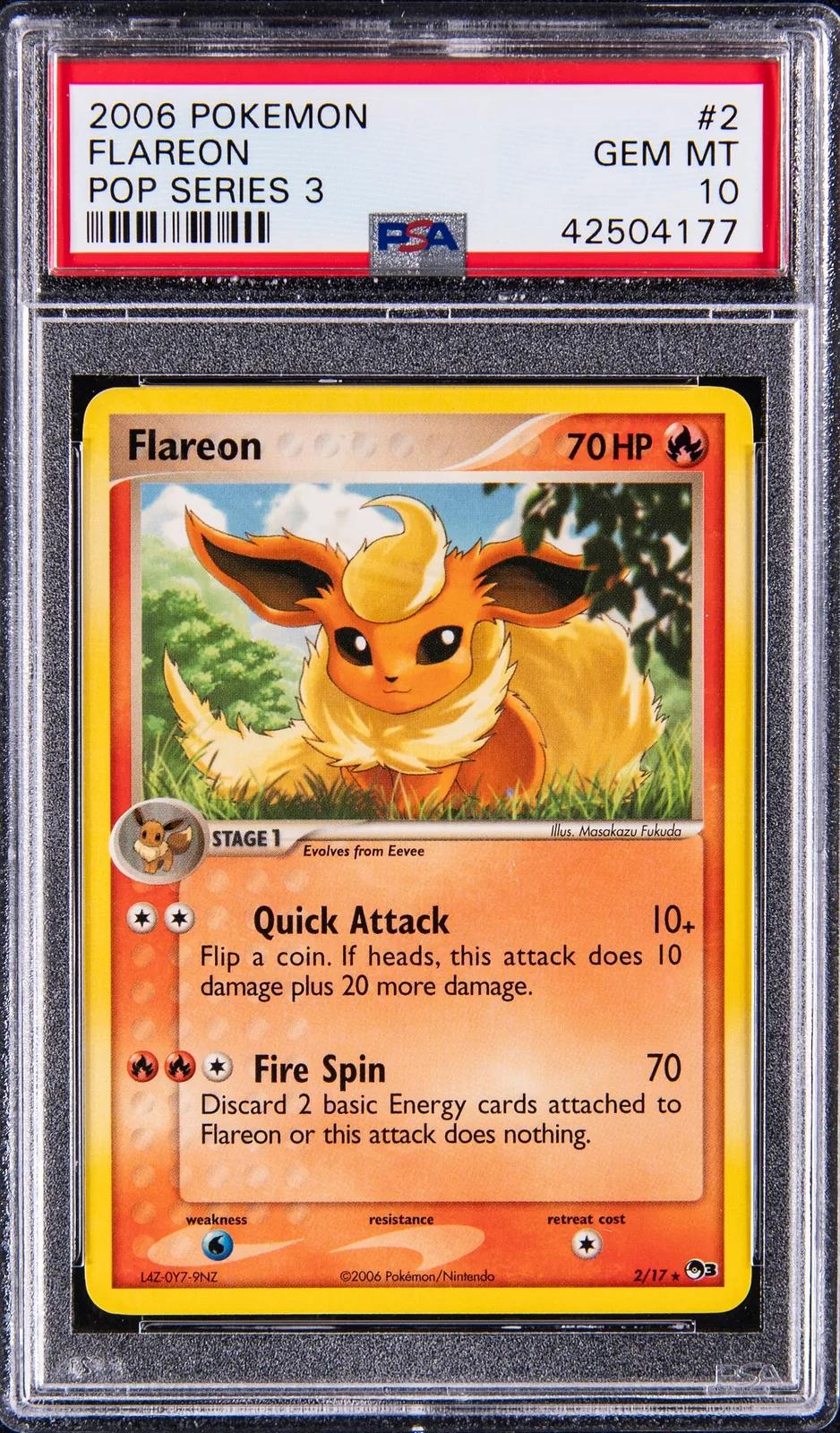
One row in, one copy out
The row as you typed it, and the copy your Vault keeps after you approve.
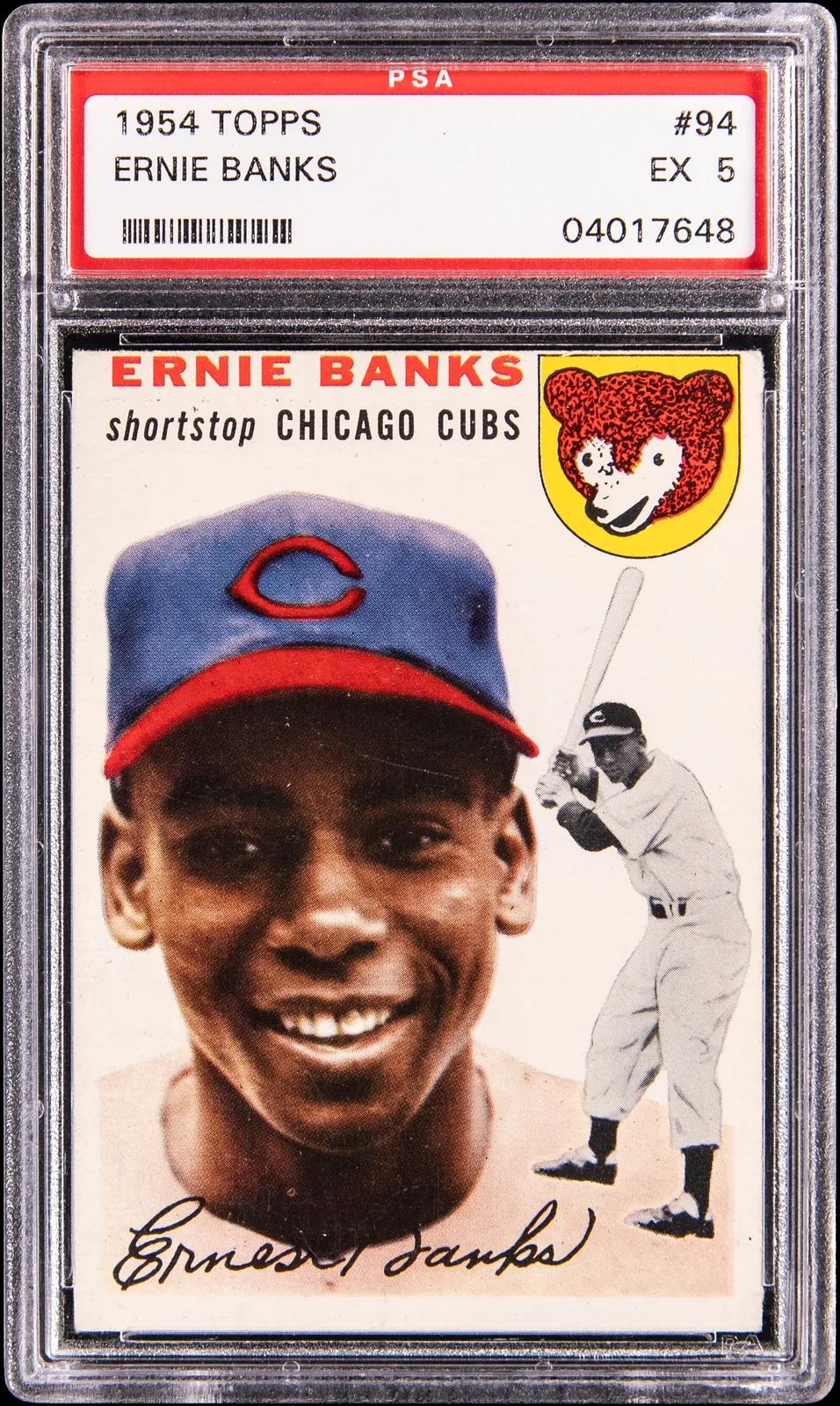
After you approve
This example shows where a completed import would appear. The current mobile preview finishes its review without saving rows to your account.
Import Center
Before you approve an import
Does finishing the mobile review save the cards?
The current mobile preview lets you inspect the rows. Finishing the review does not create Vault items. Use the add-card action in Vault to save an individual copy.
What should I check in a matched row?
Compare the year, set, card number and parallel with your physical copy. For a slab, check the grader, grade and full certificate number as well.
What should I do with repeated rows?
Compare the physical copies before you remove a row. Two raw cards with identical descriptions may be separate copies. A repeated slab certificate deserves a second look.
Where can dealers import a stock file?
Use the signed-in web Inventory import with the Manage inventory permission. Dealer stock and your personal collector Vault are separate.
Bring your collection
Leave your email for collector access.