Staff access:
Invite your team with expiring links. Choose each person’s role and permissions for the work they do.

Staff access
Cost stays hidden at the table
A helper without View financials never sees costs or P&L. Set role, permissions and expiry before you share the link.

- RoleStaff or Manager. Owner controls stay with you.
- PermissionsFive abilities, chosen one by one for Staff.
- ExpiryEach invitation link closes on its own.
1password for the whole table
On one shared account every helper sees cost and margin. Here each person signs in as themselves, with only the abilities you grant.

Who can do what
Each ability is separate. You grant them one by one.
Mark show stock pulled
Only if you grant it.
Record sales
Only if you grant it. It does not expose cost or margins.
Release accepted-offer holds
Only if you grant it.
Manage inventory
Only if you grant it.
View financials
Only if you grant it. It is a separate permission.
Invitations and members
Owner only. Neither role inherits it.
Owner view, staff view
Same card, same price. The cost is yours.
View financials is a separate permission. In the app it reads “See cost and margin”.
Open Sam in Team
Switch off cost and margin
On Sam’s phone the cost is gone

Until an invitation link expires
7 days
Revoke a pending link or remove a member any time.
Your team on one screen
Members and open invites, kept apart.
1 · Your controls stay yours
Only the owner invites, withdraws an invite and removes a member. No role inherits it.
2 · Access per person
Each member shows their role and how many of the 16 areas they can open. Tap a person to change role, rights and areas.
3 · Invites on their own
An invite nobody has used yet shows the day it ends. Tap it to withdraw it.
4 · Invite with the rules set
Name, e-mail and role first. Then you share a code that works once, for seven days.
One card, three views
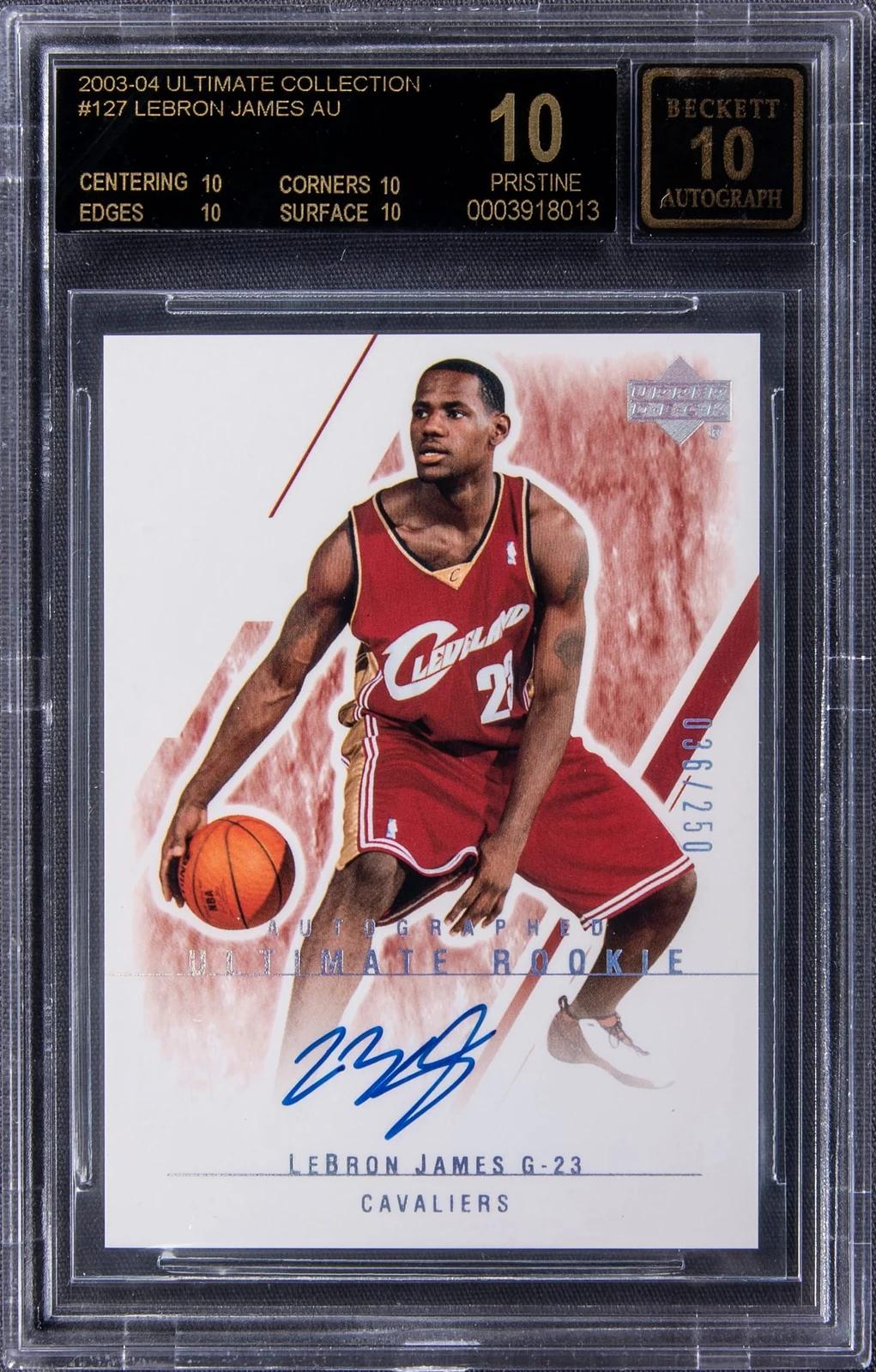
Mike Trout, 2009 Bowman Chrome, PSA 9, priced at its newest sale. What each role sees and can do with it.
From invite to the first show
Monday
Invite
Staff, three abilities, a seven-day link.
Tuesday
Accept
Sam joins with a personal account.
Saturday
Show day
Sam records sales. Cost stays hidden.
Any time
Change or remove
Switch an ability or end the access.
Staff access
Invitations, roles and permissions
Do CaseLink staff invitations expire?
Yes. Each invitation has an expiry, and the invitation list distinguishes pending and expired links. Invitation expiry is separate from the access of a staff member who has already joined.
What can I grant to a Staff member?
Choose permission to mark show stock pulled, record sales, release accepted-offer holds, manage inventory and view financials. Each ability is separate; recording sales does not automatically expose cost or margins. Workspace modules and source access still apply.
How is Manager different from Staff?
Manager includes all five operational permissions. Staff permissions are chosen individually. Neither role inherits owner-only invitation or membership management controls.
Can a pending staff invitation be revoked?
Yes. The owner can revoke a pending invitation. Expired, revoked or already used links cannot create another membership. Removing accepted access is a separate member-management action.
Is access limited to one show or device?
The invitation joins the dealer workspace with a role and permissions; it is not a temporary show-only password. Invitations and members are managed in the app and on the web. Both use the same active membership and permission flags, with controls adapted to each screen.
Then set up the queue and the weekend

Actions
One queue for open work
Offers, holds and listing issues, each linked to its record.
See Actions
Show profitability
What the weekend earned
Sales against table fees, travel and expenses.
See show profitability