64live$412,650 stock value
Listings:
List sports cards on eBay in batches: prepare the cards, review the batch, then publish what you confirmed.

Review
Nothing publishes until you confirm
Go through the batch, one card at a time, before it goes out.
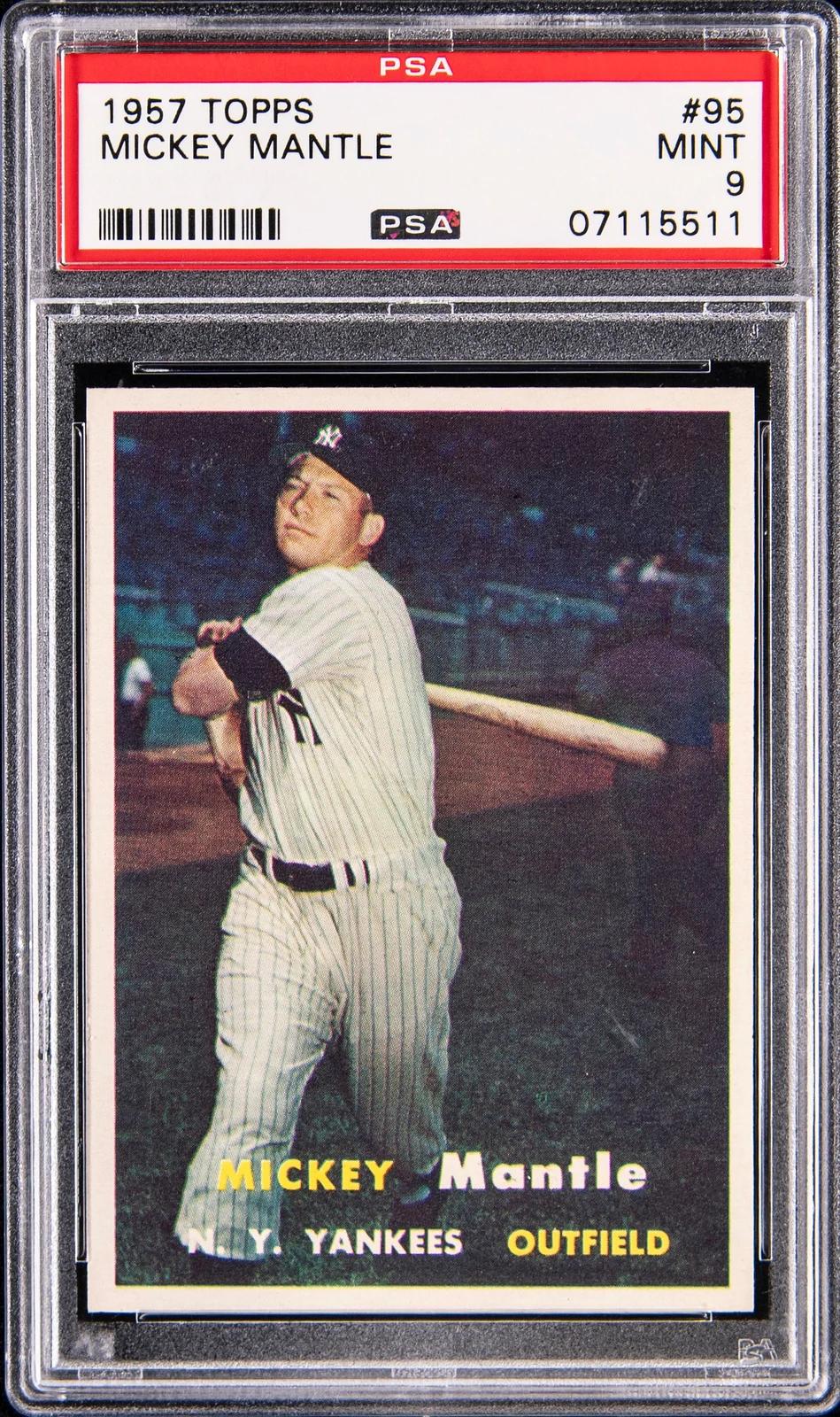
Mickey Mantle
One listing at a time, or one batch
On eBay alone, every card is its own form. In CaseLink, the batch starts from your inventory.
| eBay, card by card | CaseLink | |
|---|---|---|
| Title, photos and price filled from your inventory | No | Yes |
| The whole batch reviewed before anything goes live | No | Yes |
| Format, policies and start time set once for the batch | No | Yes |
| A sale at the table ends the eBay listing | No | Yes |
| Each listing tied to its card in your inventory | No | Yes |
| Listed under your own eBay account and policies | Yes | Yes |
Before and after the batch
Prepare
Select the cards and fix what is not ready: title, images, price, quantity, grade.

Review
Check the listing terms, your seller policies and the launch cadence.

Follow up
See what went out. Retry what failed, without republishing the rest.

81%published
Know where your listings stand
A listing eBay rejects comes back as Needs a fix. Retry that item, not the batch.
64 of 79 cards in one Listings workspace.
After the batch, up close
Listings in the web workspace: what is live on each channel, what needs a fix, and every publish run in one line.


- Every card has a place64 of the 79 cards are listed. 3 need a fix and 12 are not listed anywhere: 64 + 3 + 12 = 79.
- One tile per channelThe 64 are live on eBay and on your Storefront. Each tile shows its errors, its last sync and a fee estimate.
- One sentence, one actionNeeds attention names each gap once: review the 3 eBay rejected, list the 12 that are nowhere yet.
- Each run in one line67 items went to eBay: 64 live, 3 failed. A failed listing is fixed and retried from its own row; the live ones stay as they are.
A recorded sale ends the eBay listing
Published from the Web workspace, sold at the table. Check the result in Listings; the eBay side can take a moment.
Active on both, sell it
Record the sale
The eBay listing ends

Listings
What CaseLink does on eBay, and what it does not
- Fixed price or auction: you choose the format, your seller policies, the start time, the batch size and the interval before you confirm.
- Nothing goes to eBay before you confirm the batch. A failed item comes back as Needs a fix and is retried alone.
- A recorded sale ends the linked eBay listing. Marketplace updates may be delayed, so check the result in Listings.
- Listing accuracy, eBay fees, shipping and fulfillment stay with you. CaseLink does not handle them.
- Listings needs an authorized eBay connection and the right team permission. The batch workspace is on Web, not in the Mobile app.
Listings
Before you publish a batch
Who can use CaseLink eBay listing operations?
Listings uses an authorized eBay connection and the appropriate team permission. Seller policies and marketplace requirements still apply.
Can I prepare a batch of eBay listings?
Yes. Select Inventory, resolve missing details and review fixed-price or auction settings. Choose seller policies, publish order, start time, batch size and interval before confirming publication.
What happens after a listing is linked or published?
Inspect the job and item-level results, then retry failed items without repeating successful ones. Linked listing and order updates stay connected to Inventory and sales, but marketplace updates may be delayed.
Can the Mobile app manage eBay listings?
The batch publishing workspace is designed for Web. An item’s internal status on Mobile is separate from publishing or ending an eBay listing; use Listings to review marketplace actions.