Web & Mobile:
Prepare with room to work. Keep card details close when you are on the move.

One inventory, every screen
Add a card on your phone and it is already there on the web.
Add on the phone
Price on the web
Sold on both

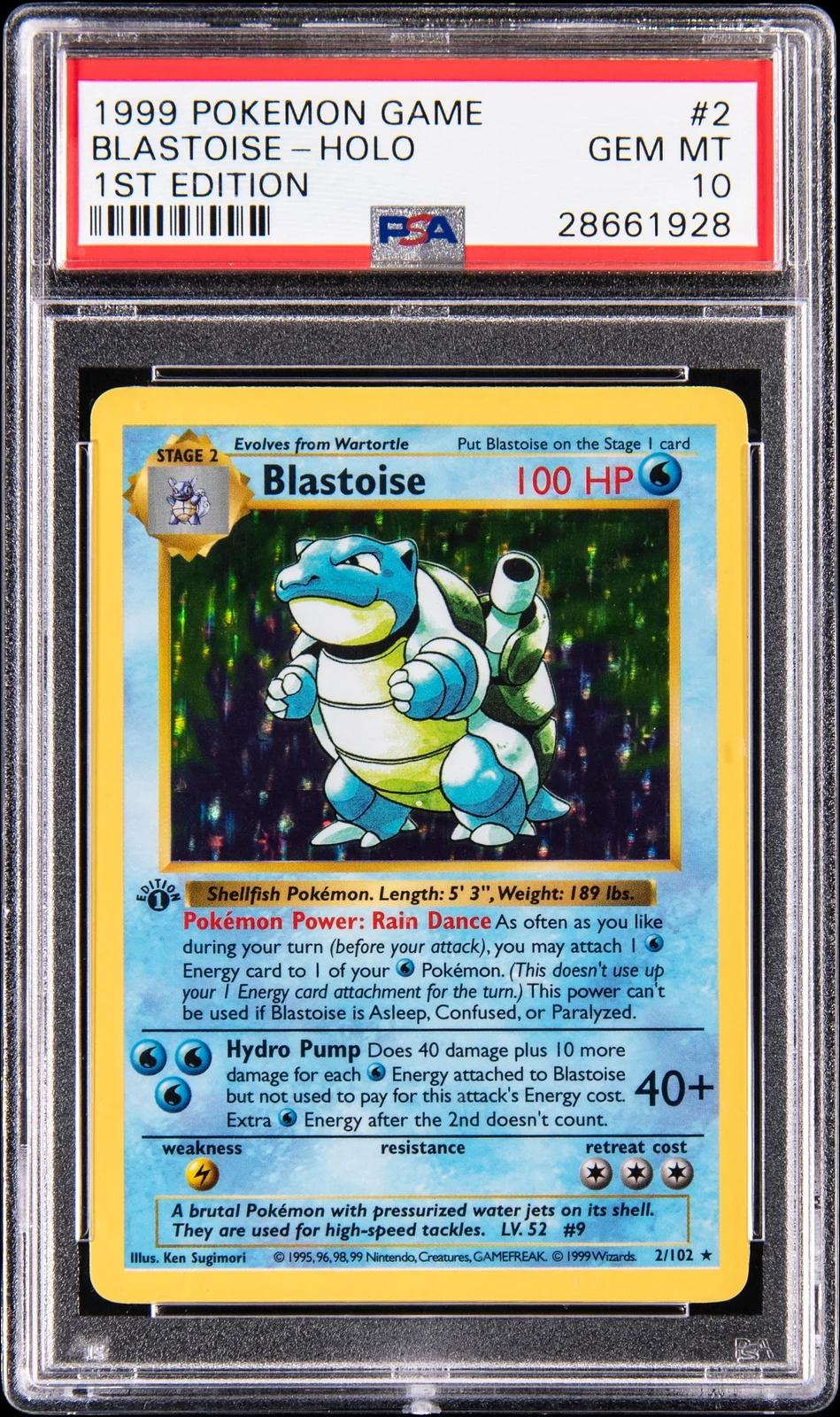
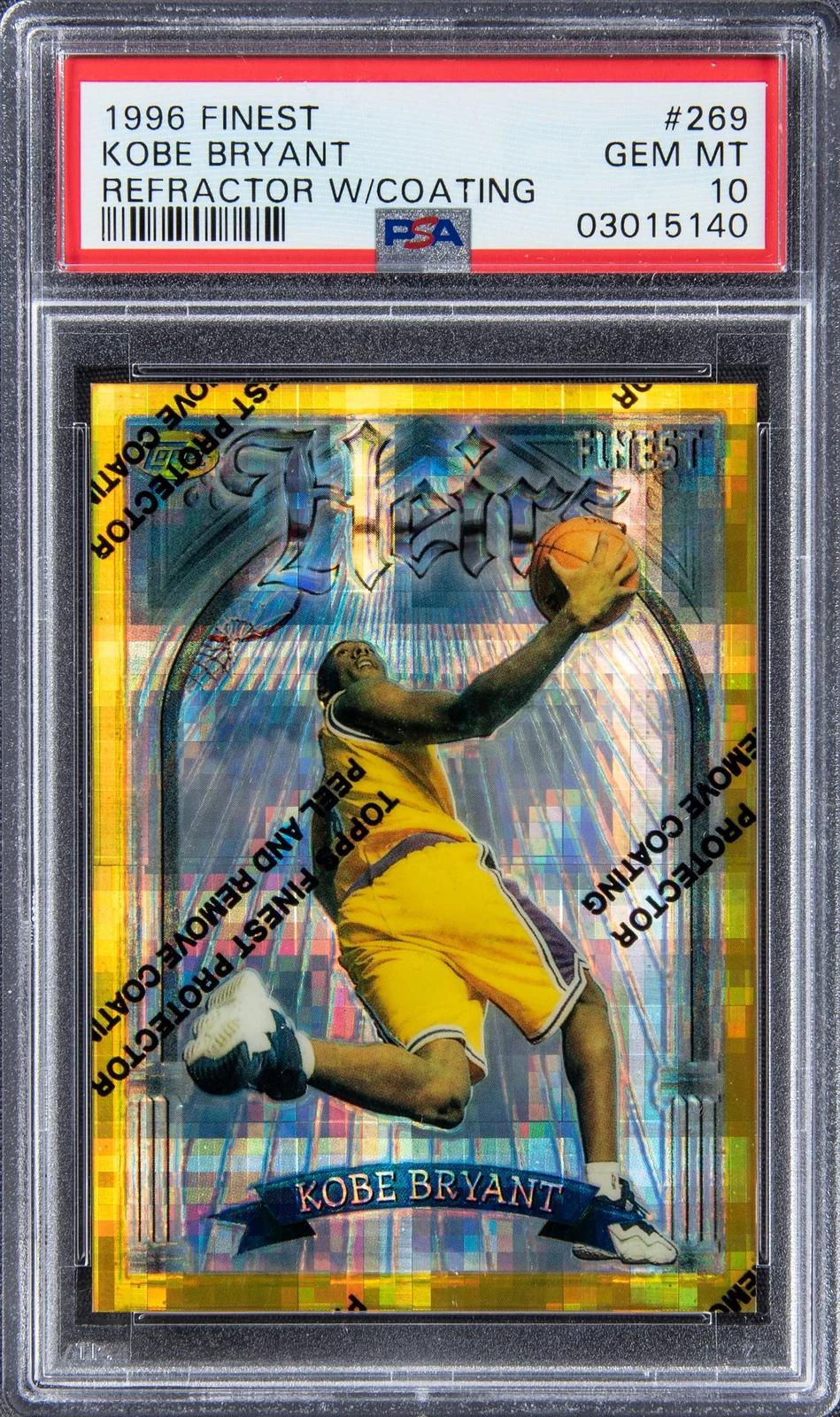

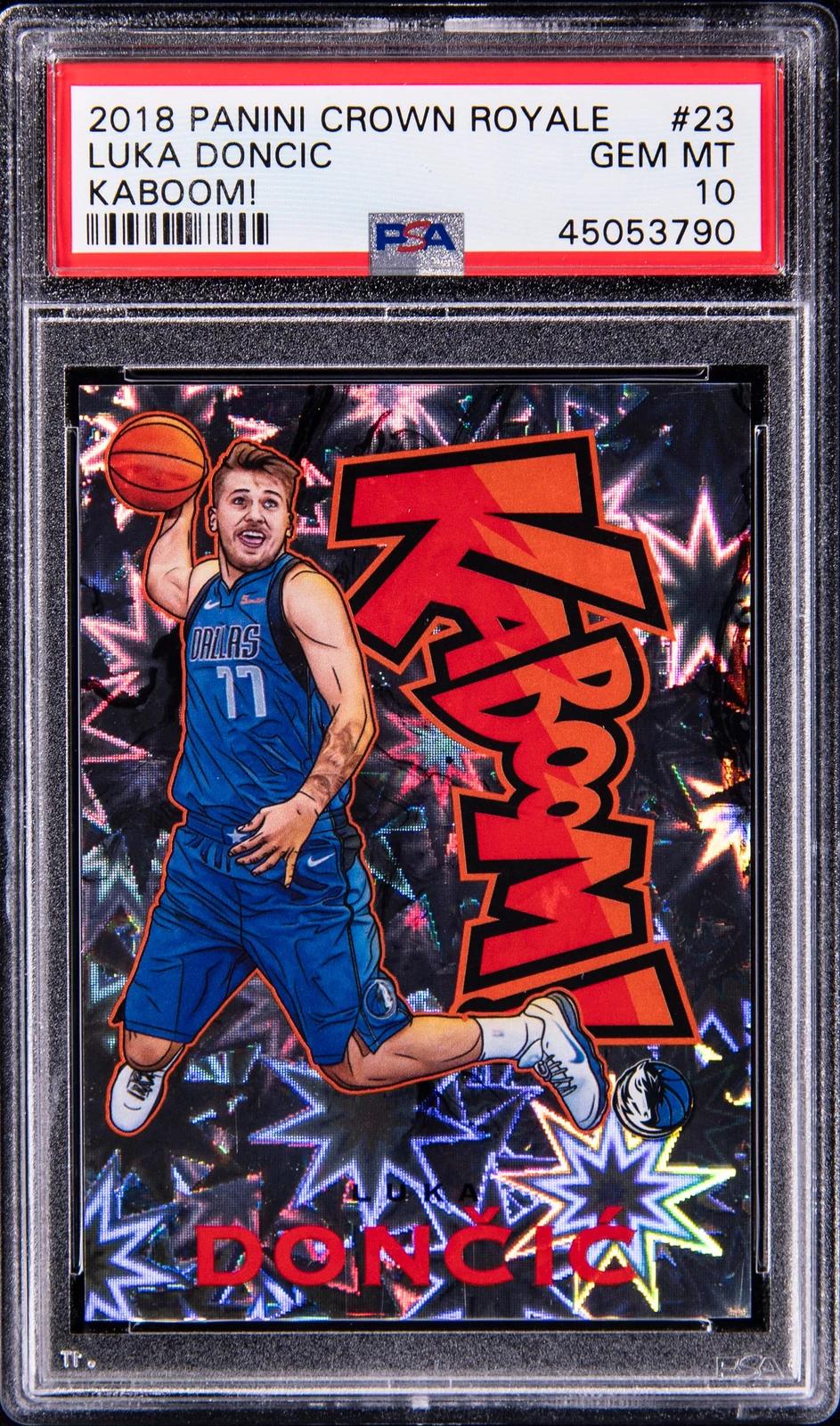
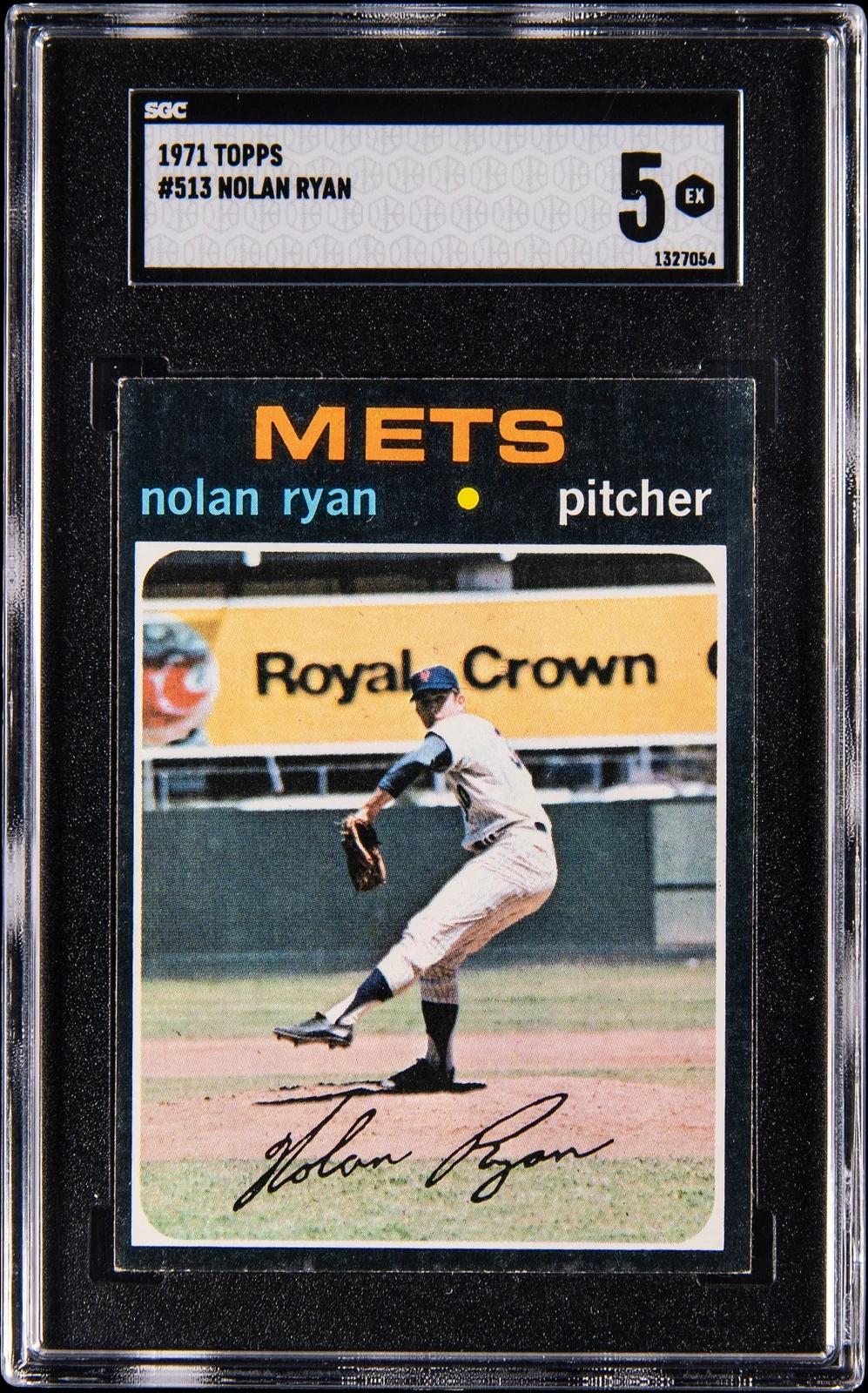
Scan at the table, price it on the web.
You confirm the match before the card is saved.
- Match suggested
- Card saved
Languages in the mobile app
19
English, Spanish and 17 more, including French, German and Japanese.
Pick the screen for the task
The web for the wide view, mobile for the card in your hand.
Web
CSV import, label templates and calibration, and the Documents center.

Mobile
Photo capture at the table, recording the sale and sharing the receipt.

Both
One inventory, prices, stats and sale receipts.

The import on the web
Bring a whole spreadsheet in at the desk. You check the columns and the rows before anything is saved.
- Your spreadsheet, as it isA CSV with your own column names. Up to 1,000 rows per import.
- Columns matched for you6 of 8 columns matched on their own. One waits for your yes, one stays out.
- Every row checked46 of 48 rows are ready. One has no card name, one is empty.
- Import the clean rowsFix the last row or leave it out. Import 46 rows adds the rest to your inventory.
The receipt on your phone
Sell at the table and the receipt is there before the buyer walks away.
The sale
The amount, the card and the day it sold.
Share receipt
Send it to the buyer from the phone.
Correct or void
Correct fixes the price or the payment method. Void asks for a reason and whether the card returns to inventory. The sale stays on record.
The receipt
Its number, the payment, the show, the time and the grade, then the total.


One show weekend on both screens
Prepare at the desk, sell from the phone, read the result at the desk.
Thursday · Web
Import and label
Bring stock in from a CSV and print price labels from your templates.
Saturday · Mobile
Scan and sell
Photograph a card at the table, record the sale, share the receipt.
Saturday · Both
One inventory
A sold card leaves your stock on every screen at once.
Monday · Web
Stats and documents
Read the weekend in Stats and keep the paperwork in Documents.
Web & Mobile
Web and mobile questions
Does this mean every web feature is on mobile?
No. For example, the web includes the full business Documents center. Mobile includes photo capture at the table. Stats and sale receipts are on both. Choose the platform that suits the task.
Can I download the app from this page?
No public app-download link is offered here. Request beta access and specify whether you want to test web, mobile or both.
Does CaseLink work completely offline?
No. Without a connection the phone app shows the last state it loaded, marked “No connection” with the time: Home, inventory and shows for a dealer, Home with the Vault cards for a collector. Everything that writes needs a connection: recording a sale, adding a scanned card, a buy, a trade, an edit or a message. The app does not hold a sale to send later. On the web, a sale you record without a connection is saved as a draft on that device.