Check certificate:
Look up a card by player or cert number, or scan a stack on your phone.

The cert number finds the card
Pick the grader, enter the cert, and the card fills in.
Tap the field
Type the cert
The card opens over the form
Its last sales


Look up certs from four graders
- Professional Sports Authenticator
- Beckett Grading Services
- Sportscard Guaranty
- Certified Guaranty Company
No cert? Search by player
For raw cards and anything without a label. Type a player, a card or a set on the web app.
Type the player
Every card that matches
Pick the exact one
Its sales and comps


Or scan a stack on your phone
Nothing is added to Inventory until you confirm the match.
3
Matches suggested
1
Waiting for your review
Identify
4 cards
Check the matches before adding them. One card needs a closer look.
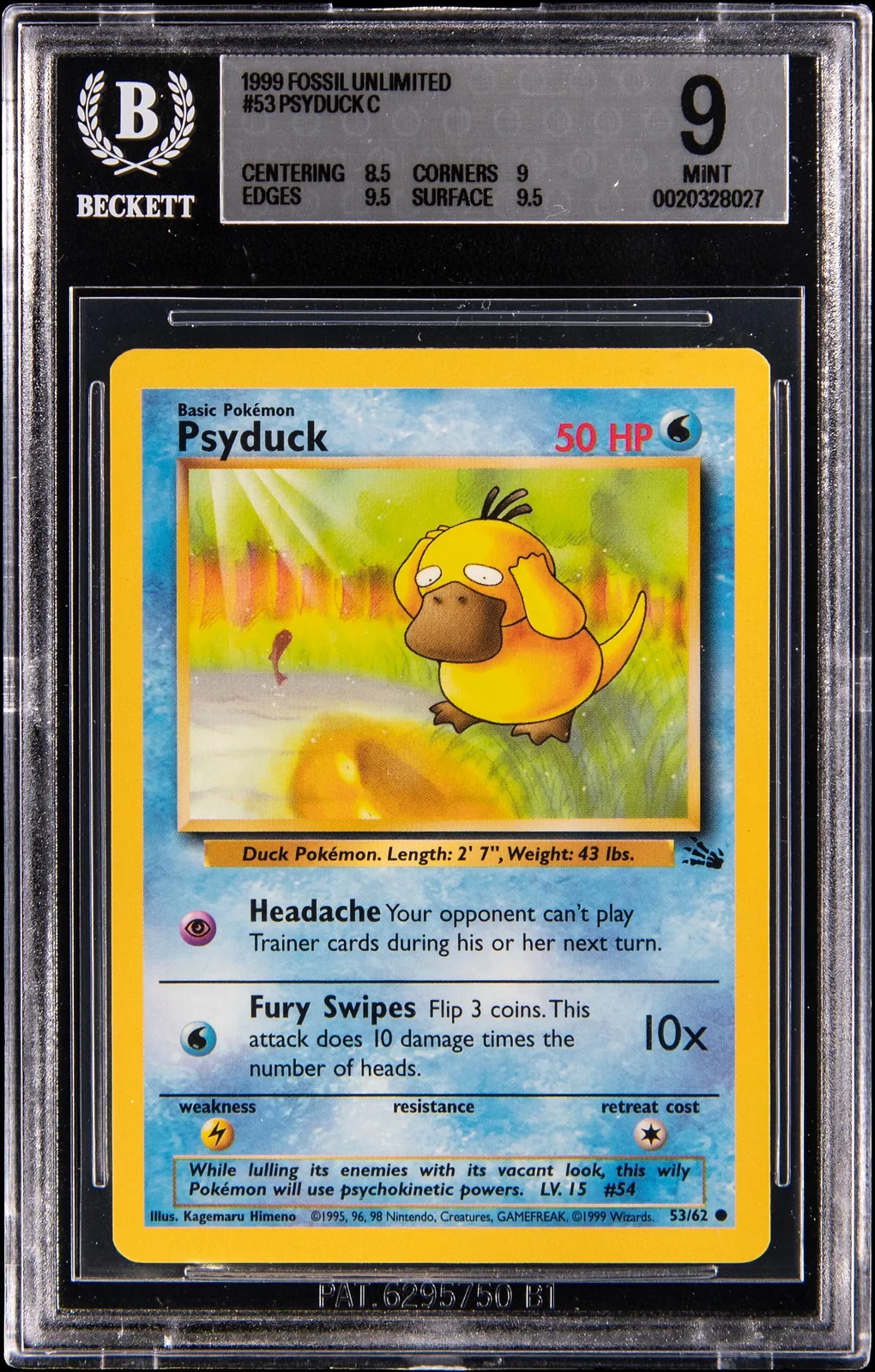
- PsyduckFossil · 1999 · BGS 9Add to inventory
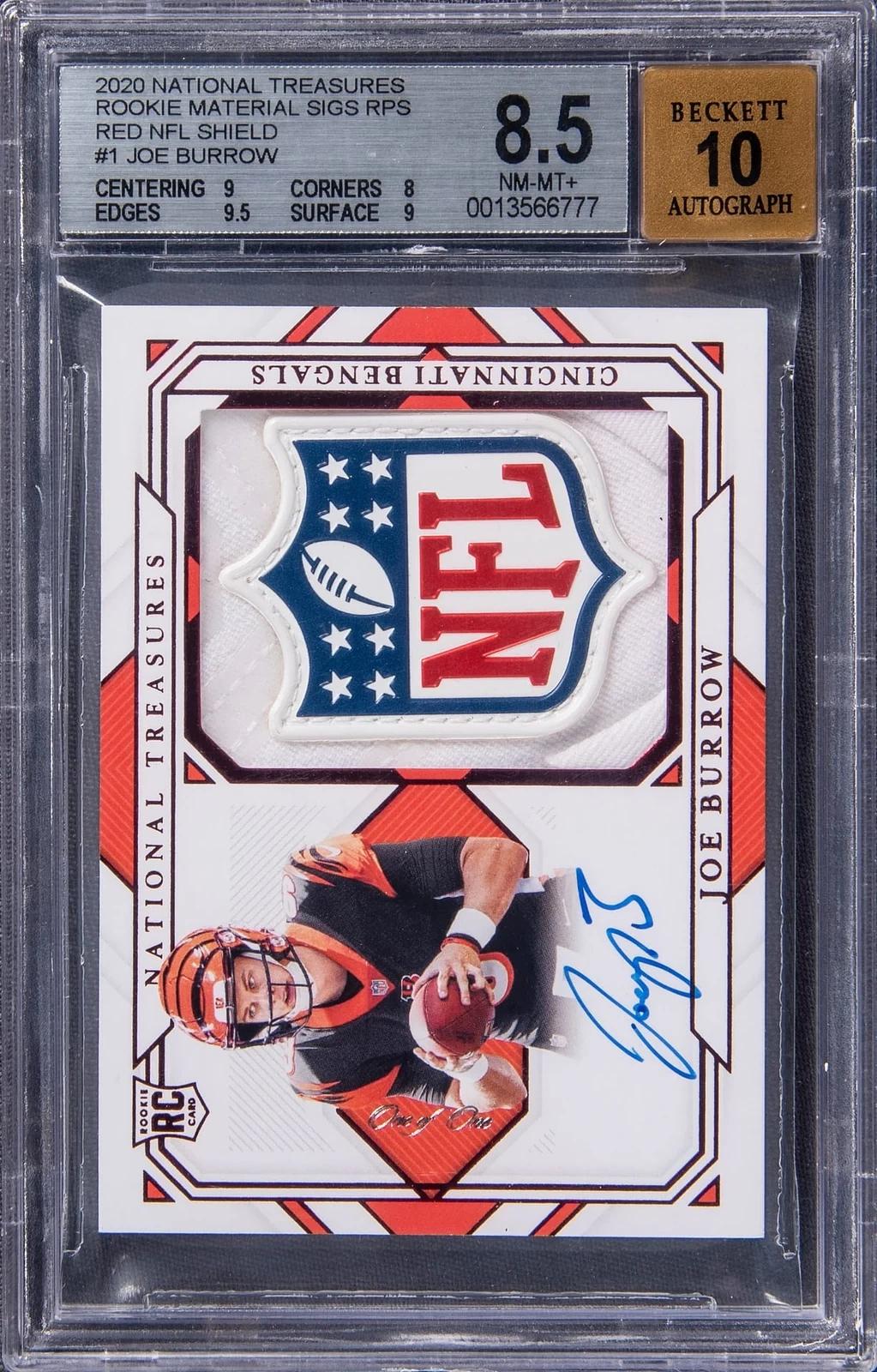
- Joe BurrowNational Treasures · 2020 · BGS 8.51 detail could not be read for sure.Review details
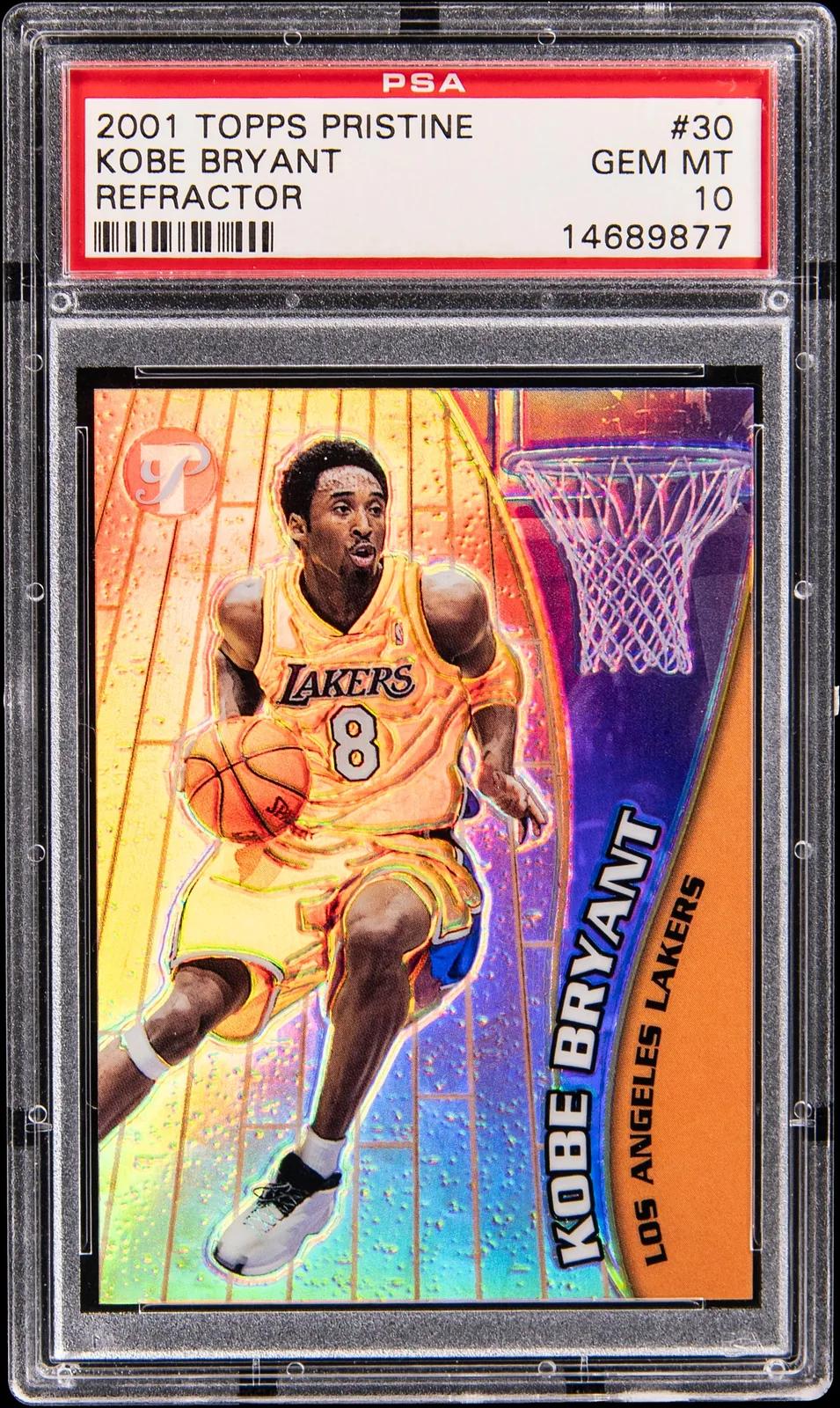
- Kobe BryantTopps Pristine · 2001 · PSA 10Add to inventory
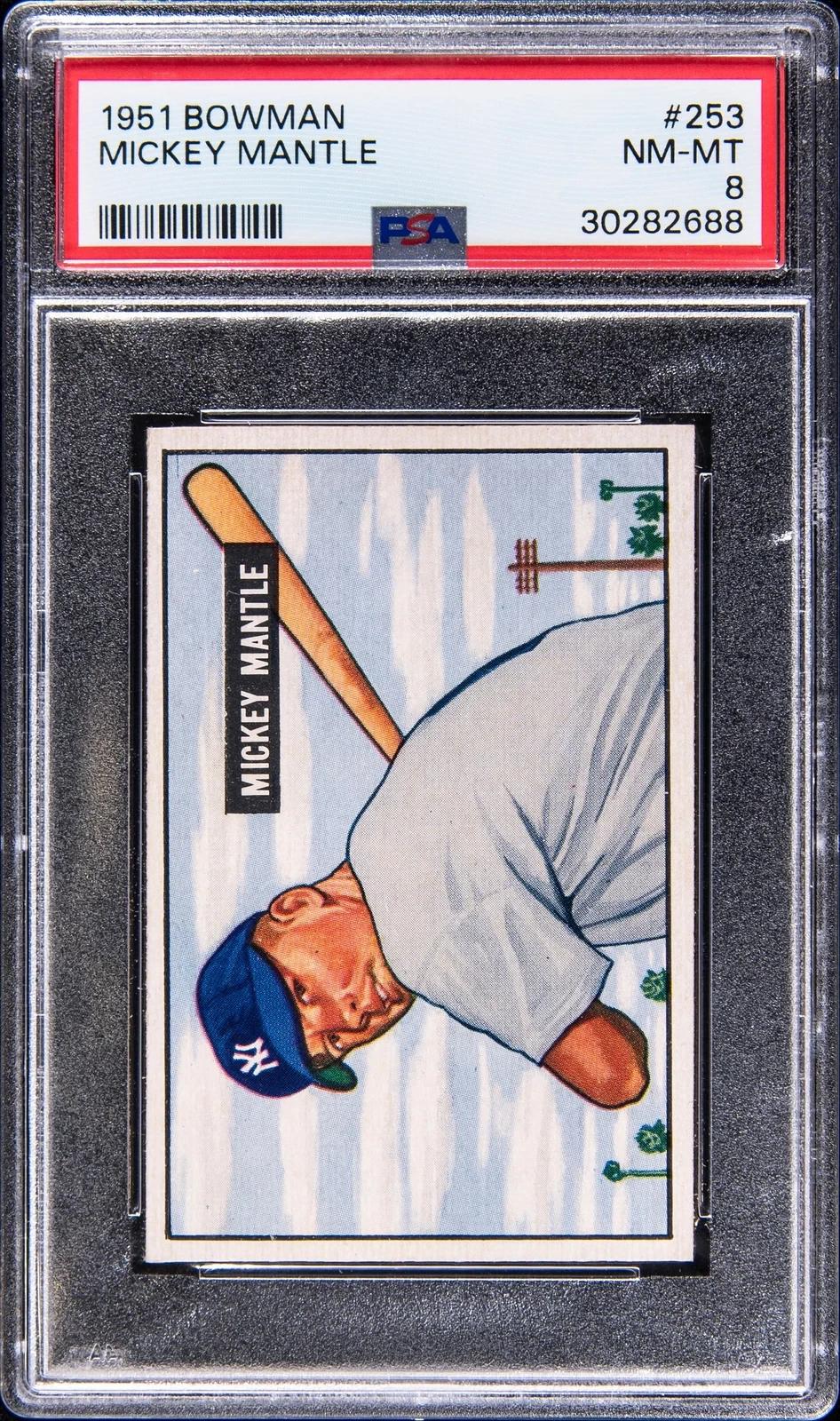
- Mickey MantleBowman · 1951 · PSA 8Add to inventory
Typed by hand, or read off the cert
A hand-typed row drops the cert and guesses the set. Check certificate fills both.
Your stock first
Already in your stock?
Type the cert or scan the slab. If the card is already yours, your own record comes up first.
- 1One fieldType a player, a cert or a CaseLink ID. A number is read as a cert, and you can switch the grader under it.
- 2Your copy firstA cert that is already in your stock comes up as your own Inventory record.
- 3Grade and statusSee whether it is still available before you buy another, and open the record from the row.
Continue from the match
The details you confirmed go with the card.


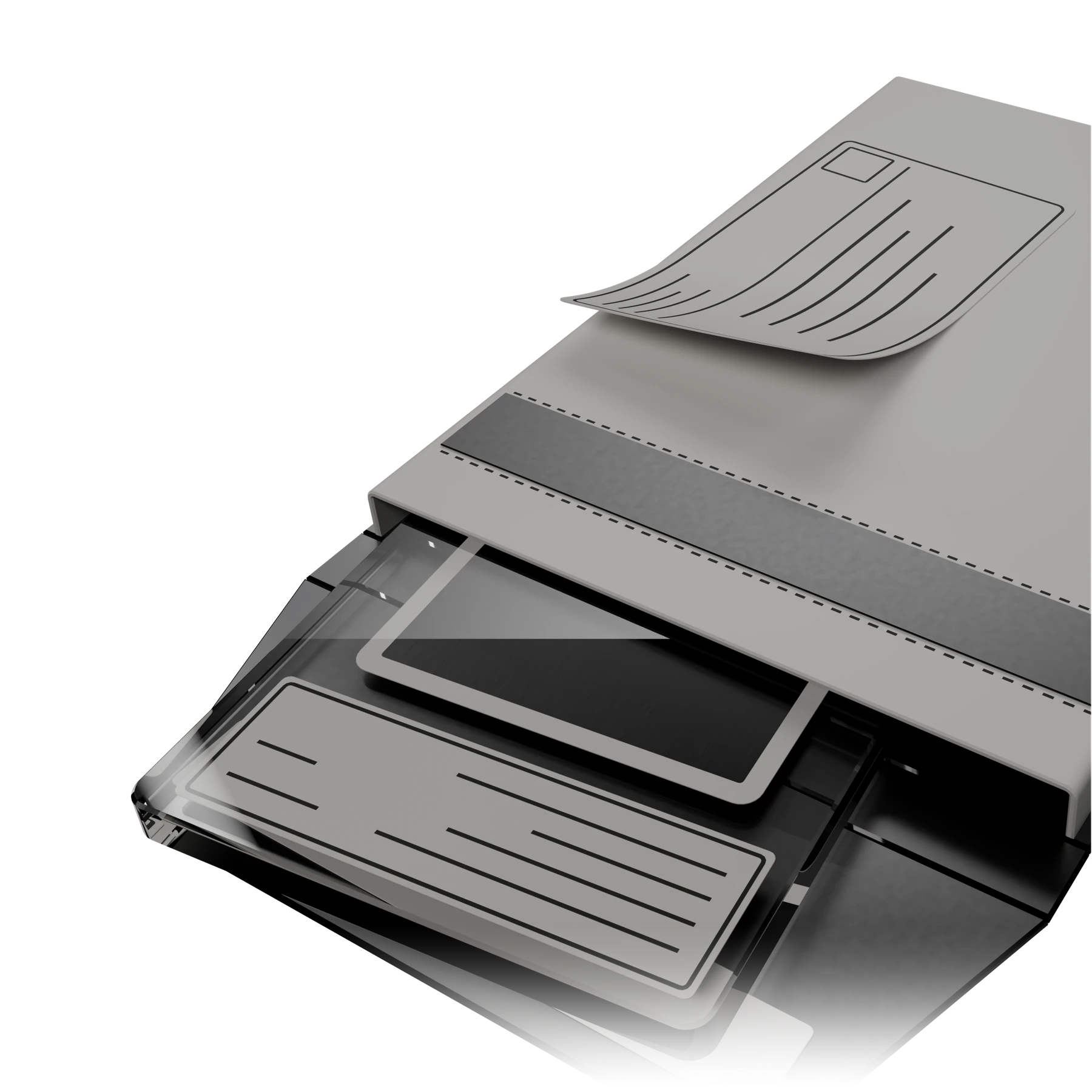

Add to Inventory with the set, grade and cert already filled in.
Bought it from a seller? New buy keeps the cost with the card.
Selling it for someone else? Add it with the status Consigned.
Review the price and quantity, then publish on eBay.
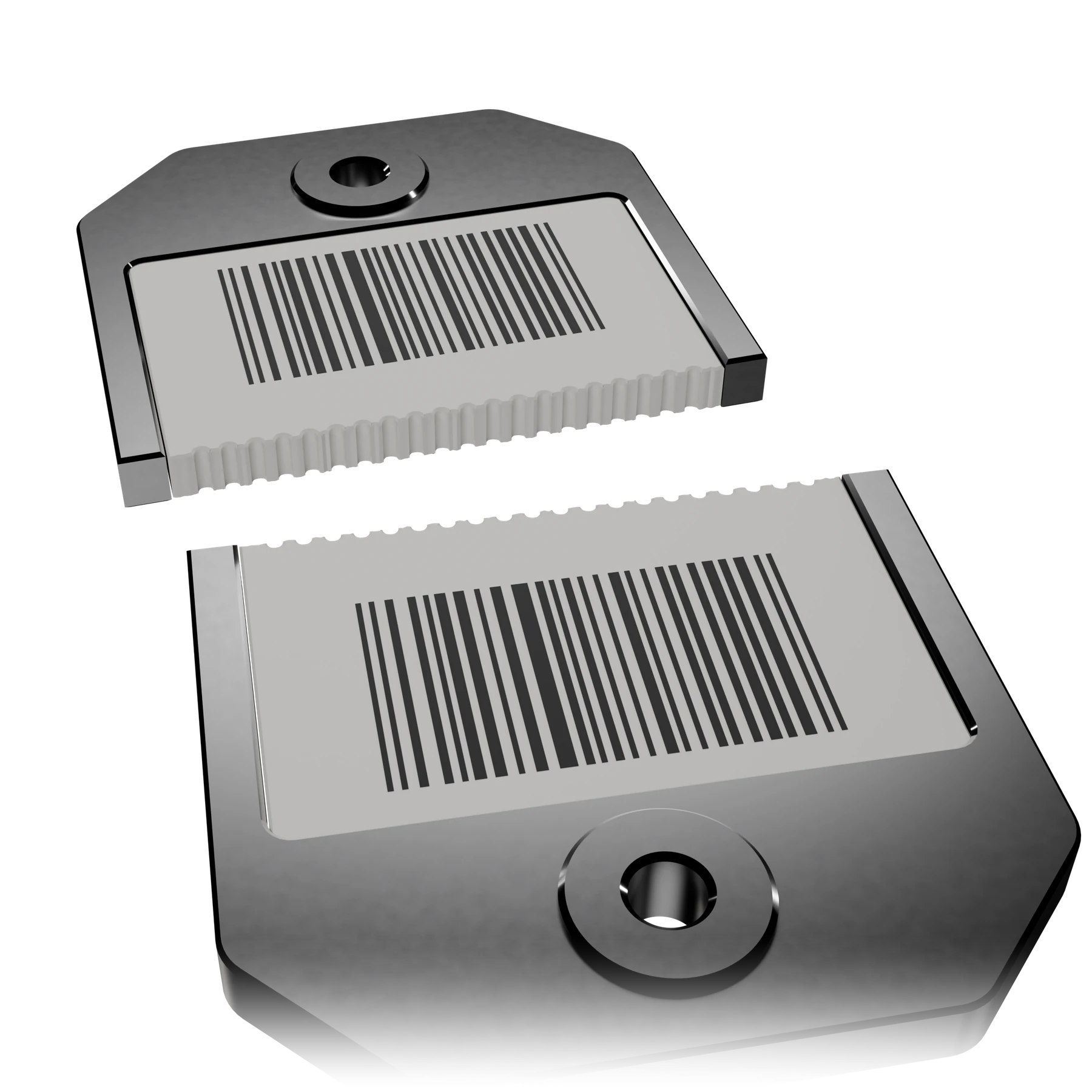
Card details, price and a code on one sticker.
When the match is not clean
Check certificate says so instead of guessing.
Same number, two graders
The same number can exist at more than one grader. Pick the grader first; CaseLink never guesses it.
The scan is not sure
An uncertain match waits in the scan session until you confirm or change it.
No recent sales
Thin or missing evidence shows as missing, never as $0 or a made-up value.
Check certificate
Questions before your first lookup
How can I find a card in CaseLink?
Search the sports card and TCG catalog by name, enter a supported grading certificate or use a CaseLink ID or label. Review the card, set, parallel and grade before continuing. Coverage varies by source.
Does a CaseLink lookup authenticate a card?
No. Check certificate helps identify the record and its source. It does not authenticate the physical card or guarantee that every returned field is complete.
Does Check certificate include card prices or market data?
For matched cards with available evidence, open market prices, charts and sold history. Review the comparable grade, source and period. Missing or old evidence is not a current appraisal.
What happens after a card lookup?
Open an existing Inventory copy or carry the reviewed card into a buy or trade. Web and Mobile both include card and market research views, adapted to their screens.
Which grading companies can I look up by cert?
PSA, BGS, SGC and CGC. Pick the grading company first, then enter the number as printed. The same number can exist with more than one grader, so CaseLink does not guess the grader from a bare certificate number.