Show planning:
Save a show, plan your visit and choose which of your cards attending dealers can browse.

Know your route before you park
Tables to visit and cards to inspect stay in your private notes, kept in the web workspace.
Your Showcase for Northgate
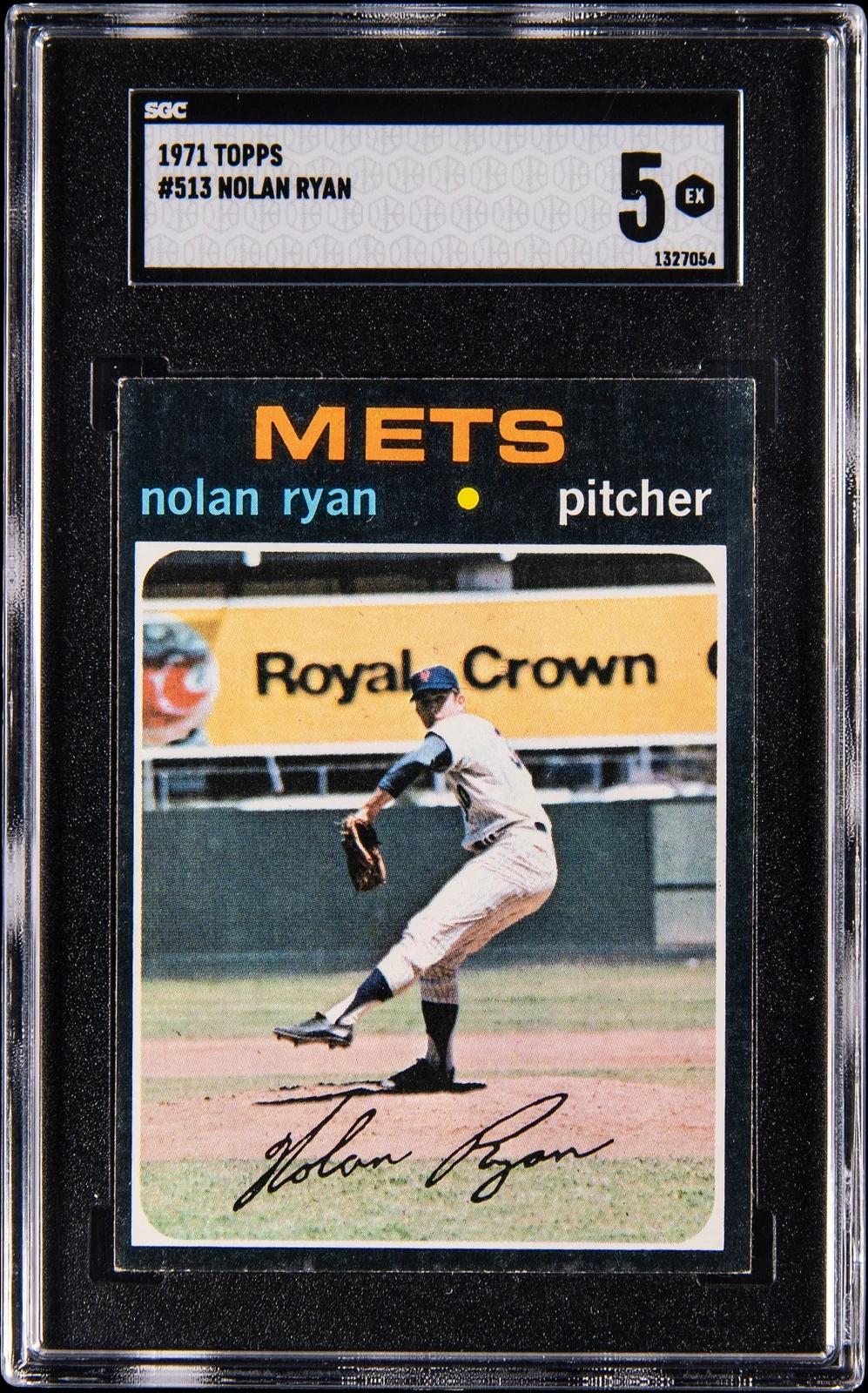
Three cards from your Vault. Nothing else is shared.
 Lewis HamiltonPSA 7 · 2020 F1
 RayquazaPSA 10 · EX Deoxys
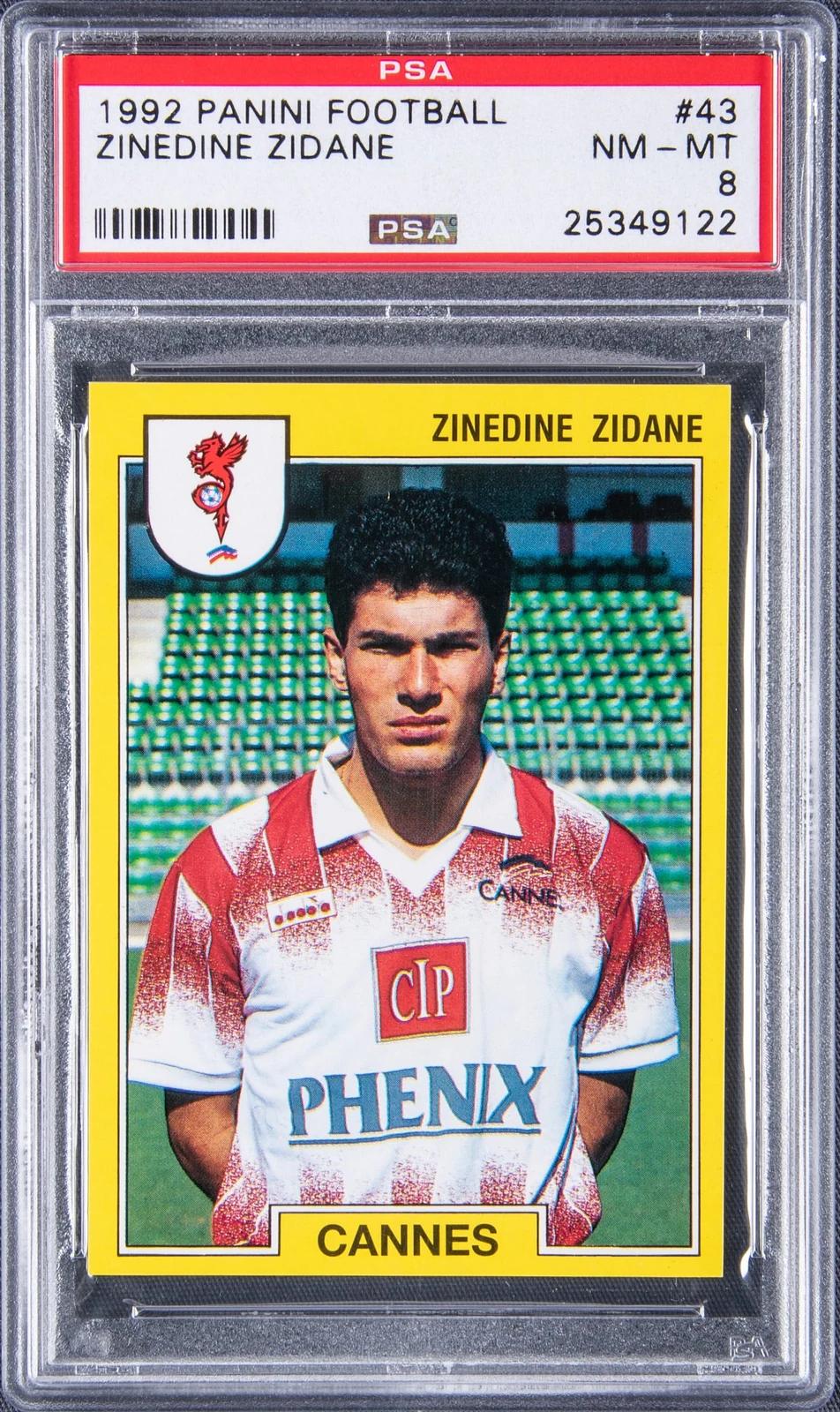 Zinedine ZidanePSA 8 · 1992 Panini
See who has the cards you want
Choose the show
Save it
See the dealers
Your Wishlist finds three



Save the show, keep your notes
Once you know who has your cards, save the show. In the web workspace it holds your Showcase, the tables you write down and the dealers who come. The notes are yours alone.
- The show in your planNorthgate with its dates and its hall, saved to your shows.
- What dealers may browseThe three cards of your Showcase, open to approved dealers until the show ends.
- Visit notesTables to visit, cards to inspect, where you meet. No dealer sees them.
- Dealers at this showThe dealers on CaseLink who come, what each has from your Watchlist and who sees your Showcase. Approve a dealer or remove access here.
Approve two dealers, then go live
In the web workspace each dealer is approved one by one. At the show, the phone shares in Show mode.
Wed, Nov 11
Choose cards
Three cards from your Vault.
Thu, Nov 12
Approve dealers
On the web: Trackside Slabs and Northside Breaks.
Fri, Nov 13
Showcase live
Only those two can browse the three cards, until Sunday, 11:59 PM.
Sat, Nov 14
Hand off
Meet at Table 14. For any other dealer, Show mode on your phone shares cards by QR or username until the day ends.
Show mode, up close
On the phone you share cards for one show in Show mode: which cards, who sees them, until when.
1 · The cards
Three picked from your Vault for this show. The rest of your Vault is not in it.
2 · Who sees them
Only dealers who scan your QR or search your username, or every dealer at this show. You choose.
3 · Price or trade
Each shared card carries an asking price, leaves the price open or is marked trade only.
4 · When it ends
Sharing ends with the show day. After that nobody sees the cards; they stay in your Vault.
5 · Your QR
Show it at the table. The dealer sees only the cards you shared.
Before the show, and after it
The plan ends with the show. The conversations, agreements and your cards carry on.
- Find card showsDates, halls and attending dealers
- WatchlistThe cards you hope to find there
- Sharing & dealer accessShowcase grants beside direct ones
- MessagesAgree where to meet
- Offers & requestsTerms you accept stay after the show
- Sell or tradeOffer cards to dealers at the show
- Market researchKnow recent sales before the table
- VaultYour cards stay there after the show
Show planning
Before you plan a show
What is a Showcase?
A Showcase groups selected cards from your own Vault for one event. Adding or removing a card from the event does not delete its Vault record. Choose the cards first. In the web workspace you then approve attending dealers individually; on the phone you share them in Show mode, by QR or username.
Where do the cards I want to find belong?
Keep wants-list targets and cards to inspect in your private visit plan. A card you want to buy is not an owned Vault card and does not become part of your Showcase just because you plan to look for it.
Can every attending dealer see my cards?
Only if you choose that. In the web workspace you approve each dealer separately. In Show mode on the phone a dealer sees your cards after scanning your QR or searching your username, unless you pick “All dealers here”. An empty Showcase has no cards to share. Public identity and photos can be shared; your costs, storage locations and private notes stay private. Check the actual photo for information you do not want to reveal.
What happens after the show?
Event-scoped access expires when the show ends (Show mode on the phone ends with the show day), and the past Showcase becomes read-only. Your Vault records, conversations and deal history remain. Separate direct dealer grants stay active until revoked; review those independently.
Does saving a show reserve cards or confirm a meeting?
No. Review offers and arrange the meeting with the dealer. Event, table and attendance details can change; check the event source before traveling. A saved plan or a Showcase is not a confirmed reservation or completed deal.
Plan your next show
Save the show, choose the cards, decide who sees them.