Add & identify:
Find the exact edition from a photo, the catalog or a grading certificate. Then add the card you own, privately.

Graded? The slab does the work
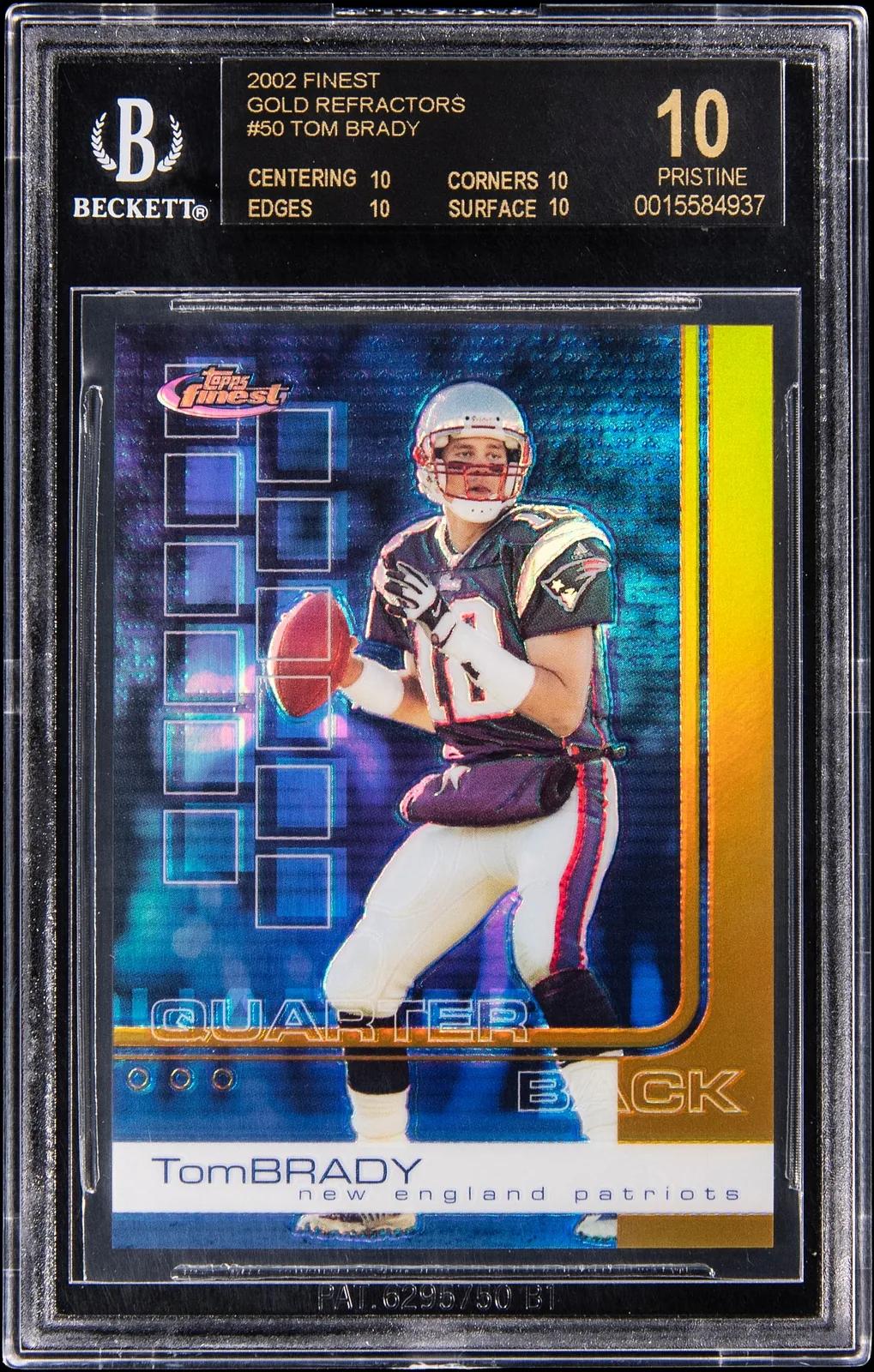
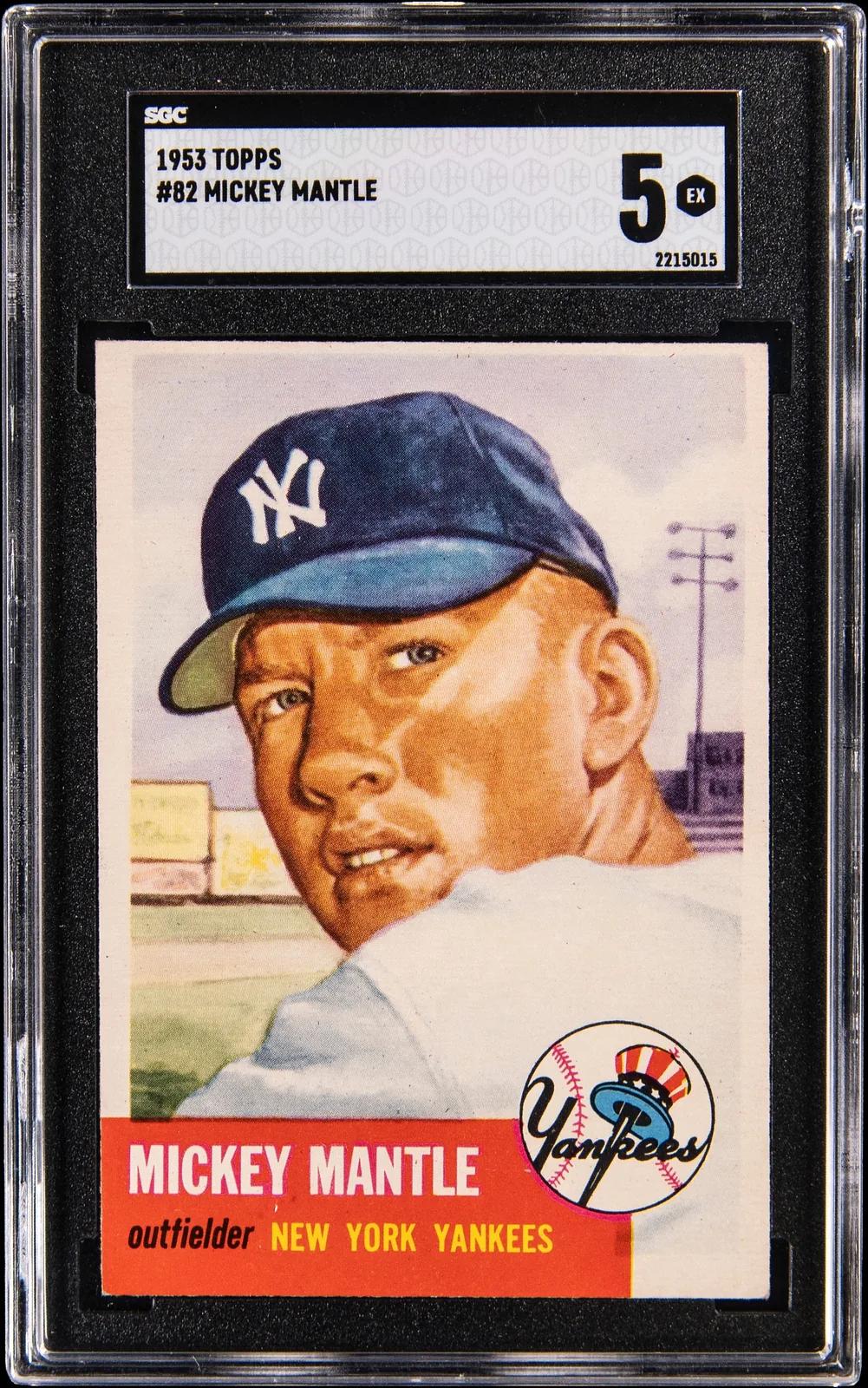
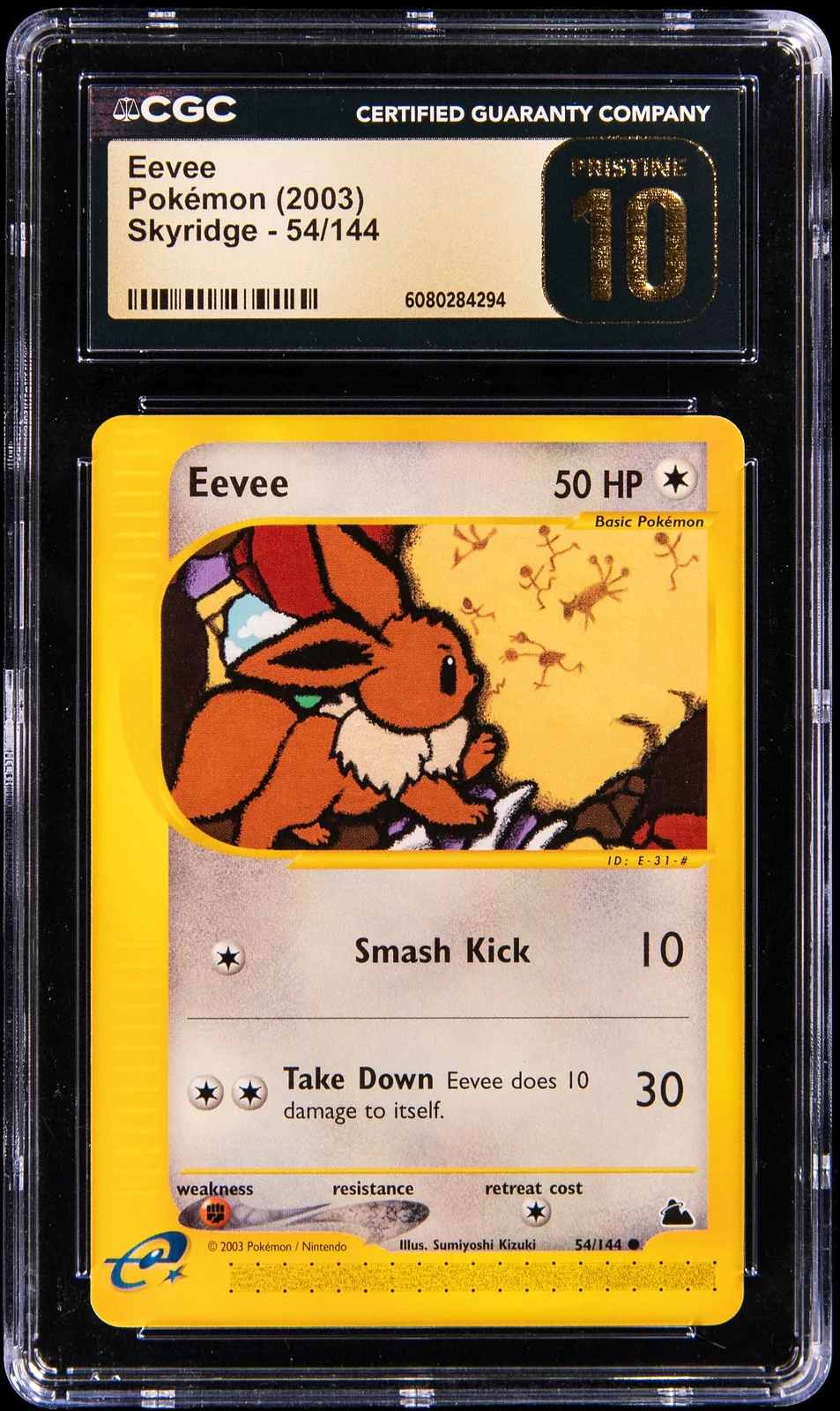
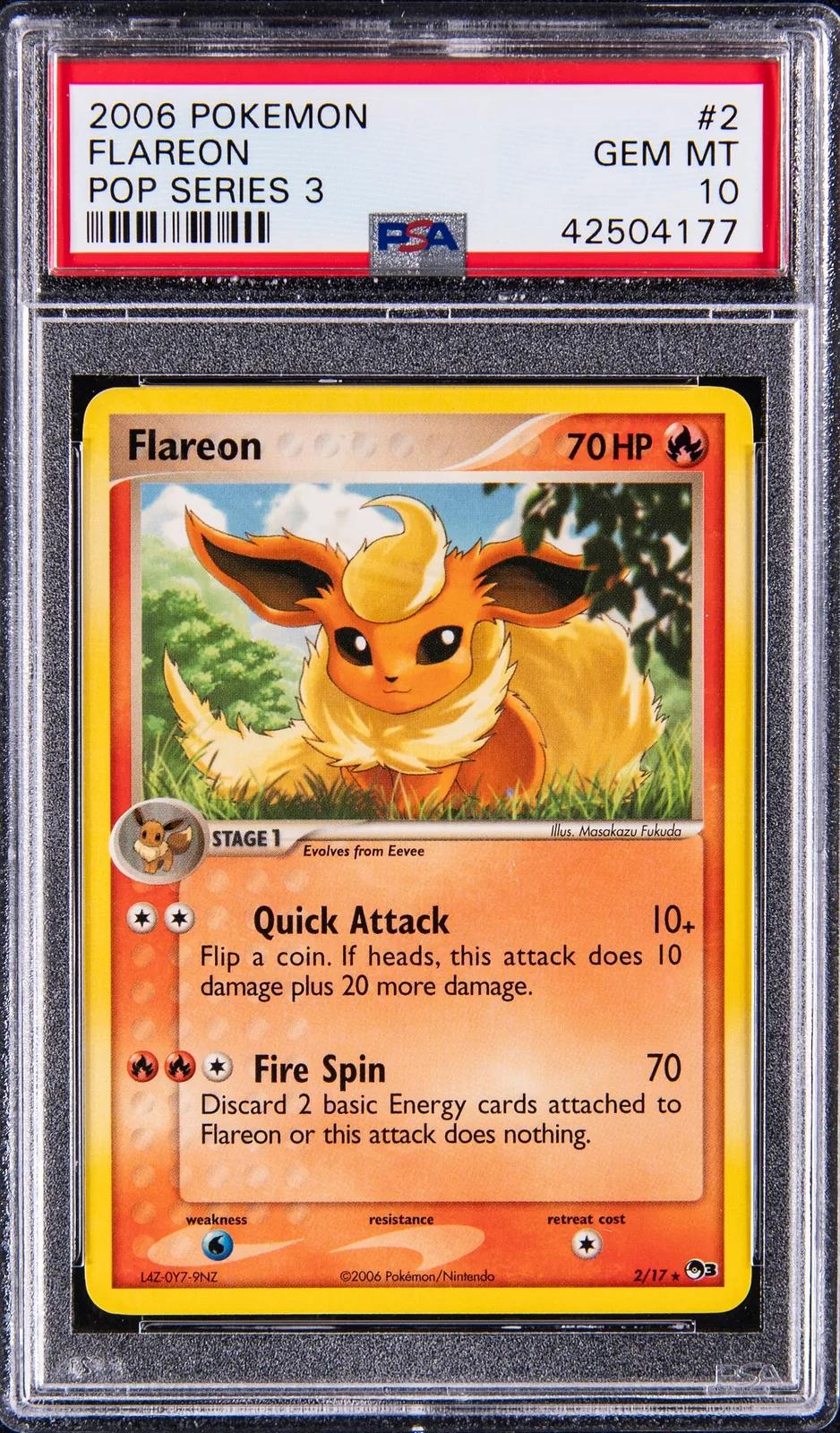
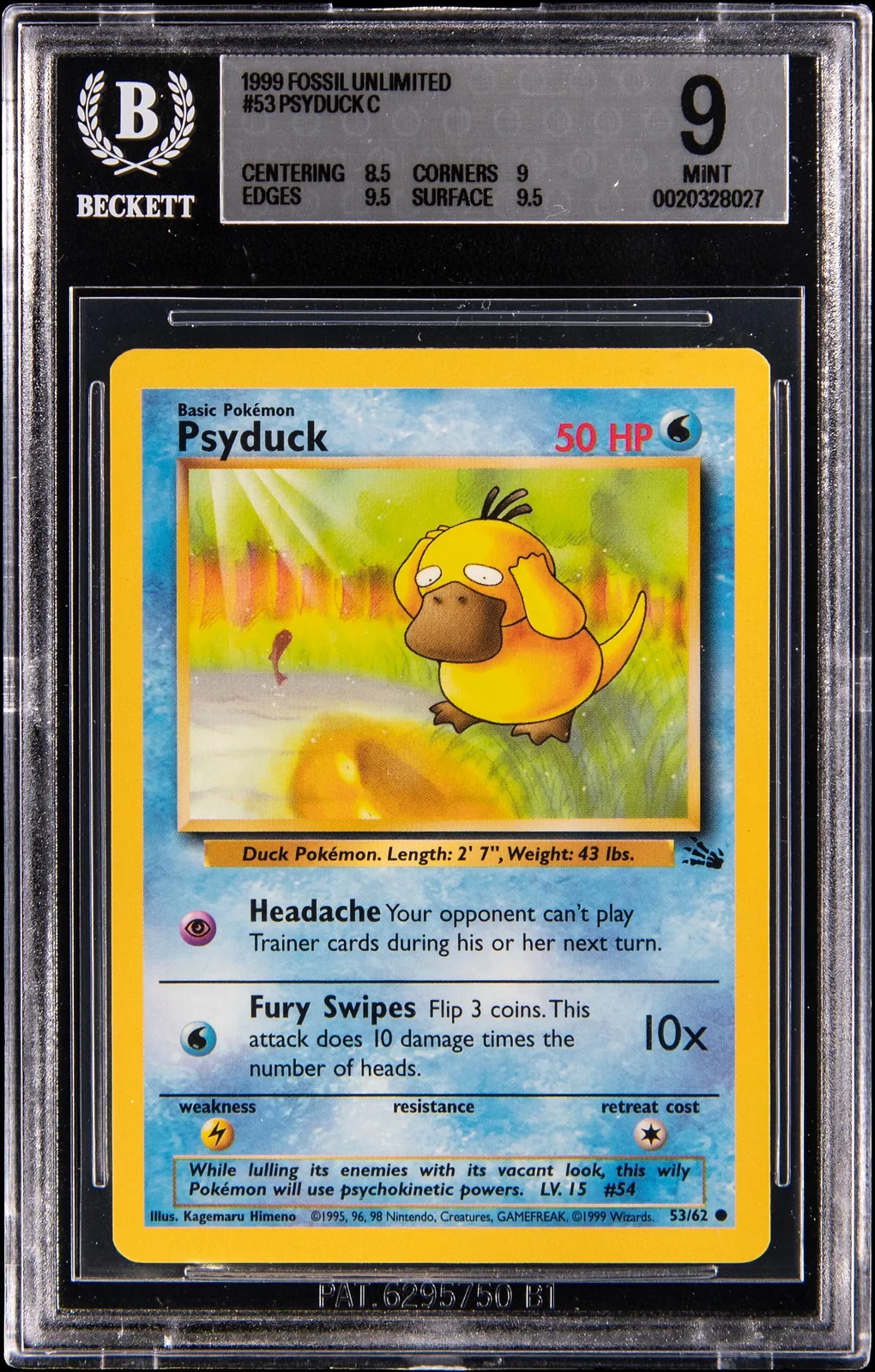
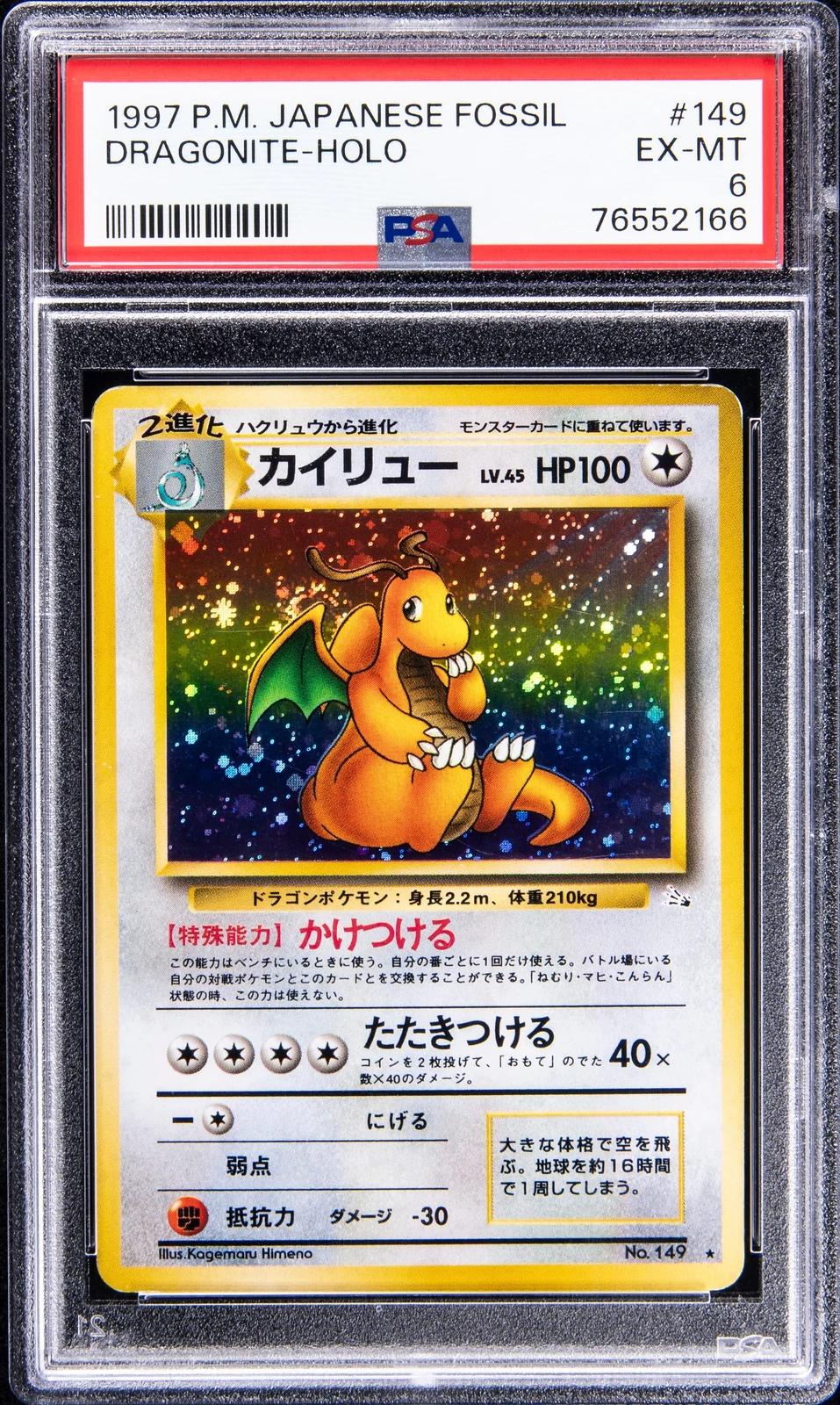
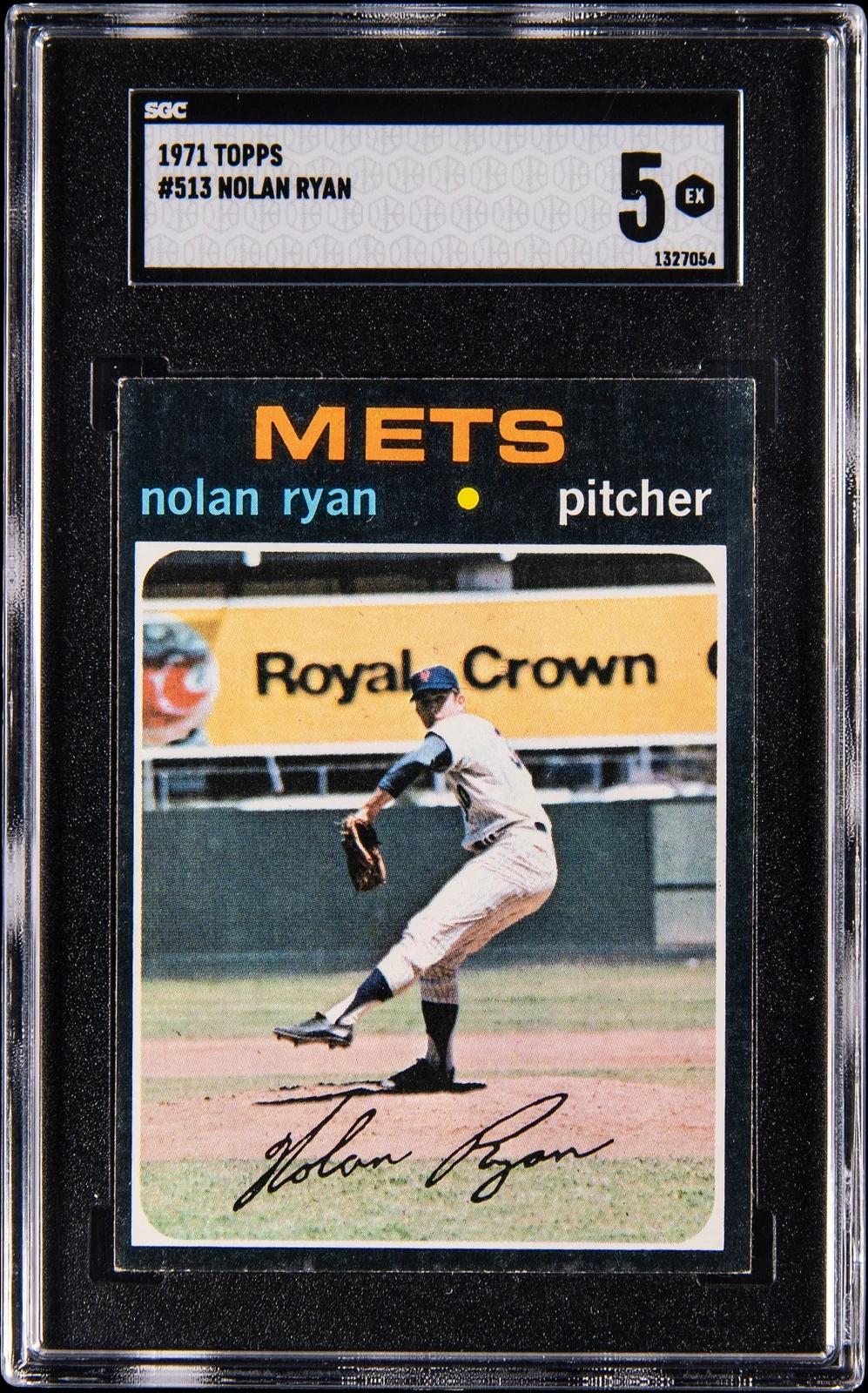
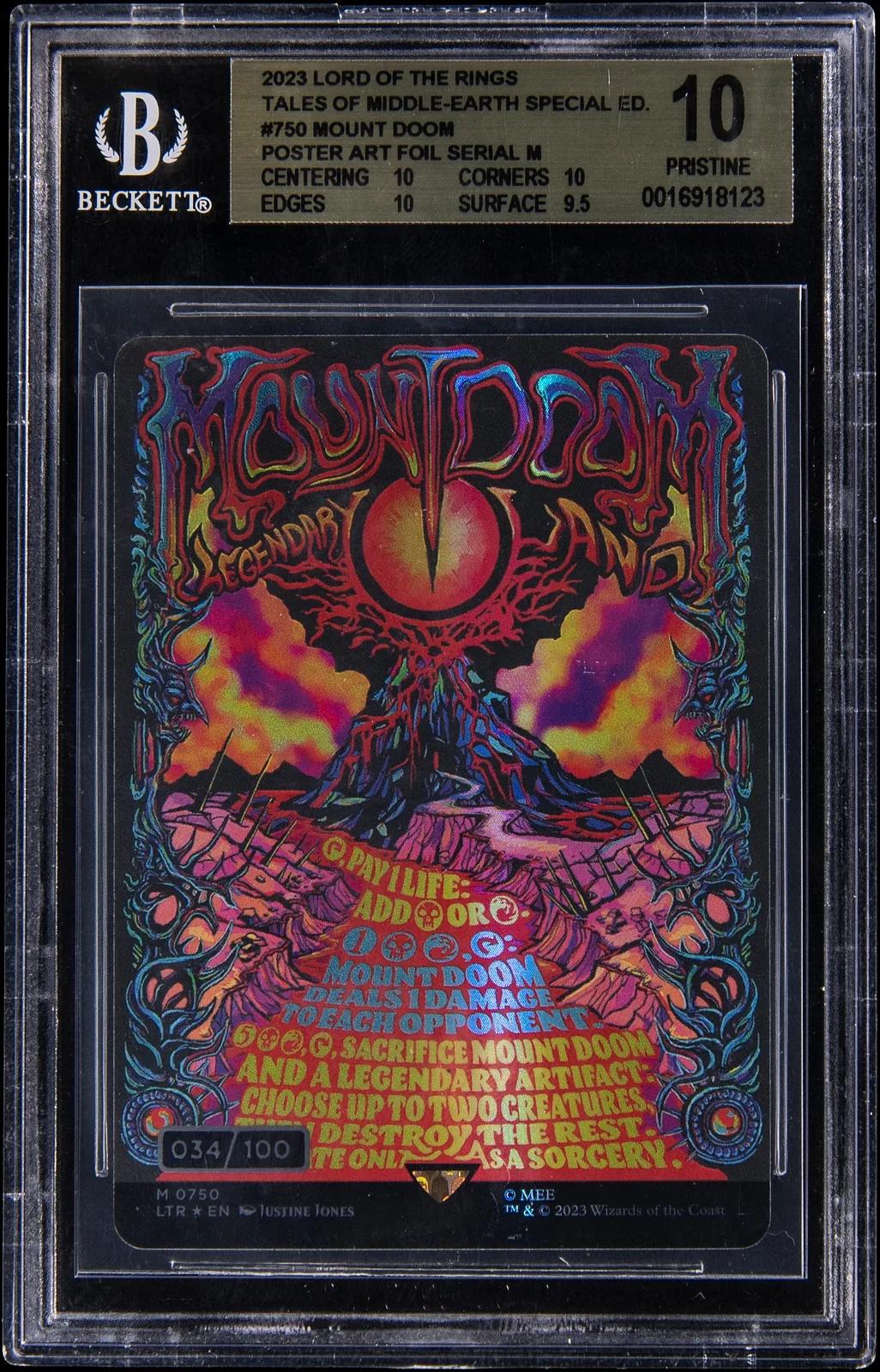
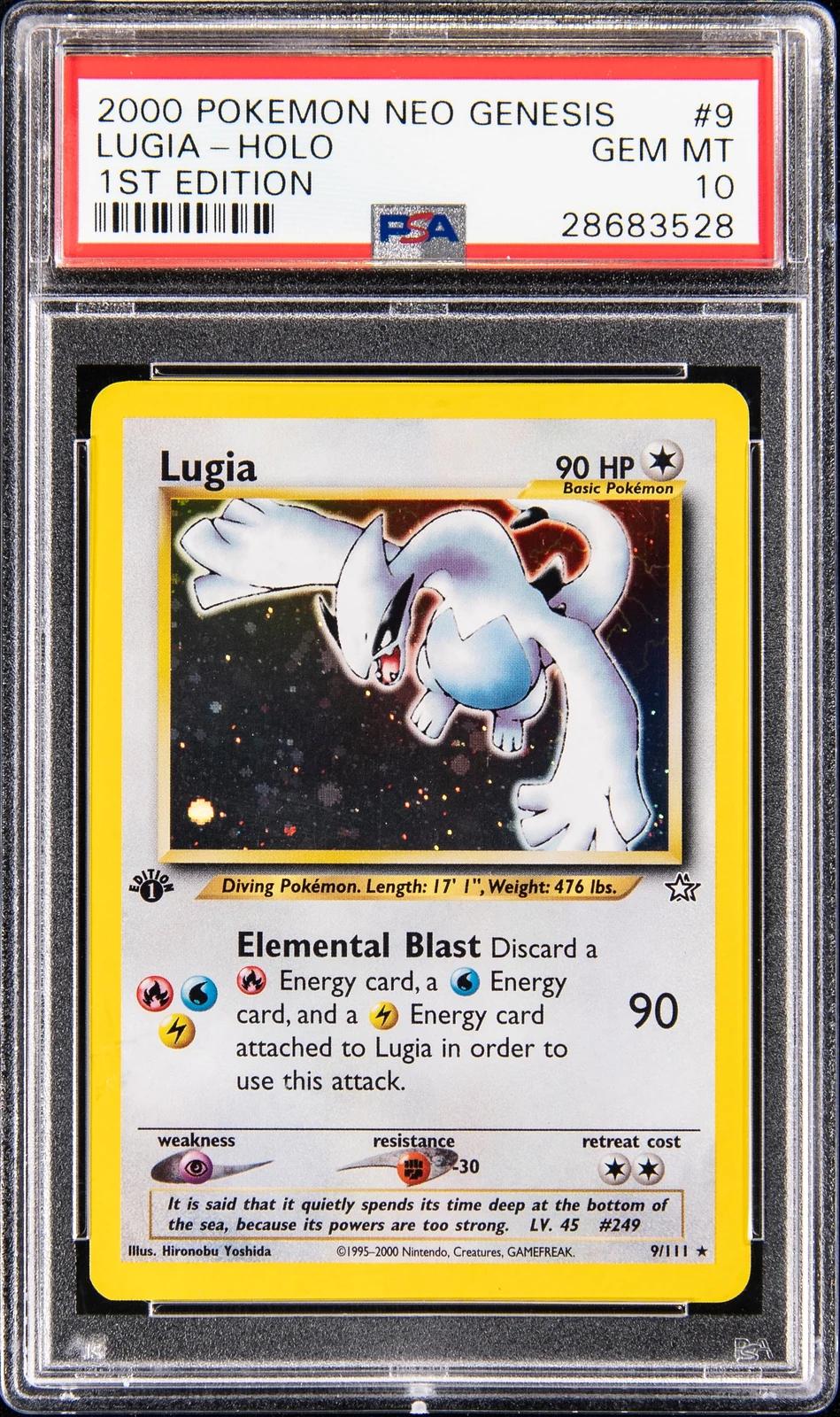
Pick PSA, BGS, SGC or CGC, then enter the number. Grade, cert and set are printed on the holder.
PSA 10
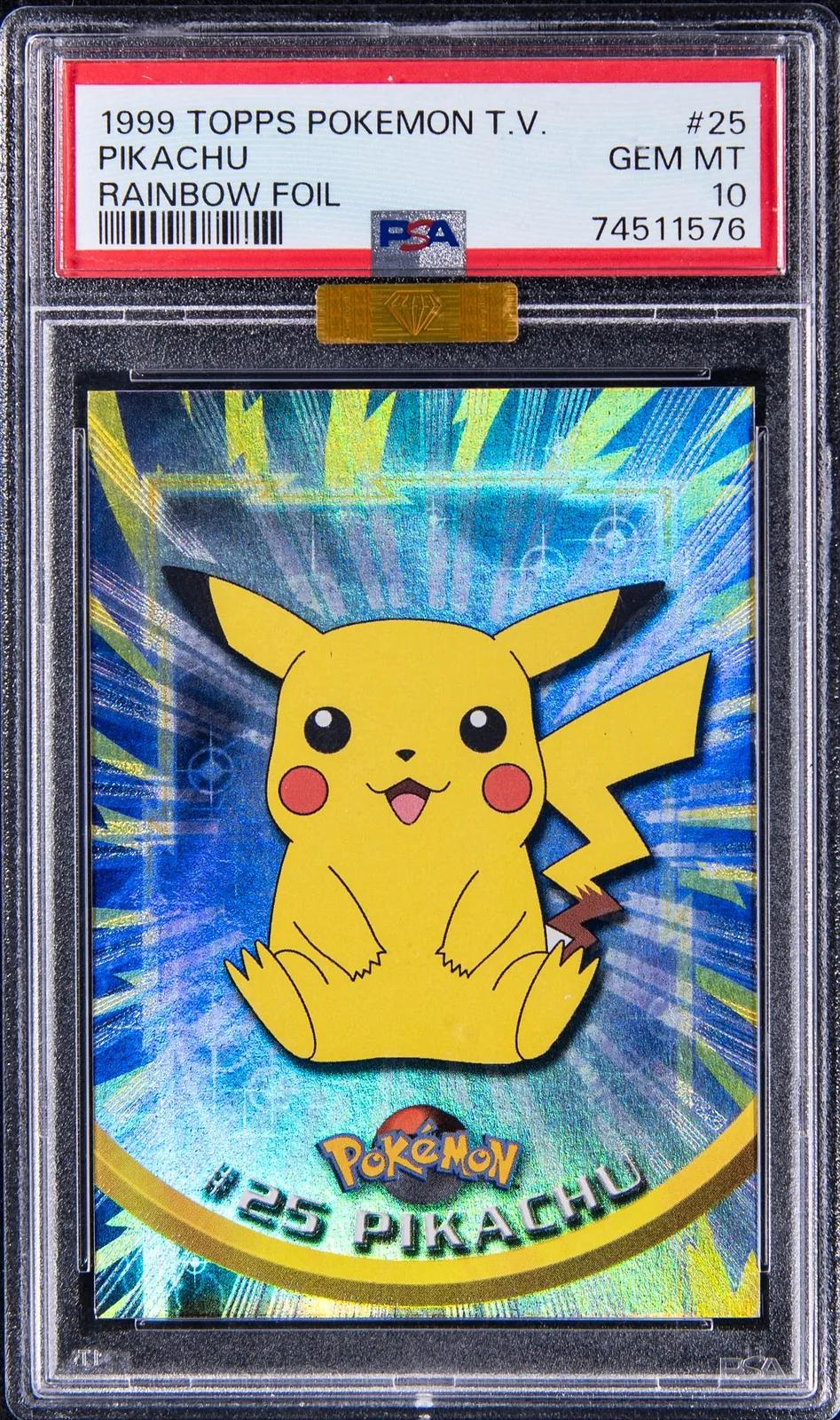
Pikachu
Take a photo, check it, add it
Start with a photo or label, or enter only the details you know.
Frame the card
It is recognized
Check the details
It is in your Vault

When the match is not clean
Nothing is saved until you confirm. A match never authenticates a card.
The photo finds the wrong version
Compare it with the card in your hand. Search or correct the set, language or parallel.
The cert is from another grader
Choose PSA, BGS, SGC or CGC first. The number stays with its grading company.
The card carries a CaseLink ID
The QR opens a known CaseLink record, never another collector’s private fields.
Add by certificate
Graded card? Choose the grader and type the number from the label. You see what the certificate says before anything is added.
Enter the number
The certificate is found
Check the details
It is in your Vault


Pick the exact edition
Same card, same number, a different value. The Unlimited row shows a CGC 10: no PSA 10 sale of it is on record.
Identify the card, then add your copy
Identification finds the edition. Adding creates the record of the copy you own.
1 · What the card is
Name, category, year, card number and set, in the group "Card". A photo, a label or the catalog fills them in.
2 · Variant and grading
The parallel completes the identification. Grading company, grade and certificate number belong to your copy; the number stays with its grading company.
3 · Private to you
Purchase price, your own value and notes. The market value is calculated separately.
4 · Saved when you add it
Add to vault creates the private record. Until then nothing is saved.
Where the card goes from here
One confirmed record, used across your collector workspace.
- Collector VaultThe card joins your private record.
- Market researchSales for the exact card and grade.
- Sets & checklistsIt fills its place in a set.
- Portfolio & reportsIts estimate joins the collection.
- SharingShow it to one dealer, or none.
- Sell or tradeOffer it when you are ready.
- Import CenterMany cards? Bring the spreadsheet.
- WatchlistNot yours yet? Follow it.
Add & identify
Before you add a card
What is the difference between identifying and adding a card?
Identification finds the edition: player or character, set, number, printing and parallel. Adding creates a record for the physical copy you own, with its grade, photos and personal details.
What if the photo finds the wrong version?
Review the suggested matches against the physical card. Search or correct the details when the set, language or parallel differs. A suggestion does not have to become an owned record.
Which grading certificates can I use?
Choose PSA, BGS, SGC or CGC before entering the number. Check the returned identity and grade against your slab. The number stays with its grading company and physical copy.
Is a CaseLink ID the same as a grading certificate?
No. A CaseLink ID or QR opens a known CaseLink record. A grading certificate identifies a slab with its grading company. Neither grants access to another collector’s private fields.
Does a match authenticate my physical card?
No. Catalog search, photo identification and certificate lookup help you review identity. They do not authenticate the physical card, prove ownership or replace professional grading.