Skip to content

Sharing & dealer access: Choose which cards a dealer can see

Share selected sports cards privately: a chosen dealer browses them before a conversation or a show.

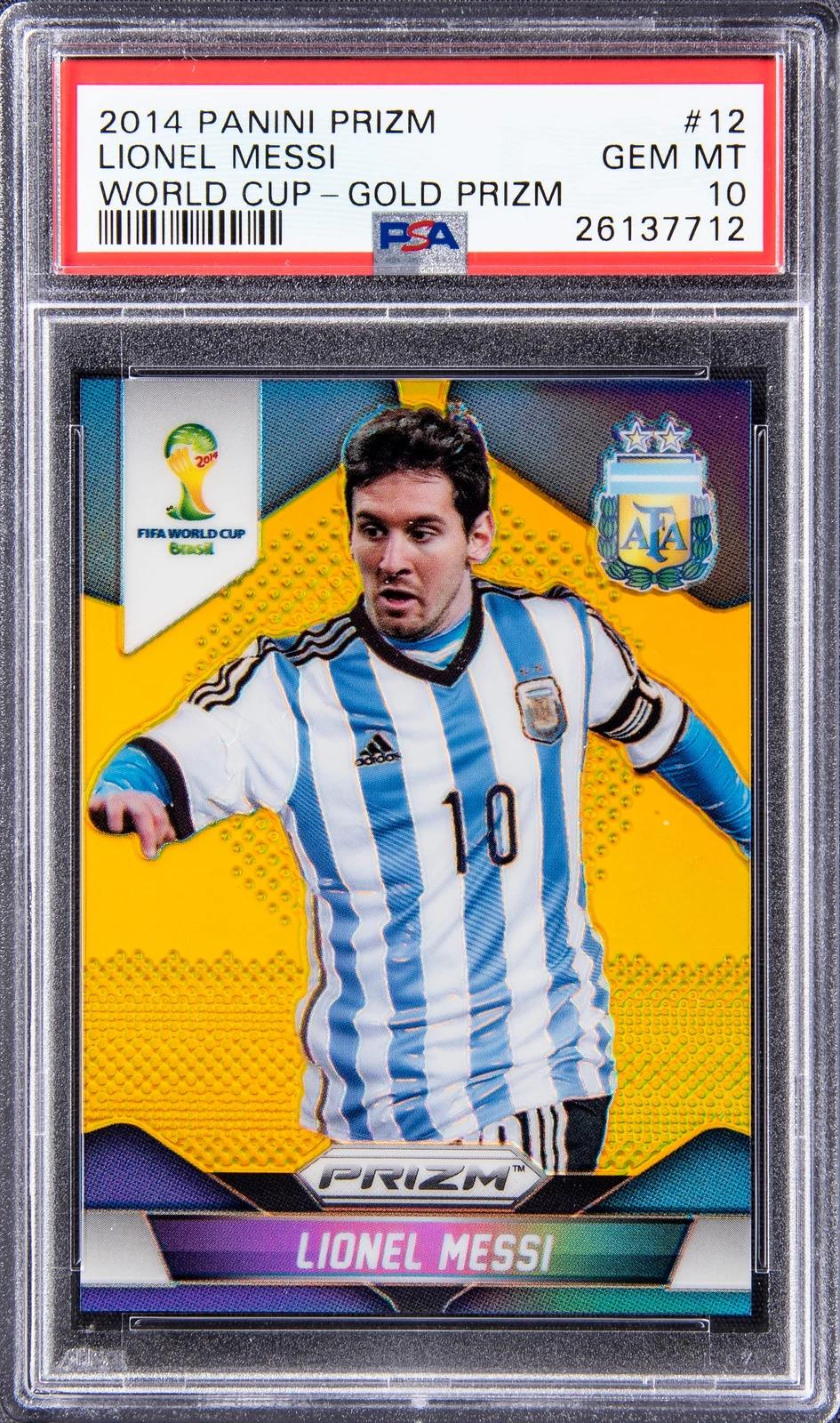
Lionel Messi 2014 Panini Prizm World Cup #12 Gold Prizm, PSA 10 Gem Mint

One dealer, the cards you choose

Private by default

A dealer sees only the cards you grant. Everything else in your Vault stays with you.

The dealer sees

Card
Lionel Messi · 2014 Prizm World Cup #12 · Gold Prizm
Grade
PSA 10 · Gem Mint
Photos
The images you added

Stays with you

Cost
Hidden from the dealer
Storage
Hidden from the dealer
Private notes
Hidden from the dealer

A photo in a chat stays sent

Today a dealer gets screenshots and pictures, and keeps them. A grant shows only the cards you pick, leaves cost, storage and notes out, and ends when you revoke it or the show closes.
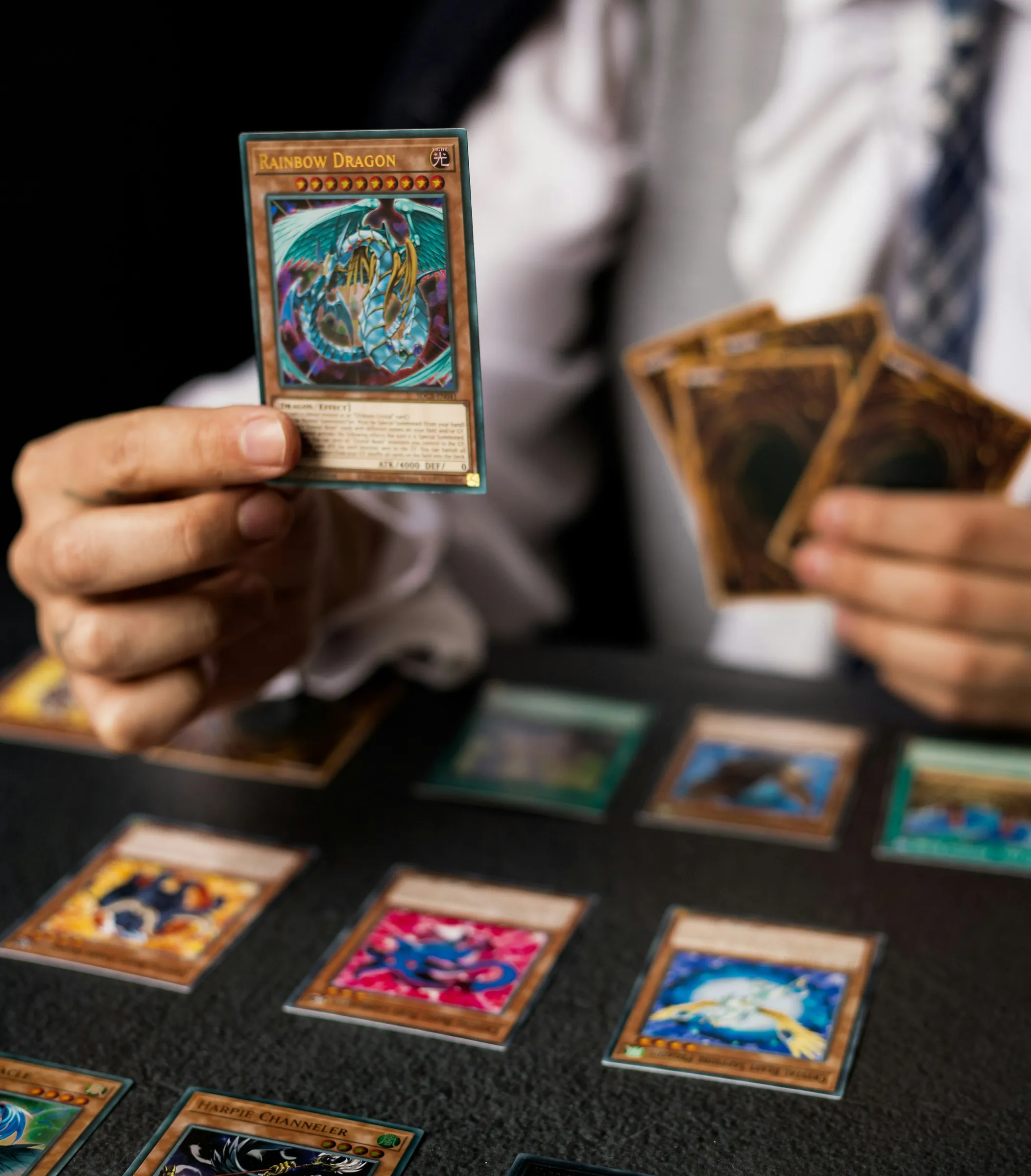
A hand holding up one trading card across a table, more cards laid out belowAccess revokedBack to private, nothing left in their view

Revoke, and it leaves their view

On the phone you share cards for a show in Show mode, and Stop sharing ends it at once. Messages and deal records stay.

  1. Pick another card

  2. Share it

  3. The dealer scans your QR

  4. Stop sharing

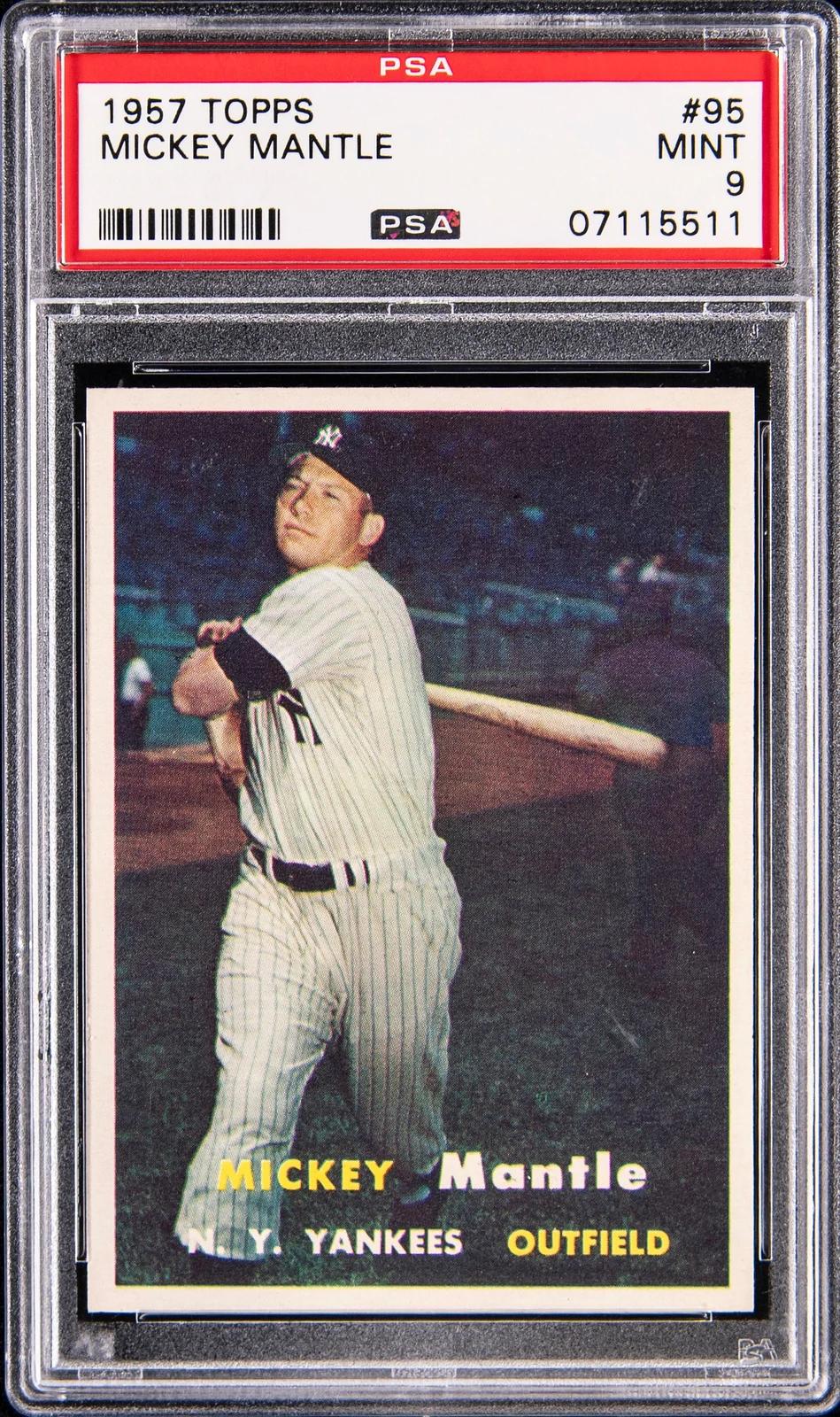
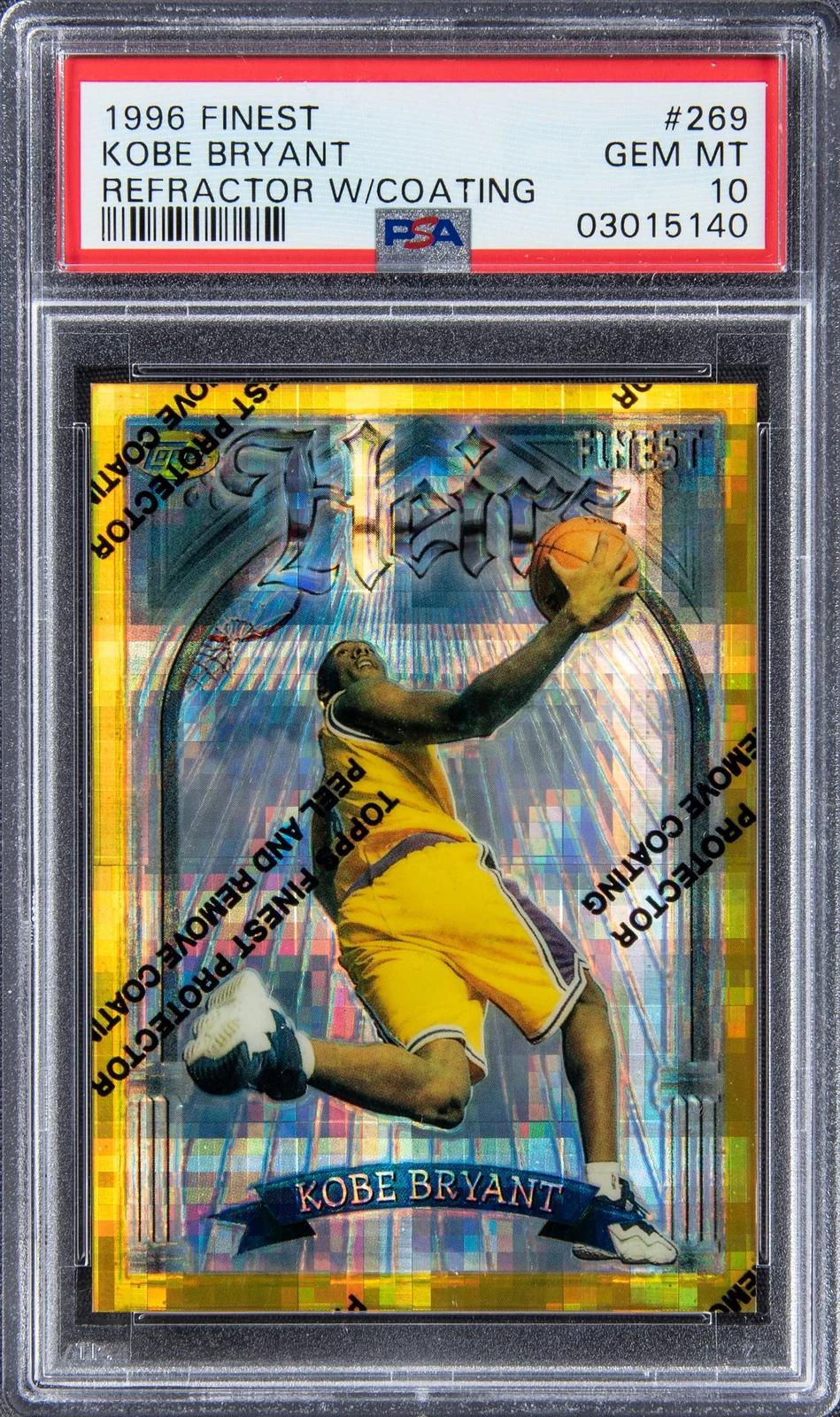
Show mode for the Northgate Card Show: visible to "Who scans", Mickey Mantle already shared. The collector taps Kobe Bryant; the sheet "Price or trade" opens and "Apply" shares it with the price open: 2 shared. "Share and show QR" opens "Your show QR" for @areed: the dealer only sees the 2 shared cards. Back in Show mode the collector taps "Stop sharing": Sharing stopped, no card is shared any more and nobody sees them.

Two ways to share

Both are set up in the web workspace. At a show, the phone's Show mode above is the third.

Direct access stays until you revoke it

Direct grantOne dealer, selected cards

A Showcase ends with the show

ShowcaseApproved dealers, one event

Every direct grant, in one list

Dealer access in the web workspace shows which dealer can see which of your cards right now, and how that ends.

The Vault of the CaseLink web workspace, 212 items, estimated $541,800, $65,220 over what was paid, 24 missing cost, on the tab Dealer access. Direct item access, a table with the columns Dealer, Shared items and Access ends: Harbor Hobby, @harborhobby, 1 item, Lionel Messi, 2014 Prizm World Cup · Gold Prizm #12 · PSA 10, until you remove it, with the button Remove access. Below it: Dealers never see what you paid, the full cert, your notes or where you keep an item. Show access is managed per show in Shows.
  1. A tab of your VaultDealer access sits beside Items, Showcases and Reports. Of your 212 cards, one is shared directly.
  2. Who sees whatOne row per dealer, with every shared item named. Harbor Hobby sees the Lionel Messi and nothing else.
  3. How it endsA direct grant lasts until you remove it. Remove access ends it at once; messages and deal records stay.
  4. What never leavesCost, the full cert, notes and storage are in no dealer view. Showcases are kept per show, under Shows.

What a dealer can see, on one screen

Privacy, in your profile in the app, says what a dealer can see.

  1. 1 · Private by default

    Dealers see your details only when you ask about one of their cards or make an offer at a show. A public profile stays off until you turn it on.

  2. 2 · Your contact, after you reach out

    Send a request or offer on a dealer’s card, and that dealer sees your display name, phone and preferred contact. Dealers you have not interacted with see none of it.

  3. 3 · Only the cards you attach

    A request or a Showcase decides which cards. Nothing else from the Vault.

  4. 4 · Private values, access that ends

    What you paid, notes and location never travel. Show access ends with the show.

The CaseLink app's Privacy screen: Private by default. What dealers can see: contact details after you send a request or offer on their card; shared cards only; private values stay private; access expires.

One Showcase, start to finish

Three cards of 212 for the Northgate Card Show. Dealers are approved in the web workspace; at the table the phone shares by QR.

  1. Wed, Nov 11

    Pick three cards

    They go into the Showcase for Northgate. The other 209 stay private.

  2. Thu, Nov 12

    Approve two dealers

    On the web: Trackside Slabs and Northside Breaks. Other attending dealers see nothing.

  3. Sat, Nov 14

    Show day

    Both can browse the three before you reach their tables. For any other dealer, Show mode on your phone shares cards by QR or username.

  4. After the show

    Access ends by itself

    The Showcase turns read-only after Sunday; Show mode ended with the show day. Your Vault, messages and deals stay.

Dealer access

What a dealer can and cannot see

Does sharing a card make my Vault public?

No. Choosing a card and dealer creates a specific shared view. It does not publish the rest of your Vault, transfer ownership or create a sale.

Which details can a dealer see?

A dealer sees the selected card’s identity, public image and approved scope. Cost, full certification records, storage and private notes stay outside that shared view. Check public photos for details visible in the image itself. Sharing does not transfer ownership.

When does dealer access end?

Direct access stays active until you revoke it. Showcase access expires when its event ends and can be revoked earlier. Sharing from the phone, in Show mode, ends with the show day or when you tap Stop sharing. These are separate grants: review both if a dealer has access through more than one route.

Does revoking access delete my deal history?

No. Revocation closes the selected access grant without deleting the private card record. Existing messages and deal records remain. It does not undo a completed transaction or erase information already seen.

Keep your Vault private

Share one card with one dealer, on your terms.

Details about use, retention, and your rights are in the Privacy Notice.