Inventory management:
Inventory software for sports card and TCG dealers. Search your stock and see each copy’s cost, asking price and box.

Per slab
A stack hides cards. A grid shows them.
Each slab carries the details off its label, your own numbers and its place in the box.


The record
Everything about one copy
Open any slab and its whole story is on one screen.
1 · Identity off the label
Player, set, grade and certificate number, as the grader printed them.
2 · Your price, your numbers
Buyers see your price. Cost, margin and minimum price stay with people who have financial access.
3 · Its slot
Storage location and quantity, so the card comes out of the right box.
4 · Where it is listed
Your storefront and outside listings of this exact copy, each with its status.


Add it by cert
Tap add
Enter the certificate
The card fills in
It is in stock


Pull show stock slot by slot
The pull list sorts a show’s cards by where they are stored. A sale takes the slab out of stock and keeps the price in its history.
How sales work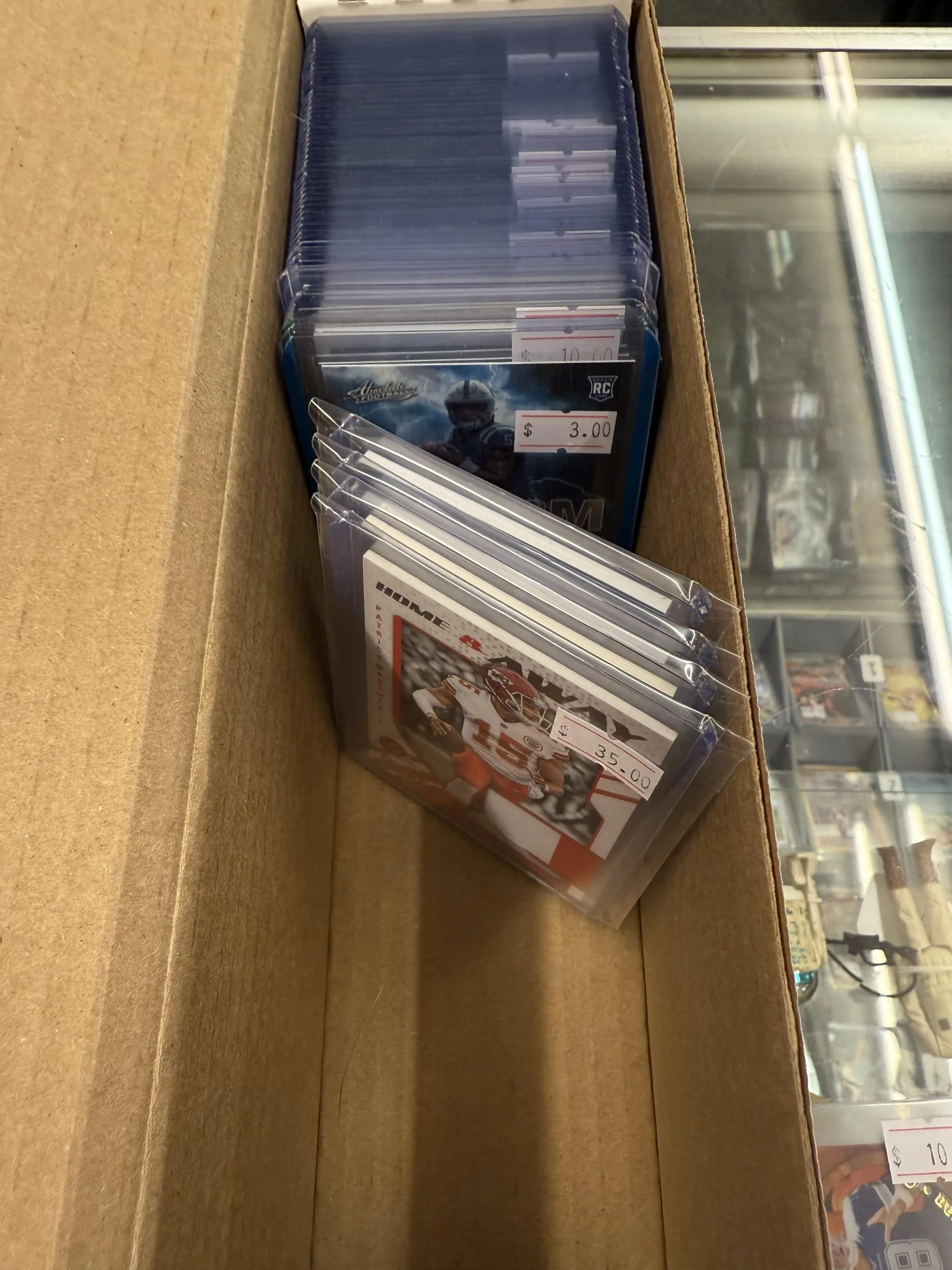
In its slot 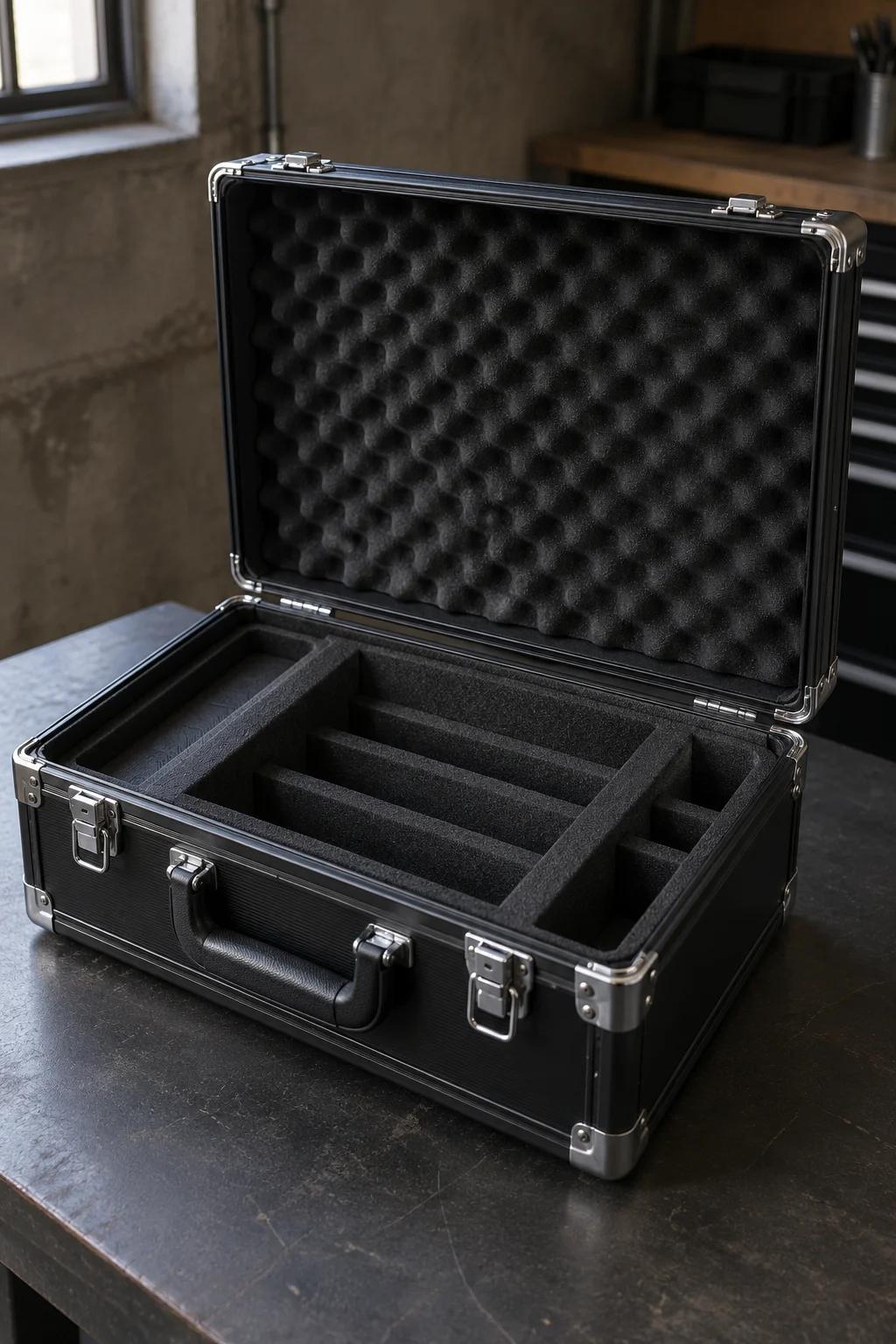
Off to the show 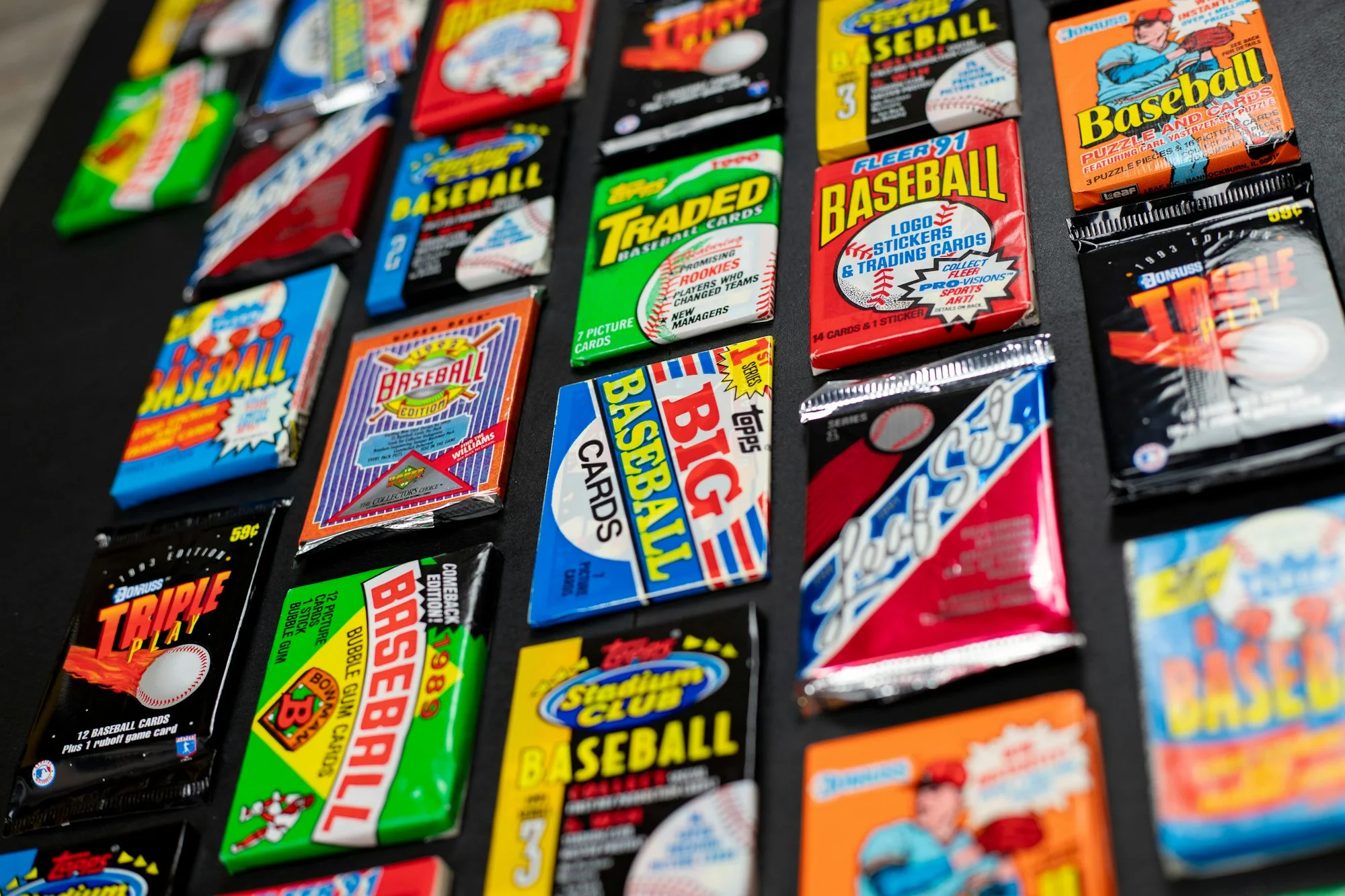
On the table 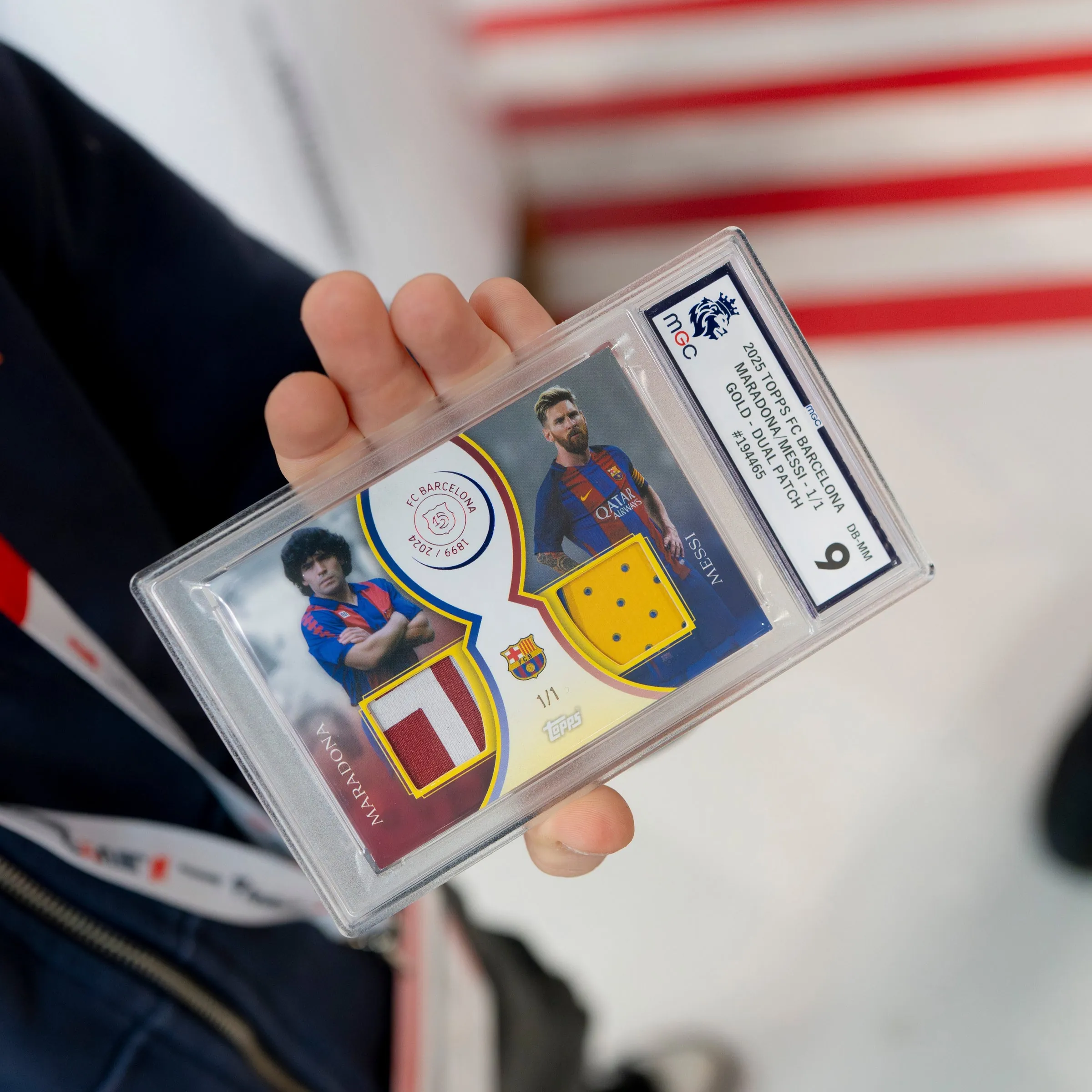
In a buyer’s hand 
Sold, out of stock


Change a whole stack at once
Hold one card, tick the others, then give them all the same storage place, price or status, or show them all on your storefront.
Hold a card, tick the rest
Edit: type the new place
Review the change
All three updated
Buyers see the card, not your costs
Listing is a separate step. The rest stays with your team, cost and minimum only for people with financial access.
| Storefront | Your team | |
|---|---|---|
| Card and grade | Yes | Yes |
| Asking price | Yes | Yes |
| Cost | No | Yes |
| Minimum | No | Yes |
| Storage location | No | Yes |
| Notes | No | Yes |
Questions
What dealers ask about inventory
What does CaseLink track for each card?
Graded slabs, raw cards and sealed product, sports or Pokémon, all get the same record: identity, images, price, quantity, status and storage location. Show assignments, listings and sales stay linked to it. Costs, notes and storage are private unless you choose to share them.
Can dealers import and bulk-edit inventory in CaseLink?
Yes. Add a card by hand, by search or by cert, or review image, spreadsheet or eBay imports before adding items. Search and filter your inventory, select a group and update it together. Team permissions still control inventory changes and access to financial fields.
Does CaseLink publish every inventory record?
No. Adding an item to inventory is separate from publishing it. Public storefronts show only the items you list, never your costs, notes or storage. How listings work
Is one record the same as one unit?
Not always. A graded slab is a single item with its own cert, so it is tracked on its own. Identical sealed product, such as six boxes of the same edition, can share one record with a quantity of six.
Can I keep consigned or held items in inventory?
Yes. Ownership and availability are kept apart. A consigned item keeps its owner on the record, and an item on hold is not counted as available stock or added to a pull list. Show operations
How do I find a card in storage?
Every item keeps its storage location, such as a box and a slot. Search or filter your inventory by that location, or scan the item's CaseLink label in Check certificate to open its record with the location on it.
Who can change inventory or see costs?
Team permissions decide who can change inventory and who can see financial fields such as cost and minimum price. Staff access