Discover:
Search shows by place and date, then open the event and the cards dealers chose to publish.

Find a show near you
Start with a city, region, venue or show.
Save a show for later
Type a place, open a show, tap the bookmark. It waits under Saved shows.
Search a place
See its shows
Open a show
Save it
Find it again


Or look at the map
Switch from List to Map. Every show with a location stands where it takes place.
1 · List or map
One switch. Your search and filters stay as they are.
2 · A pin for each show
Zoom from the whole country into one city.
3 · Tap a pin
It names the show, its date and its city. One more tap opens the event.
4 · The first show, below
The first show of your list stands under the map, with its dates and venue.
Nearest first
Turn on Near me and every show carries its distance.
The event page
Open the show before you drive
One page per event: when, where, and what the dealers there chose to publish.
1 · Directions, official site, save
The menu holds directions and the organizer's own website. The bookmark saves the show.
2 · Dates and venue
From verified event data: the date, the venue and the city. Below them, how many dealers and cards wait.
3 · Cards or dealers
Browse the published cards, or the dealers taking part.
4 · Every card names its dealer
Price and dealer on each card. Only what a dealer chose to show.

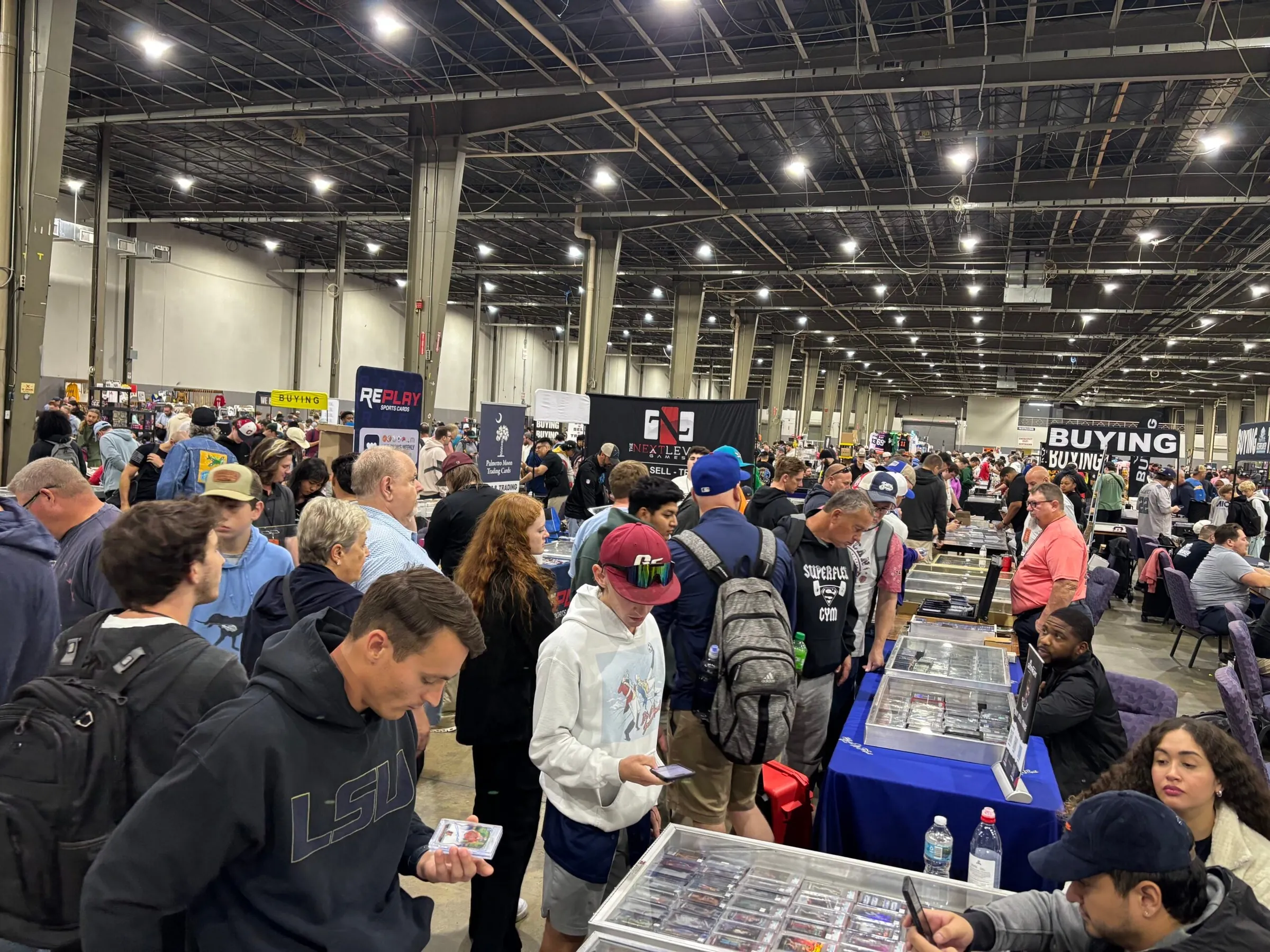
One directory, three ways in
Pick who you are.
Search by place and date
A city, region, venue or show. Near me puts the closest first.
Save the weekend
Bookmark a show and it waits under Saved shows.
Look before you go
Open a table and see the cards its dealer published, with prices.
Find the table
Go from the event to its participating dealers.
See what dealers publish
Open a table for the cards its dealer chose to show.
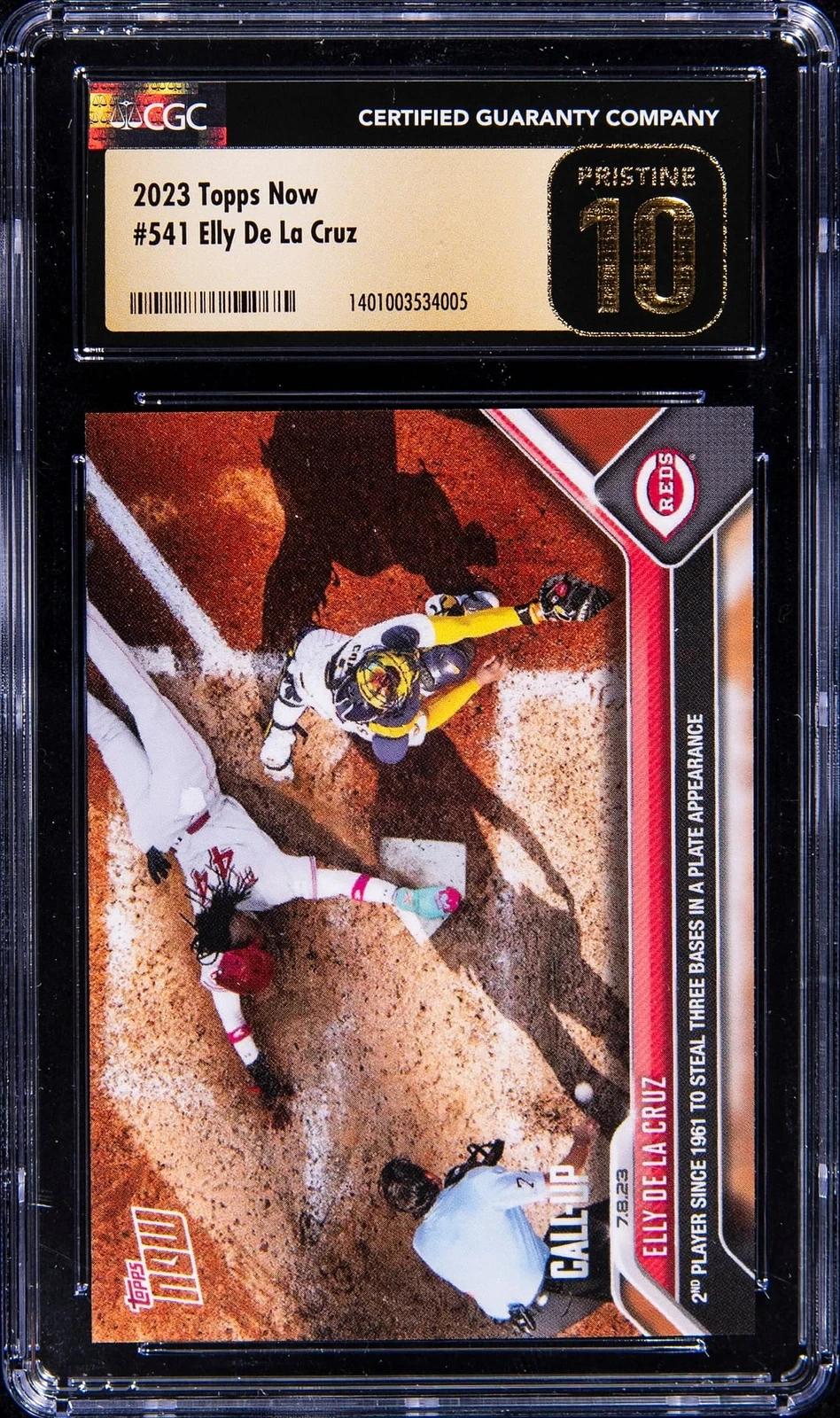 Elly De La CruzCGC 10 · 2023 Topps Now
 Ty CobbPSA 6 · 1909-11 T206
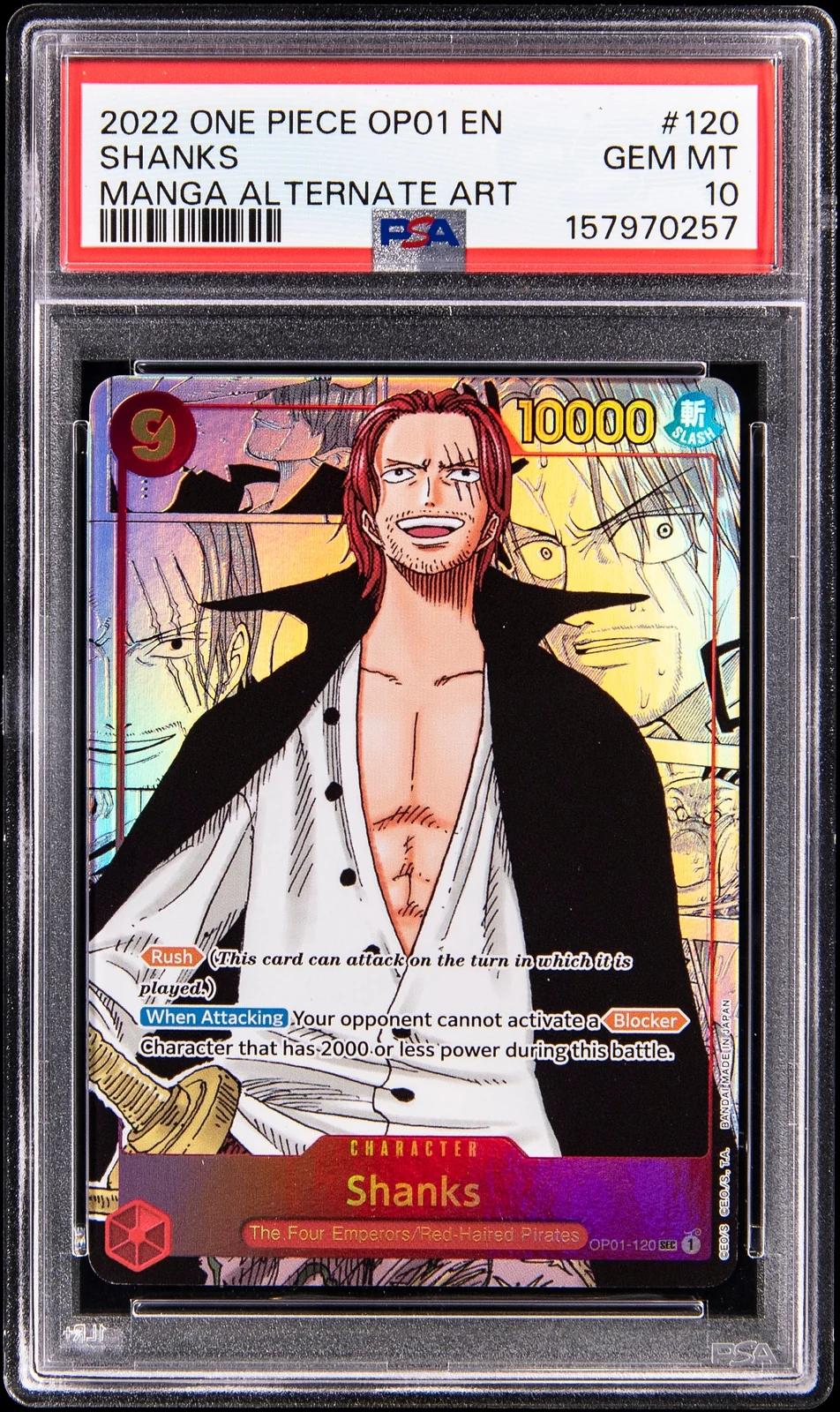
 AladdinPSA 10 · 2023 Lorcana #104
 Mox RubySGC 80 · 1993 Magic
Shows on the map
1,910
Upcoming card shows you can open today.
Show search
From a listing to a dealer
How does CaseLink connect card show search with dealers and inventory?
After a visitor opens a factual event listing, CaseLink can continue into a participating dealer, table information, and deliberately published inventory when that context is available.
Where can visitors browse current public card show listings?
The CaseLink Card Shows directory is the dedicated public event destination. Discover describes the product connection from an event into supported dealer and inventory context.
Does an event listing mean every dealer uses CaseLink?
No. A public listing does not imply that every dealer or item at the event uses CaseLink. Dealer and inventory context appears only where it is available and deliberately published.