Show inventory · Card show pull list:
Choose, pull and pack the cards for one show. Visitors see the show price, never your cost.

Pick the show
Choose, pull and pack the cards for one show at a time.
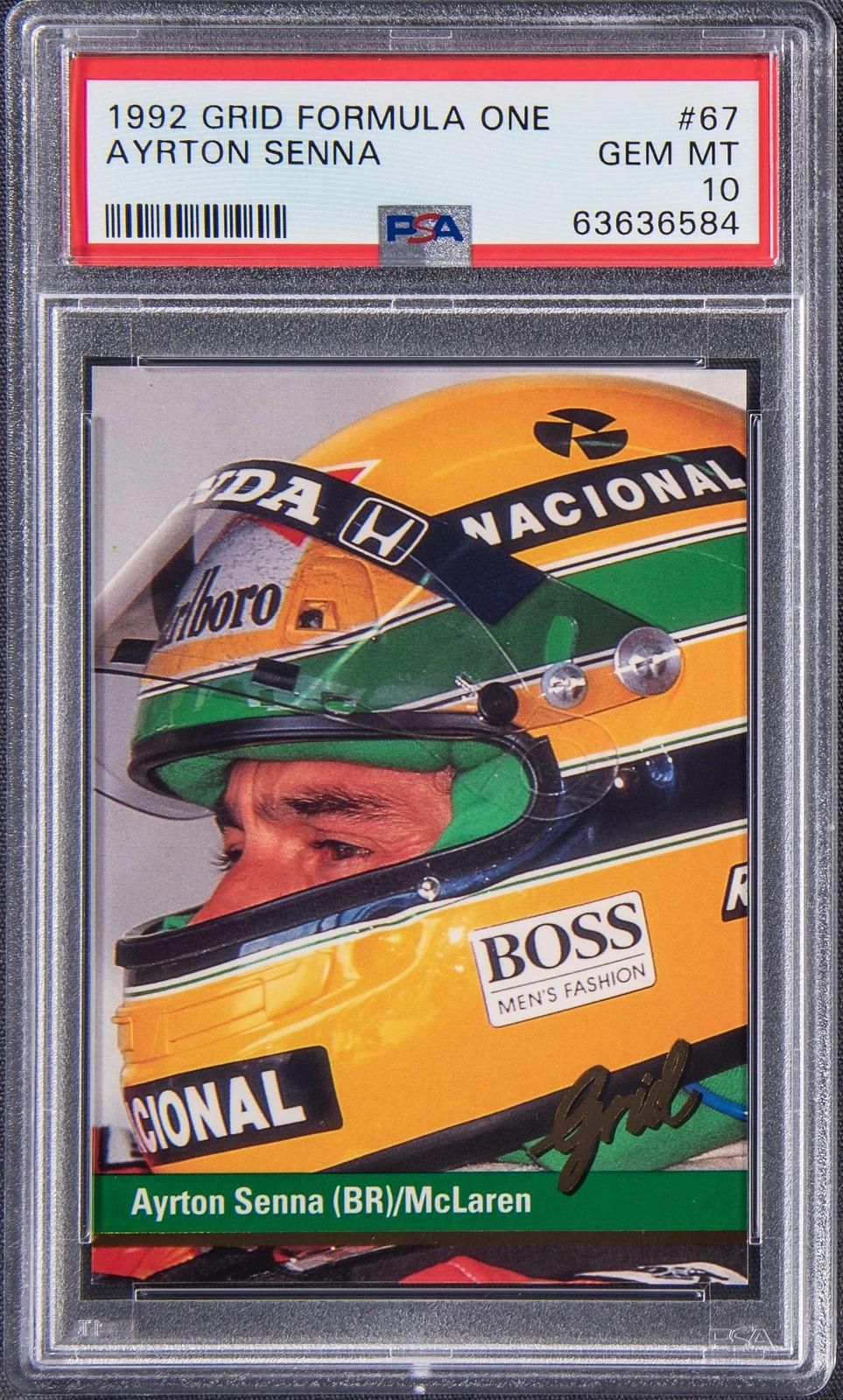
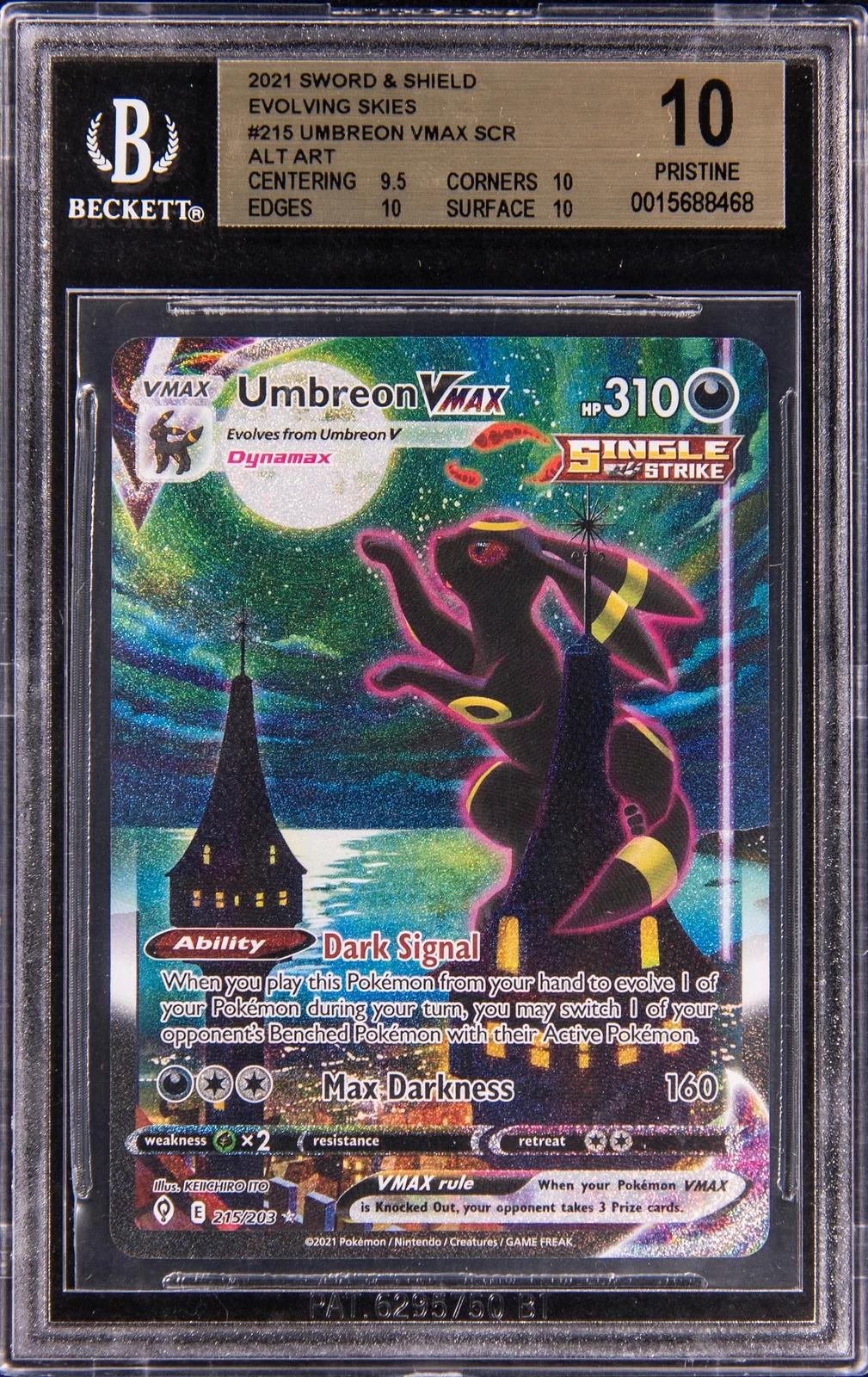
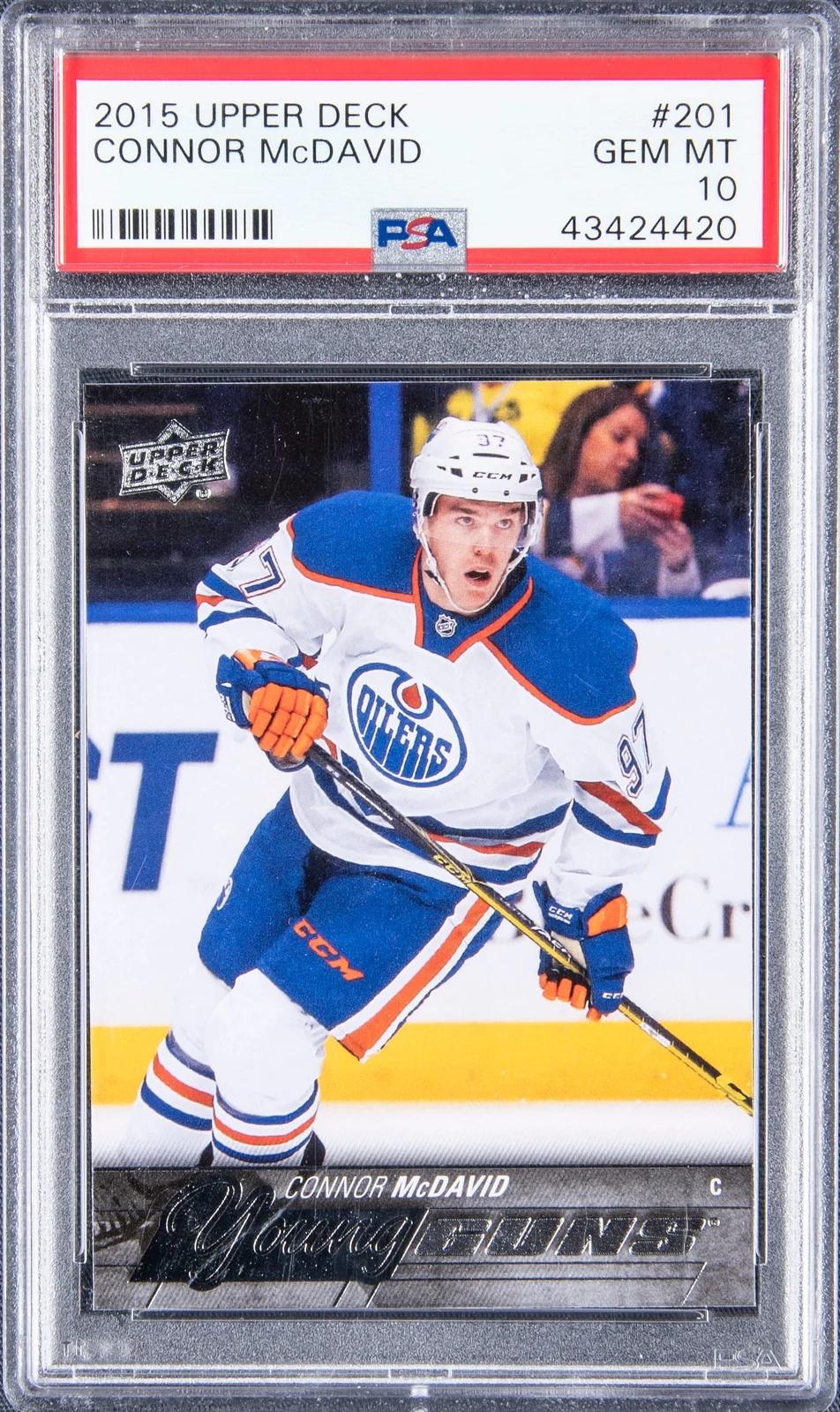
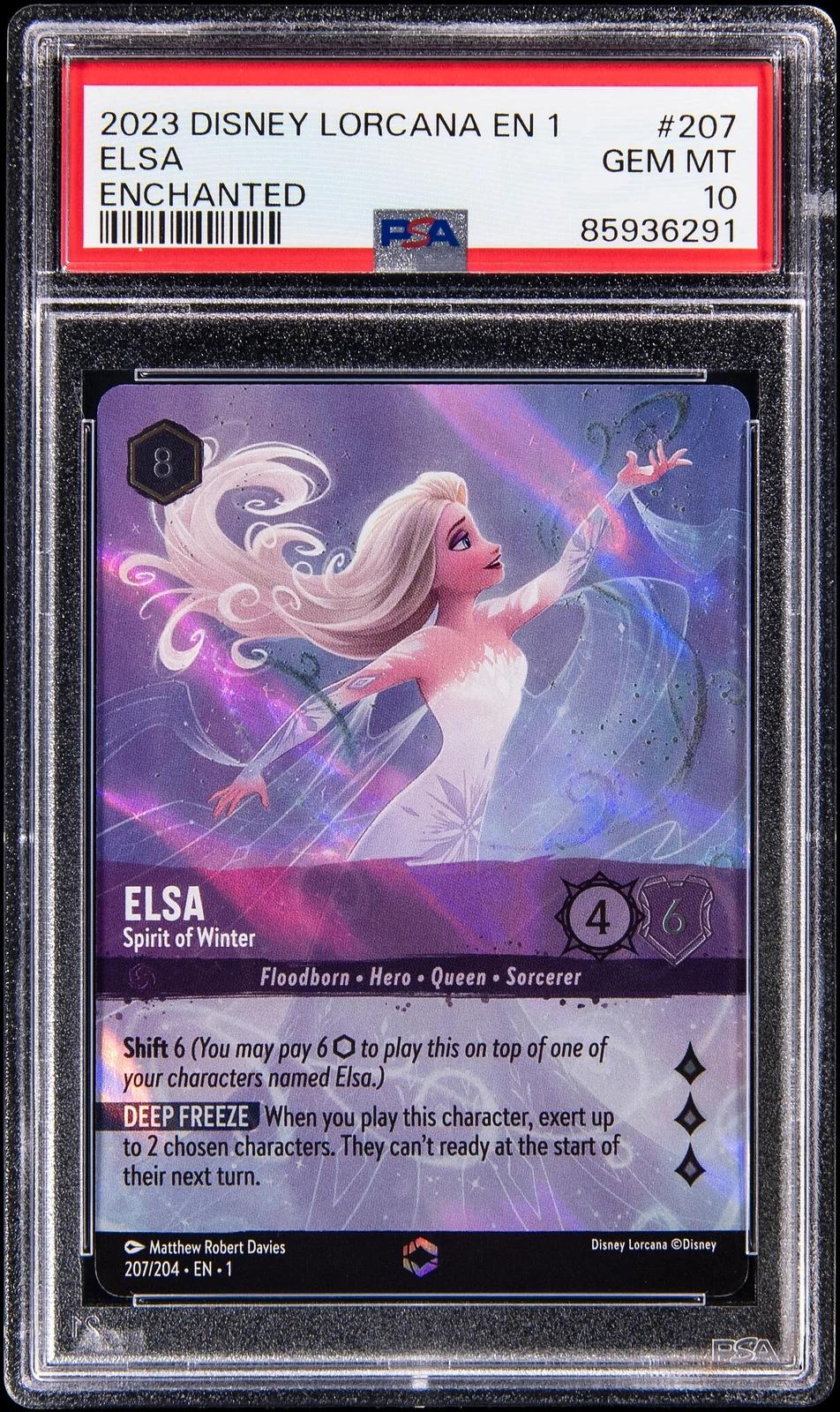
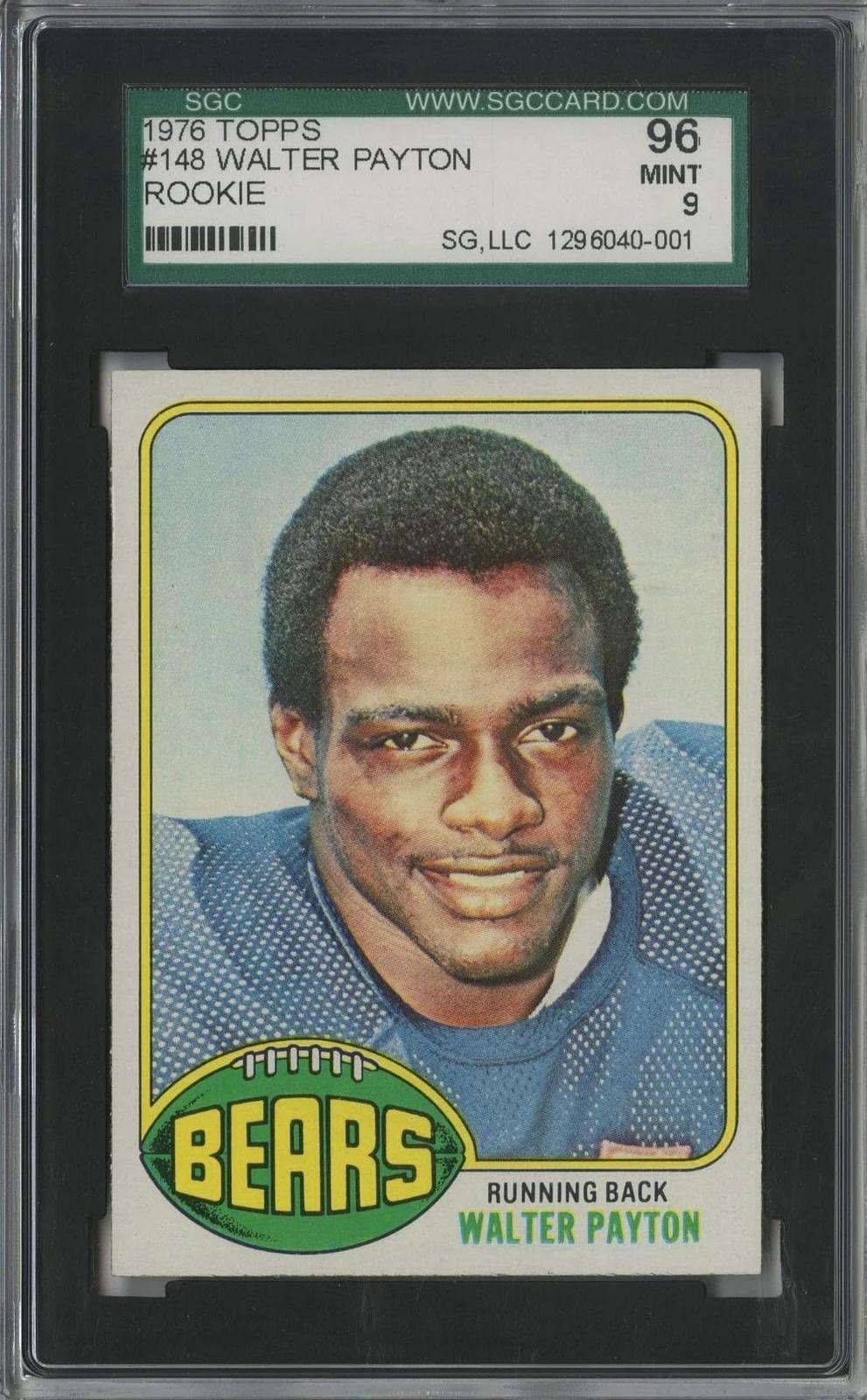


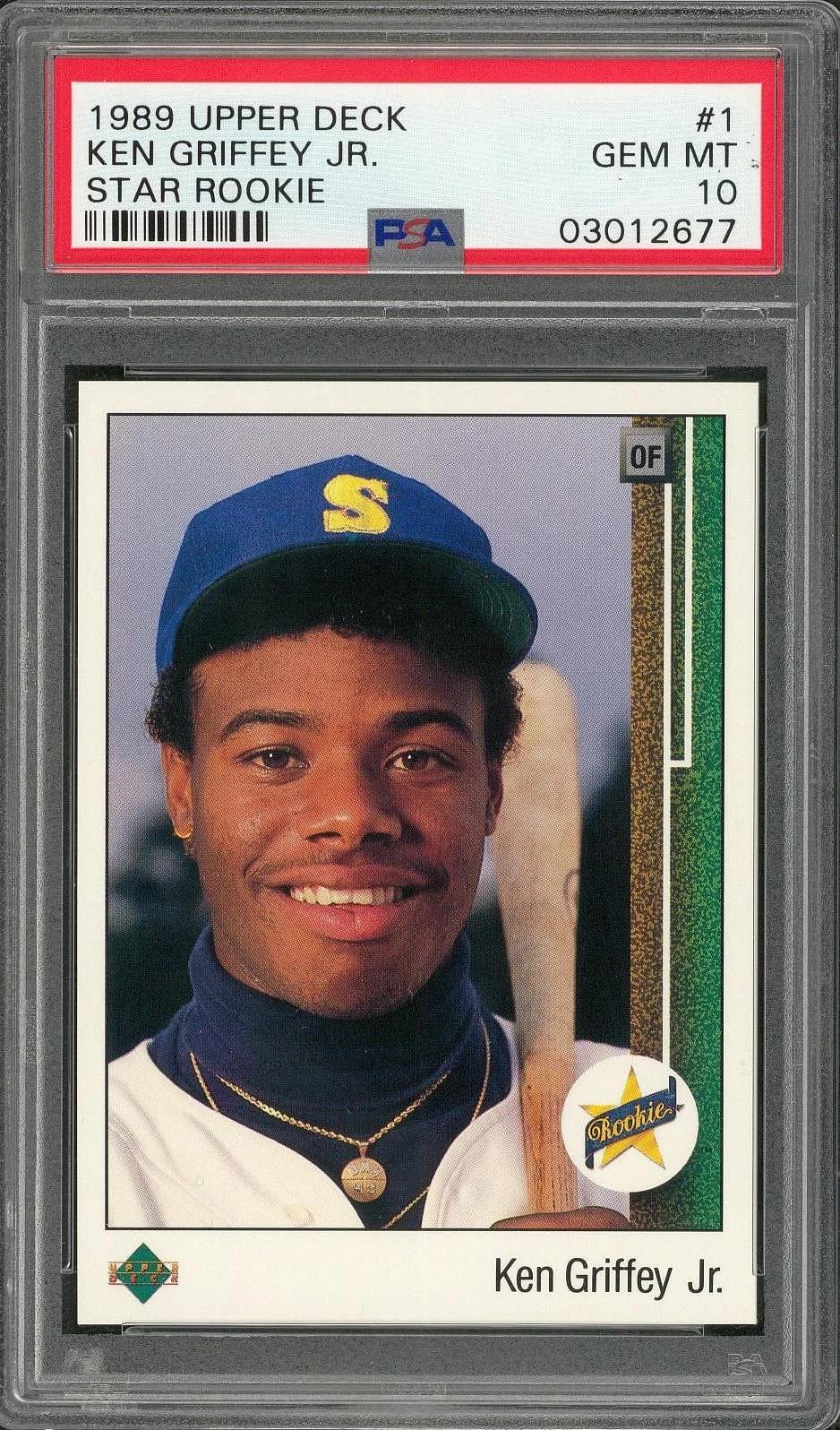
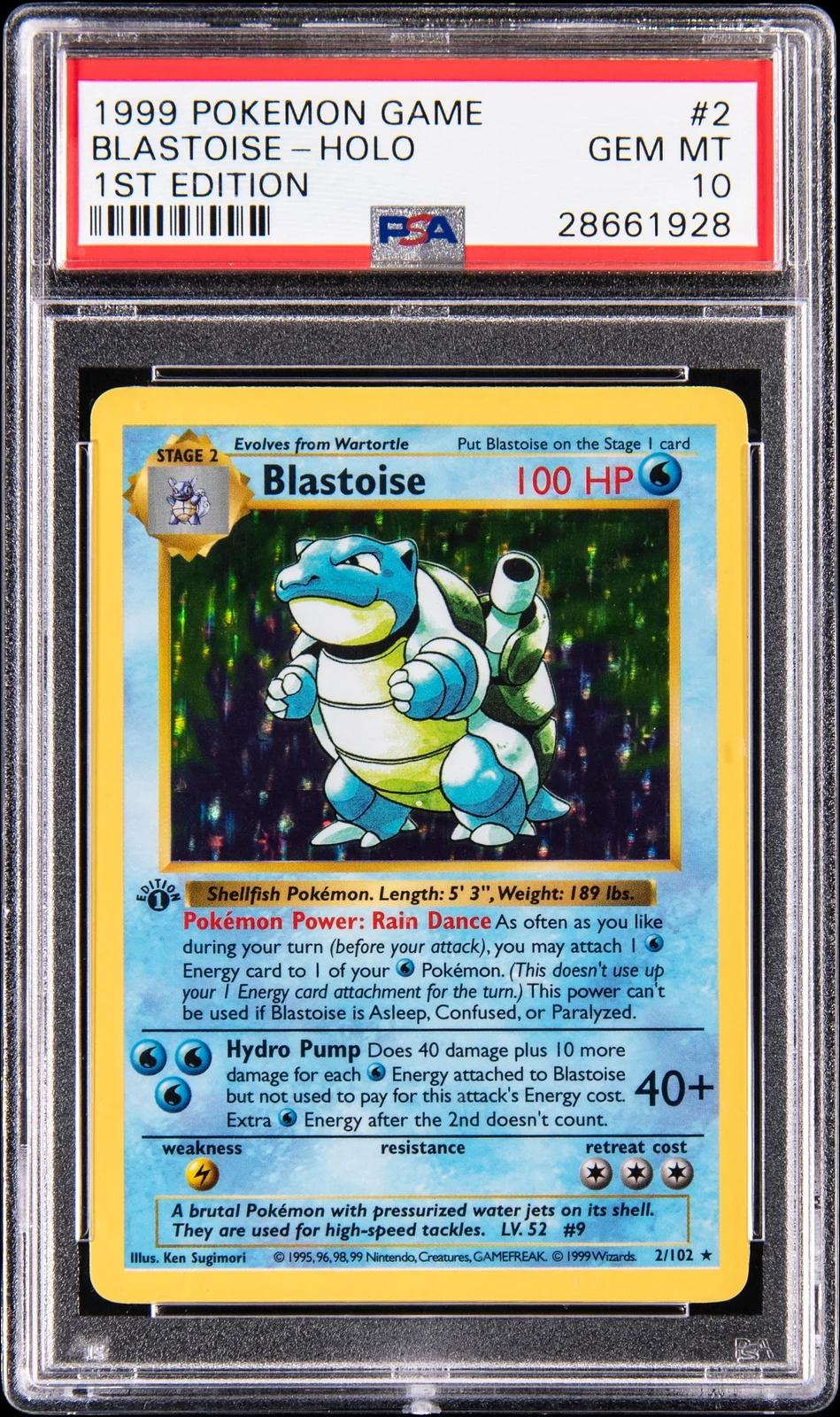
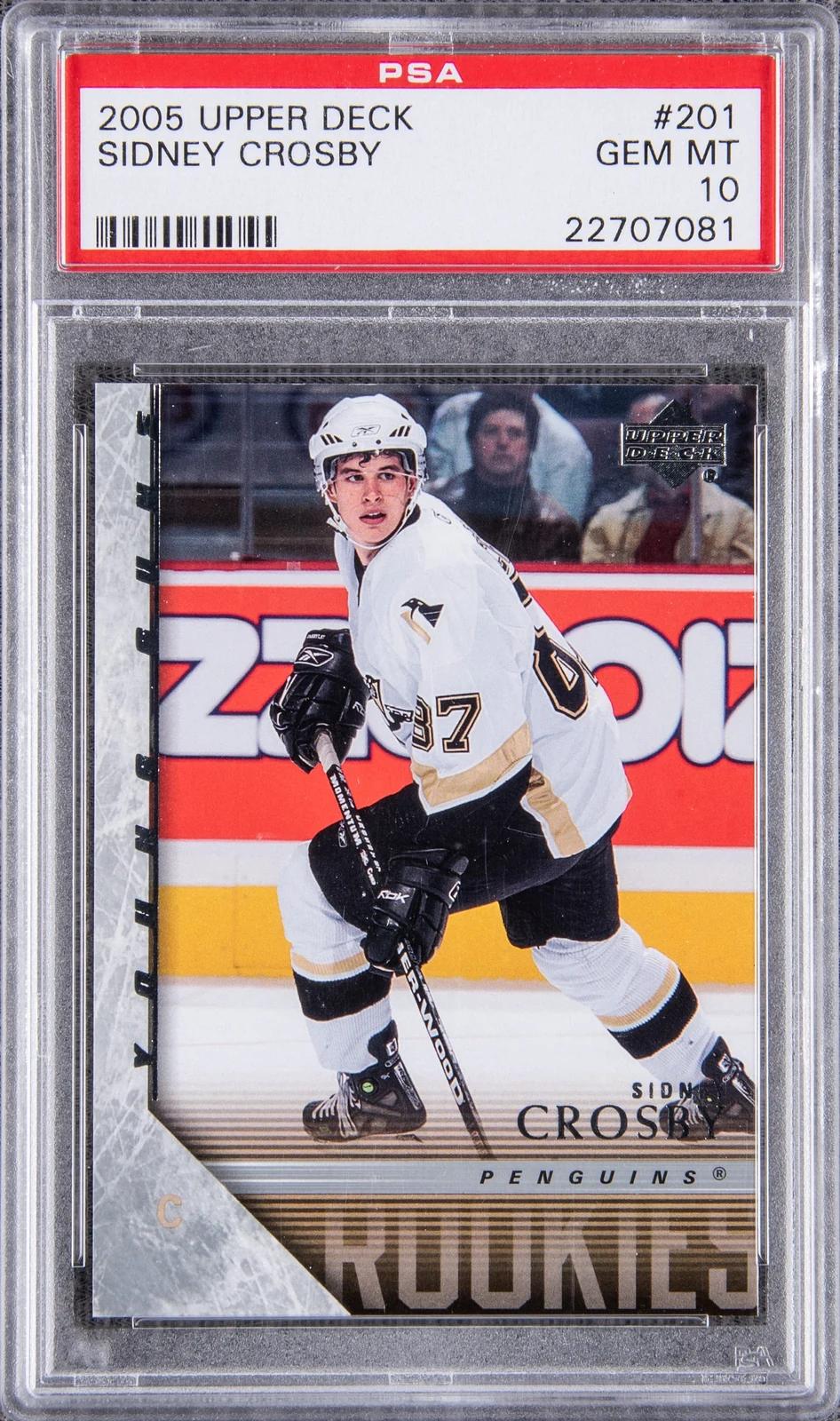
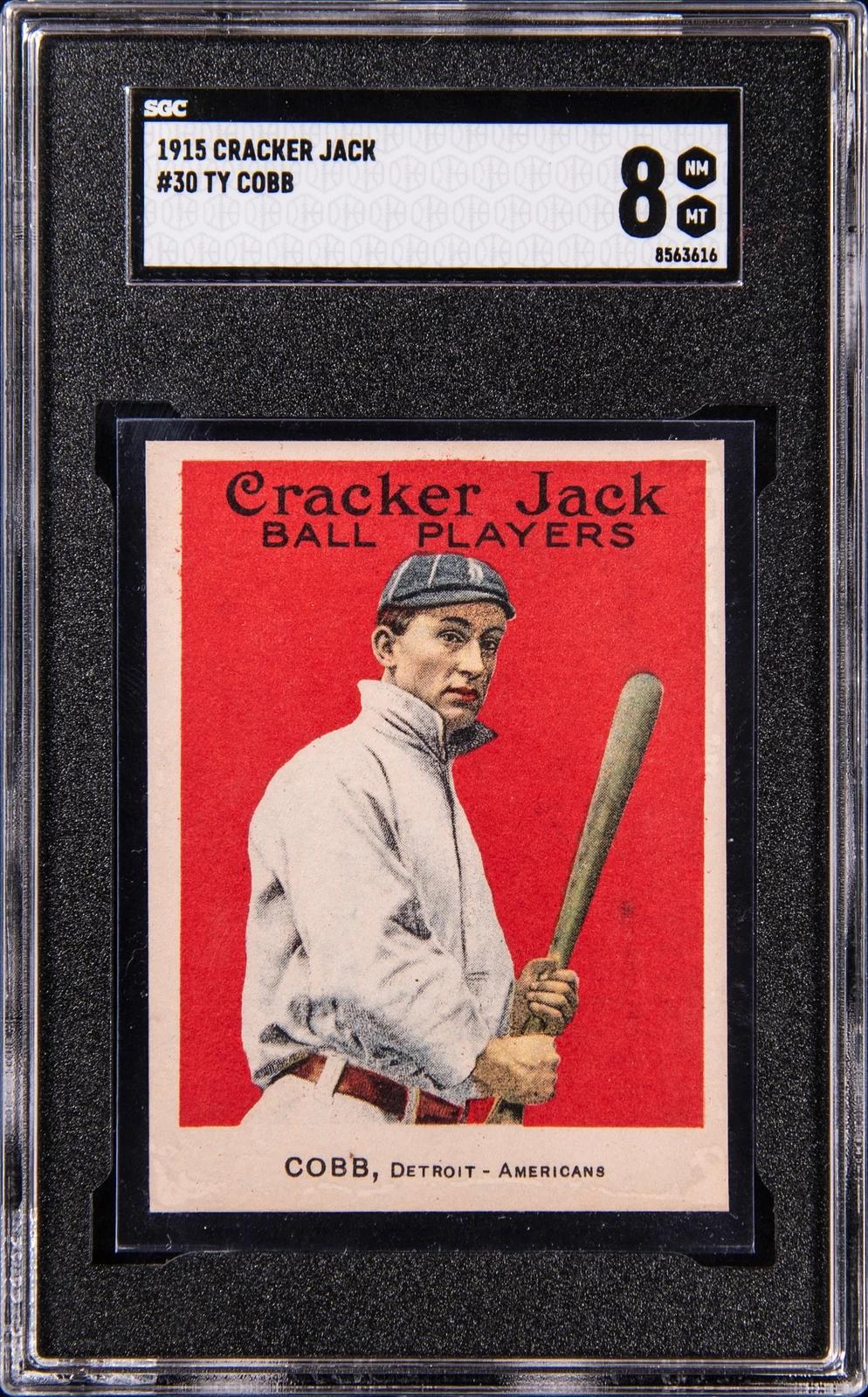
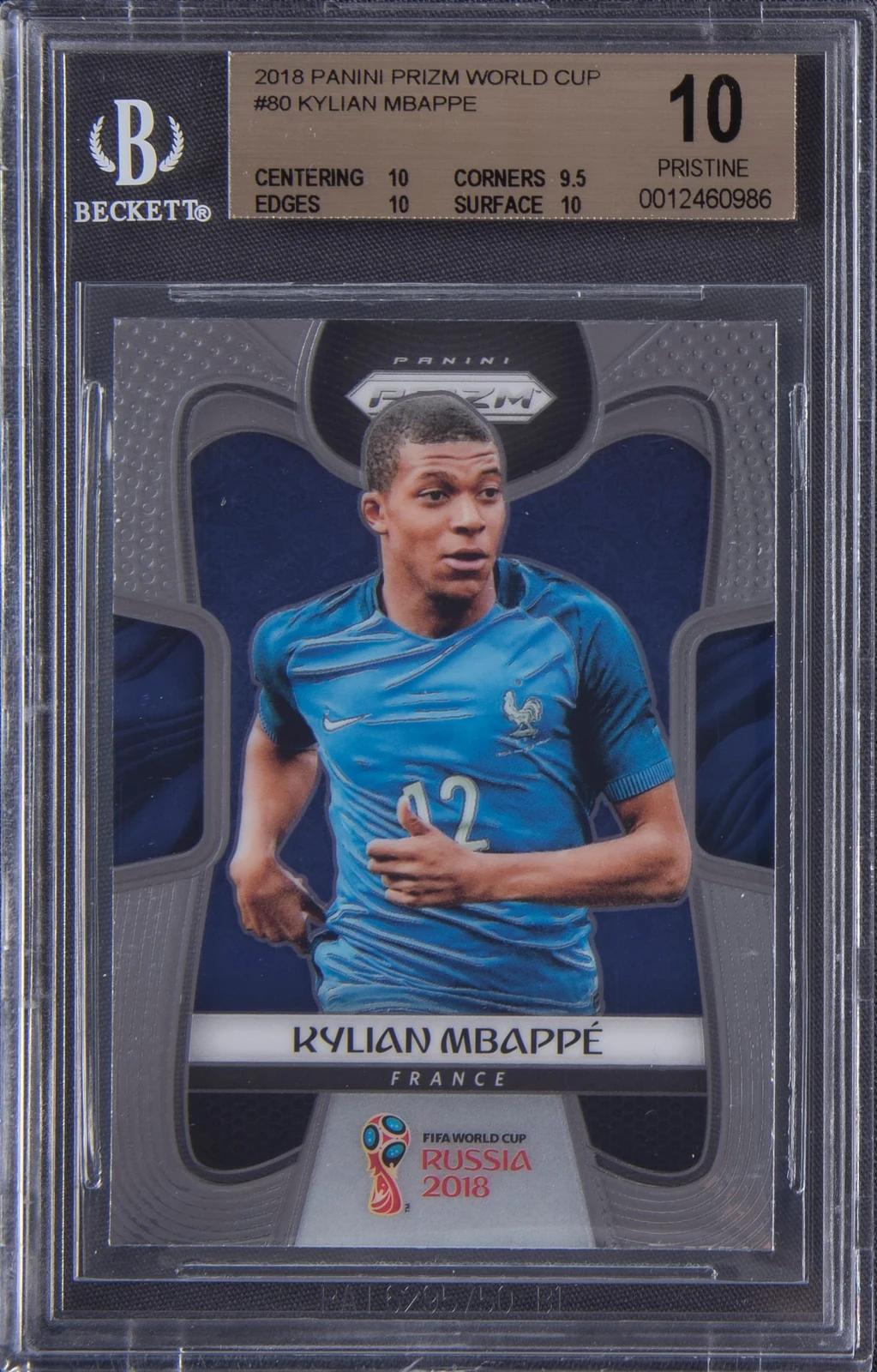
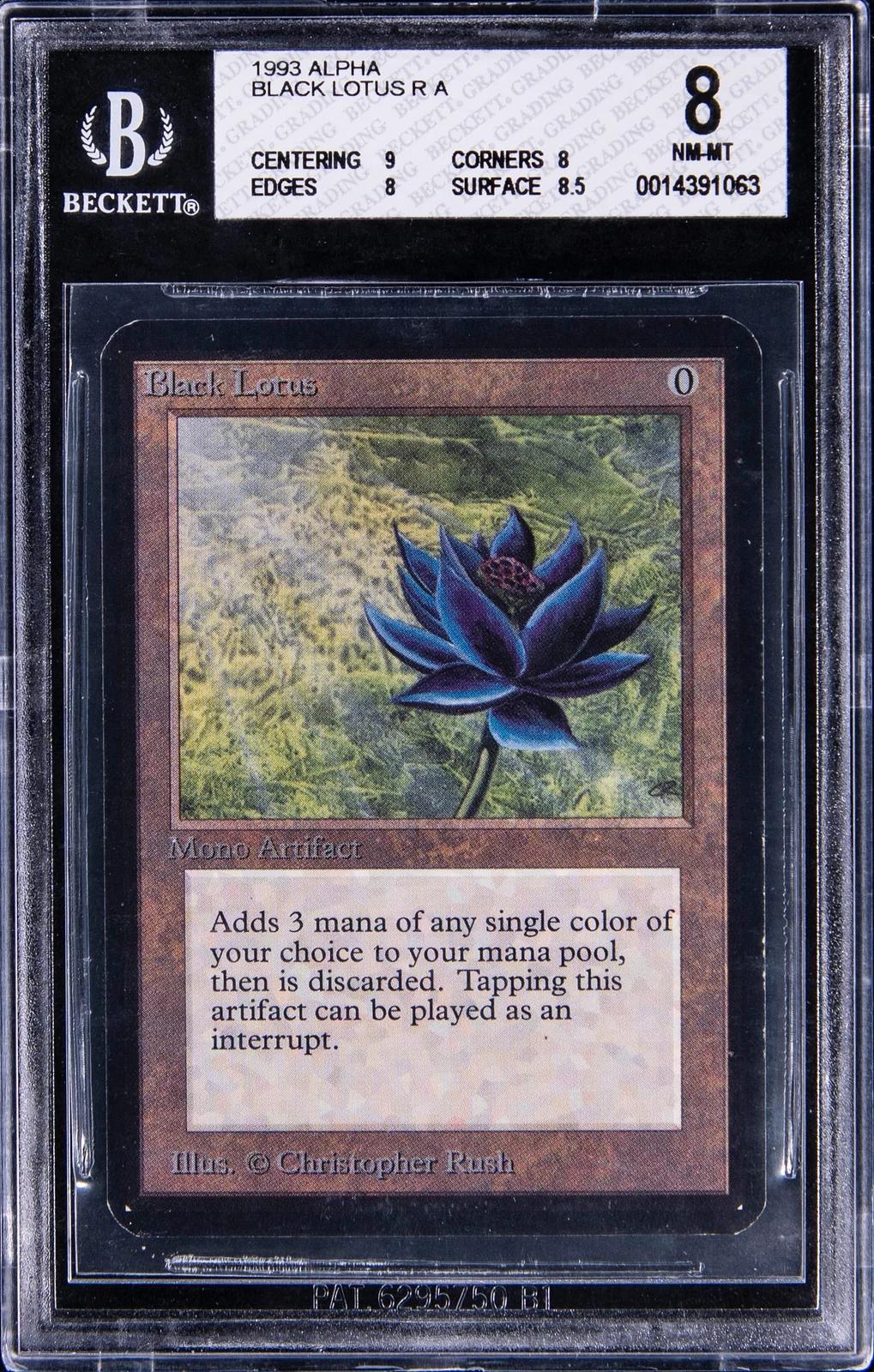
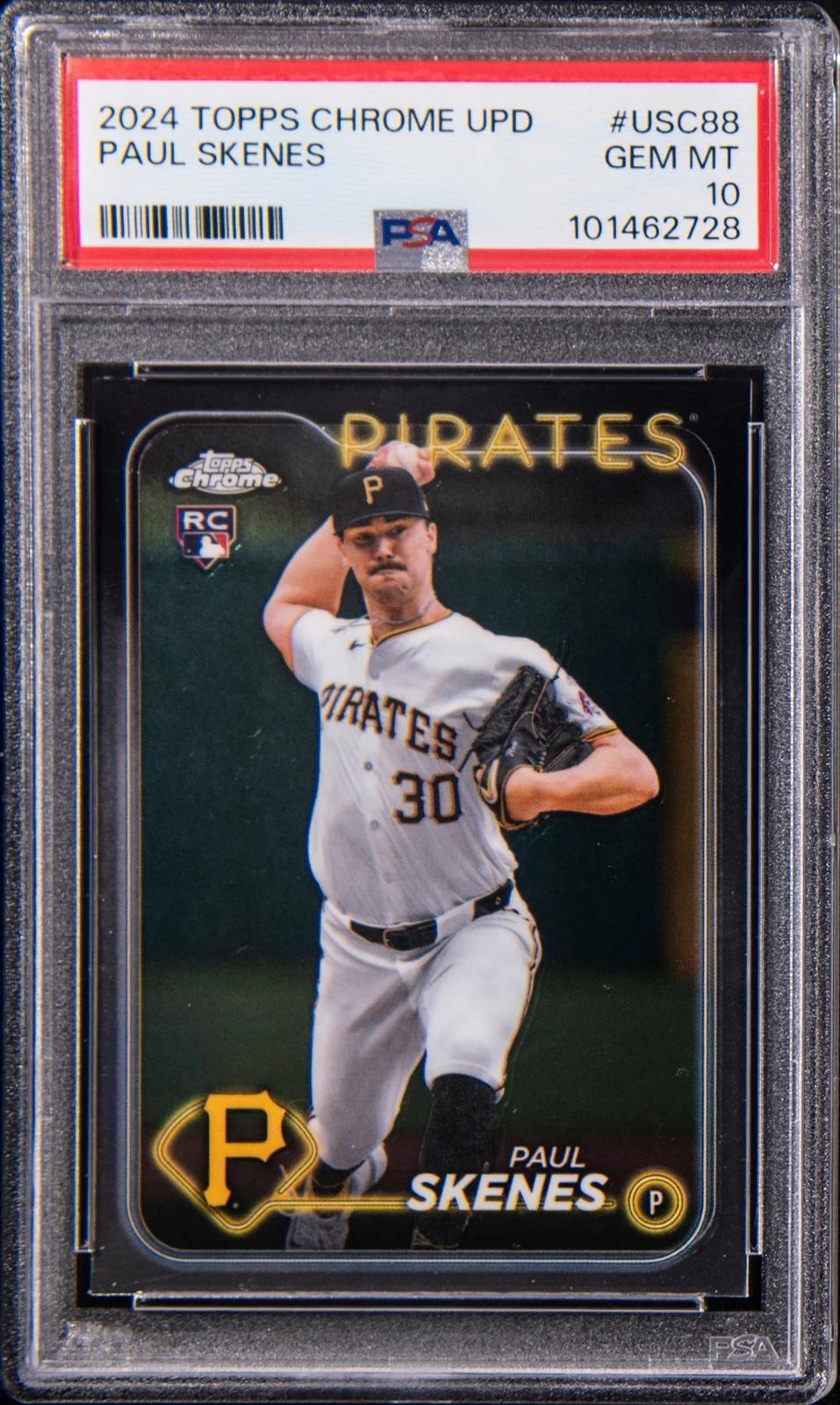
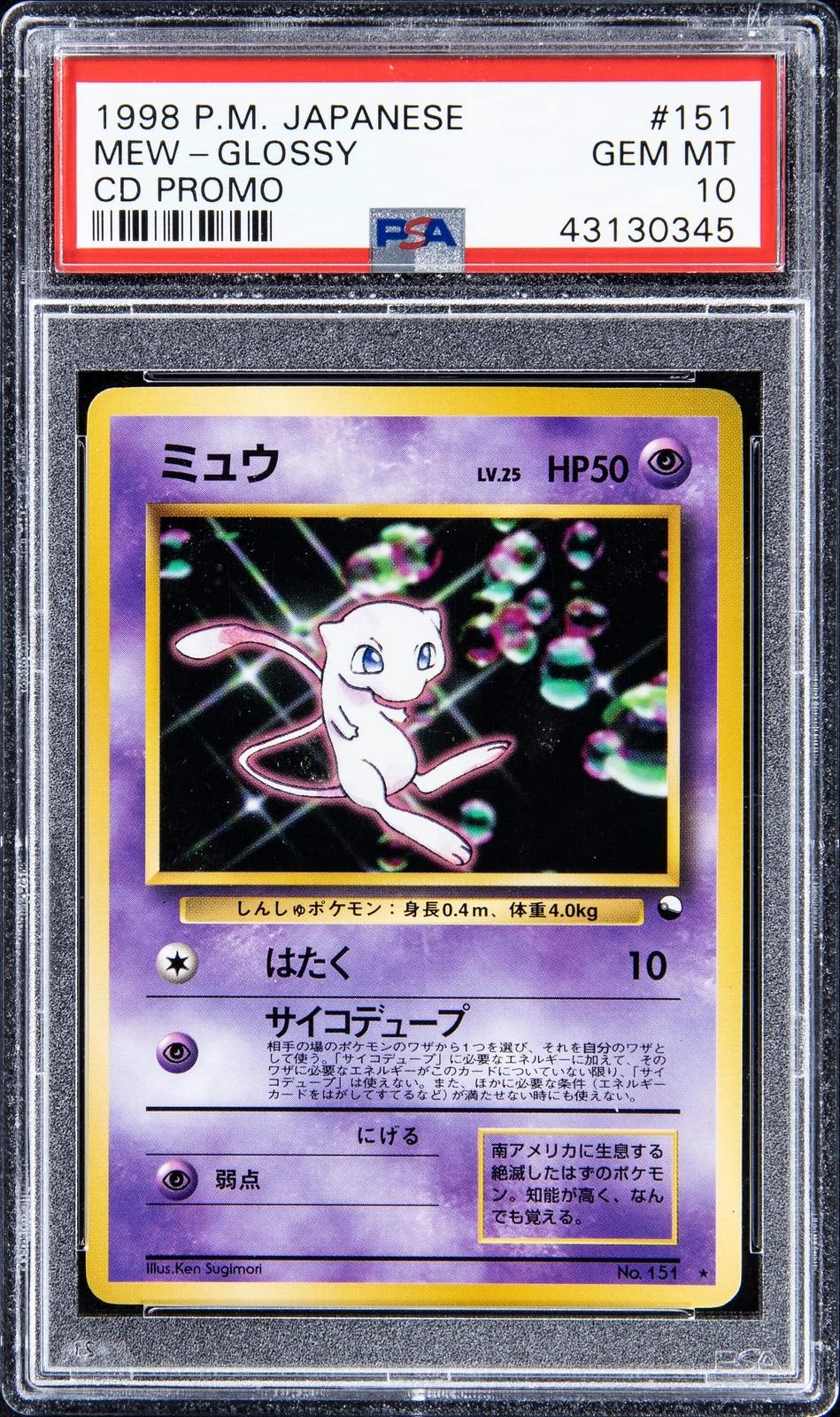
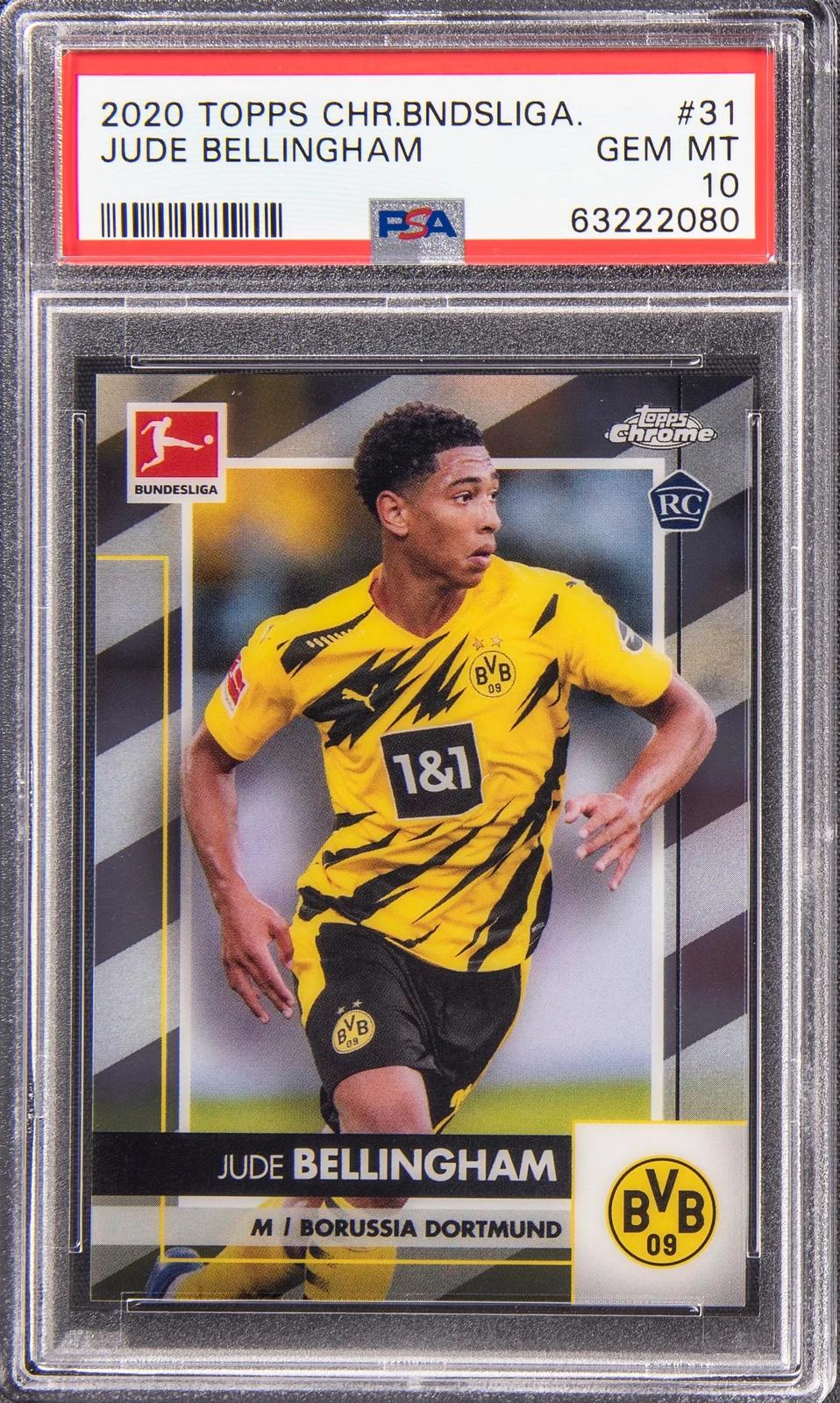
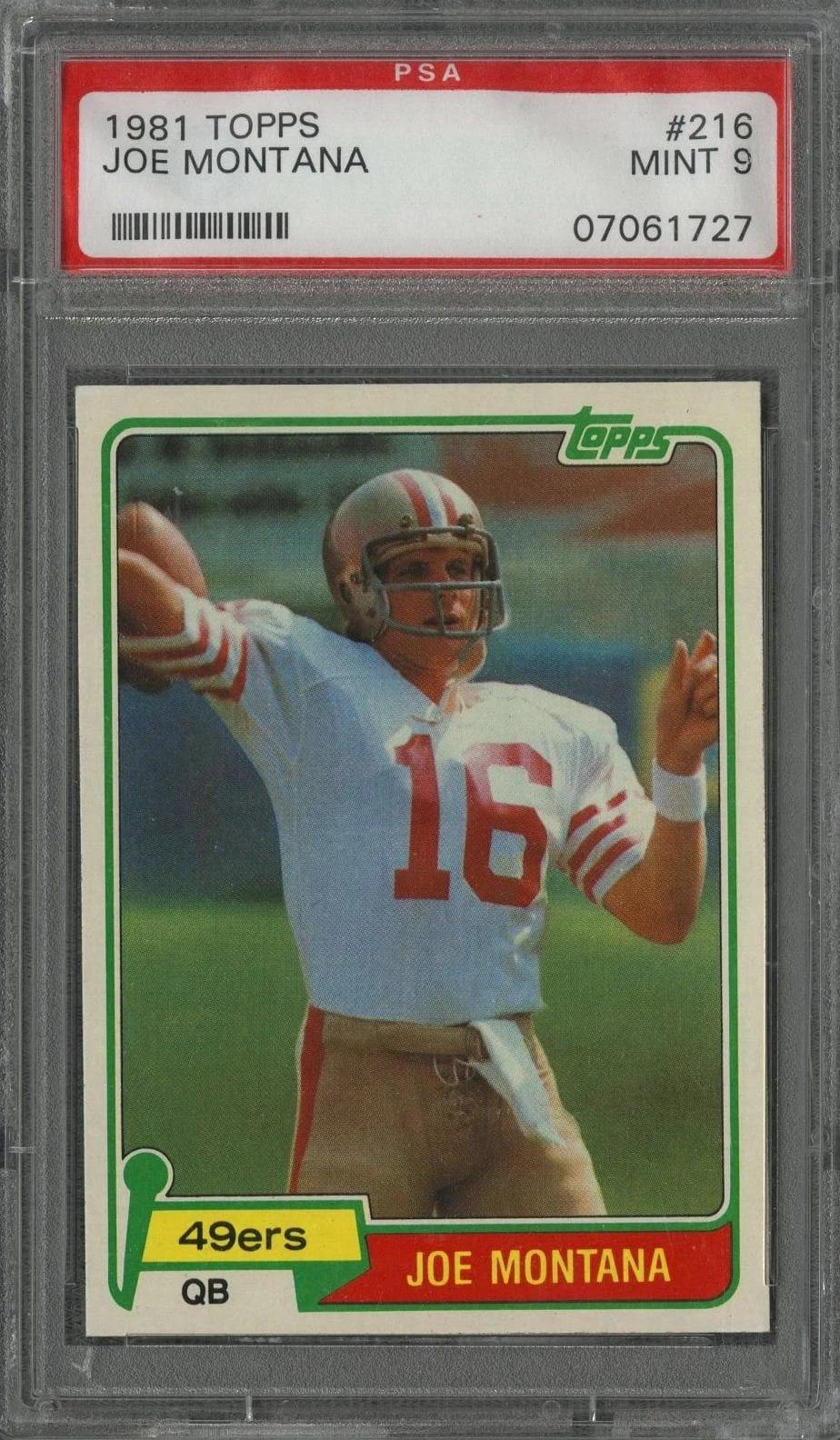
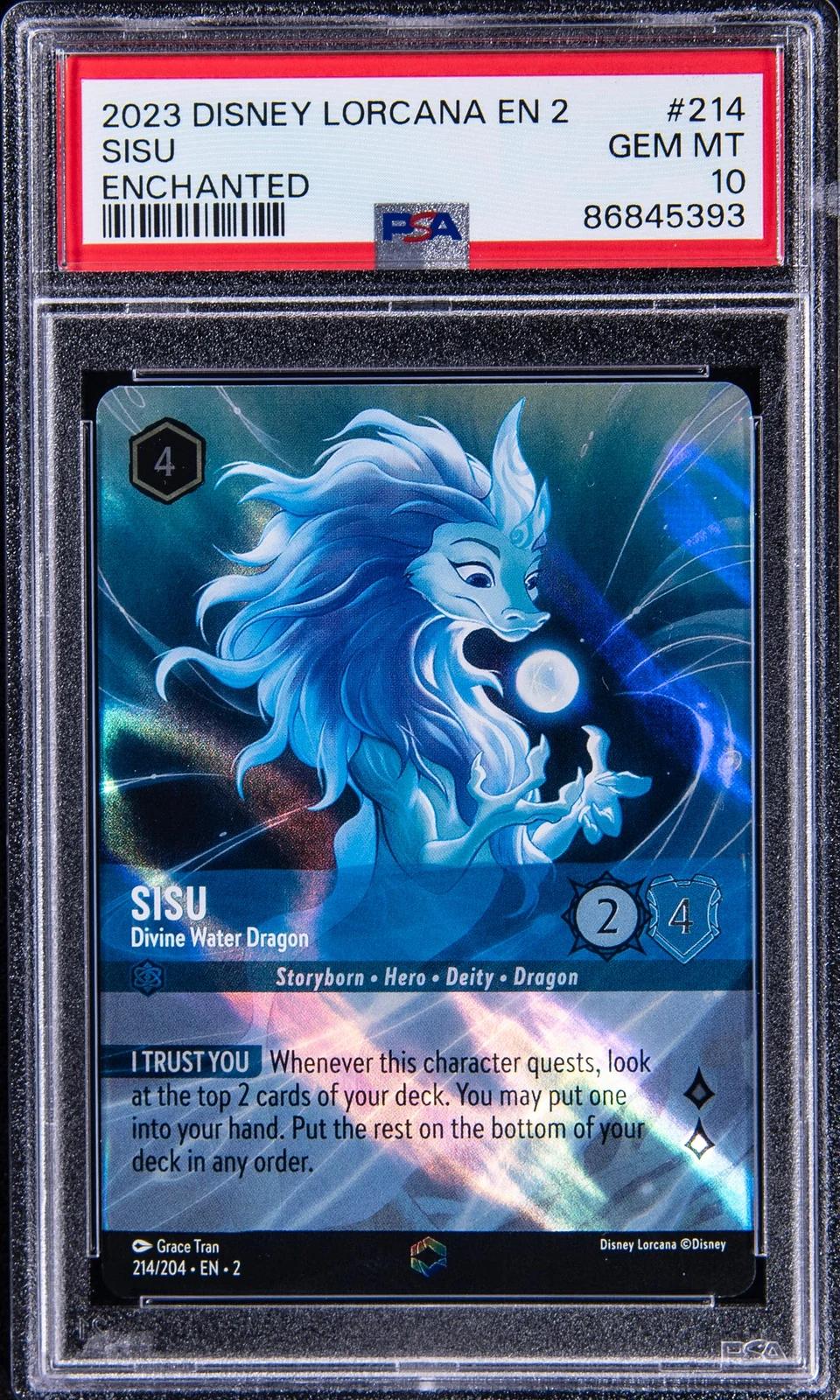
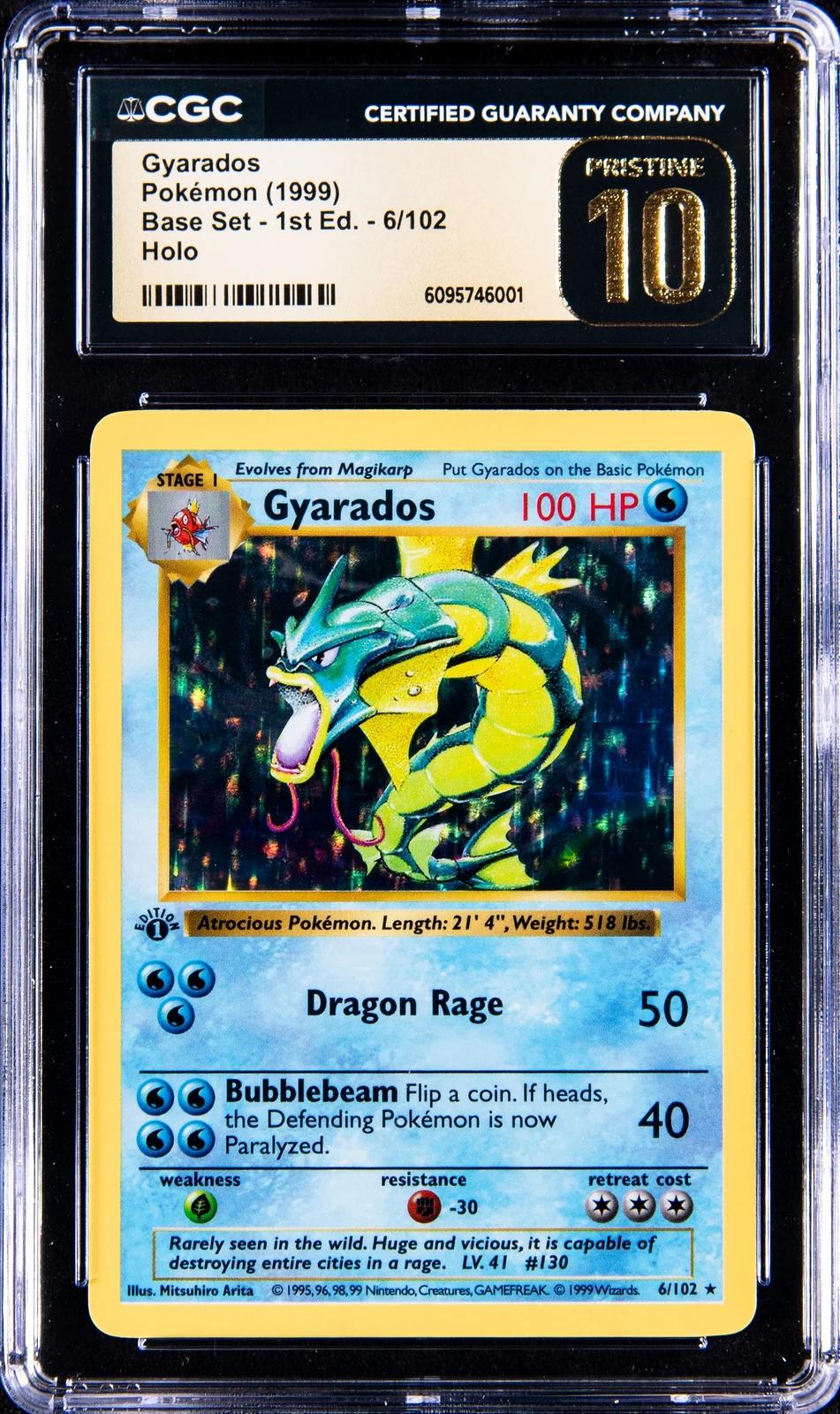
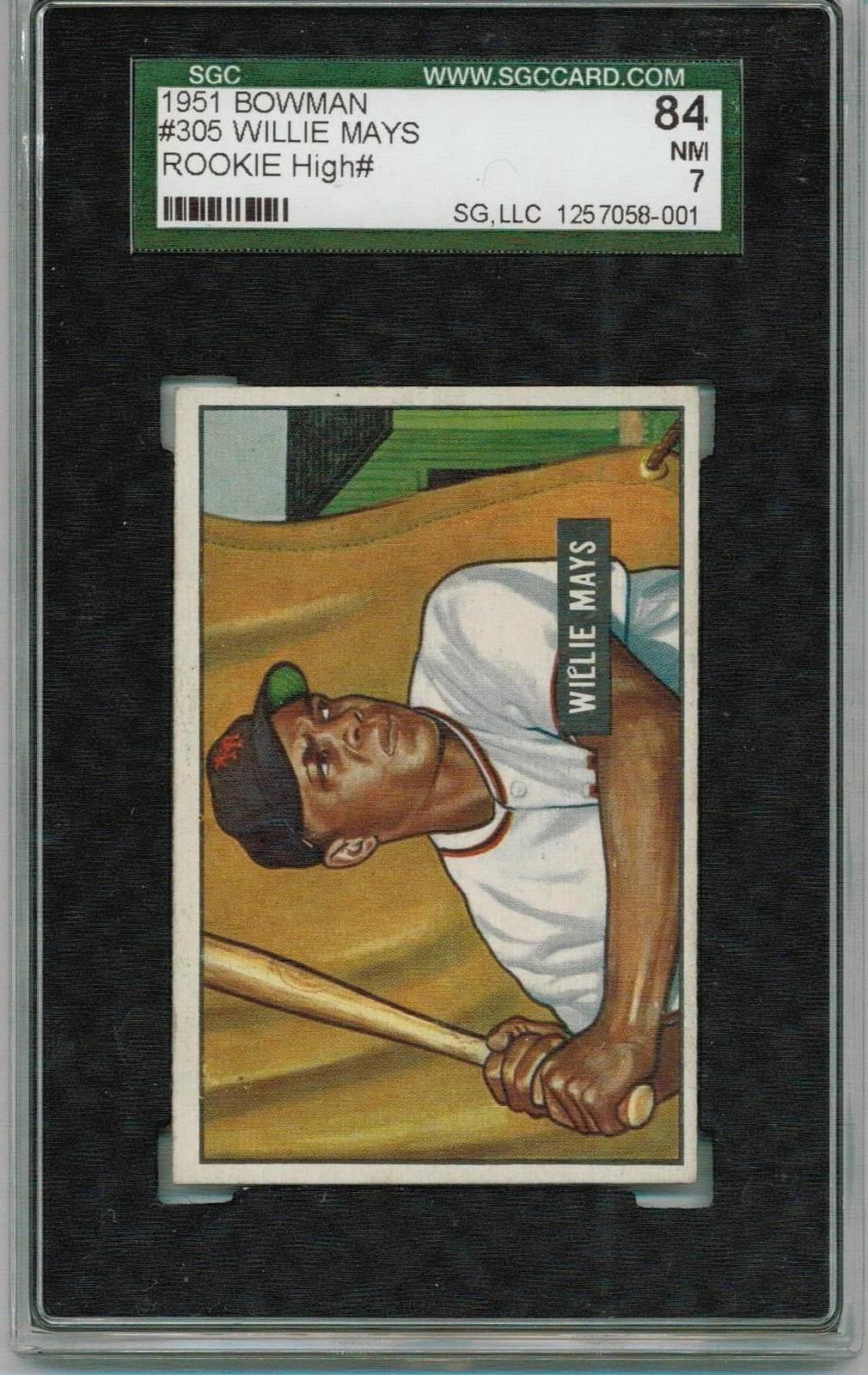
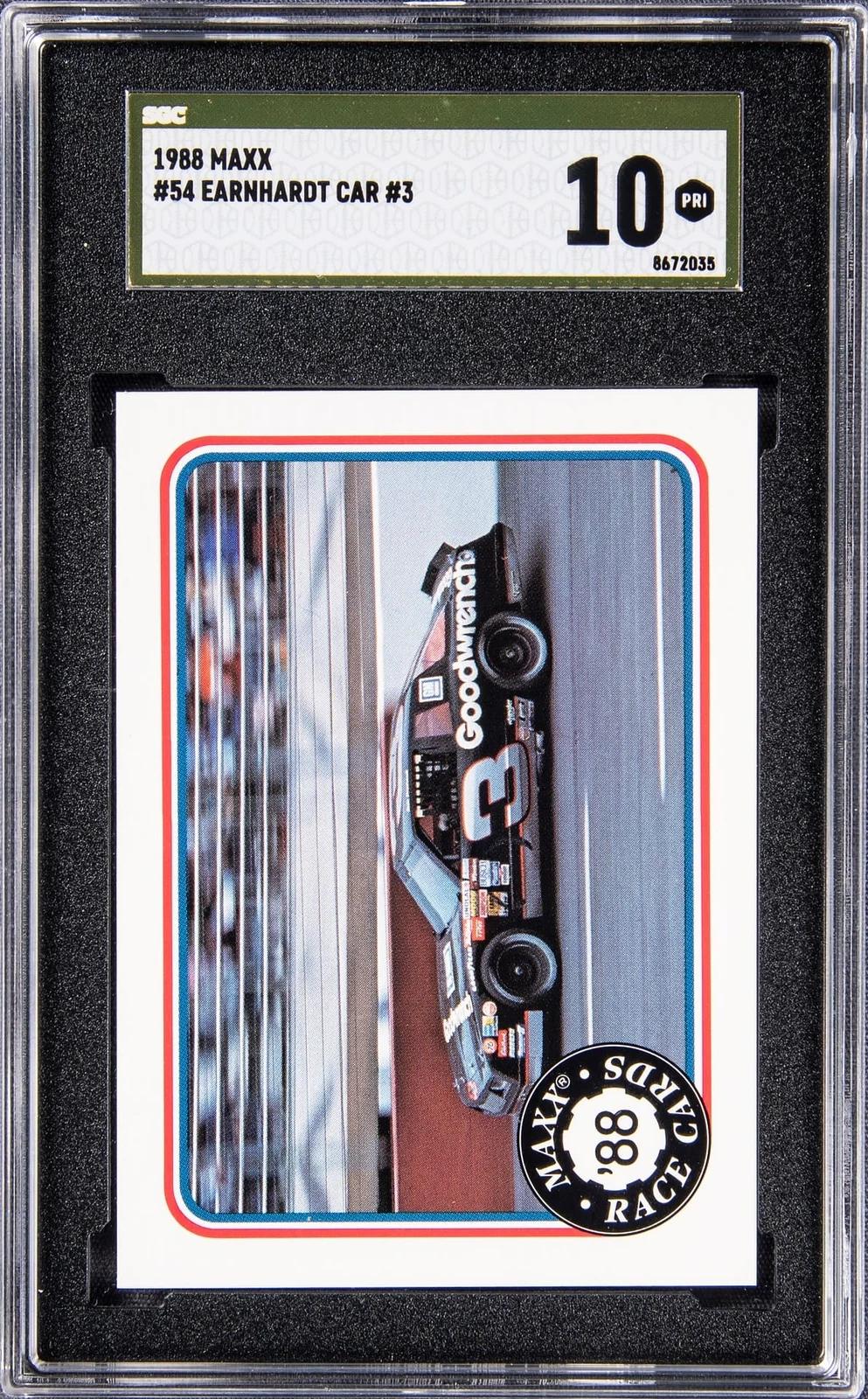
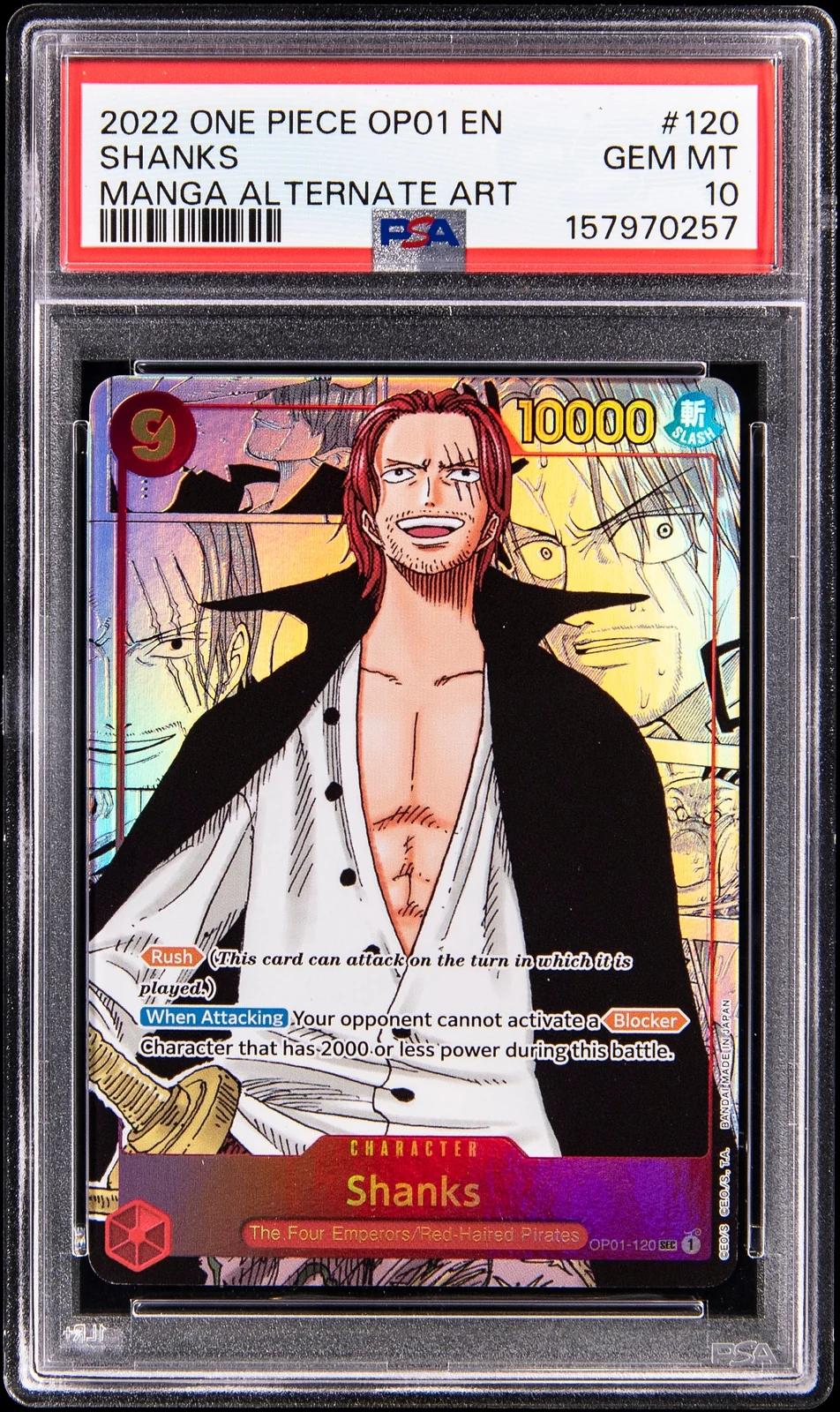
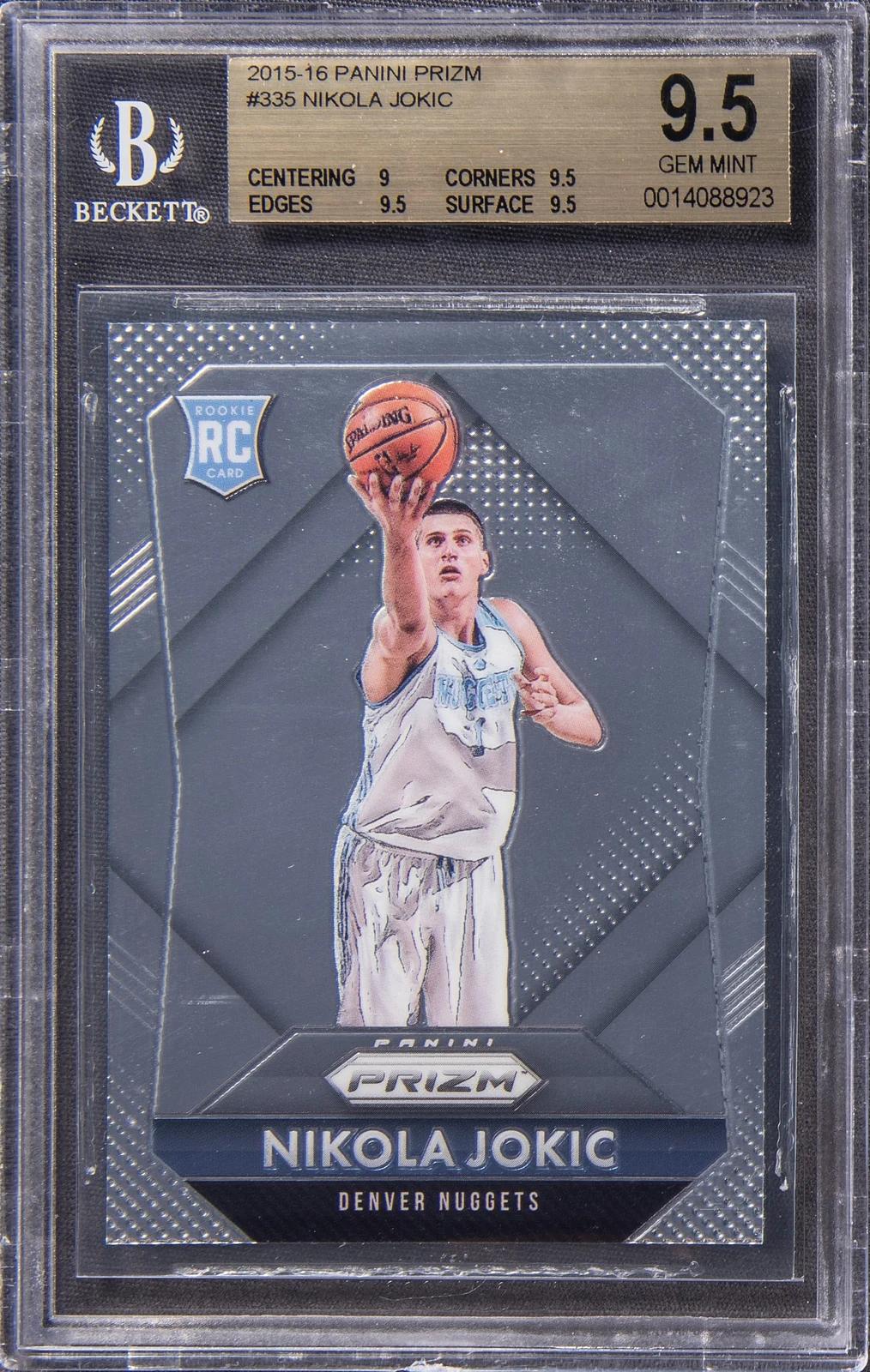
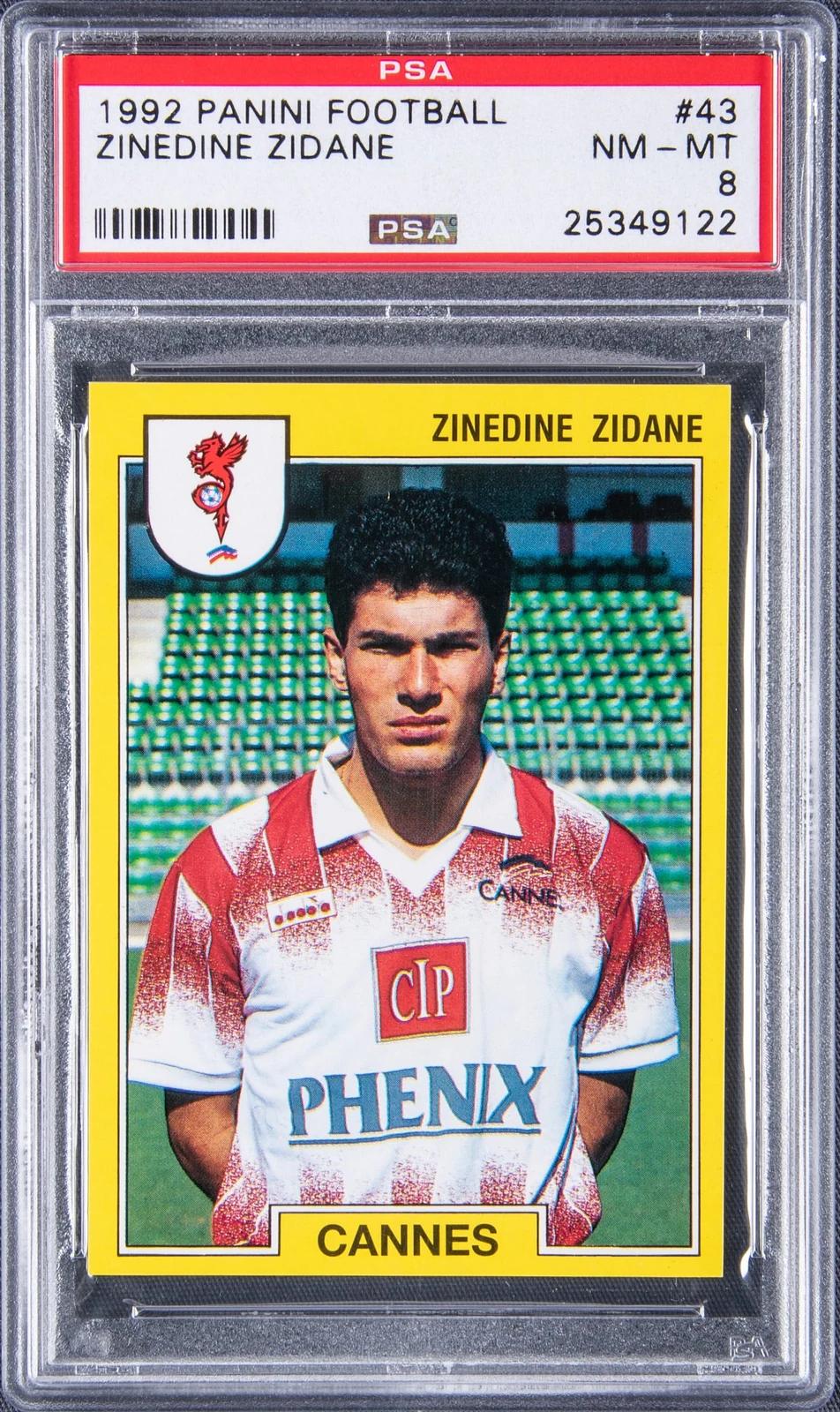
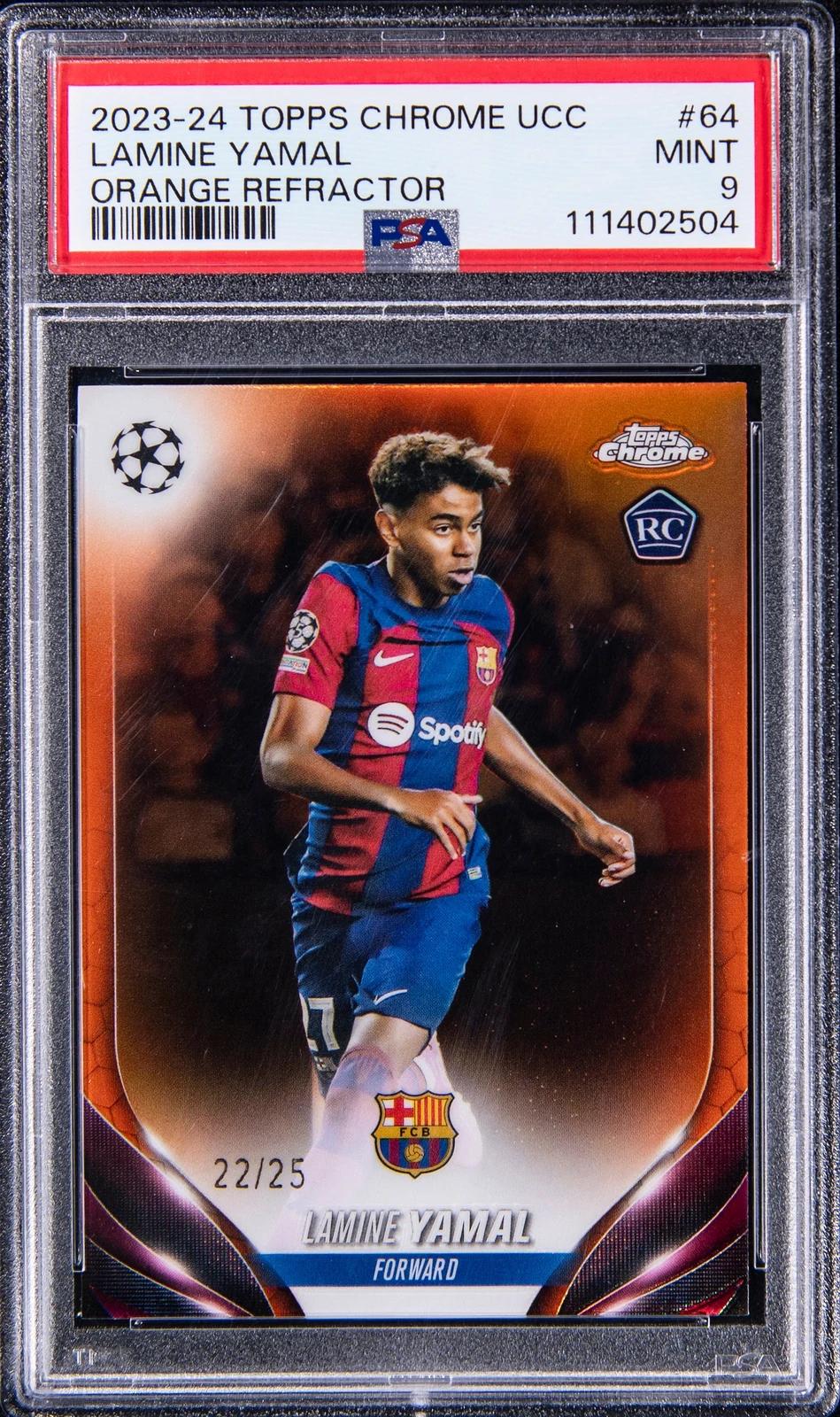
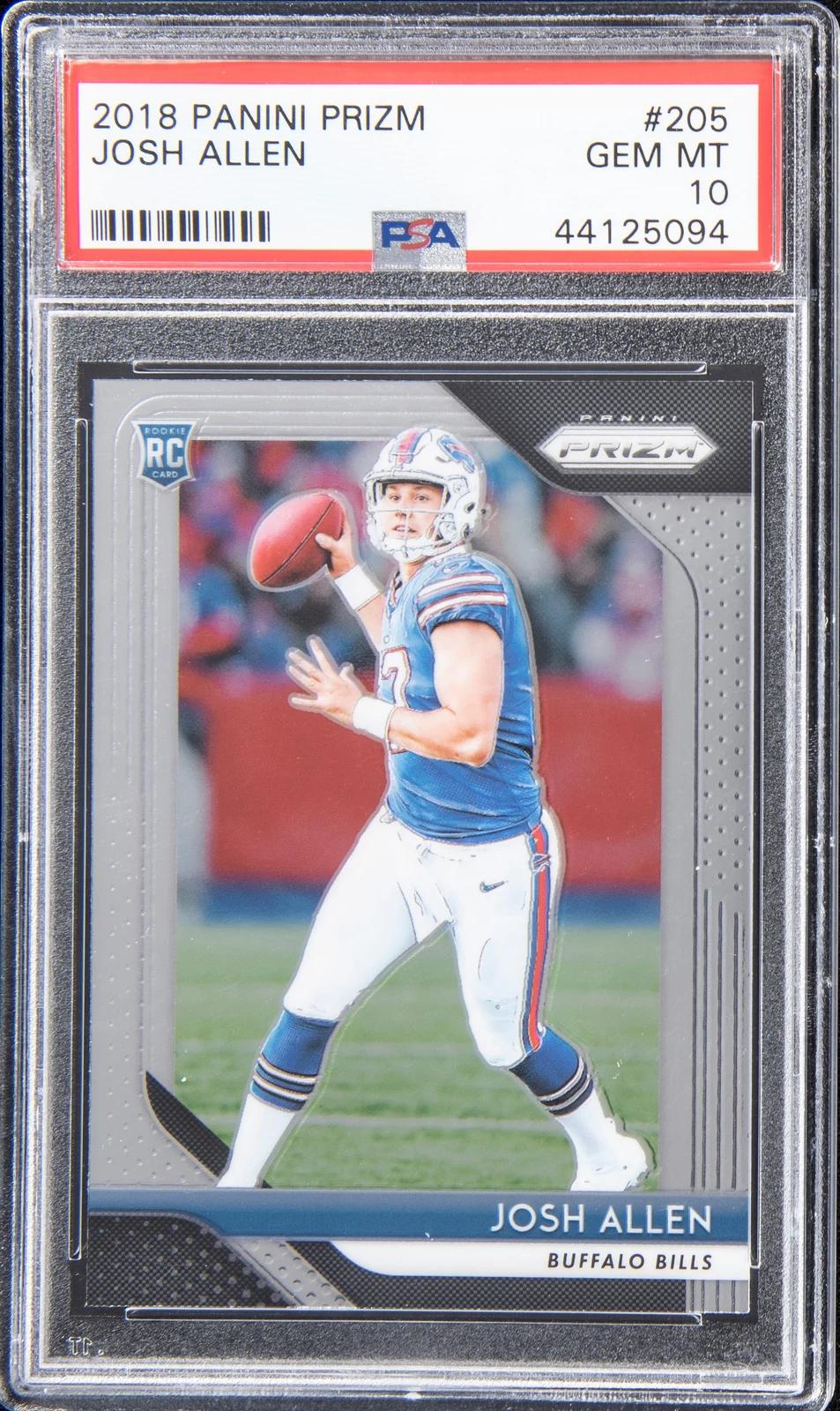
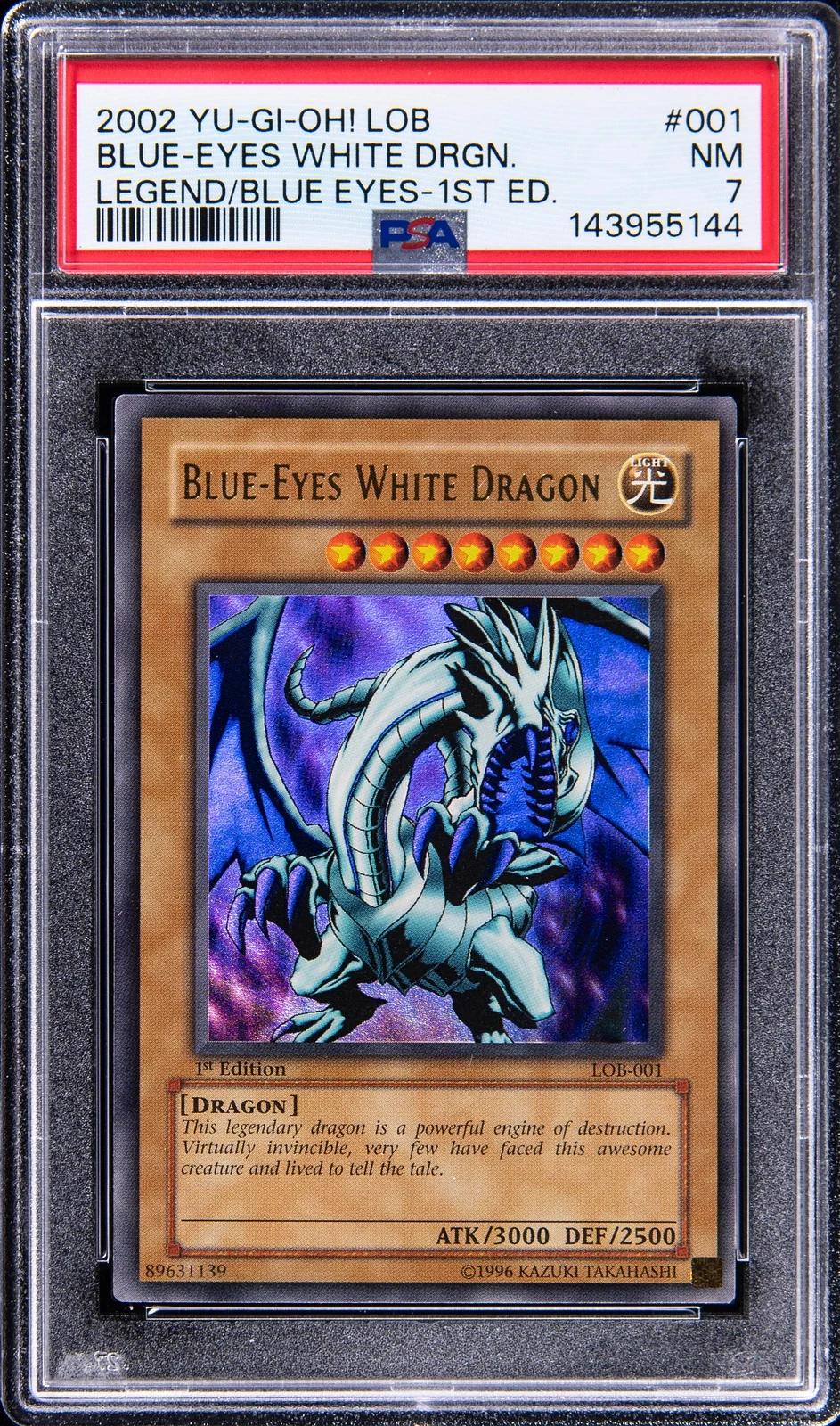
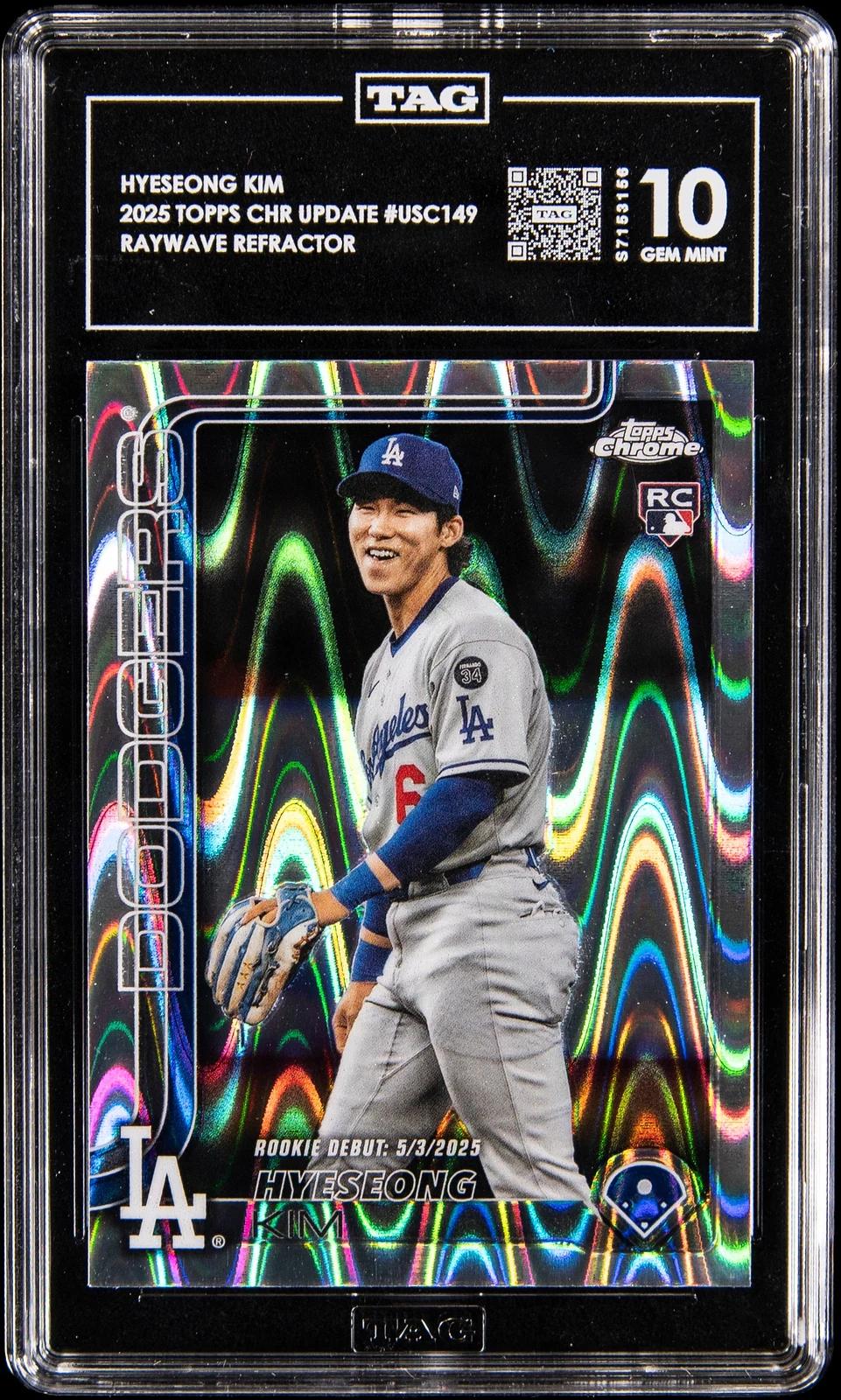
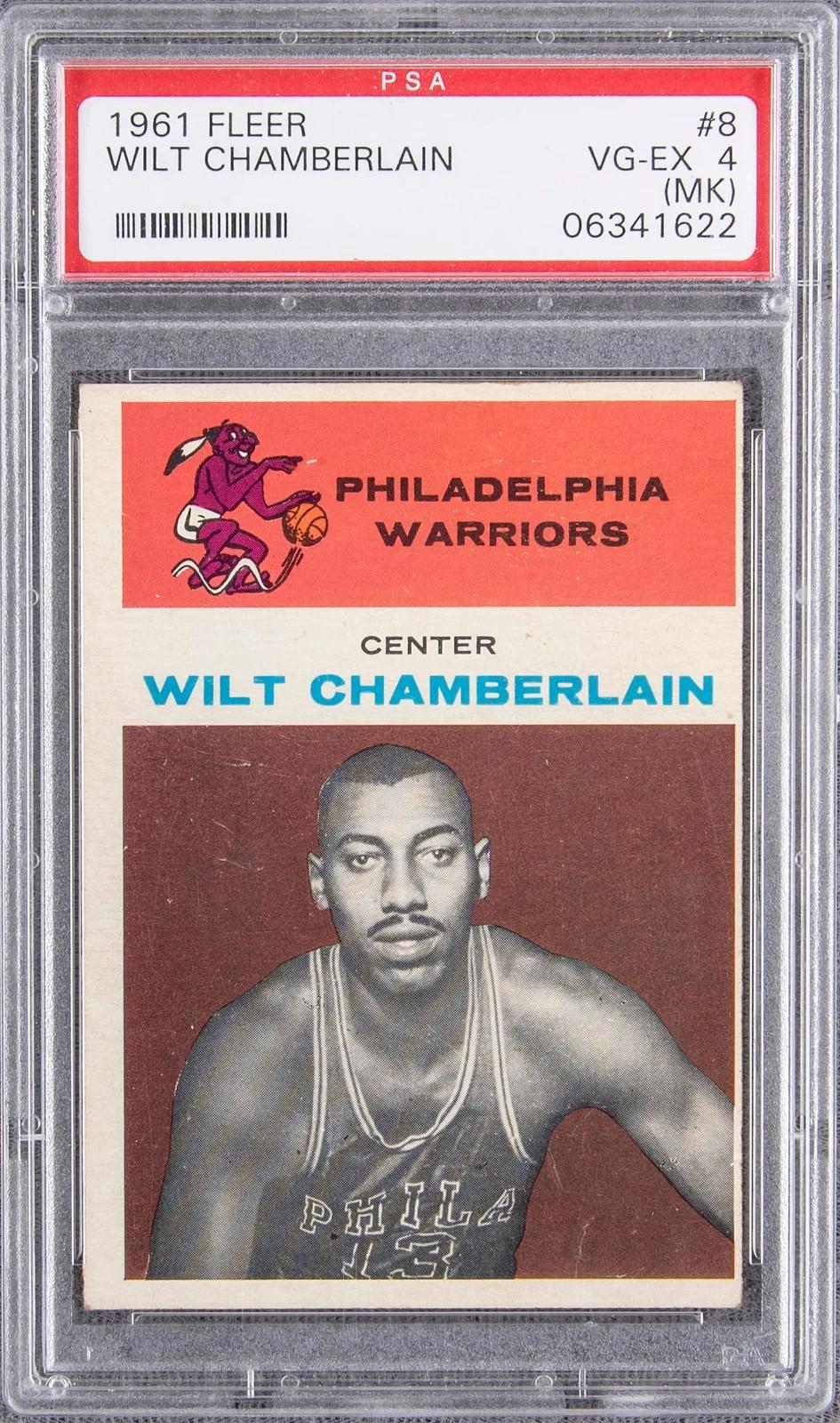
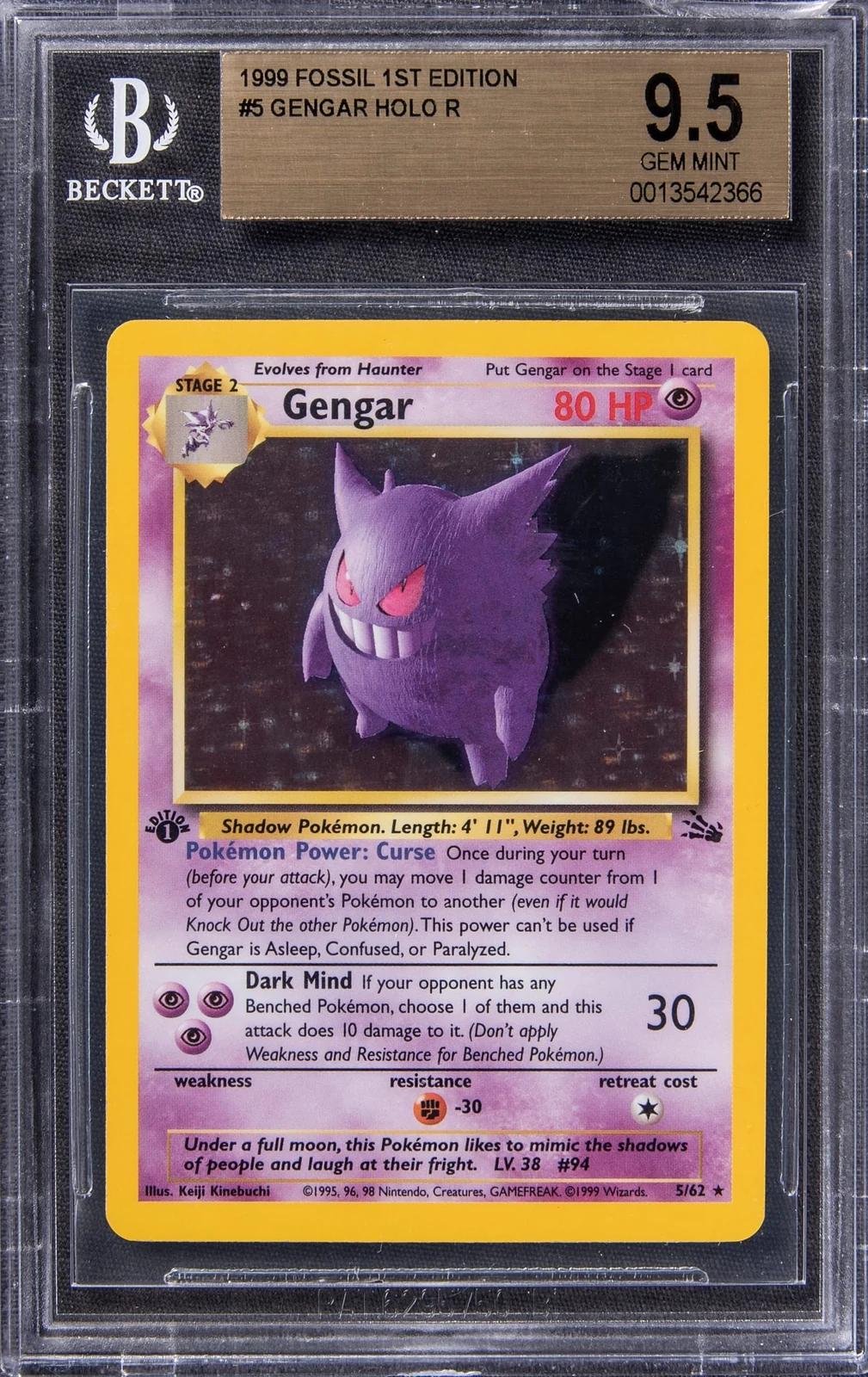
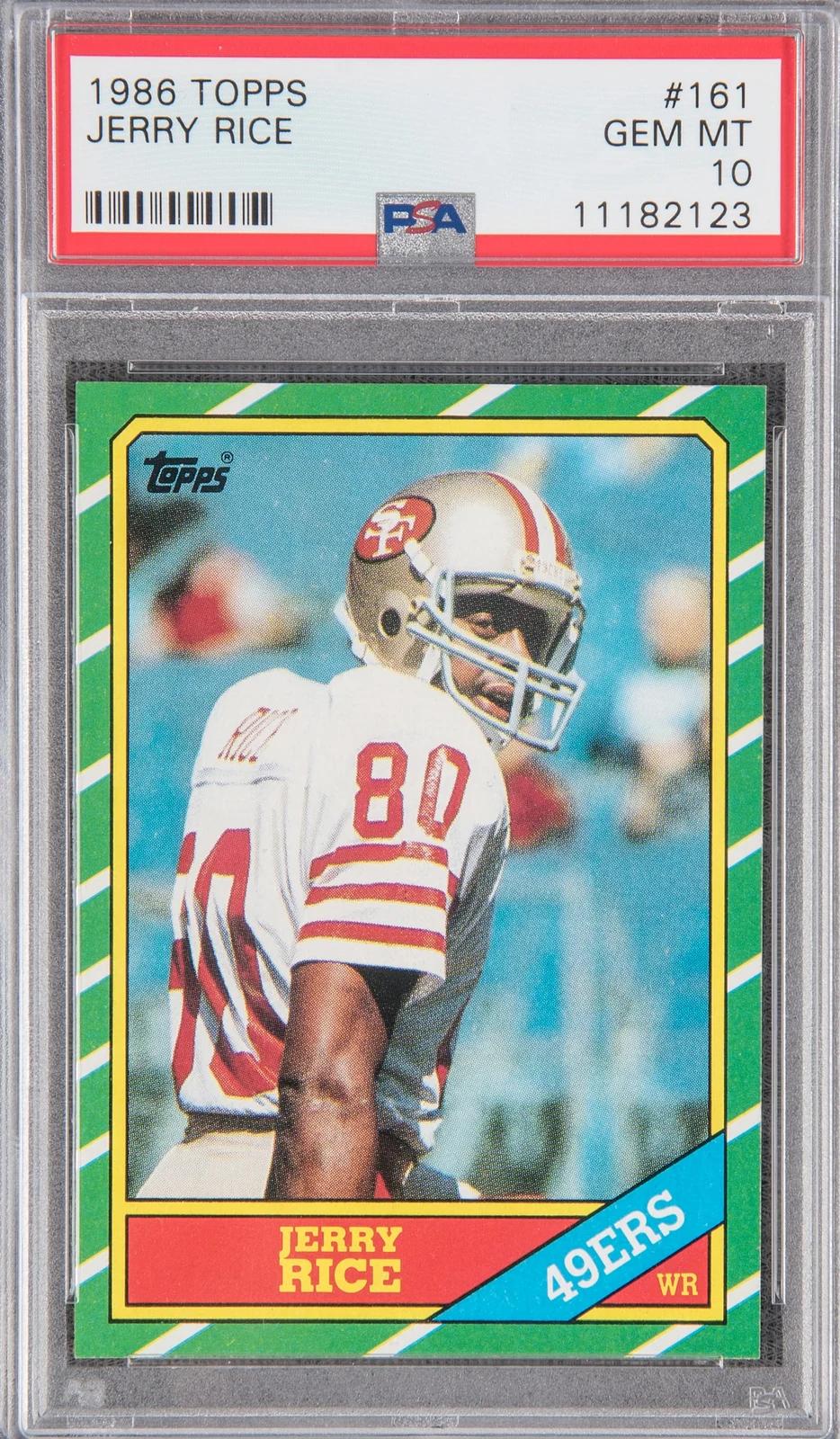
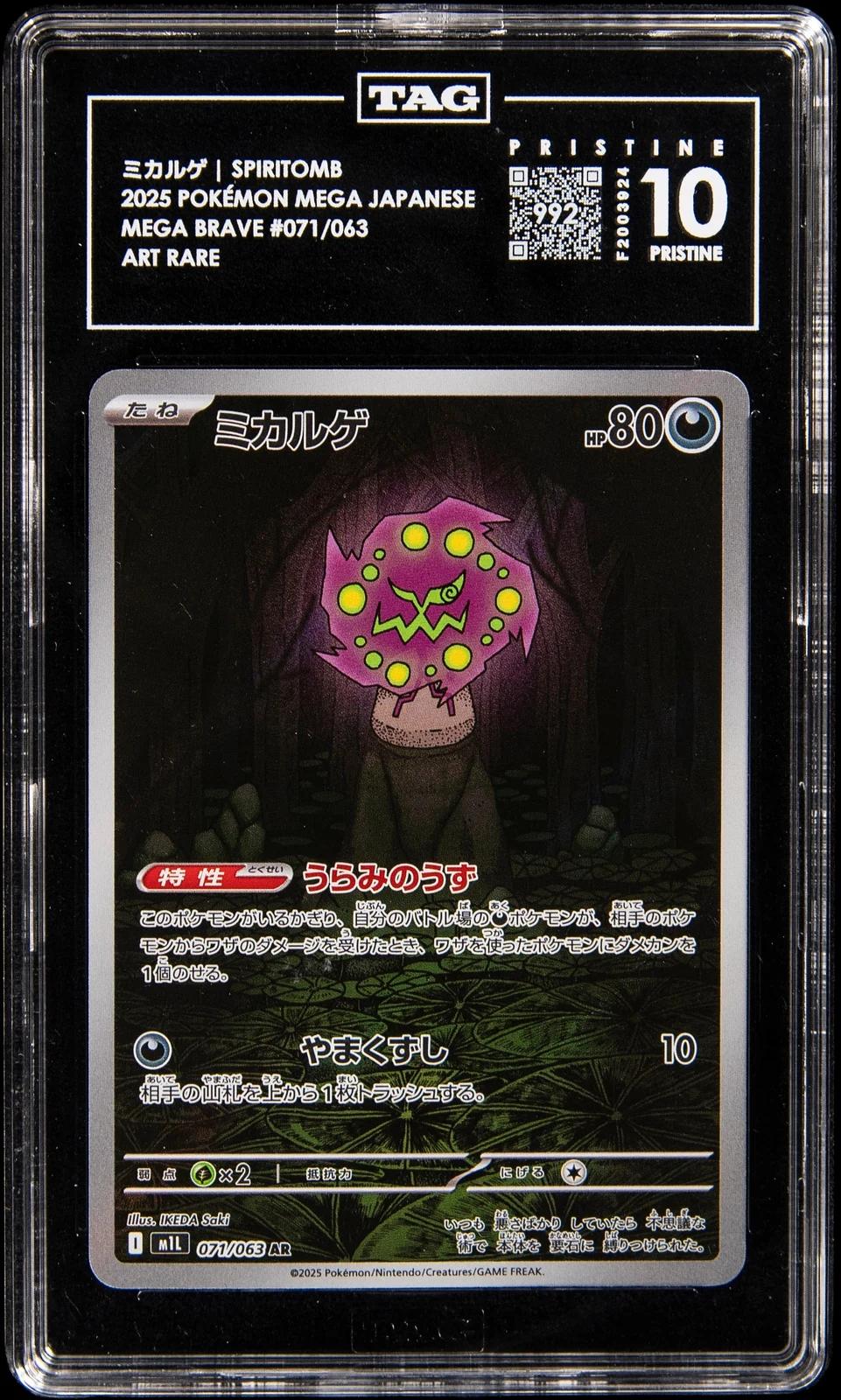
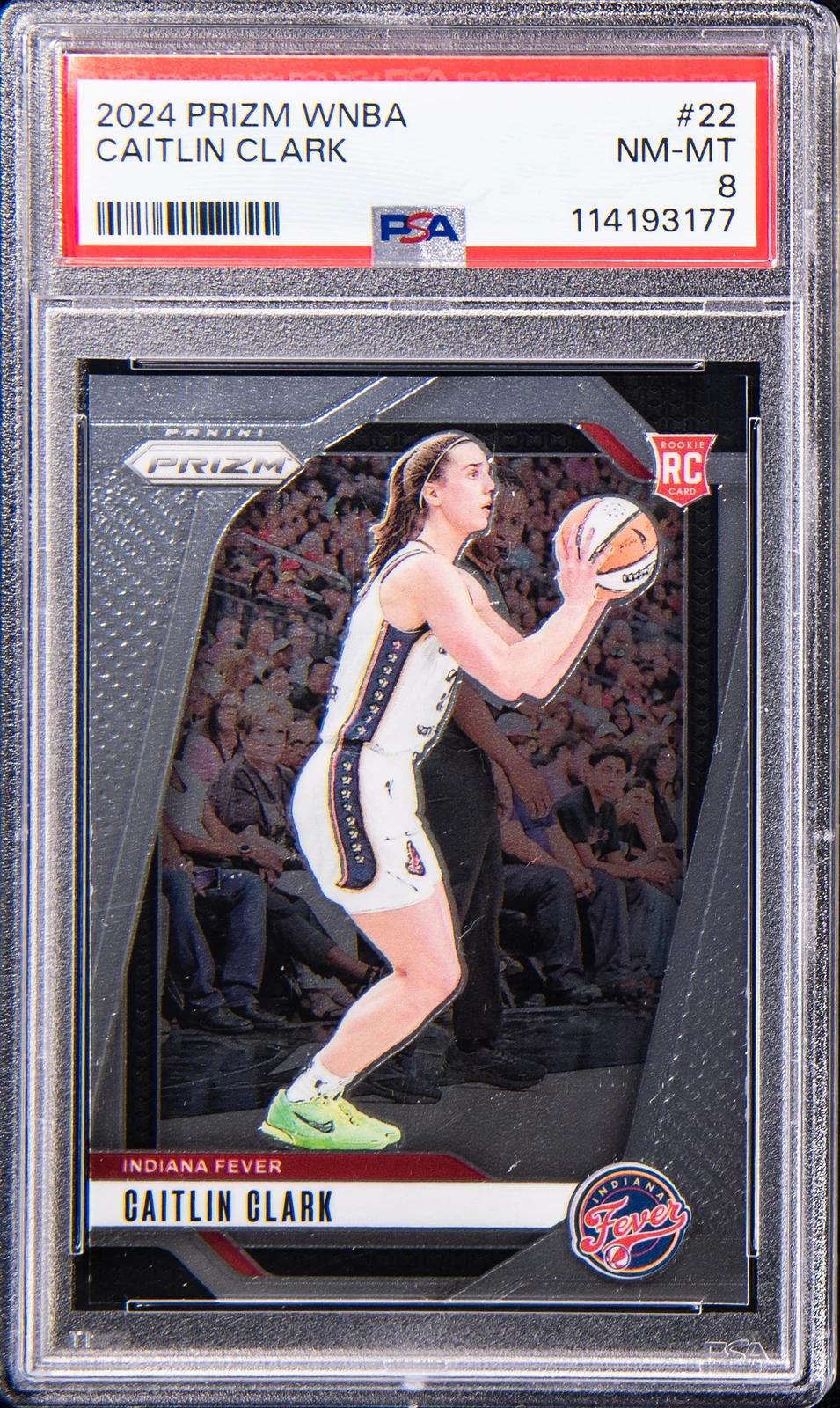
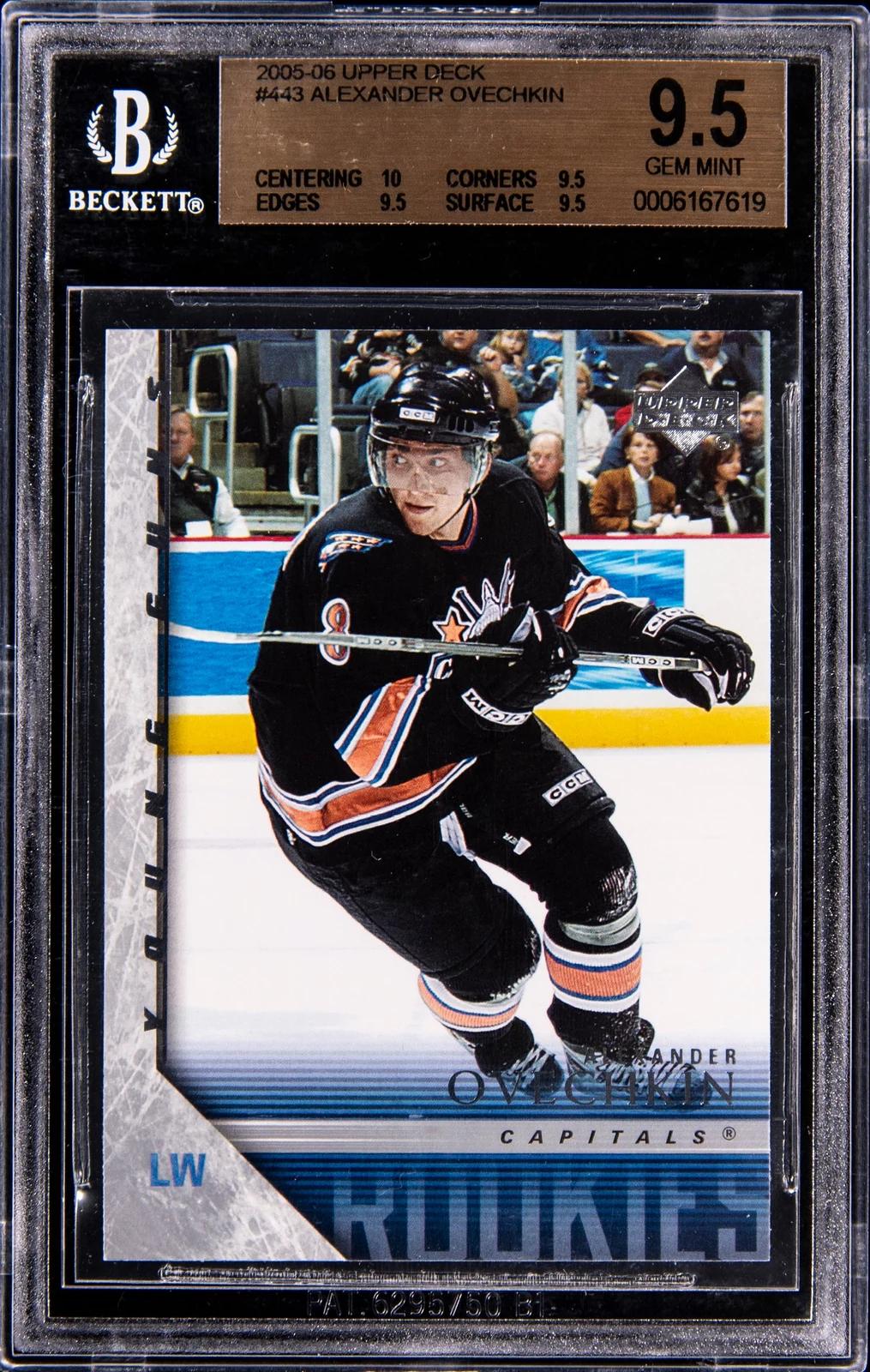
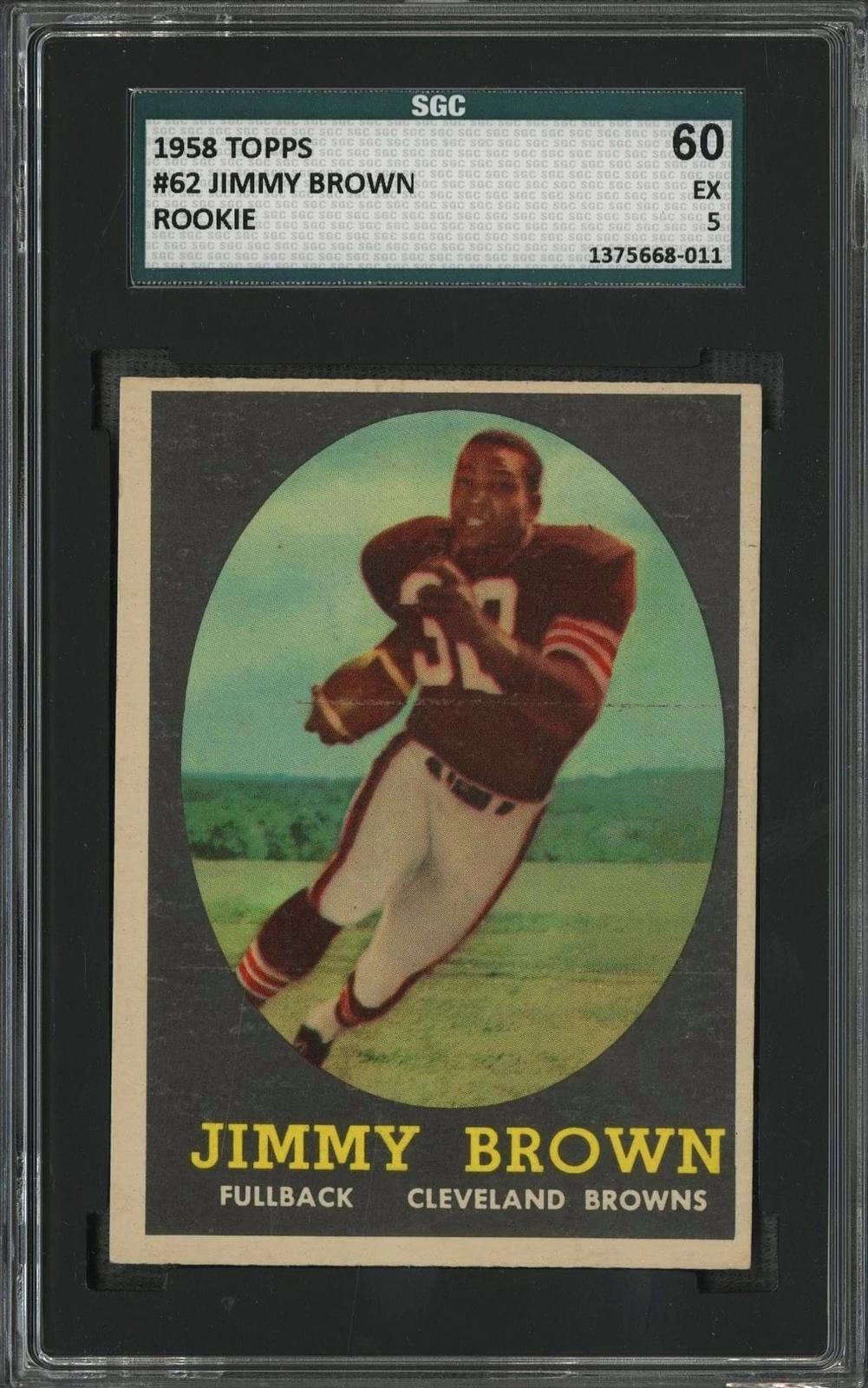
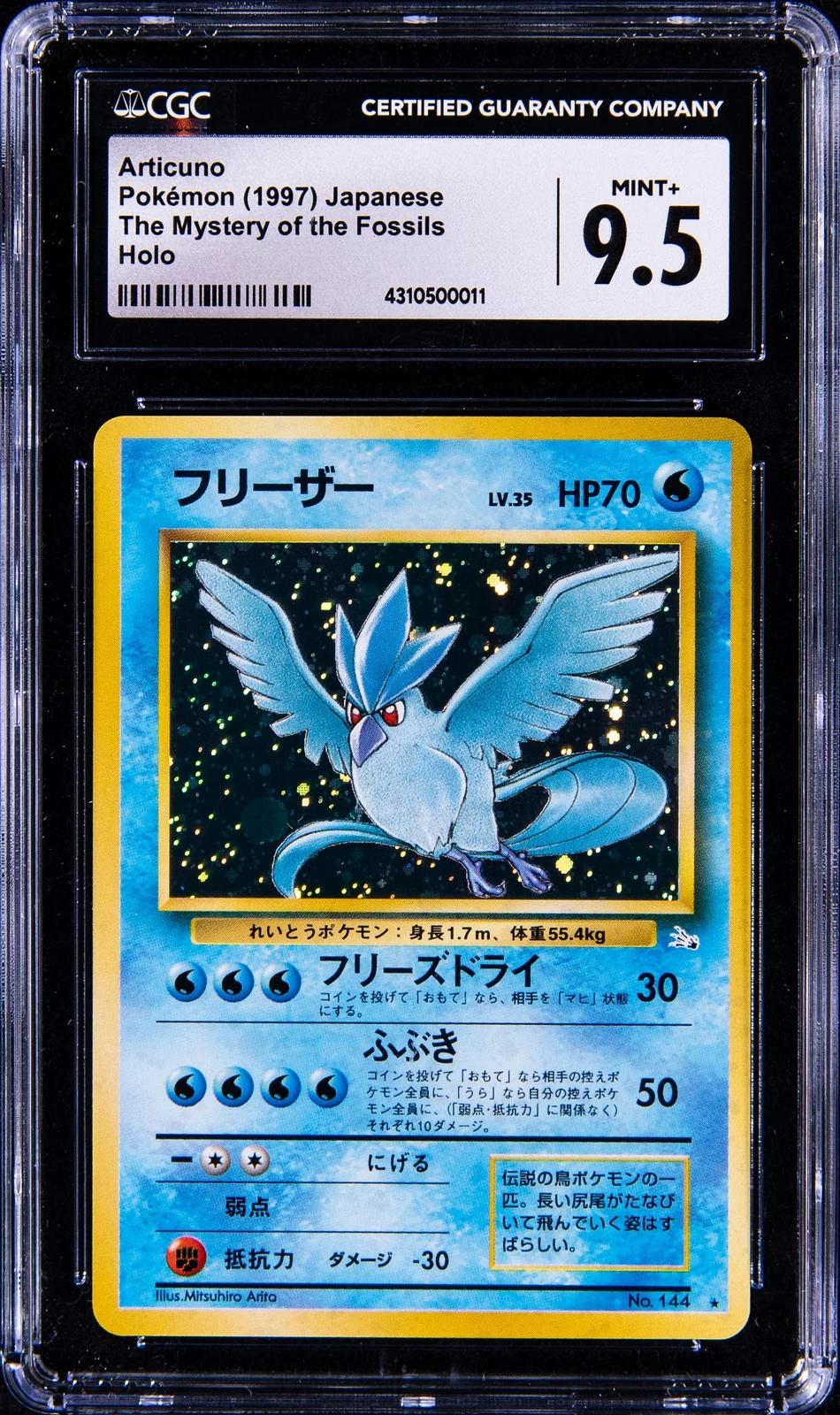
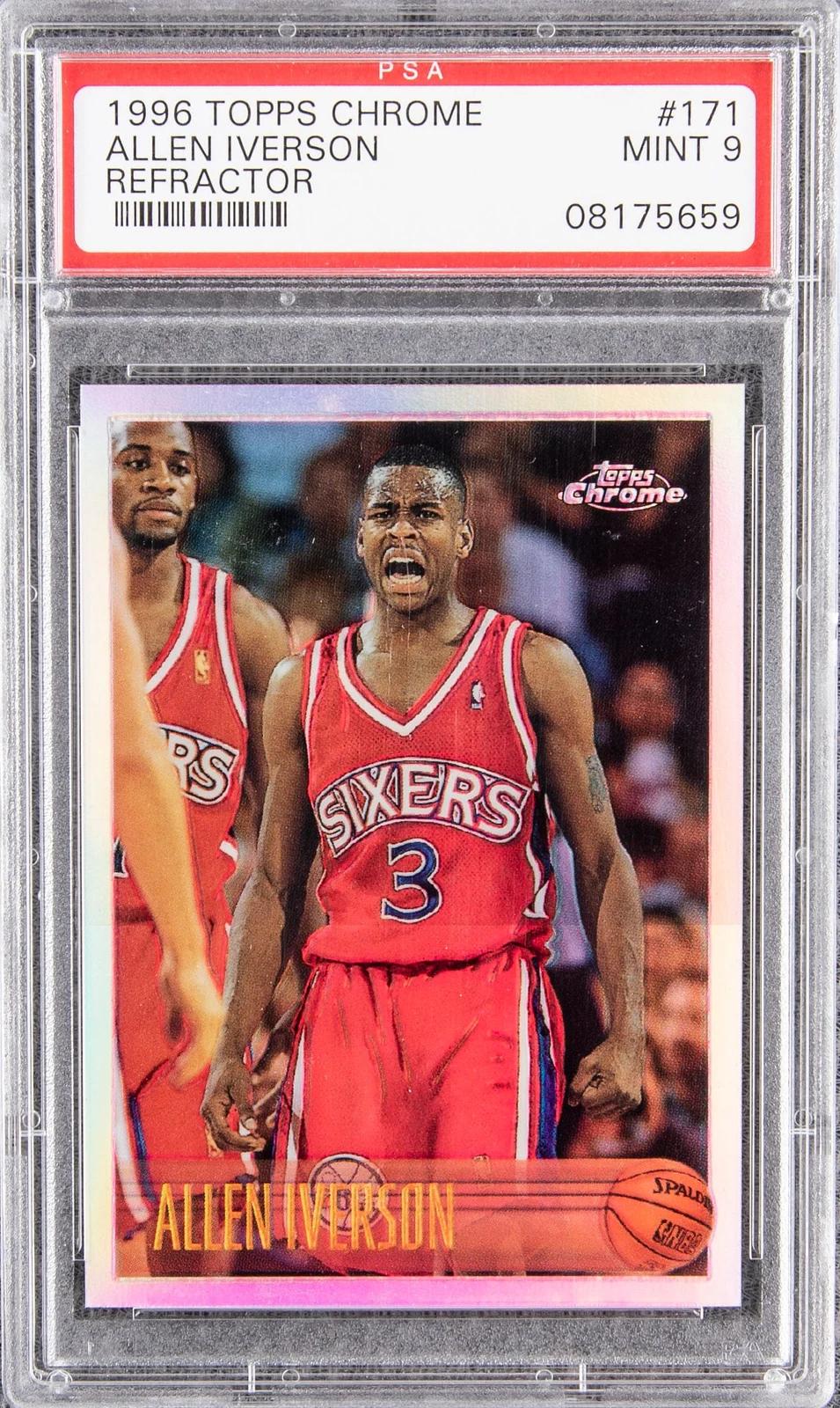
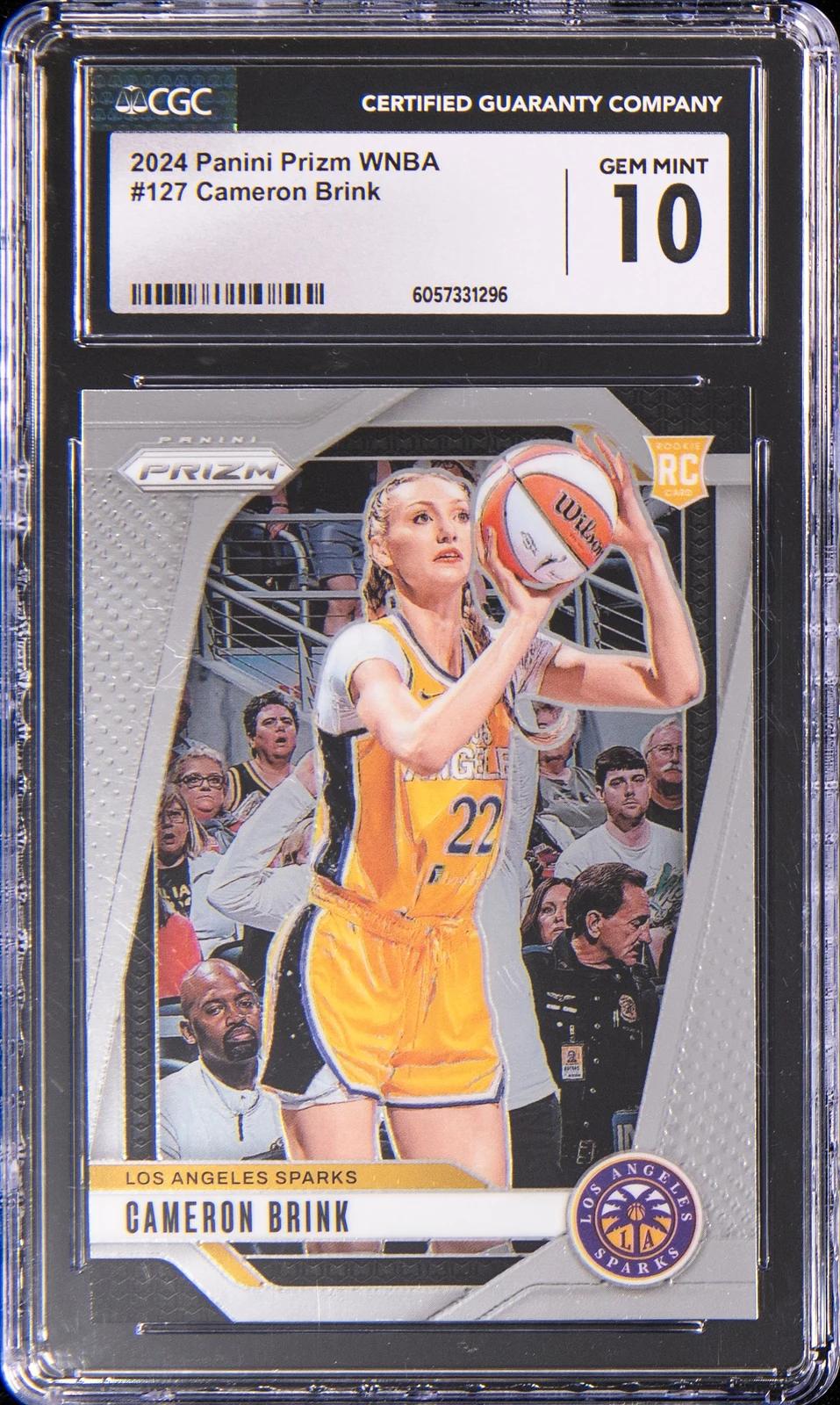
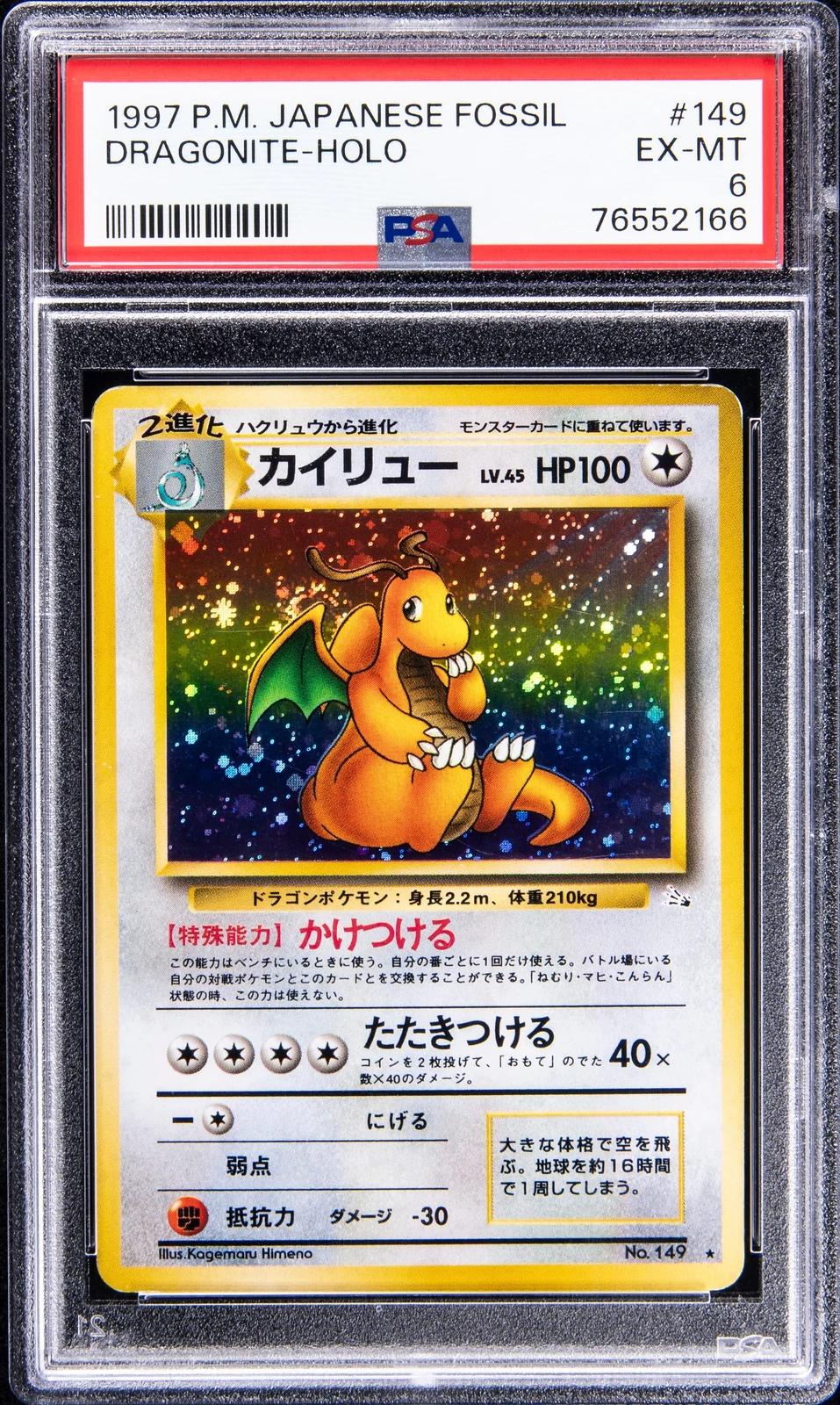
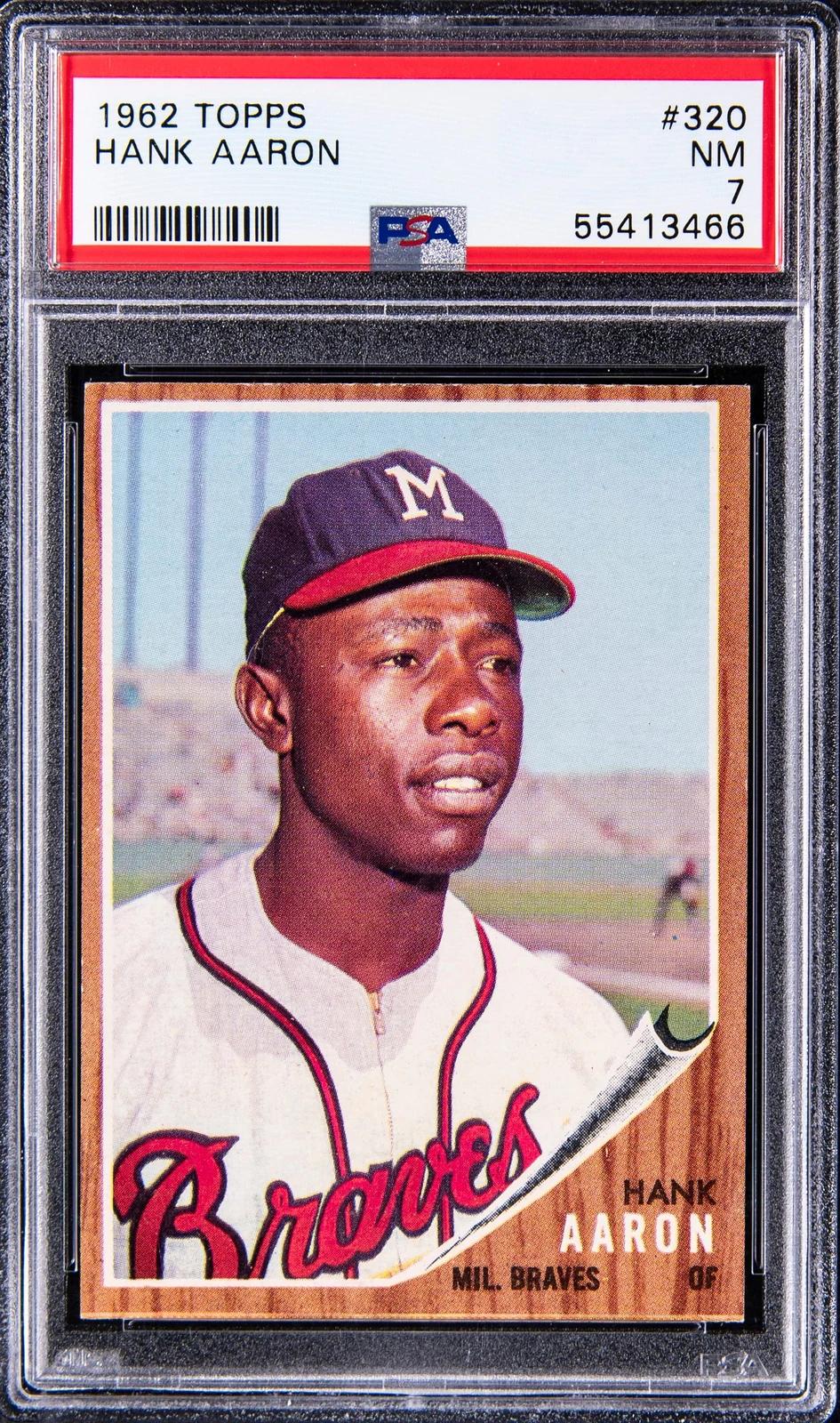
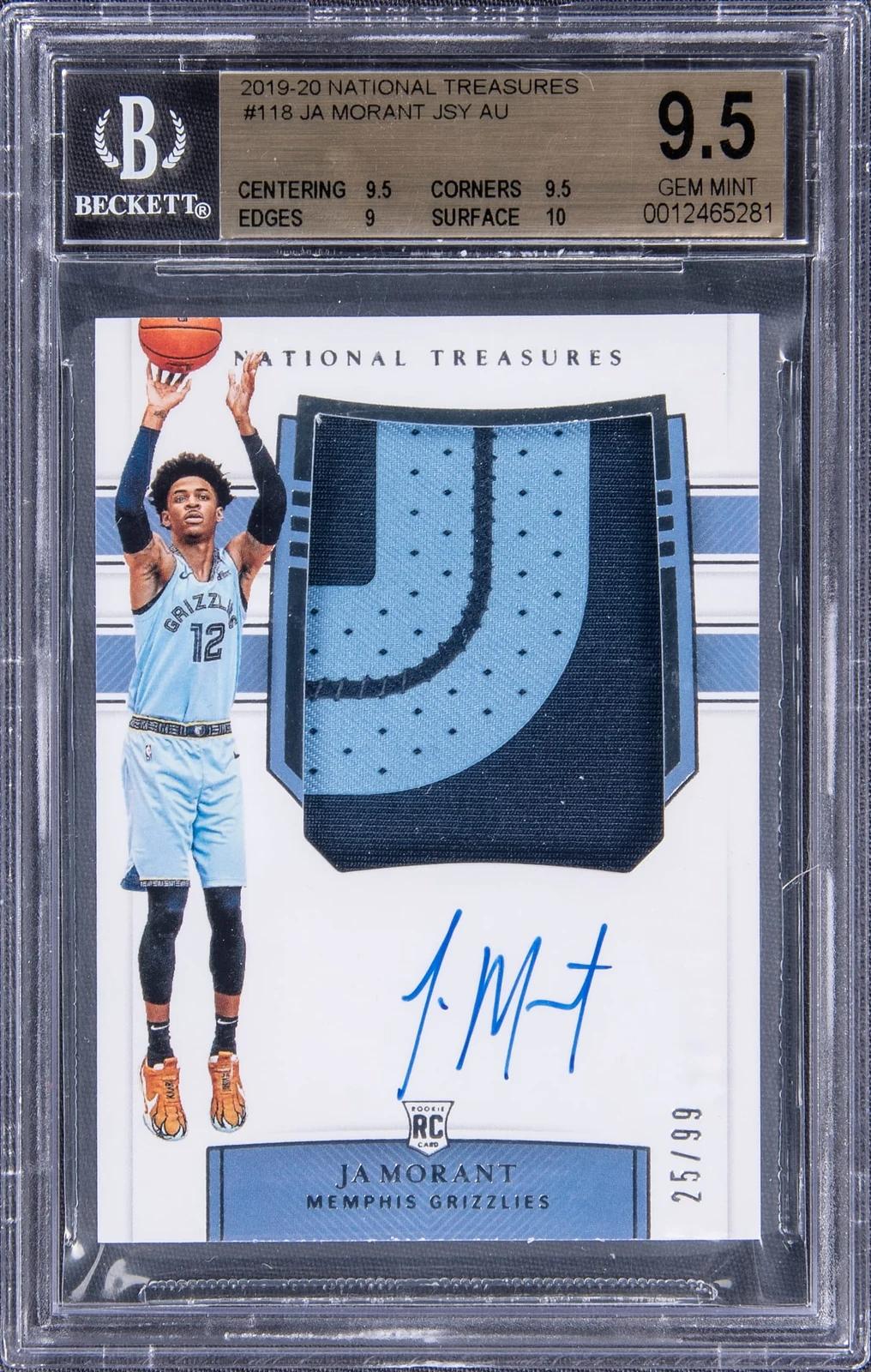
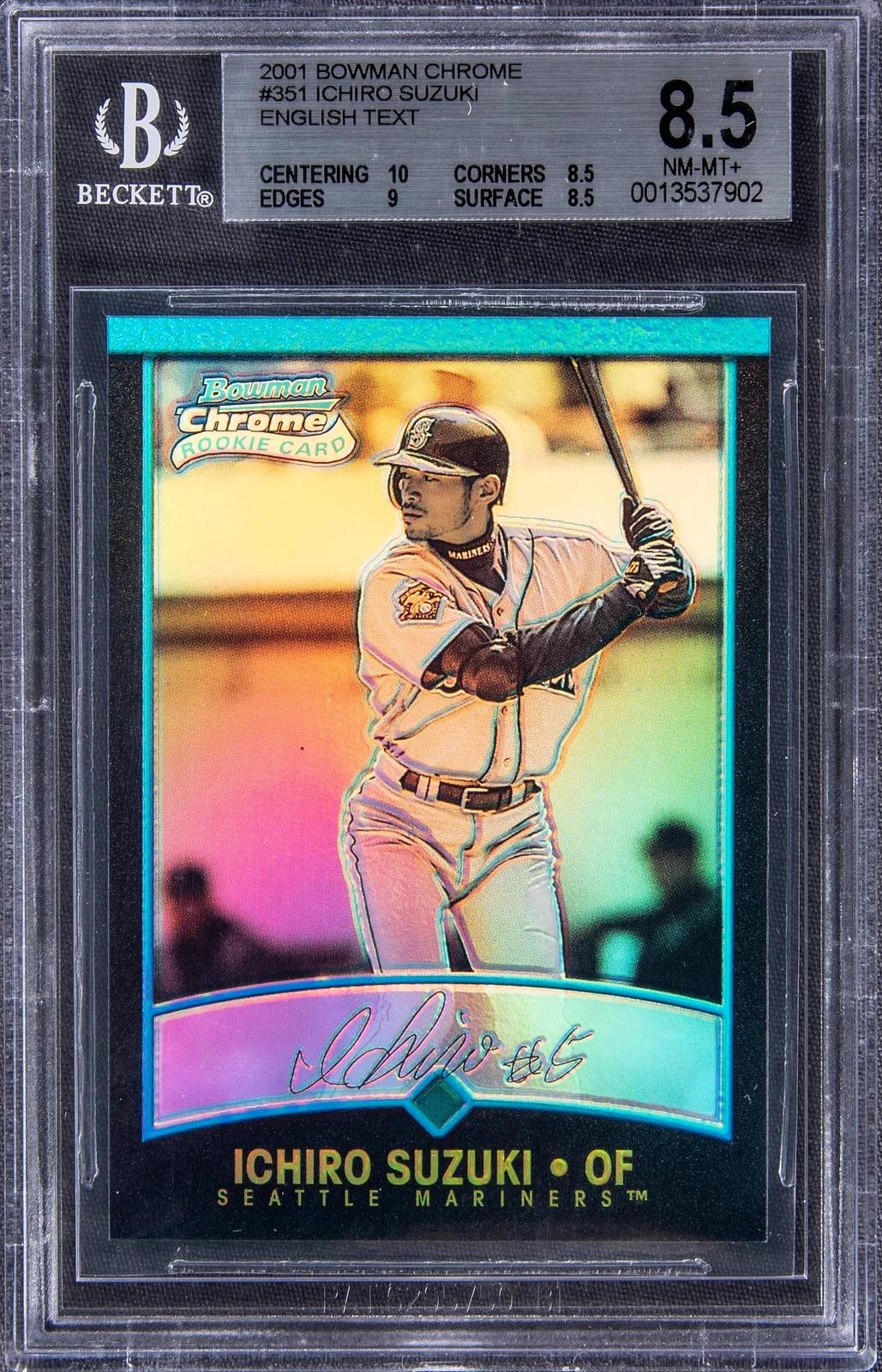
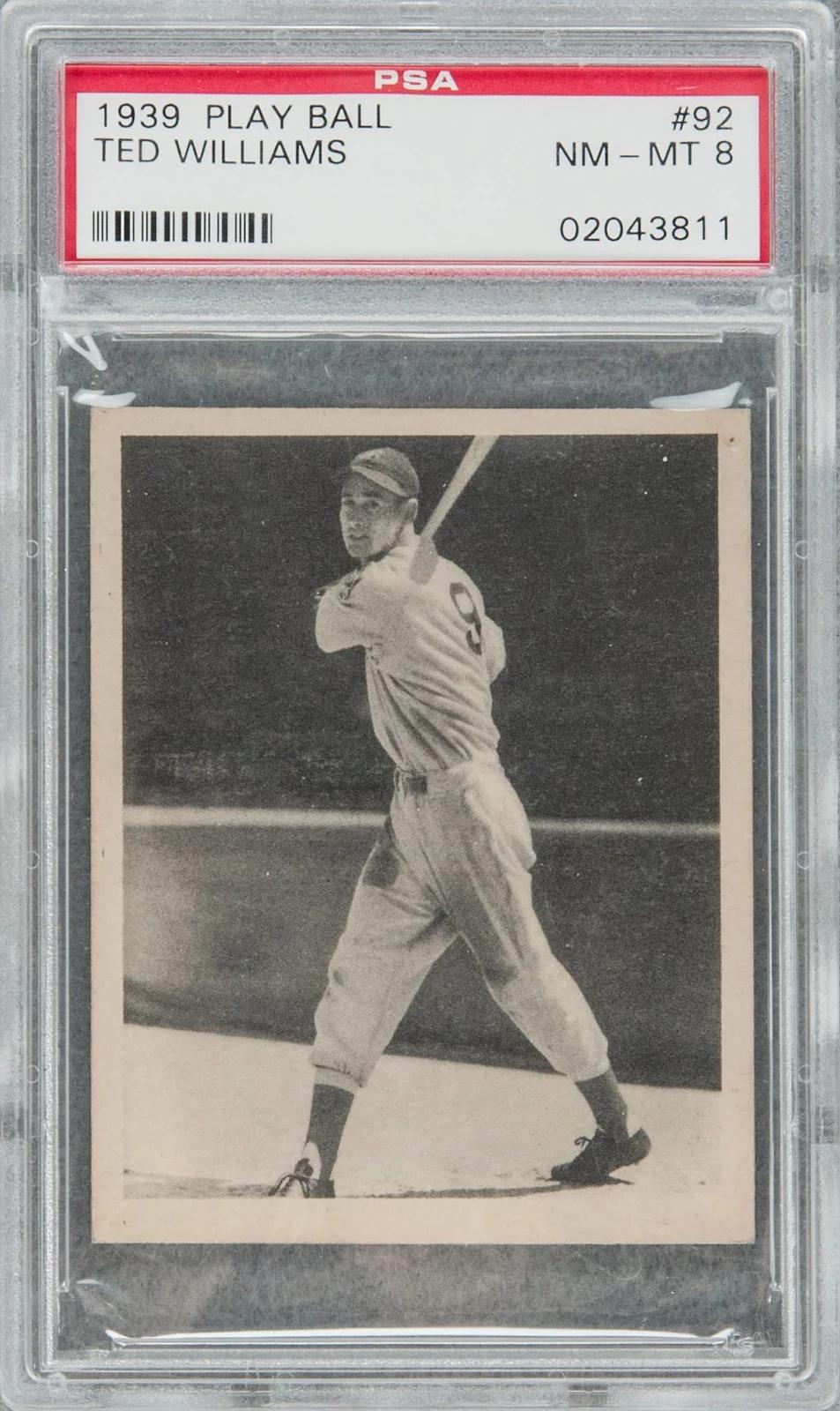
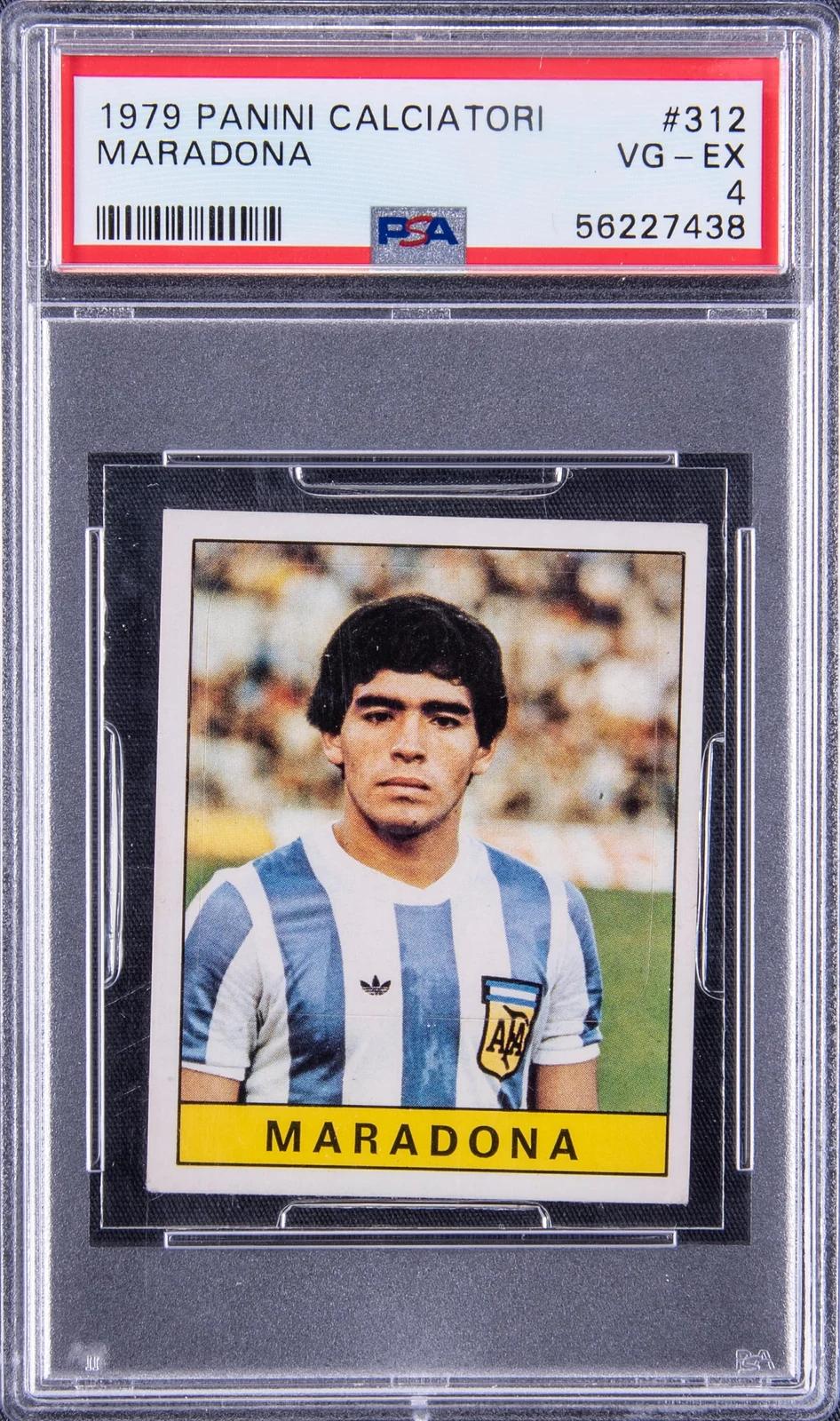
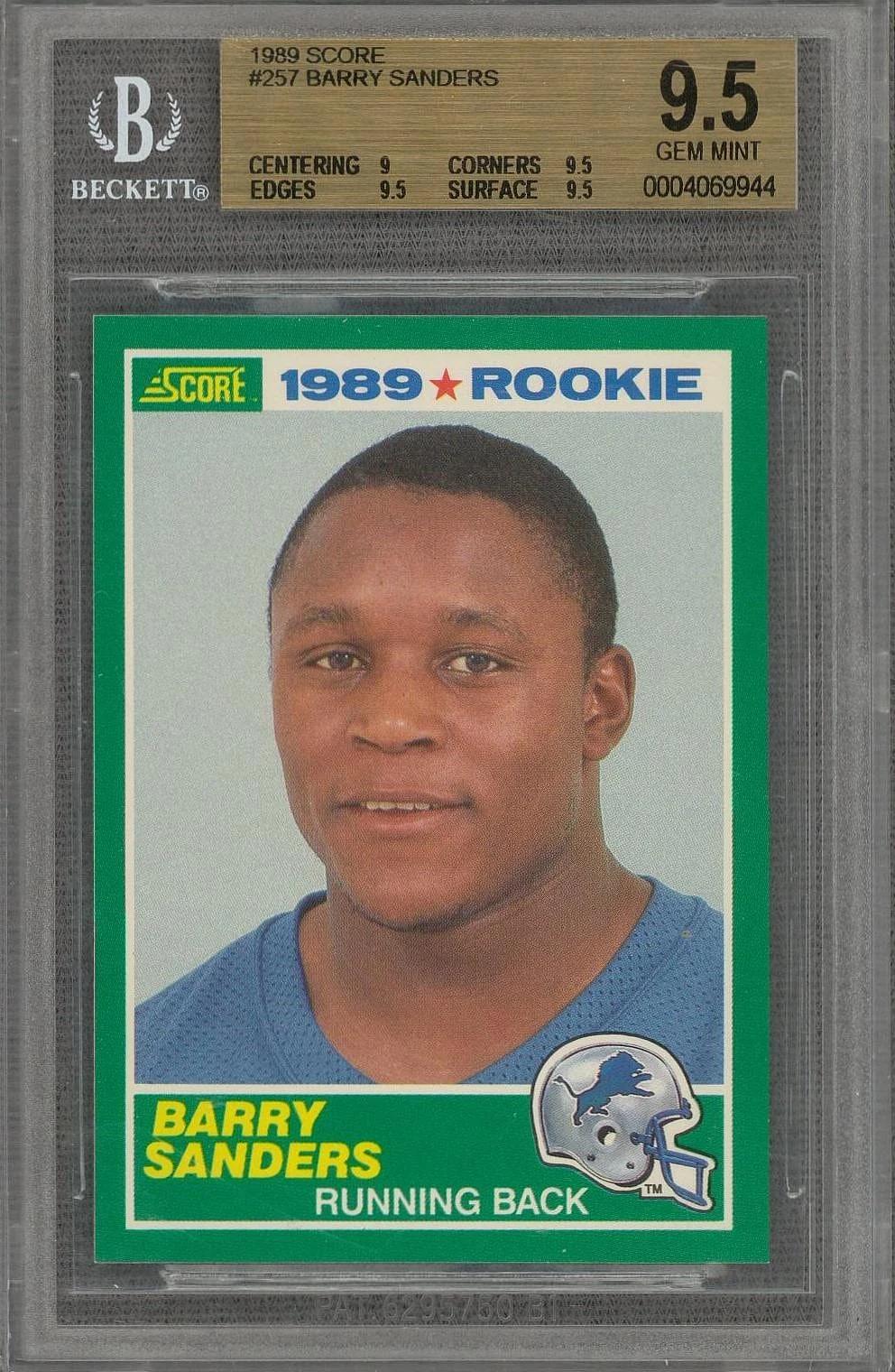
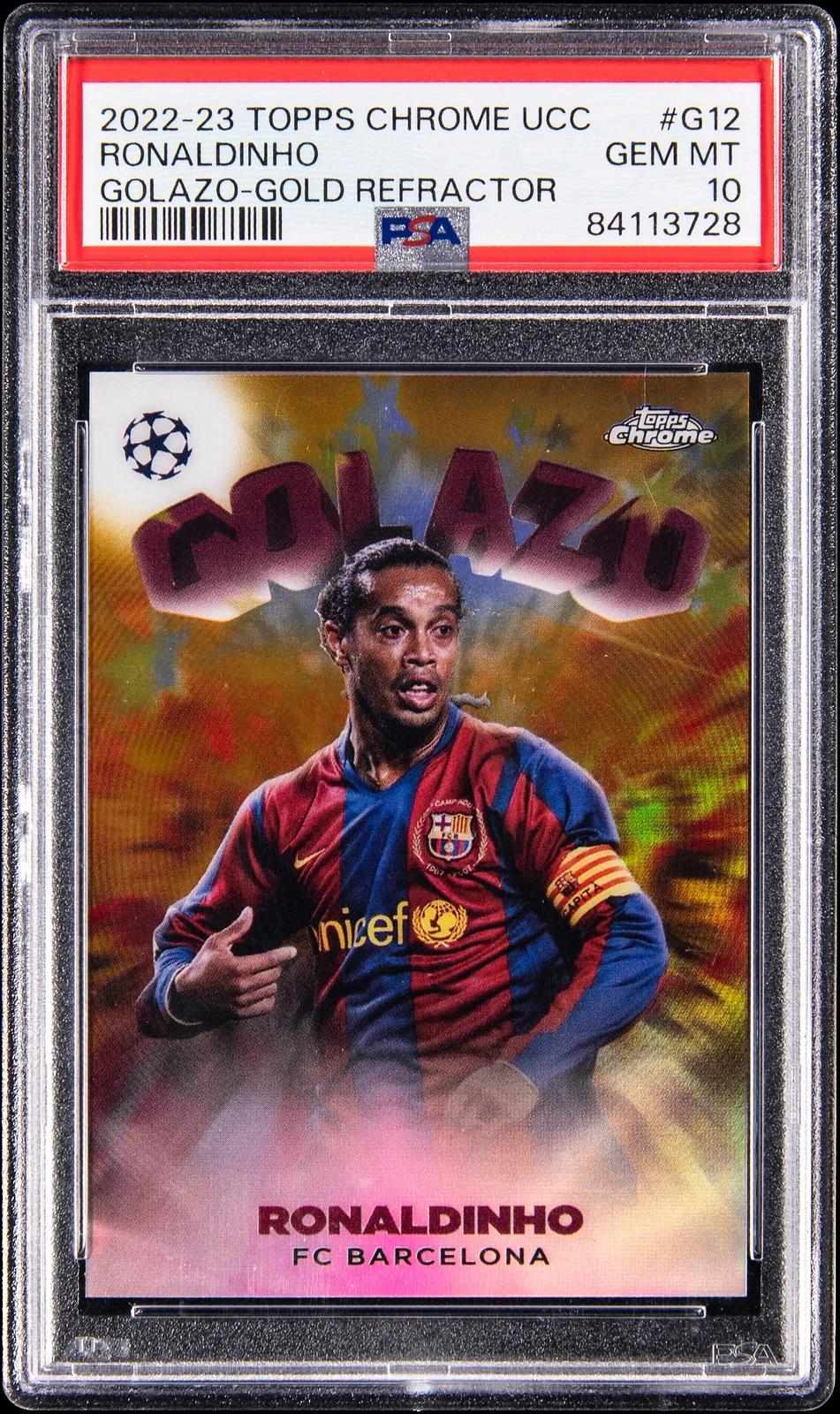
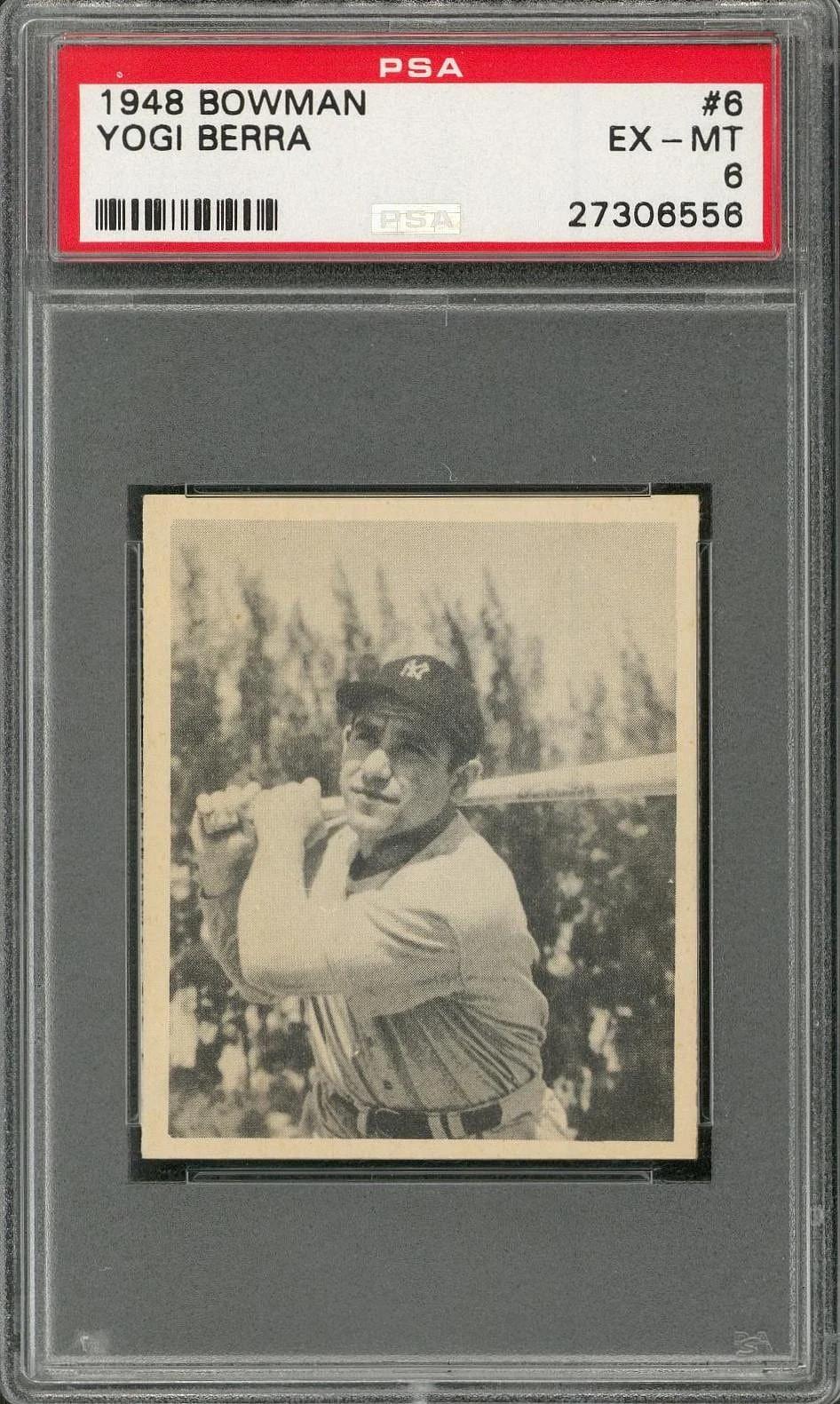
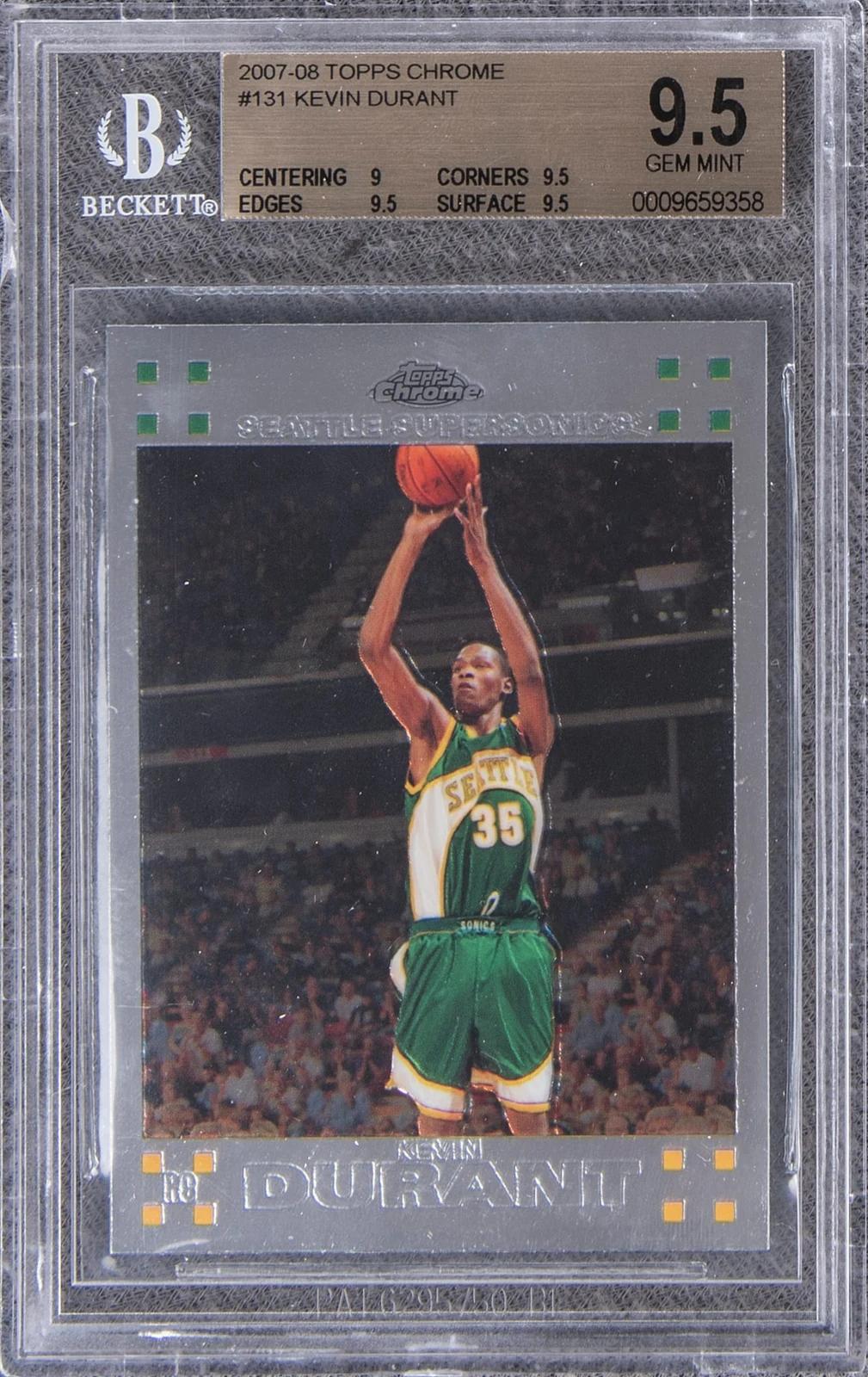
Your inventory
Choose from everything you hold
The cards you choose keep their price and storage location.
Each card knows where it is
Show price, case and state, on every card.
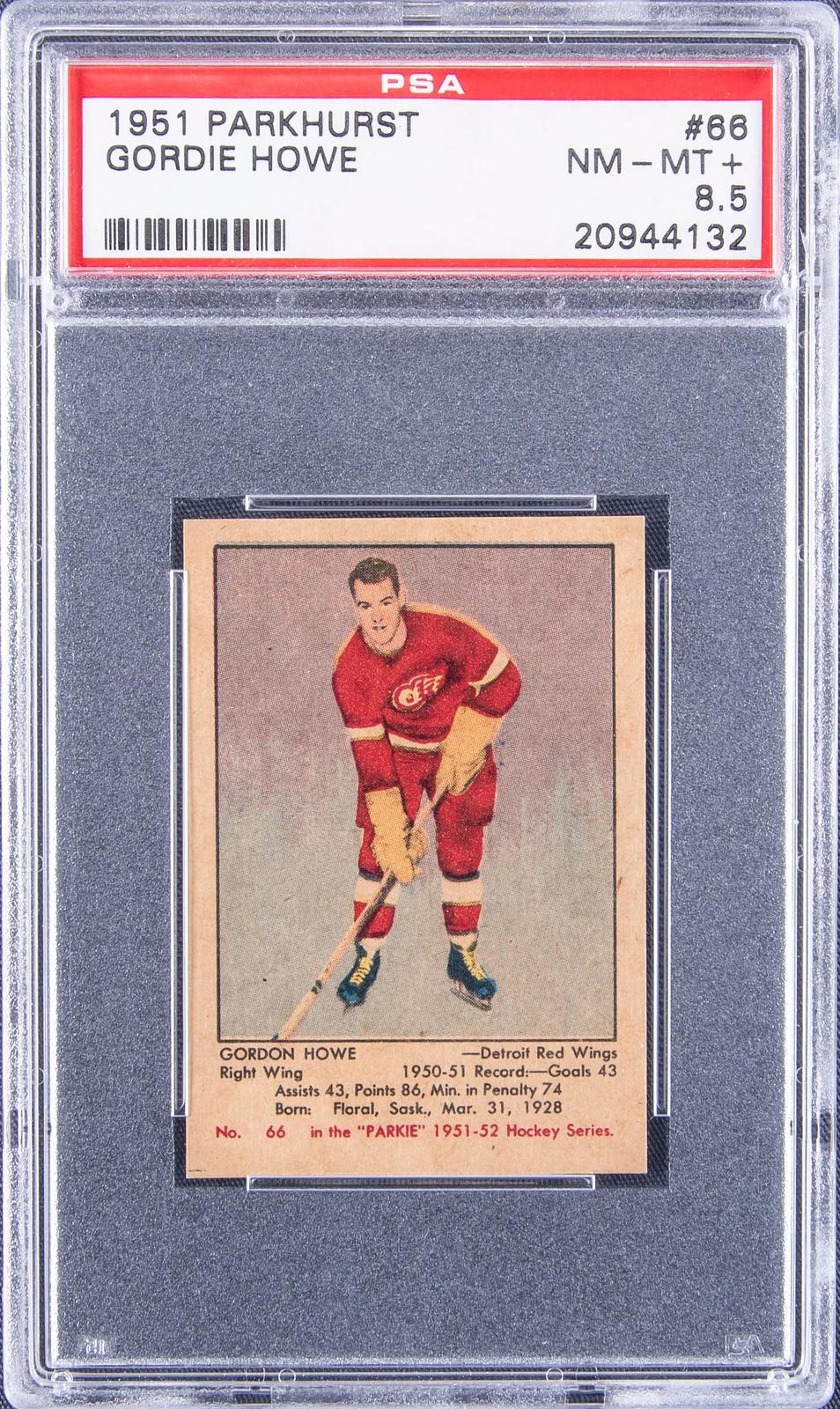
- StateWaiting to pull
- Show price$205,200
- PlaceCase B · Row 1
1list for the show, not a printout
A printed list knows nothing about the show. Here the chosen cards keep price and place while you pull and pack, and the ones you publish make the show page.

One card on your public show page
The page a visitor opens from your show inventory.
1 · The card itself
Name, grade and your scans.
2 · Your show price
The price on your table. What you paid and your minimum price stay with you.
3 · Where to find it
The show, your name and your table.


What visitors see of one card
Ken Dryden, 1971 Topps, CSG 4.5, at the Northgate Card Show. Left your record, right the public show page.
Pack the case for the show
Tap a card
It flies to the case
The count rolls
In the show’s inventory

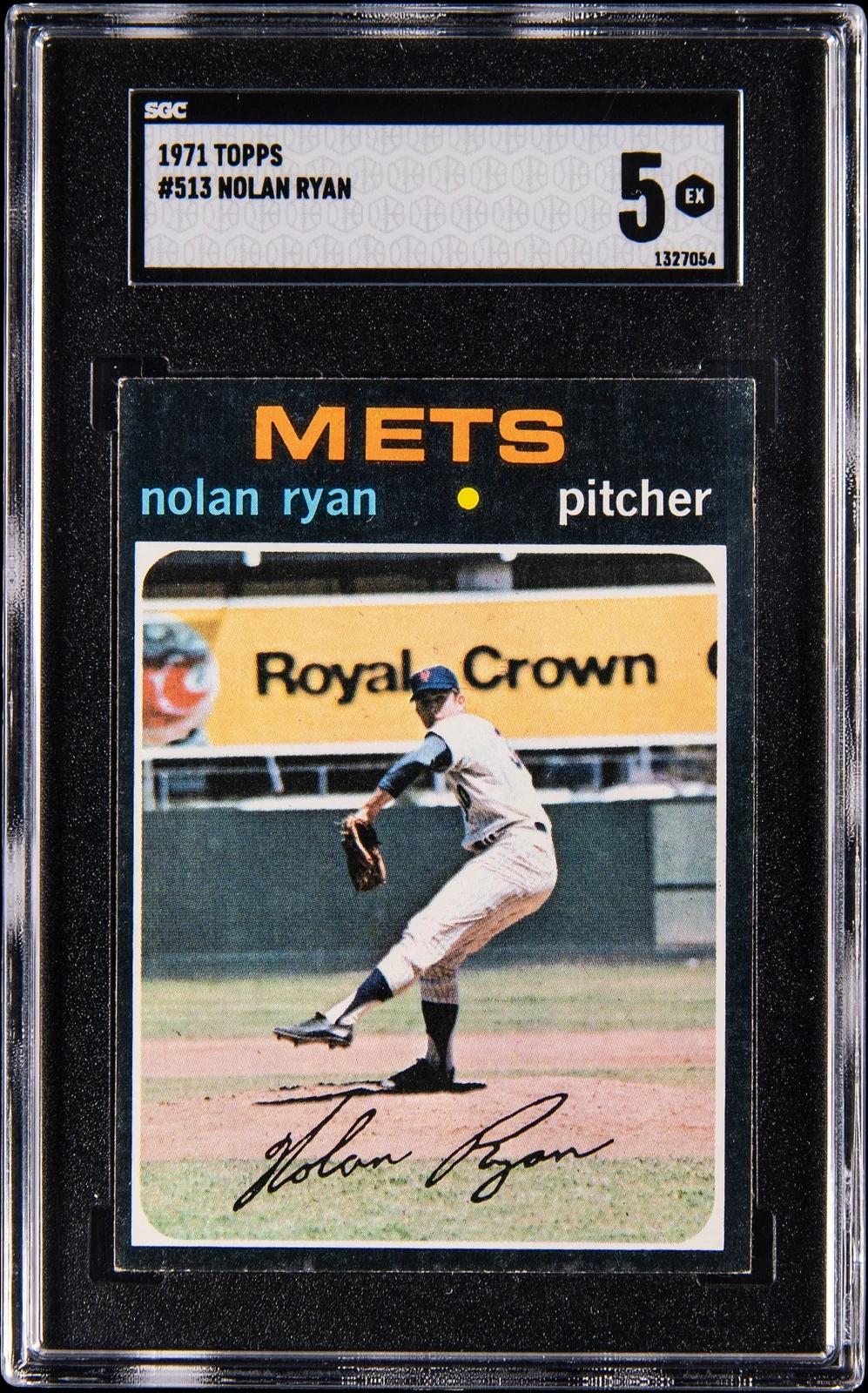



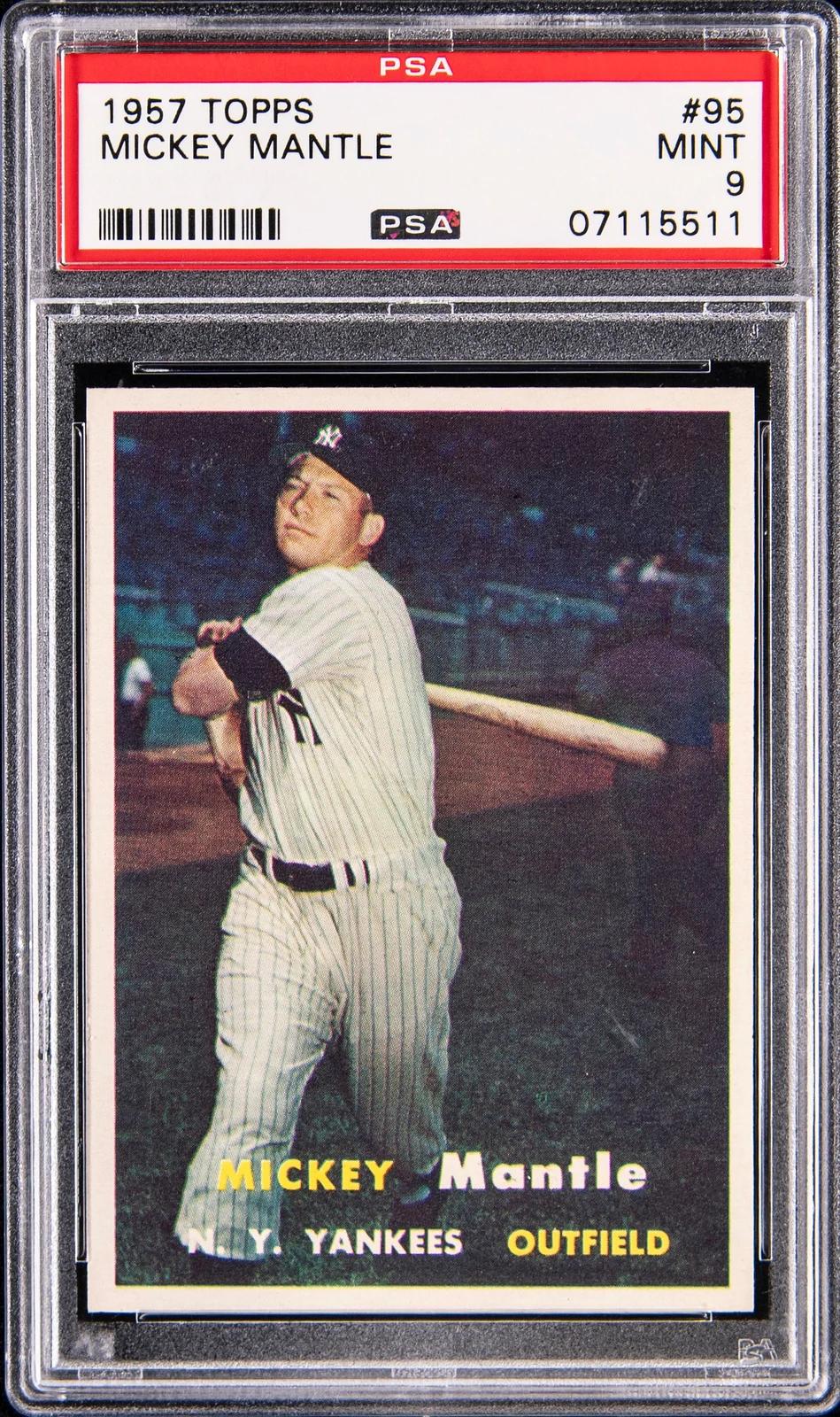
The pull list, up close
What you work through the night before the show.
1 · Progress by entry
Two records hold two copies each, so 21 cards make 19 entries.
2 · Grouped by place
What is still open sits under its case or box. Tick one card, or tap Pull for the whole place.
3 · One check: packed
Tick a card when it is in the box. That is not a sale and not a public listing.
4 · Packed cards step aside
They wait in their own section at the end, so the list shows only what is left.
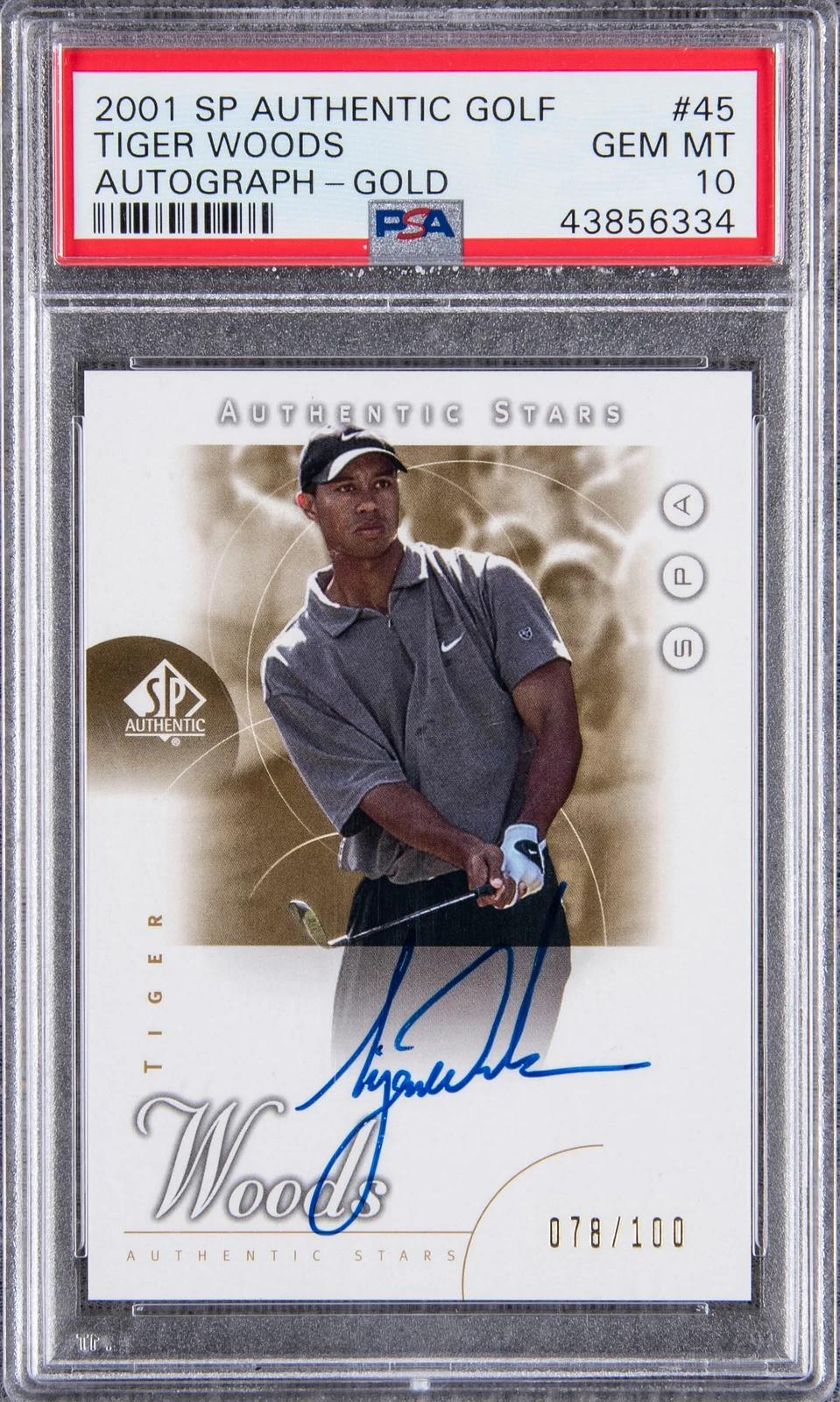
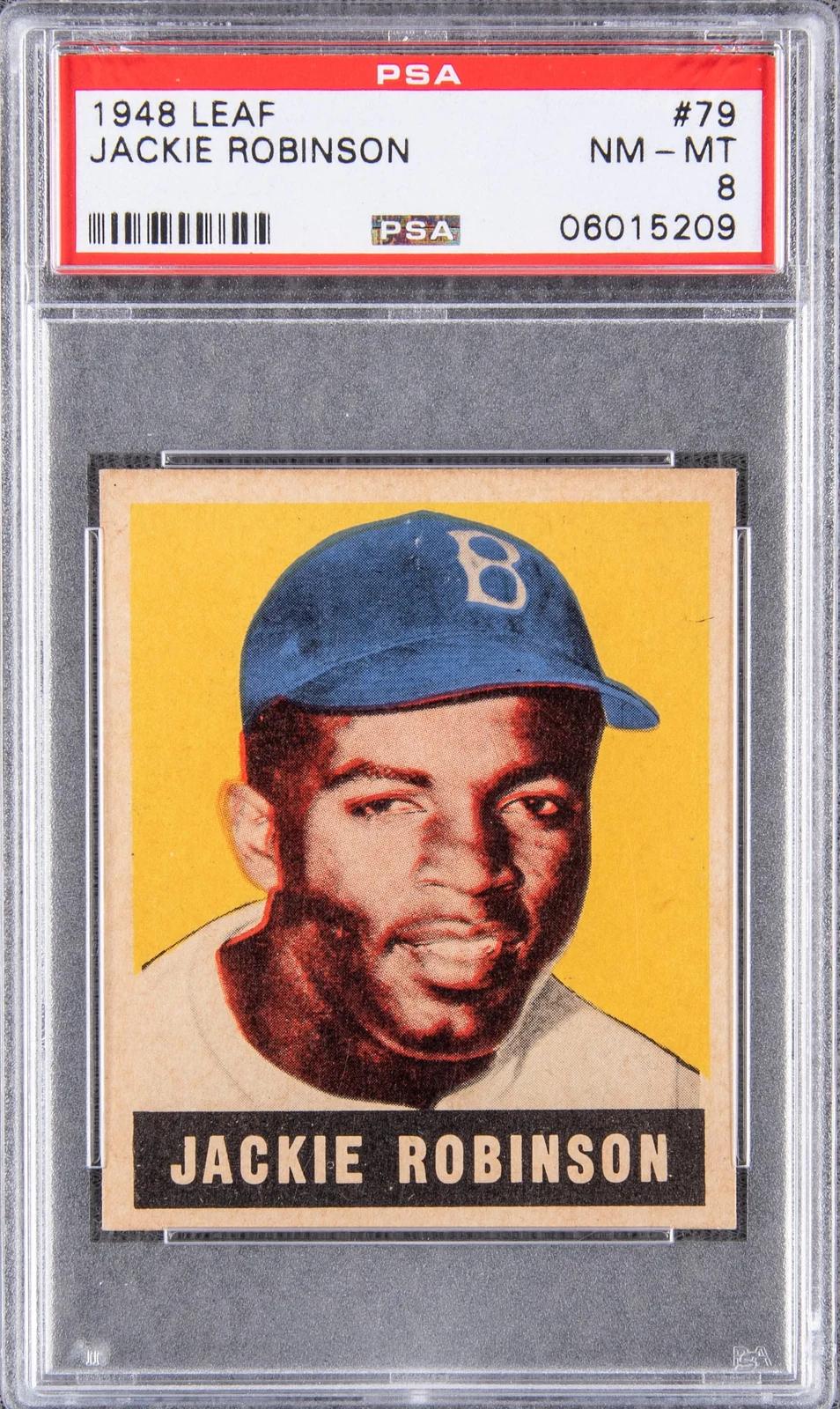
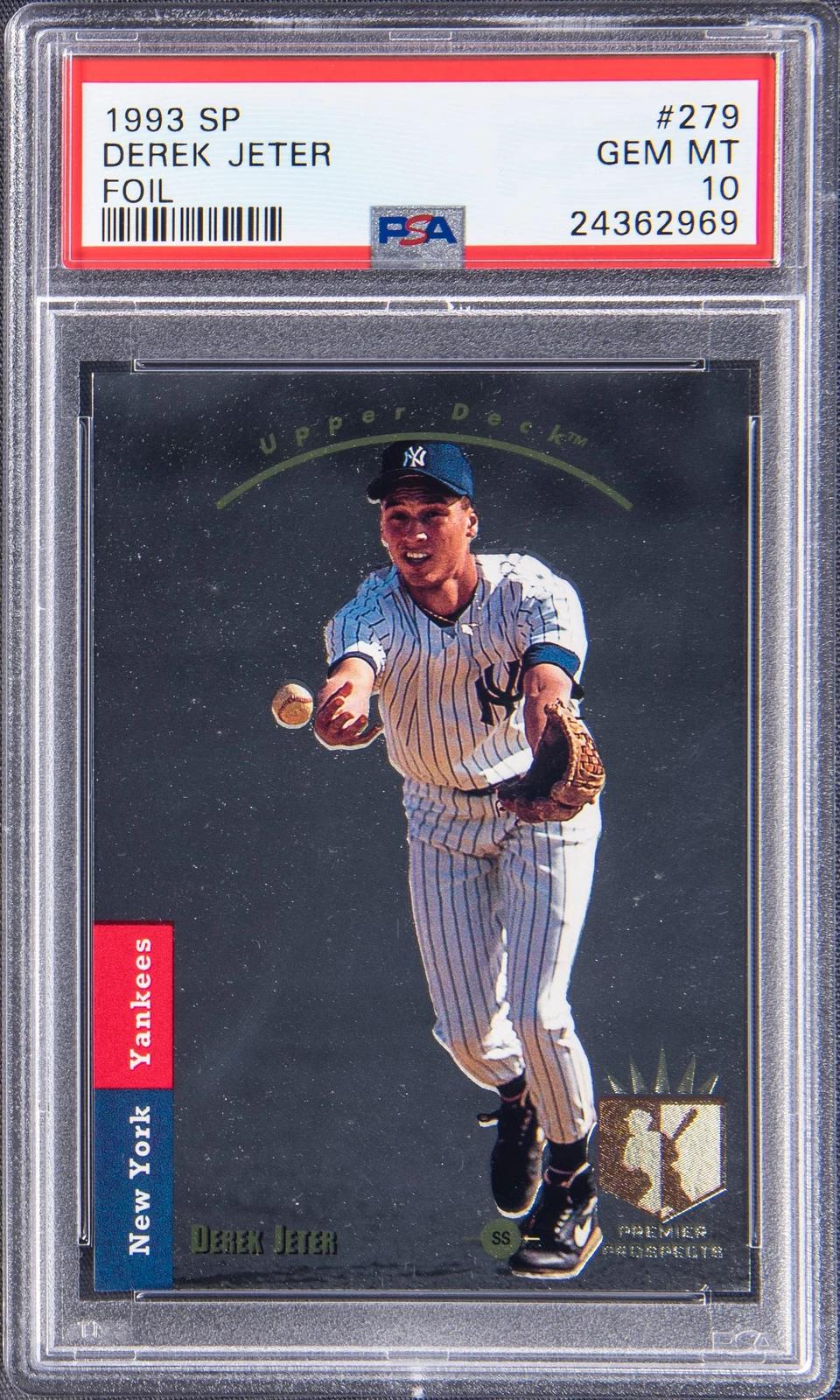
After the show
A pulled or packed check is not a sale. This is what closes the weekend.
At the table
Sales
Each sale is recorded against the show.
Closing time
Holds and offers
Settle what is still open.
Packing up
Returns
Unsold cards go back to their place.
Monday
Result
Sales against the table fee and travel.
Show inventory
From pull list to public view
What does a show assignment connect?
It links an existing inventory record to an event. The record retains its stock, identity and working context. Assignment is not a reservation of an arbitrary partial quantity or an automatic public listing.
How do pulling and packing differ?
Pulling checks that the stock has been retrieved; packing checks the next physical step. Web supports marking pulled and then packing the card. Publishing the item is a separate choice.
Are the Web and Mobile progress counts identical?
Web quantity measures account for physical units. The Mobile pull-list progress counts inventory records and supports individual, grouped and whole-list pull selections. A two-copy record is therefore one Mobile checklist entry.
What can visitors see?
Visitors can browse eligible published item records with their public identity, price and show context. The public view does not expose a stock-quantity field, private cost, minimum price, storage location or internal notes.
What should I reconcile after the event?
Check recorded sales, unresolved offers and holds, remaining stock and returning locations. A pulled or packed check does not confirm a sale, payment or marketplace update.